







If you want to know the actual size of your phone screen, it is measured diagonally from one corner of the display to the opposite corner, either in inches or centimetres. You can use a ruler or measuring tape to measure it, or convert the units based on your preference. Knowing your screen size is helpful when shopping for screen protectors, comparing phones, or checking app and content compatibility. Here is how to easily measure your mobile screen in inches or centimetres.
How to measure mobile screen size in inches or centimetres?
Your phone’s screen size refers to the diagonal length of the display, not the entire body. It is usually given in inches, but you can also convert it to centimetres. Here is how you can measure it easily:
1. Measure using a ruler or tape
Take a ruler or measuring tape and place it diagonally across the screen from one visible corner to the opposite corner. Make sure you are measuring only the display area and not the bezels or outer casing.
ALSO READ: How to check your app usage on Android and iPhone
If your ruler shows inches, you can note the number directly. If you prefer centimetres, multiply the inch value by 2.54 to get the size. For example, if your screen measures 6 inches diagonally, that equals about 15.24 centimetres.
2. Check the phone’s specifications
If you know your phone’s model, search for its official specifications online. Most brands include the screen size in inches, which makes this a quick alternative to measuring it yourself.
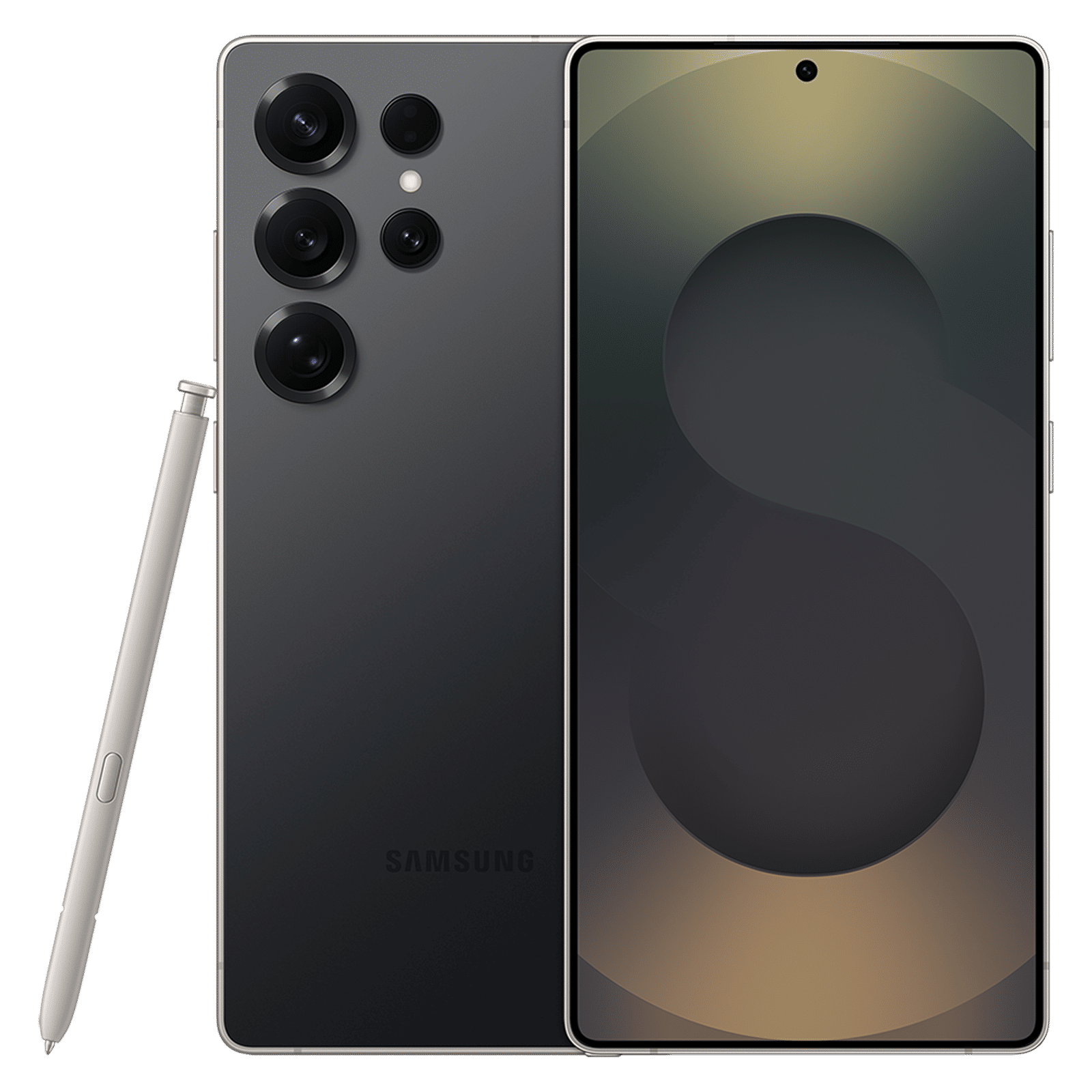
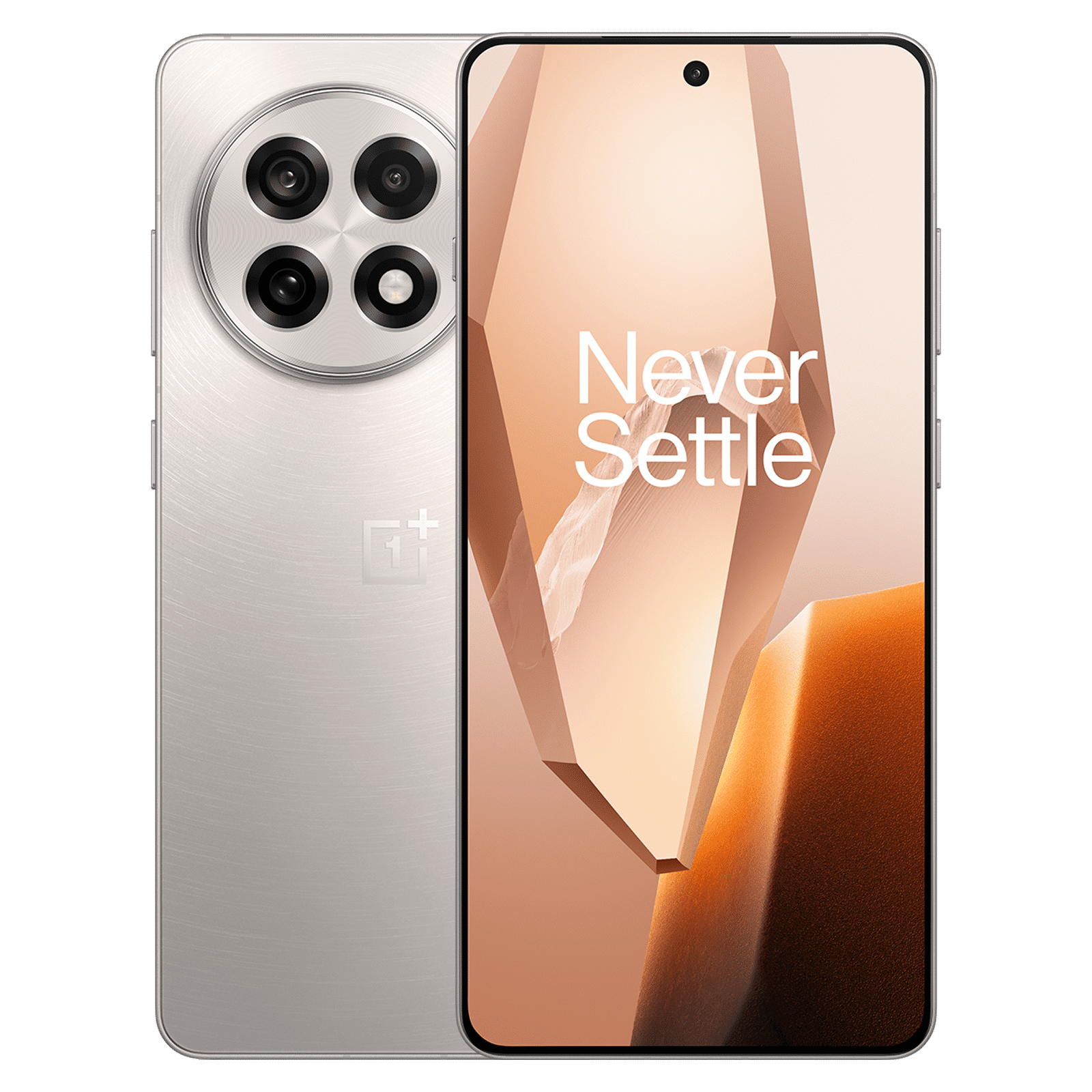
3. Use an online tool
Several websites and apps can help you determine your phone’s screen size without needing to measure it manually. Some apps let you enter your phone model to pull up its specs, while others use your device’s display resolution and dimensions to calculate screen size automatically.

Unleash your inner geek with Croma Unboxed
Subscribe now to stay ahead with the latest articles and updates
You are almost there
Enter your details to subscribe

Happiness unboxed!
Thank you for subscribing to our blog.
Disclaimer: This post as well as the layout and design on this website are protected under Indian intellectual property laws, including the Copyright Act, 1957 and the Trade Marks Act, 1999 and is the property of Infiniti Retail Limited (Croma). Using, copying (in full or in part), adapting or altering this post or any other material from Croma’s website is expressly prohibited without prior written permission from Croma. For permission to use the content on the Croma’s website, please connect on contactunboxed@croma.com
- Related articles
- Popular articles
Shubhendu Vatsa
Comments