
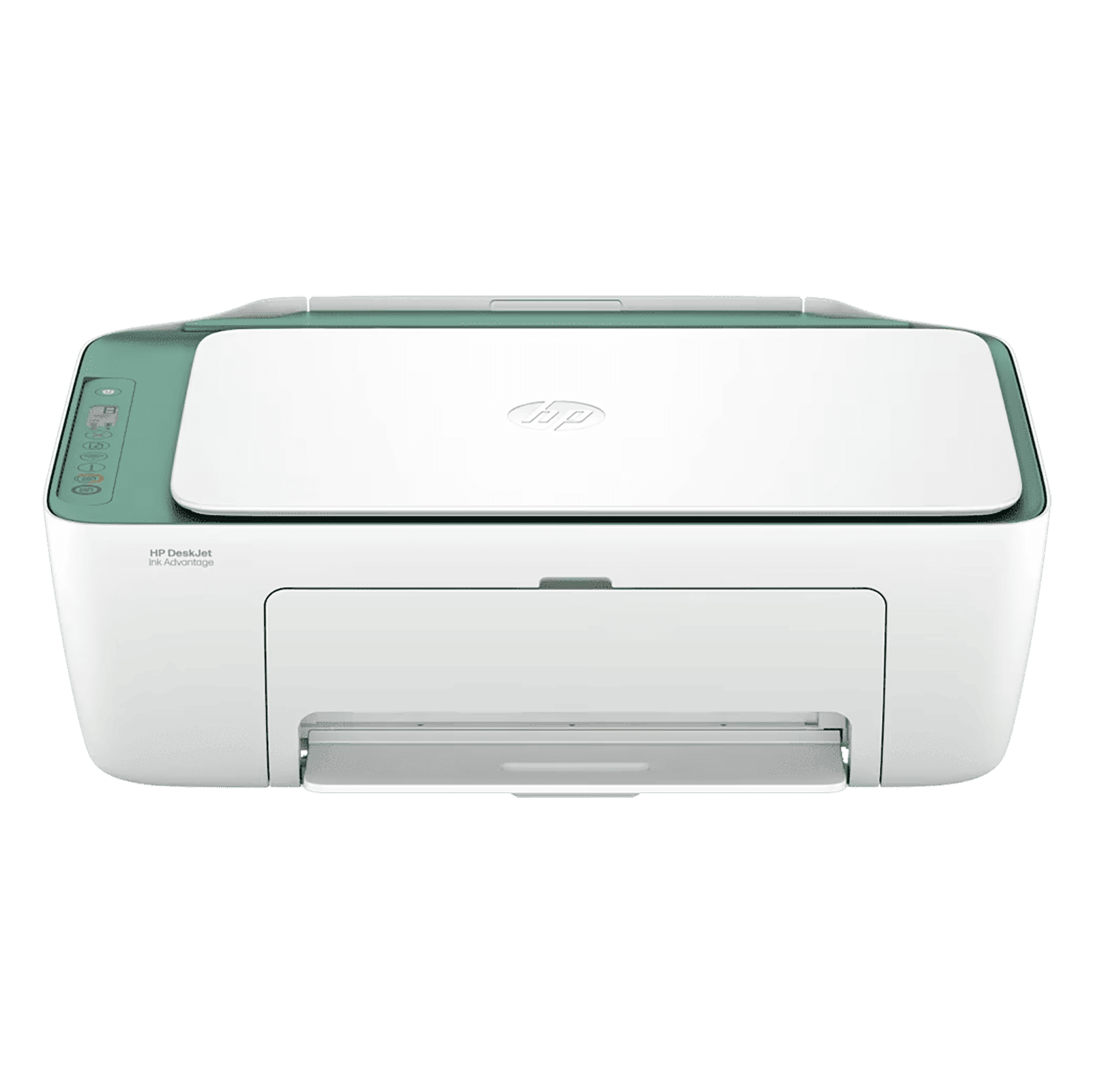
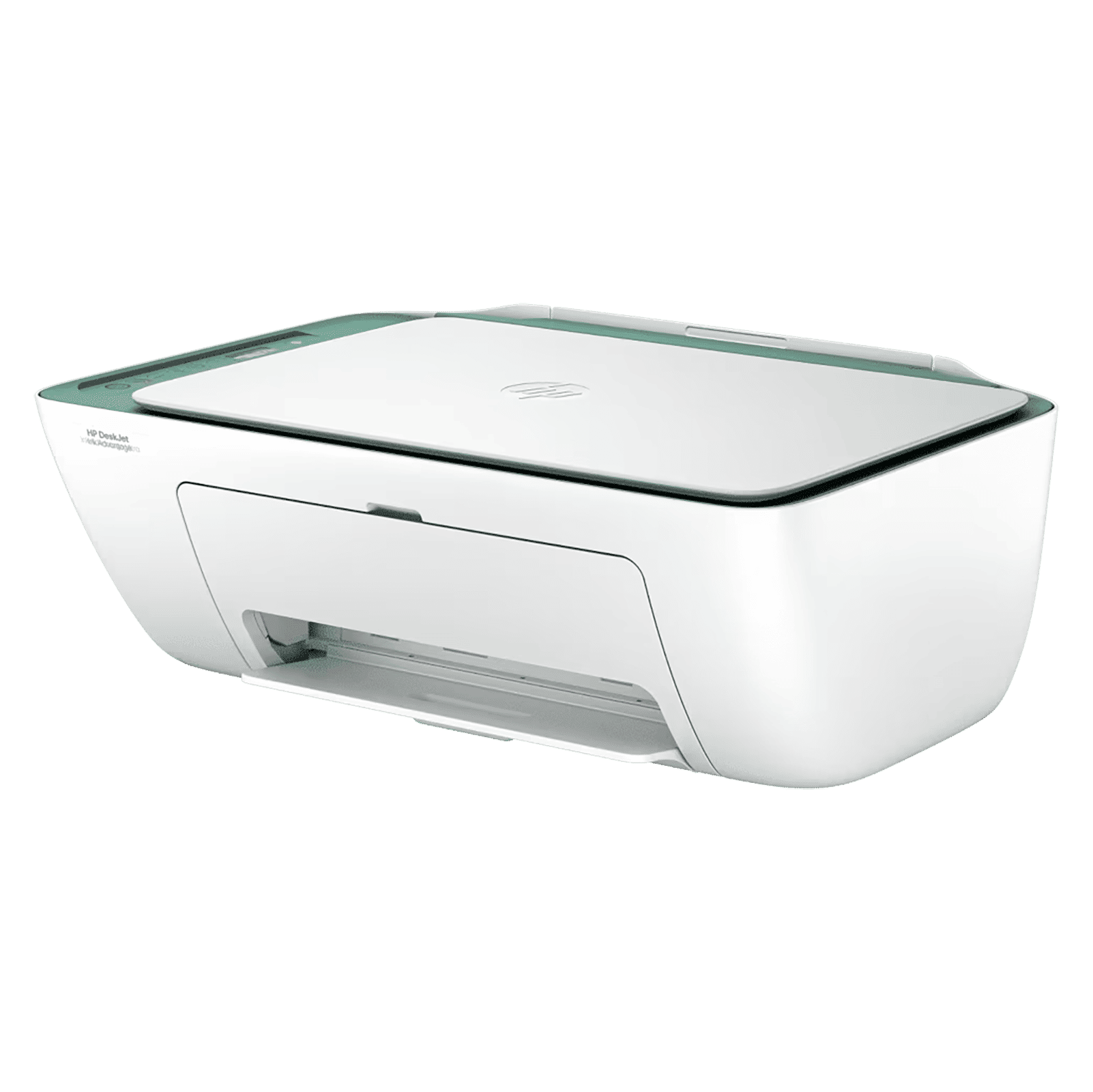
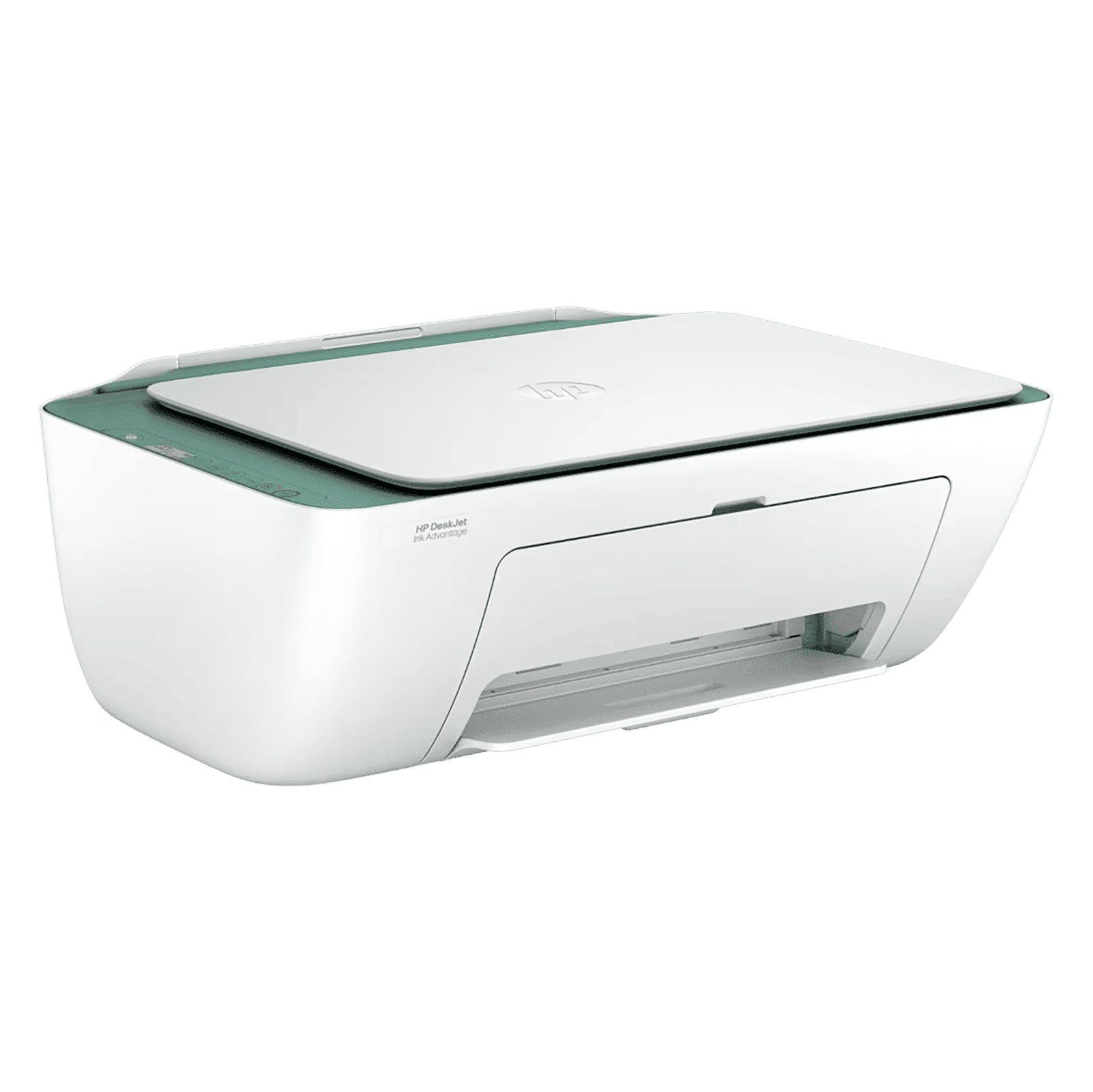
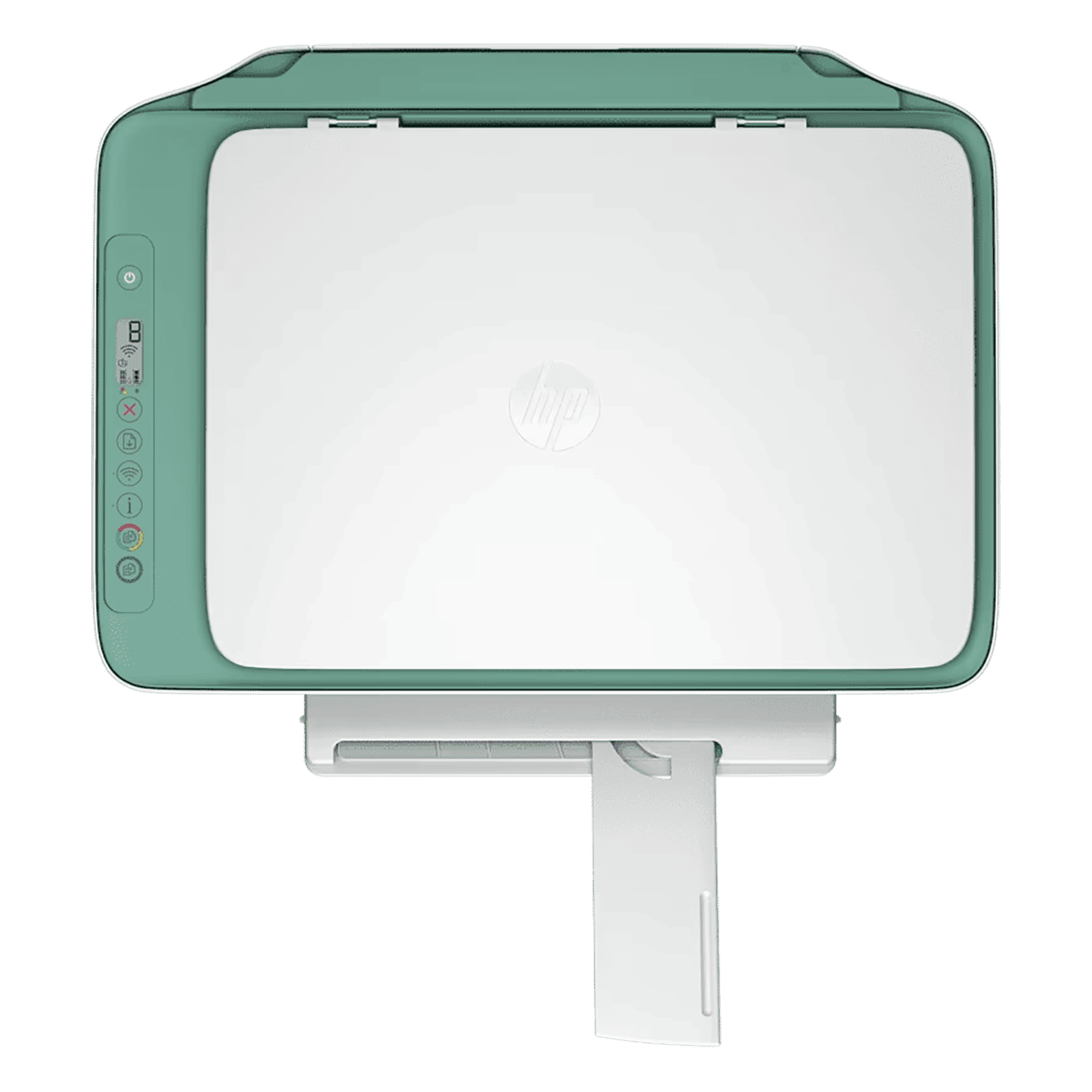

Specifications

Product Category
Device Type
- All-in-One
Device Functions
- Scan | Print | Copy
Ideal Usage
- Home & Office
Installation Type
- Table Top
Connectivity
- USB | Mopria | Wi-Fi | Bluetooth | Apple AirPrint
Manufacturer Details
Brand
- HP
Model Series
- DeskJet Ink Advantage 2989
Model Number
- AJ4X0BACJ
Product Dimensions (Open)
Dimensions In CM (WxDxH)
- 42.50 x 30.40 x 15.40
Product Weight
- 3.42 Kg
Dimensions In Inches (WxDxH)
- 16.73 x 11.97 x 6.06
Print Features
Printer Type
- Inkjet Printer
Print Type
- Color
Max Printing Resolution (Black)
- Print Quality Black (Best): Up to 1200 x 1200 Rendered dpi
Max Printing Resolution (Color)
- Print Quality Color (Best): Up to 4800 x 1200 Optimized dpi Color
Max Print Speed in ppm/ipm
- Print Speed Colour (Draft, A4): Up to 16 ppm | Print Speed Black (ISO): Up to 7.5 ppm | Print Speed Black (Draft, A4): Up to 20 ppm | Print Speed Color (ISO): Up to 5.5 ppm
Max Monthly Duty Cycle
- 1000 Pages
Duplex Printing
- Manual
No. of Ink Cartridges/Tanks
- 2
Supported Cartridges (Color/Black)
- HP 683 Black Original Ink Advantage Cartridge, HP 683 Tri-color Original Ink Advantage Cartridge
Ink Tank Details
- Dye-Based (Color), Pigment-Based (Black)
Additional Print Features
- Print Head Nozzles: 336 (Black), 588 (Color), Print Heads: 2 (1 Each Black, Tri-Color), Print Colors Maximum: 4, Color Of Printing Supplies: Black, Cyan, Magenta, Yellow, Mobile Printing Capability, HP PCL 3 GUI Printer Drivers Included, Mac Compatible
Scan Features
Scanner Type
- Flat Bed
Optical Scan Resolution (In dpi)
- Up to 1200 dpi
Scan Size (Max)
- 216 x 297mm
Scan File Formats
- JPEG | PDF | TIFF | PNG
Color Depth
- 24-bit
Color Modes
- CMYK (Cyan, Magenta, Yellow, Black)
Scan Technology
- Contact Image Sensor (CIS)
Additional Scan Features
- Color Scanning, Levels Of Grayscale: 256, Twain Version: Version 2.4, Scan Input Modes: Front-Panel Copy Buttons, Hp App
Copy Features
Copy Resolution (Mono/Color)
- Copy Resolution (Black Text): Up to 300 x 300 dpi | Copy Resolution (Color Text and Graphics): Up to 300 x 300 dpi
Max Copy Speed in cpm/ipm (Mono/Color)
- Copy Speed Black (ISO): Up to 6 cpm
Max No. of Copies
- Up to 9 Copies
Dedicated Copy Button
- Yes
Paper Handling Features
Paper Types Supported
- Brochure Paper | Envelopes | Plain Paper | Inkjet Paper | Photo Paper
Paper Sizes Supported
- A6 | A4 | B5 | DL Envelope
Max Paper Capacity Per Tray
- 60 Sheet Input Tray
Output Capacity Per Tray
- 25 Sheet Output Tray
Additional Paper Handling Features
- Finished Output Handling: Sheetfed, Standard Input Capacity (Cards): Up to 20 Cards, Maximum Output Capacity (Envelopes): Up to 5 Envelopes, Standard Output Capacity (Legal): Up to 25 Sheets, Maximum Input Capacity (Photo Paper): Up to 20 Sheets
Device Physical Attributes
No. of Trays
- 1
Tray Type
- Standard Input Tray, Standard Output Tray
On-Device Control Type
- Buttons
Other Body Features
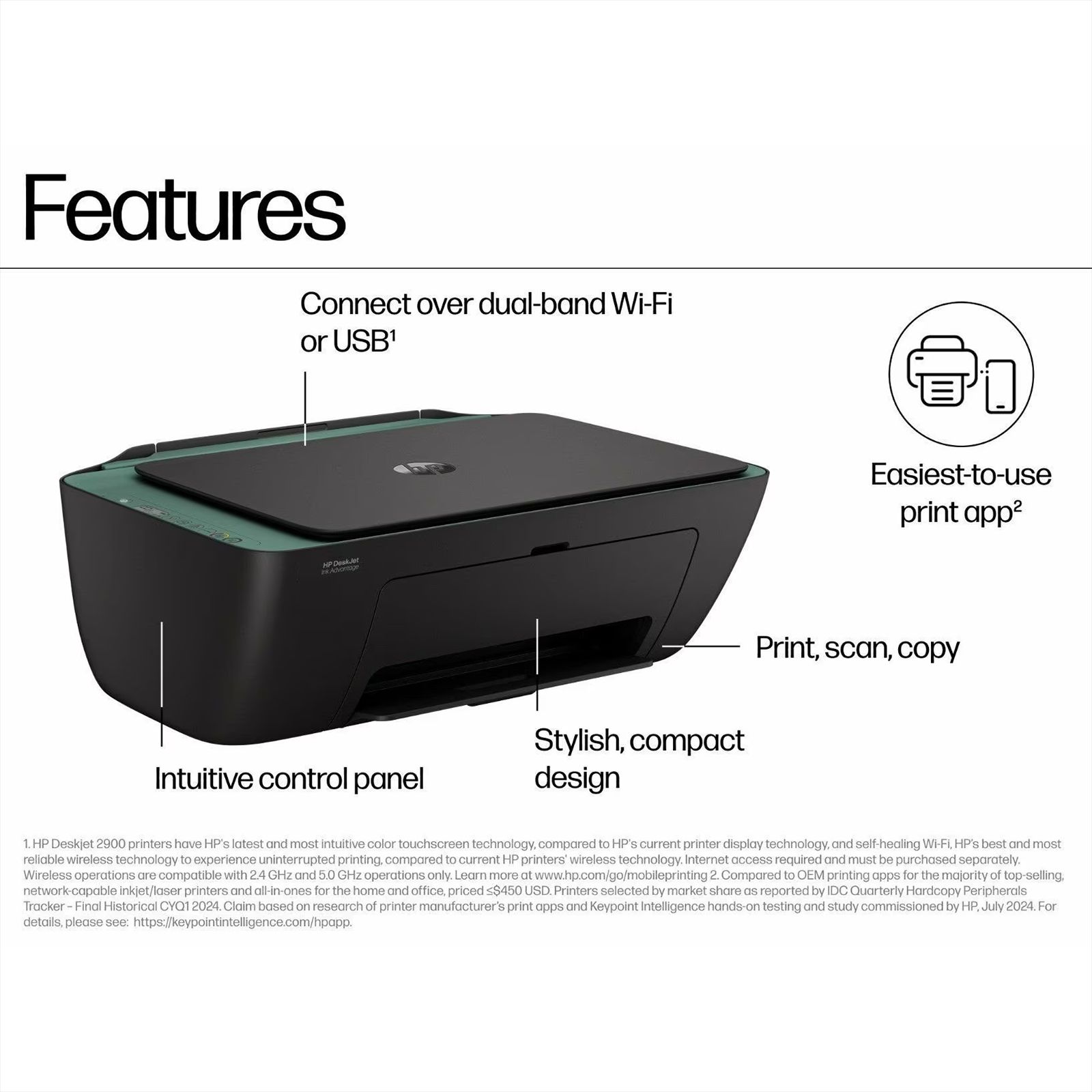
- Intuitive Control Panel, Stylish, Compact Design, 7 buttons (Power, Cancel, Resume, Wi-Fi, Info, Color Copy & Black Copy)
Device Screen Specifications
Additional Screen Specifications
- Icon LCD Display
Display
- Yes
Processor Details
Processor Speed
- 1 GHz
Internal Memory
Maximum Memory
- 64 MB DDR1, 24 MB Flash
Ports & Slots
Number of USB Ports
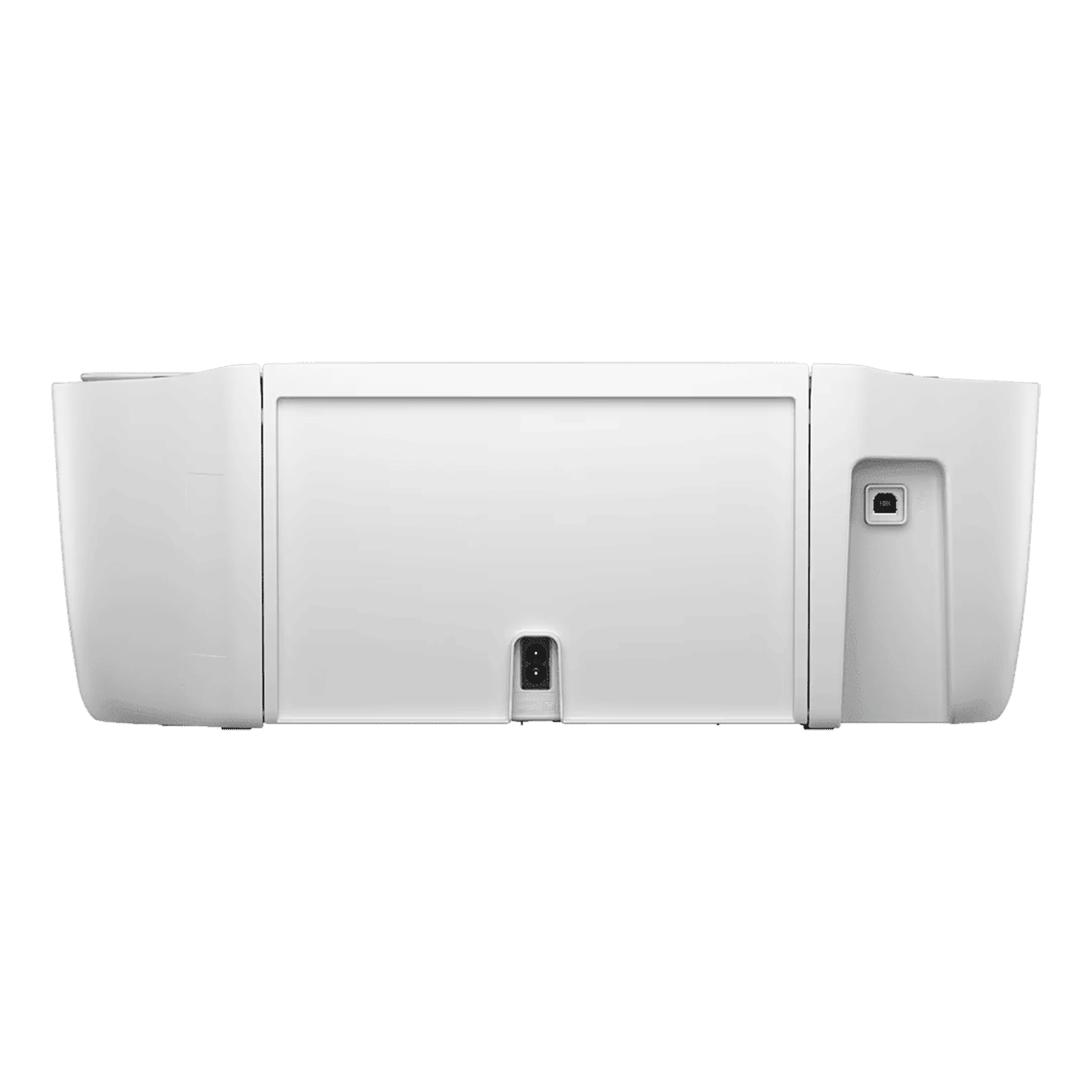
- 1 x Hi-Speed USB 2.0 (Device)
Network Connectivity
Wi-Fi Supported
- Yes
Wi-Fi Specifications
- IEEE 802.11a/b/g/n
Wi-Fi Features
- Built-in Wi-Fi, 2.4 GHz and 5GHz Dual Band Self-Healing
Additional Features
Indicators
- 5 LED Indicator Lights (Power, Ink Level, Wifi, Resume and Info)
Minimum System Requirements
- Microsoft Windows 11, 10: 1 GHz Processor, 2 GB Available Hard Disk Space, Internet Connection Apple macOS 13 Ventura, macOS 14 Sonoma, macOS 15 Sequoia, 2 GB HD, Internet Required
Additional Technology Supported
- HP Thermal Inkjet
Device Plug Details
Power
- 240 Watts
Power Consumption (Standby)
- 2.55 Watts
Voltage Rating
- 200 - 240 V
Frequency
- 50 / 60 Hz
Other Power Details
- Internal Power Supply
Materials & Durability
Body Material
- Recycled Plastic
Aesthetics
Brand Color
- White
Color
- WHITE
In The Box
Documents
- 1 x Reference Guide | 1 x Regulatory Flyer | 1 x Setup Guide | 1 x Warranty Card
Main product
- 1 x Printer U
Accessories
- 1 x Black Cartridge | 1 x Tri-Color Cartridge | 1 x Power Cord | 1 x USB Cable
Package Includes
- 1 x Printer, 1 x Black Cartridge, 1 x Tri-Color Cartridge, 1 x Power Cord, 1 x USB Cable, 1 x Regulatory Flyer, 1 x Setup Guide, 1 x Reference Guide, 1 x Warranty Card
Generic Name
- Printer
Packaged Dimensions
After Sales & Services
Warranty on Main Product
- 12 Months
Warranty Type
- Carry-In
Standard Warranty Includes
- Manufacturing Defects
Standard Warranty Excludes
- Physical Damage
Installation & Demo
- Not Applicable
Installation & Demo applicable
- No
Company Contact Information
Customer Support Number
- 18005727662
Customer Support Email
- customersupport@croma.com
Manufacturer/Importer/Marketer Name & Address
- Manufacturer Name & Address: Futaihua Precision Industry (Weihai) Co.,Ltd, No.888 Shuangdao Road, Weihai Hi-Tech.Idz, Weihai,264209, Shangdong| HP Inc. GF, Global e Business Ops Pvt Ltd, No. 66/2, Ward No. 83, Bagmane Tech-Park, 7th Floor - A Wing "Embassy Prime" CV Raman Nagar P.C. 560093 Bangalore Karnataka
Country of Origin
- China
Country of Brand Origin
- USA
Croma Service Promise
Customer Support Email
- customersupport@croma.com
Registered Name and Address
- Infiniti Retail Ltd. - Unit No. 701 & 702, 7th Floor, Kaledonia, Sahar Road, Andheri (East); Mumbai - 400069. India
Customer Support Number
- 1800 572 7662
Customer Care Contact Person
- Grievance Officer
View More