
Standard Delivery Available
Enter Pincode For Delivery Estimates
Key Features
Key Features
- Type: Monochrome Laser Printer
- Functions: Print, Scan, Copy
- Supporting OS: Windows, Linux
- Connectivity: USB, Ethernet
- Monthly Duty Cycle: 20000 pages
- Print Speed: 16 PPM (Mono)
- Compact & Lightweight, Low Power Consumption, Scan-to-Functions
- 1 Year Product Warranty
Specifications
Product Category
Device Type
- All-in-One
Device Functions
- Copy | Print | Scan
Ideal Usage
- Office
Installation Type
- Table Top
Connectivity
- Ethernet | USB
Manufacturer Details
Brand
- Konica
Model Series
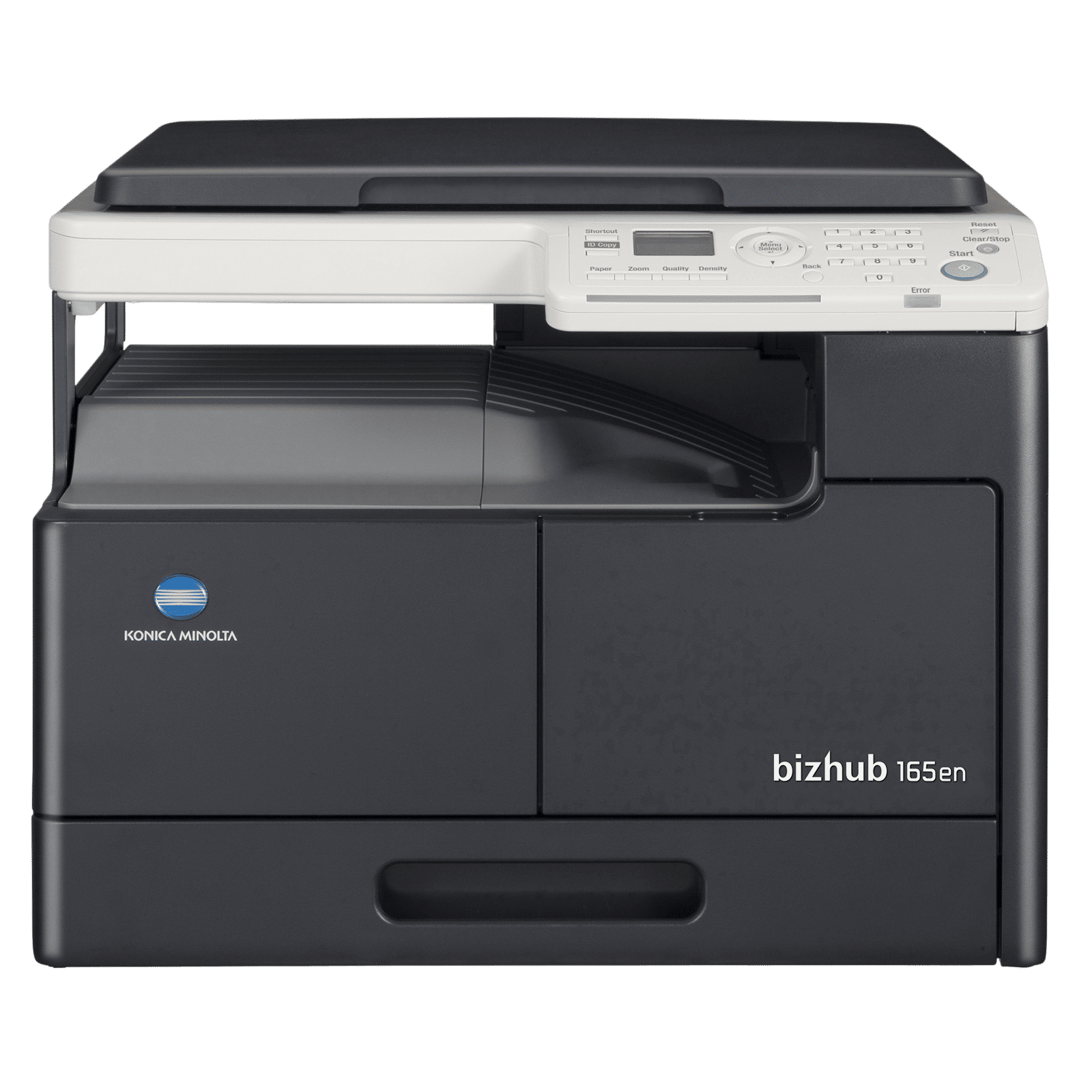
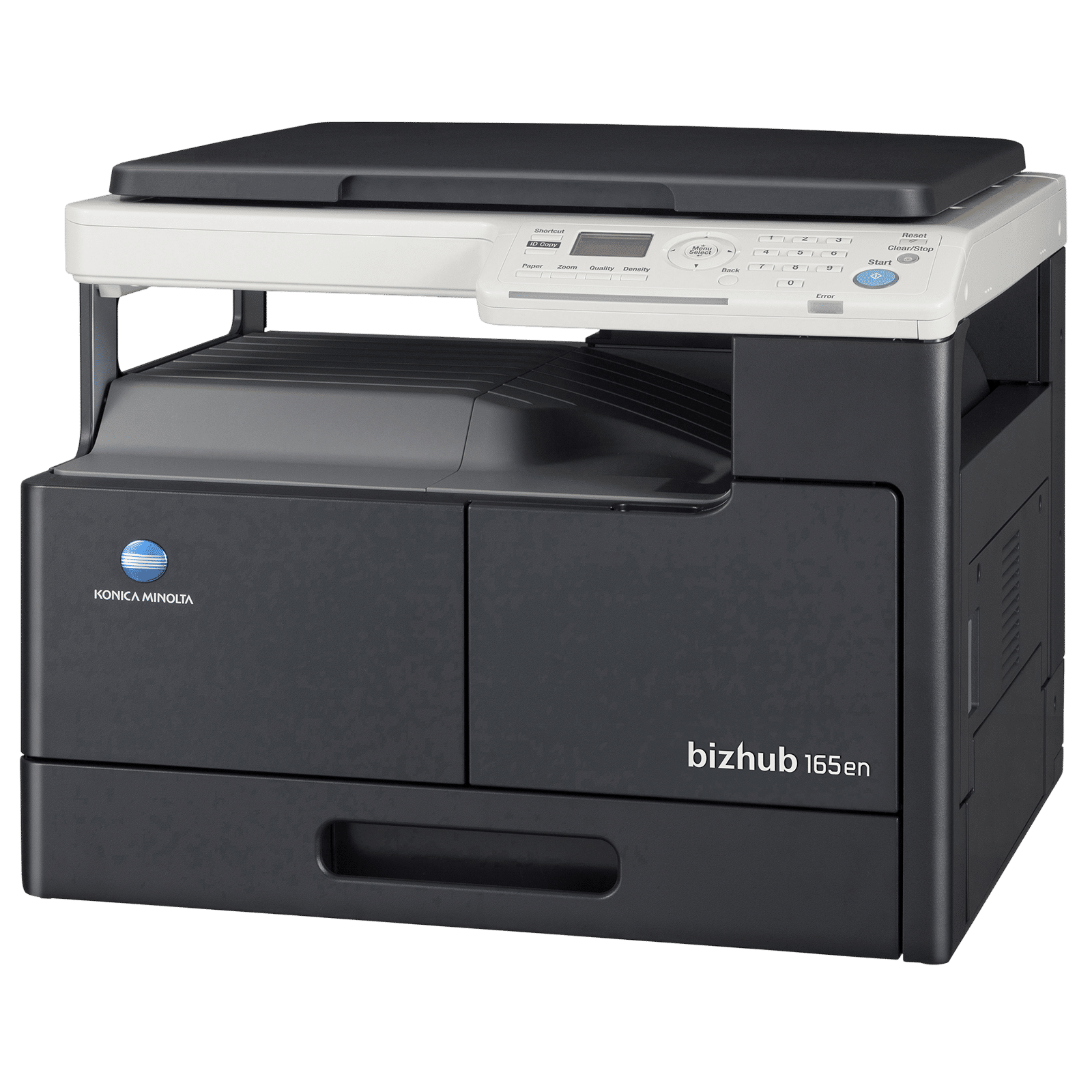
- bizhub 165en
Model Number
- AD68041
Product Dimensions (Open)
Dimensions In CM (WxDxH)
- 57.00 x 53.10 x 44.90
Product Weight
- 23.6 Kg
Dimensions In Inches (WxDxH)
- 22.44 x 20.91 x 17.68
Print Features
Printer Type
- Laserjet Printer
Print Type
- Black & White
Max Printing Resolution (Black)
- 600 dpi x 600 dpi
Max Print Speed in ppm/ipm
- 16 ppm
Max Monthly Duty Cycle
- 20000 Pages
Duplex Printing
- Manual
Scan Features
Scanner Type
- Flat Bed
Optical Scan Resolution (In dpi)
- 150 dpi x 150 dpi, 300 dpi x 300 dpi, 600 dpi x 600 dpi
Scan Size (Max)
- A3 (11"×17")
Additional Scan Features
- Driver: TWAIN, Scan Modes: Scan to Email, Scan to FTP and Scan to SMB
Copy Features
Copy Resolution (Mono/Color)
- 600 dpi x 600 dpi
Max Copy Speed in cpm/ipm (Mono/Color)
- 16 ppm
Max No. of Copies
- 1 to 99 Sheets
Dedicated Copy Button
- Yes
Paper Handling Features
Paper Types Supported
- Plain Paper
Paper Sizes Supported
- A3 | A5
Max Paper Capacity Per Tray
- Standard 280 Sheets, Optional 100 Sheets (Bypass Tray)
Device Physical Attributes
No. of Trays
- 1
On-Device Control Type
- Buttons
Other Body Features
- Compact & Lightweight Design
Device Screen Specifications
Additional Screen Specifications
- LED Backlight, LED Status Display, LCD
Display
- Yes
Internal Memory
Maximum Memory
- 64 MB
Ports & Slots
Number of USB Ports
- 1 x USB1.1
Ethernet Supported
- Yes
Additional Features
Indicators
- Error Status Indicator
Minimum System Requirements
- Windows 10, Windows Server 2008, 2008 R2, 2012, 2012 R2 Red Hat Enterprise Linux 5 (CUPS Ver 1.2.4) SUSE Linux Enterprise Desktop (CUPS Ver 1.3.9)
Device Plug Details
Power
- 800 Watts
Power Consumption (Standby)
- 0.5 Watts
Voltage Rating
- AC 220 - 240 V
Frequency
- 50 - 60 Hz
Other Power Details
- 3.5 A
Materials & Durability
Body Material
- ABS Plastic
Aesthetics
Brand Color
- Black
Color
- BLACK
In The Box
Documents
- 1 x Hardcopy Install Manual User Guide, 1 x Warranty Card
Main product
- 1 x Multi Functional Printer U
Accessories
- MB Tray, Power Cord, CD (Printer Driver/Utility Software)
Package Includes
- 1 x Multi Functional Printer U, 1 x MB Tray, 1 x Power Cord, 1 x CD (Printer Driver/Utility Software), 1 x Hardcopy Install Manual User Guide, 1 x Warranty Card
Generic Name
- Printer
Packaged Dimensions
After Sales & Services
Warranty on Main Product
- 12 Months
Warranty Type
- Carry-In
Standard Warranty Includes
- Manufacturing Defects
Standard Warranty Excludes
- Physical Damage
Warranty on Accessories
- 12 Months
Installation & Demo applicable
- Yes
Company Contact Information
Customer Support Number
- 18005727662
Customer Support Email
- customersupport@croma.com
Manufacturer/Importer/Marketer Name & Address
- Manufacturer Name & Address: Konicaminolta, Teco Image Systems (Dong Guan)Co., Ltd. Konica Minolta Inc. 1F, No.1 Yuyuan Industrial Estate, Haungjiang Town, Dongguan City, Guangdong Province, P.R. China Guangdong, China | Importer Name & Address: Konica Minolta Business Solutions India Pvt. Ltd.,Building No: 8, Tower – C, 10Th Floor, Dlf Cyber City, Gurugram – 122001
Country of Origin
- China
Country of Brand Origin
- Japan
Croma Service Promise
Customer Support Email
- customersupport@croma.com
Registered Name and Address
- Infiniti Retail Ltd. - Unit No. 701 & 702, 7th Floor, Kaledonia, Sahar Road, Andheri (East); Mumbai - 400069. India
Customer Support Number
- 1800 572 7662
Customer Care Contact Person
- Grievance Officer
Overview
High-Quality Imaging Performance
Powered by Simitri HD Toner and selectable output modes, this KONICA Bizhub MFP 165en 3-in-1 Laser Printer ensures clear results across different document types. So, whether you’re printing text-heavy reports or photo-rich pages, the output remains crisp and consistent.
Versatile 3-in-1 Functionality
Designed as a 3-in-1 multifunction electronics, this 3-in-1 printer supports copying, printing, and scanning in one compact unit. With output speeds of 18ppm (A4) and 16ppm (A3) and a first copy time under eight seconds, it delivers reliable performance for daily office workloads.
Efficient Scan and Send Options
Supported by TWAIN scanning capabilities, this laser printer allows you to scan and send documents directly to email or various server types. Hence, document archiving, sharing, and digital storage become faster and convenient for everyday business tasks.
Low-Impact Simitri HD Toner
Equipped with Simitri HD Toner formulated with uniformly shaped particles, this printer achieves sharp, clean prints with reduced environmental impact. Thus, you can handle text documents, graphics, and photos while maintaining eco-friendly printing efficiency.
Enhanced Operation Panel Usability
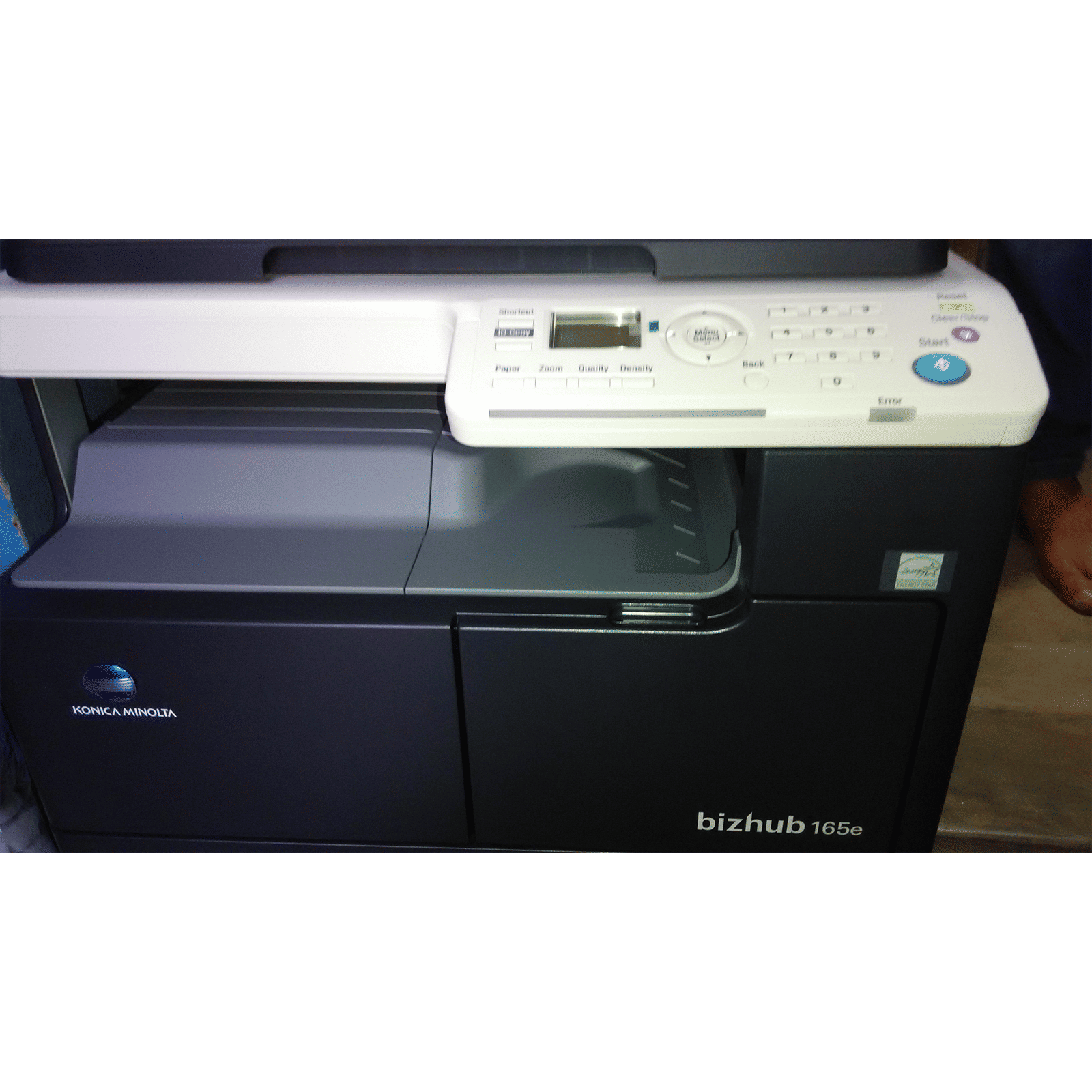
Featuring a newly designed operation panel, this laser printer provides superior usability for everyday tasks. Additionally, shortcut keys allow quick access to frequently used copy or scan modes like 2-in-1, sort, book separation, or centre & frame erase. Moreover, the dedicated ID Copy key instantly sets up two-sided document copying onto a single sheet. Plus, function keys further simplify adjustments to paper source, zoom, quality, and density.
Standard Network Connectivity
Integrated with a standard network card, this printer offers easy sharing across multiple people. Therefore, teams can print, scan, and manage documents from different systems without manual switching.
Easy Front Access Maintenance
Designed with front-access paper feeding and toner replacement, this laser printer enables quick maintenance without moving the unit. Additionally, the bypass tray supports A3 paper, while the large paper feed roller helps reduce operating noise during heavy printing cycles.
Compact and Lightweight Design
Designed with a compact and lightweight build, this KONICA printer occupies minimal desk space while delivering full multifunction capability. So, whether you place it in a small office or a home workspace, it fits easily without disrupting your setup.