- Home
- Galaxy Tab A9 Expandable Storage
Galaxy Tab A9 Expandable Storage(1)
Filters
Categories
Sort By
- Featured
- Top Rated
- PRICE: Low to High
- PRICE: High to Low
Categories
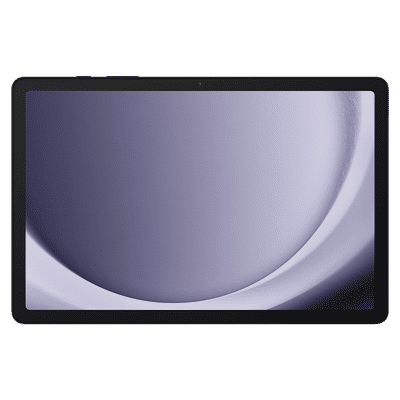 ₹ 23,994(Incl. all Taxes)₹32,999(Save ₹9,005 )38% Off
You May Also Like
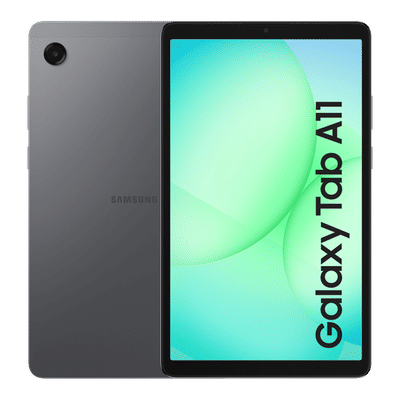 ₹ 24,499(Incl. all Taxes)₹36,999(Save ₹12,500 )52% Off
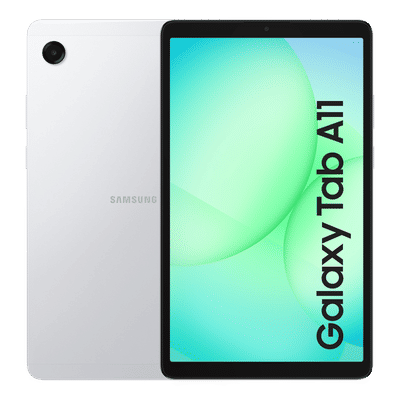 ₹ 21,999(Incl. all Taxes)₹36,999(Save ₹15,000 )69% Off
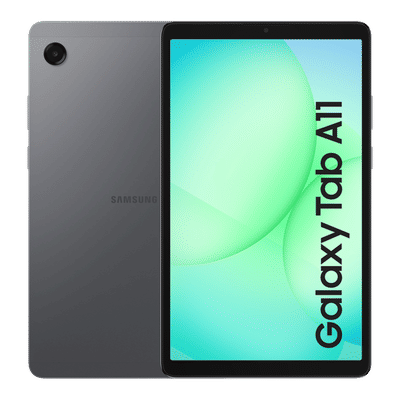 ₹ 18,999(Incl. all Taxes)₹29,999(Save ₹11,000 )58% Off
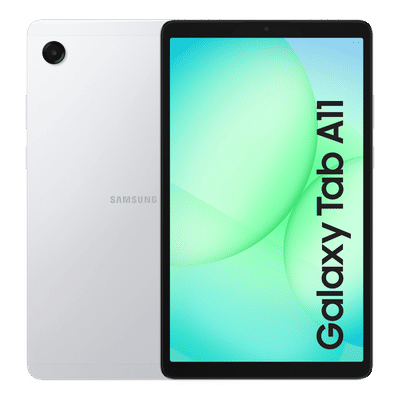 ₹ 18,999(Incl. all Taxes)₹29,999(Save ₹11,000 )58% Off
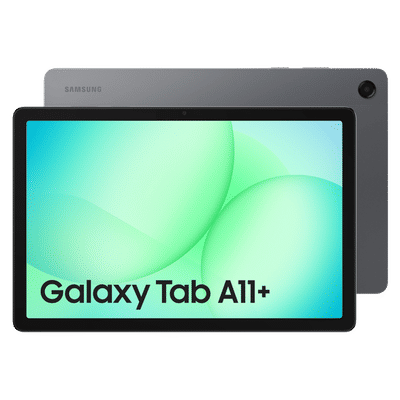 ₹ 29,999(Incl. all Taxes)₹40,999(Save ₹11,000 )37% Off
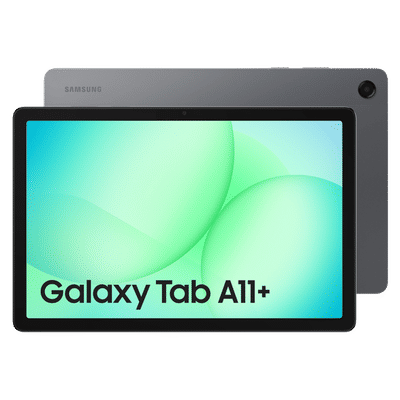 ₹ 42,999(Incl. all Taxes)₹57,999(Save ₹15,000 )35% Off
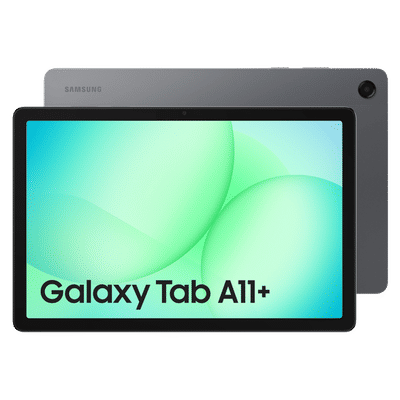 ₹ 28,990(Incl. all Taxes)₹47,999(Save ₹19,009 )66% Off
 ₹ 42,999(Incl. all Taxes)₹57,999(Save ₹15,000 )35% Off
 ₹ 37,999(Incl. all Taxes)₹50,999(Save ₹13,000 )35% Off
 ₹ 31,999(Incl. all Taxes)₹47,999(Save ₹16,000 )51% Off
 ₹ 29,999(Incl. all Taxes)₹40,999(Save ₹11,000 )37% Off
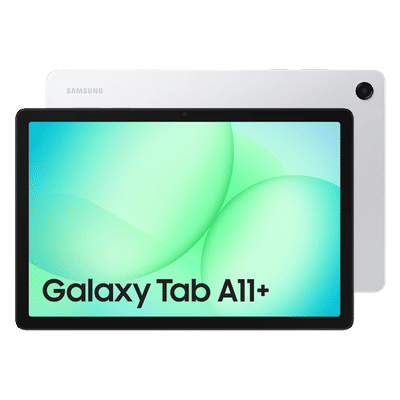 ₹ 37,999(Incl. all Taxes)₹50,999(Save ₹13,000 )35% Off
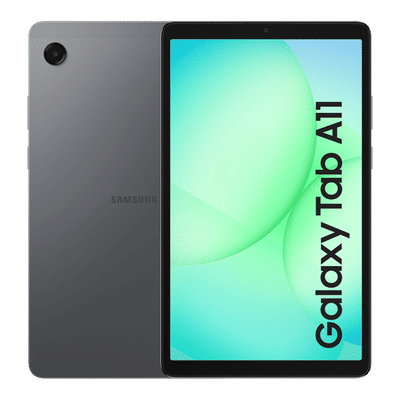 ₹ 18,999(Incl. all Taxes)₹32,999(Save ₹14,000 )74% Off
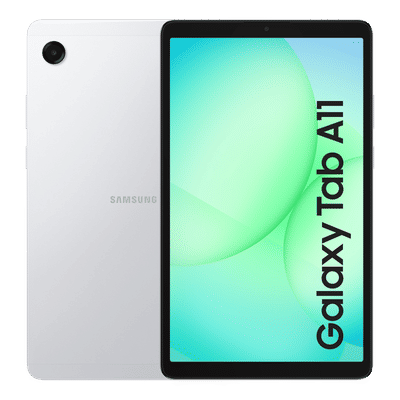 ₹ 18,999(Incl. all Taxes)₹32,999(Save ₹14,000 )74% Off
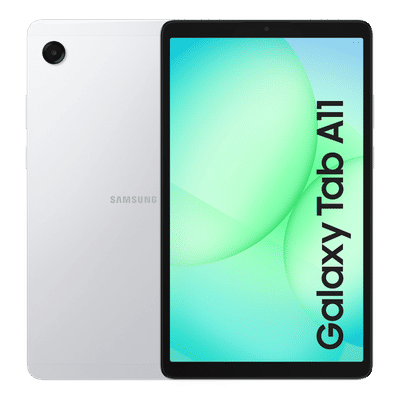 ₹ 15,999(Incl. all Taxes)₹23,999(Save ₹8,000 )51% Off
Similar Categories
Explore the Galaxy Tab A9 with Expandable Storage
The Galaxy Tab A9 is designed to enhance your digital experience, offering impressive features and functionality. One of its standout attributes is the expandable storage capability, allowing users to increase their storage capacity effortlessly. This feature is particularly beneficial for those who require additional space for apps, media, and documents, ensuring that you never run out of room for your favorite content. With the ability to insert a microSD card, you can customize your storage needs according to your usage patterns.
Benefits of Expandable Storage
Expandable storage on the Galaxy Tab A9 provides flexibility and convenience for users. Whether you're a student needing extra space for study materials or a professional managing large files, this feature allows you to adapt your device to your requirements. It eliminates the worry of limited internal storage, enabling you to download more apps, store high-resolution photos, and keep your favorite videos at hand. This adaptability makes the Galaxy Tab A9 a versatile choice for various users.
How to Utilize Expandable Storage
Utilizing expandable storage on the Galaxy Tab A9 is straightforward and user-friendly. Simply insert a compatible microSD card into the designated slot, and your device will recognize the additional storage. You can easily manage your files, moving apps and media between internal and external storage as needed. This feature not only enhances your device's performance but also allows for seamless organization of your digital content, making it easier to access what you need when you need it.
Shop the Galaxy Tab A9 at Croma
Discover the Galaxy Tab A9 with expandable storage options at Croma, where you can find a variety of models to suit your needs. Whether for work, study, or entertainment, Croma offers a selection that caters to all preferences. Experience the freedom of expandable storage and elevate your tablet experience today!