- Home
- Toshiba Smart TV Screen Mirroring
Toshiba Smart TV Screen Mirroring(5)
Filters
Categories
Sort By
- Featured
- Top Rated
- PRICE: Low to High
- PRICE: High to Low
Categories
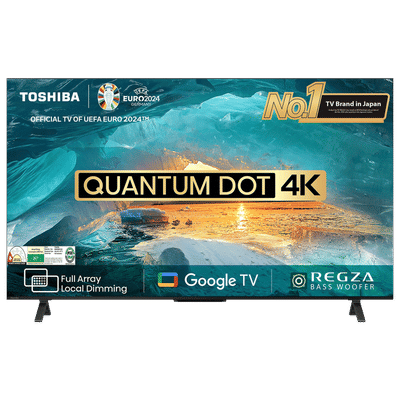 ₹ 36,999(Incl. all Taxes)₹64,500(Save ₹27,501 )75% Off
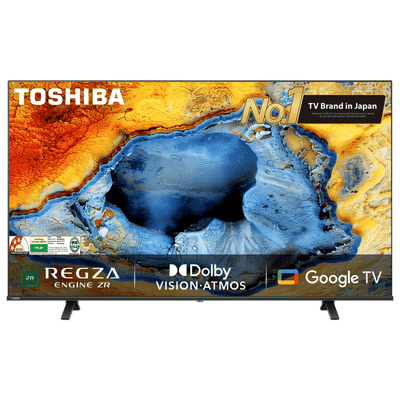 ₹ 26,999(Incl. all Taxes)₹55,300(Save ₹28,301 )105% Off
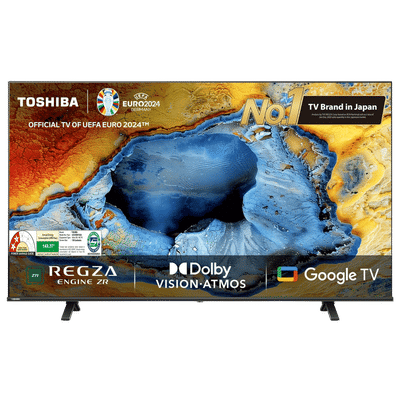 ₹ 19,999(Incl. all Taxes)₹41,450(Save ₹21,451 )108% Off
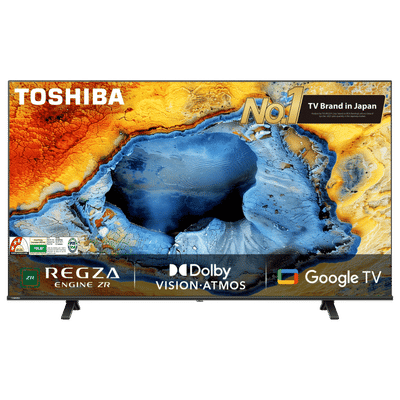 ₹ 23,999(Incl. all Taxes)₹50,650(Save ₹26,651 )112% Off
 ₹ 25,999(Incl. all Taxes)₹55,300(Save ₹29,301 )113% Off
You May Also Like
 ₹ 29,999(Incl. all Taxes)₹64,500(Save ₹34,501 )116% Off
 ₹ 1,66,590(Incl. all Taxes)₹2,64,900(Save ₹98,310 )60% Off
 ₹ 48,390(Incl. all Taxes)₹68,900(Save ₹20,510 )43% Off
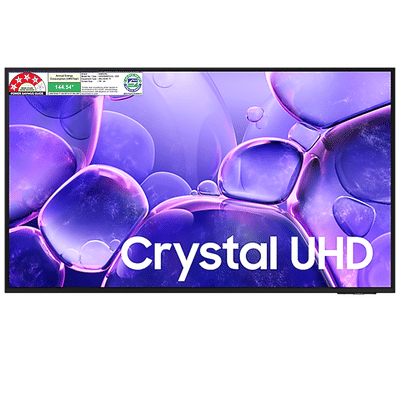 ₹ 49,490(Incl. all Taxes)₹65,300(Save ₹15,810 )32% Off
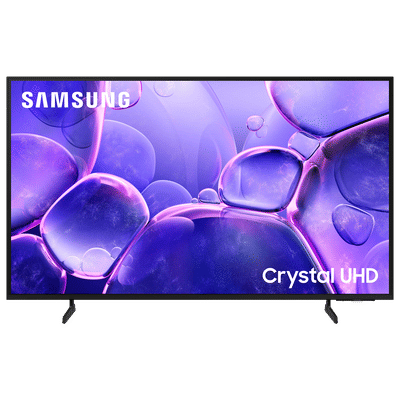 ₹ 1,04,494(Incl. all Taxes)₹1,32,600(Save ₹28,106 )27% Off
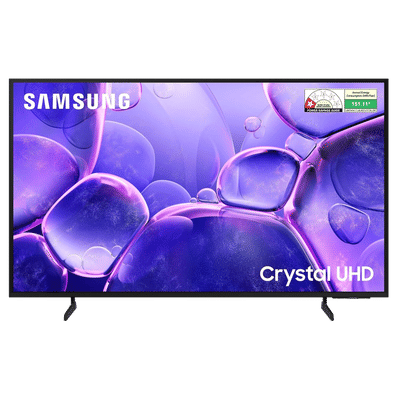 ₹ 31,590(Incl. all Taxes)₹42,300(Save ₹10,710 )34% Off
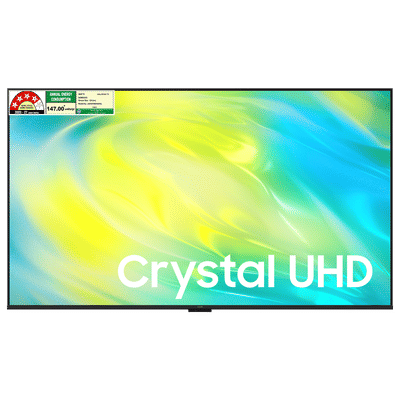 ₹ 45,590(Incl. all Taxes)₹61,900(Save ₹16,310 )36% Off
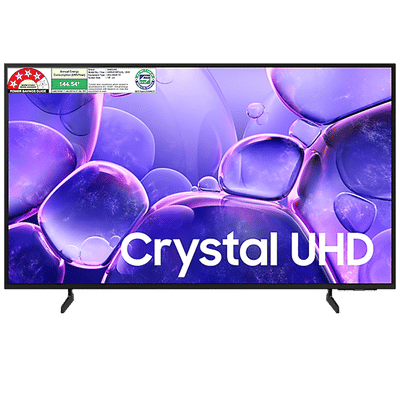 ₹ 44,690(Incl. all Taxes)₹62,500(Save ₹17,810 )40% Off
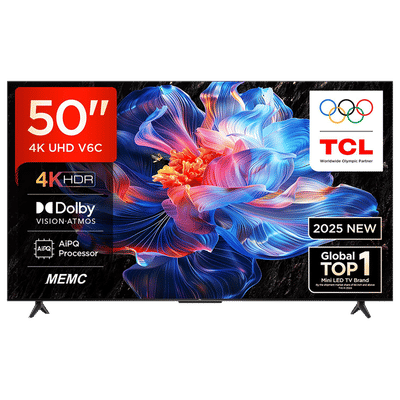 ₹ 34,990(Incl. all Taxes)₹59,900(Save ₹24,910 )72% Off
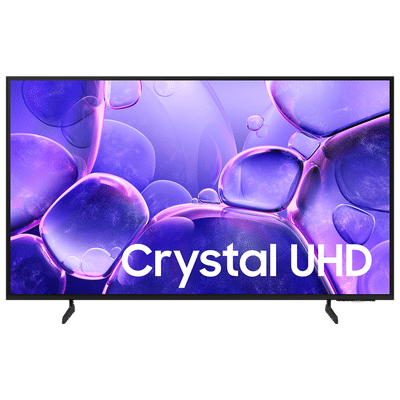 ₹ 48,994(Incl. all Taxes)₹69,000(Save ₹20,006 )41% Off
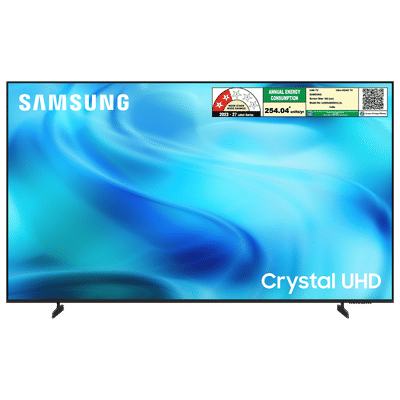 ₹ 67,390(Incl. all Taxes)₹97,900(Save ₹30,510 )46% Off
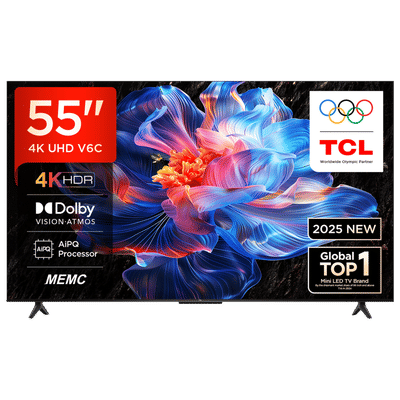 ₹ 34,990(Incl. all Taxes)₹71,850(Save ₹36,860 )106% Off
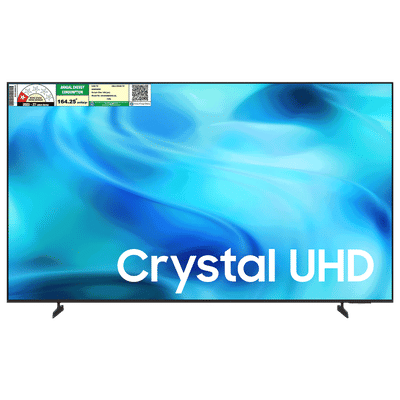 ₹ 34,590(Incl. all Taxes)₹49,900(Save ₹15,310 )45% Off
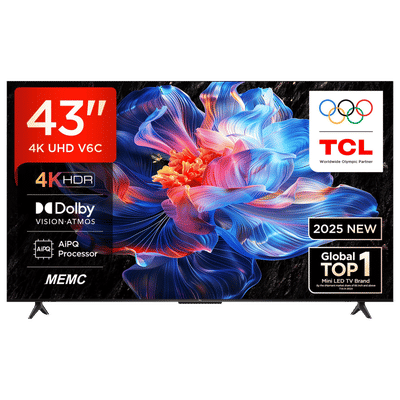 ₹ 29,990(Incl. all Taxes)₹48,800(Save ₹18,810 )63% Off
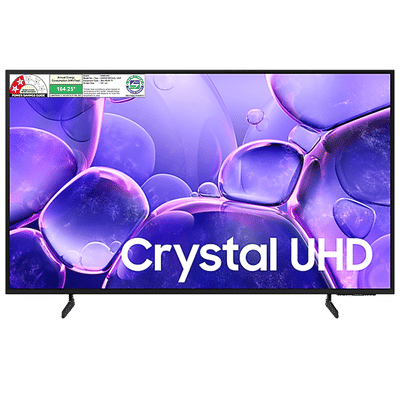 ₹ 39,890(Incl. all Taxes)₹53,300(Save ₹13,410 )34% Off
Similar Categories
Understanding Toshiba Smart TV Screen Mirroring
Toshiba Smart TV screen mirroring is a convenient feature that allows users to share content from their smartphones, tablets, or laptops directly to their TV screens. This functionality enhances the viewing experience by enabling seamless streaming of videos, photos, and presentations. With screen mirroring, you can easily display your favorite apps, games, and social media feeds on a larger screen, making it perfect for family gatherings or presentations. The process is typically straightforward, requiring minimal setup to connect your devices wirelessly.
Benefits of Screen Mirroring on Toshiba Smart TVs
Utilizing Toshiba Smart TV screen mirroring offers numerous advantages for users looking to enhance their entertainment experience. It allows for effortless sharing of multimedia content, making it ideal for movie nights or gaming sessions with friends. Additionally, screen mirroring can facilitate remote work by enabling users to present documents or slideshows on a bigger display. This feature also supports various formats, ensuring compatibility with a wide range of devices, thus providing flexibility and convenience for users.
How to Set Up Screen Mirroring on Toshiba Smart TVs
Setting up screen mirroring on Toshiba Smart TVs is a simple process that typically involves a few easy steps. First, ensure that both your TV and the device you wish to mirror are connected to the same Wi-Fi network. Next, access the screen mirroring option on your TV's settings menu. On your mobile device, enable the screen mirroring feature, select your Toshiba TV from the list of available devices, and establish the connection. Once connected, you can start sharing your content effortlessly.
Explore Toshiba Smart TVs with Screen Mirroring at Croma
Discover a wide range of Toshiba Smart TVs equipped with screen mirroring capabilities at Croma. Whether you’re looking for a compact model or a larger screen for immersive viewing, Croma has options to suit every need. Enjoy the convenience of sharing your favorite content with family and friends, all while experiencing stunning picture quality and advanced features. Shop now to elevate your home entertainment experience!