- Home
- Wacom Tablets for Video Editing
Wacom Tablets for Video Editing(2)
Filters
Categories
Price
Sort By
- Featured
- Top Rated
- PRICE: Low to High
- PRICE: High to Low
Categories
Price
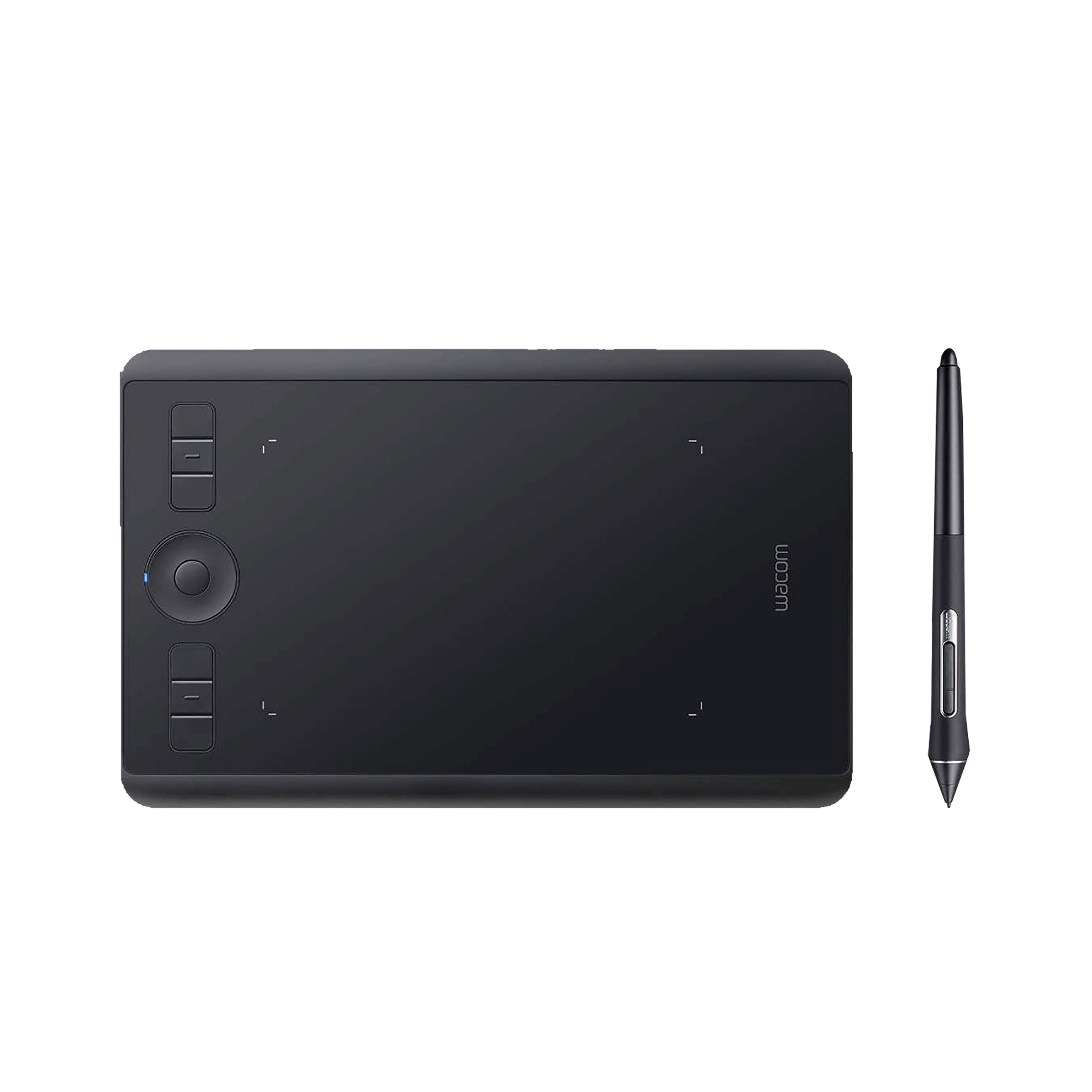 ₹ 21,349(Incl. all Taxes)₹23,990(Save ₹2,641 )13% Off
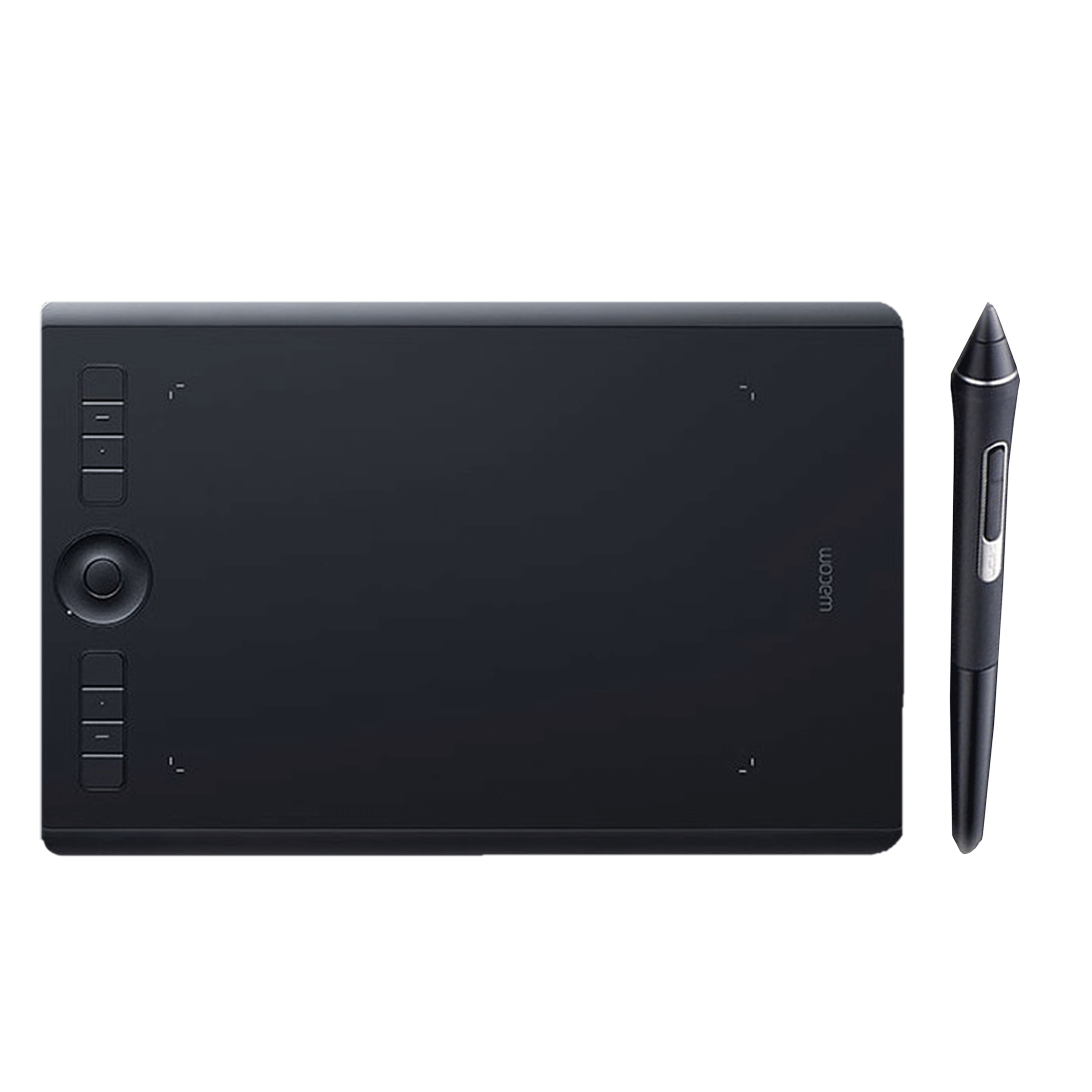 ₹ 30,699(Incl. all Taxes)
You May Also Like
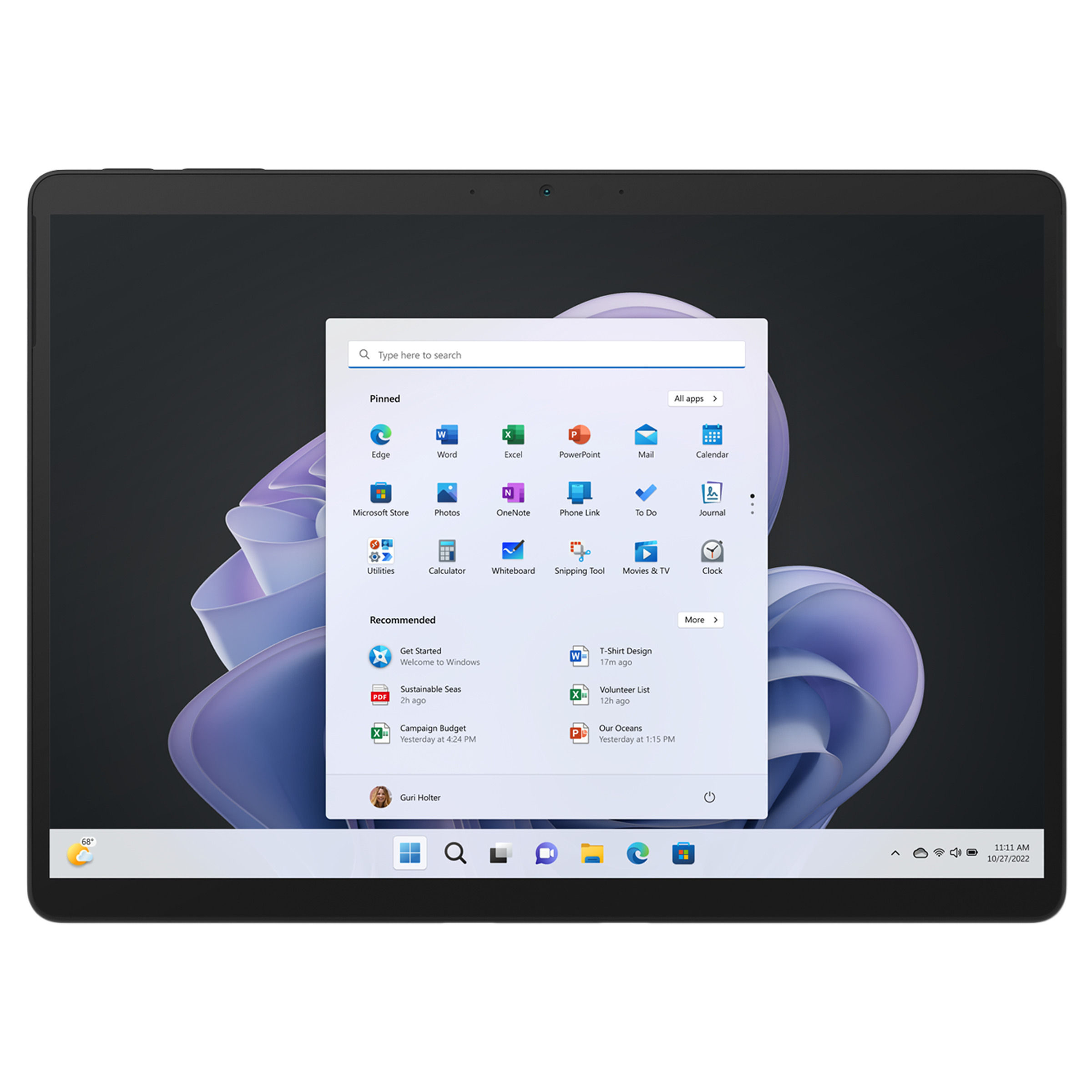 ₹ 1,13,990(Incl. all Taxes)₹1,16,999(Save ₹3,009 )3% Off
 ₹ 1,62,990(Incl. all Taxes)
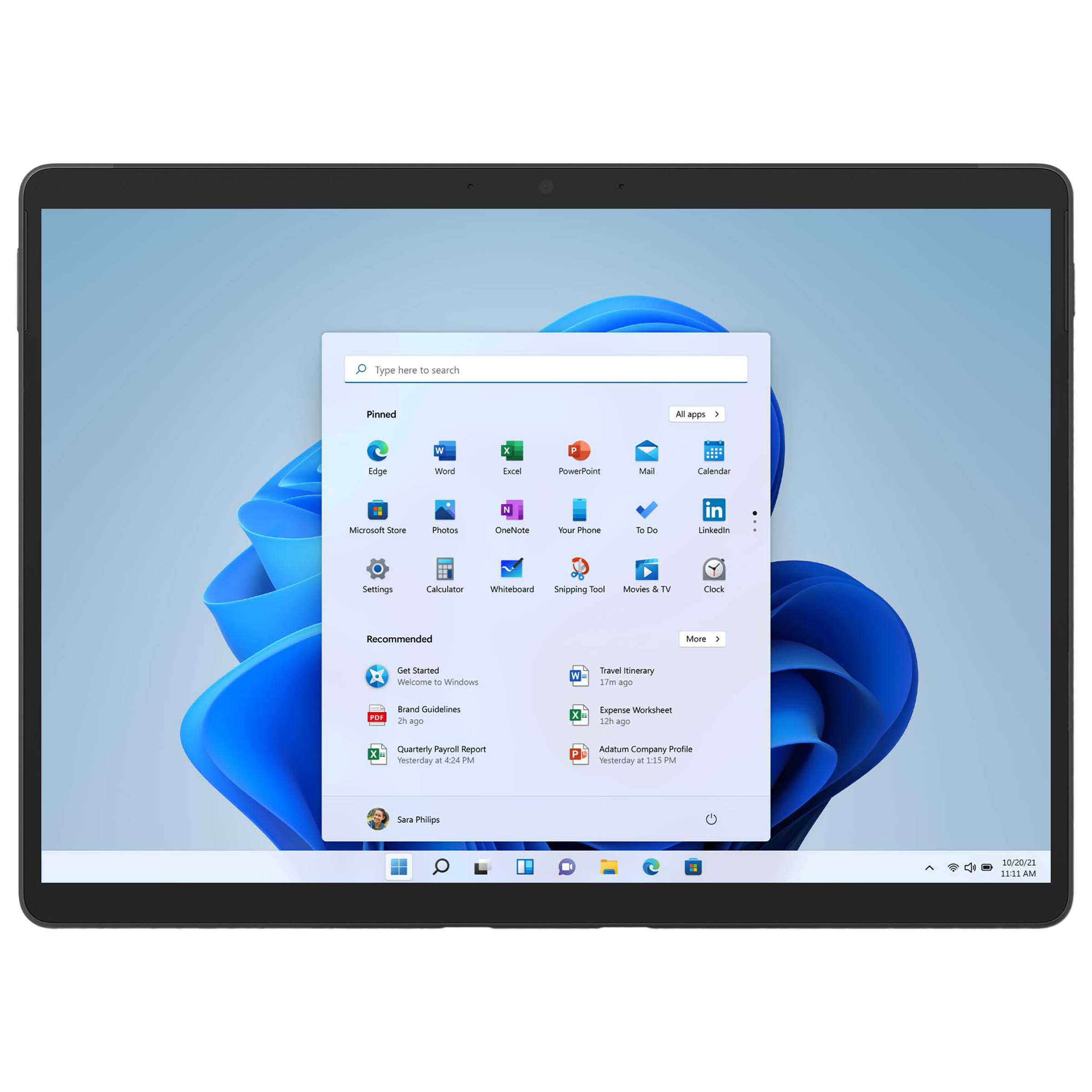 ₹ 1,48,994(Incl. all Taxes)₹1,68,999(Save ₹20,005 )14% Off
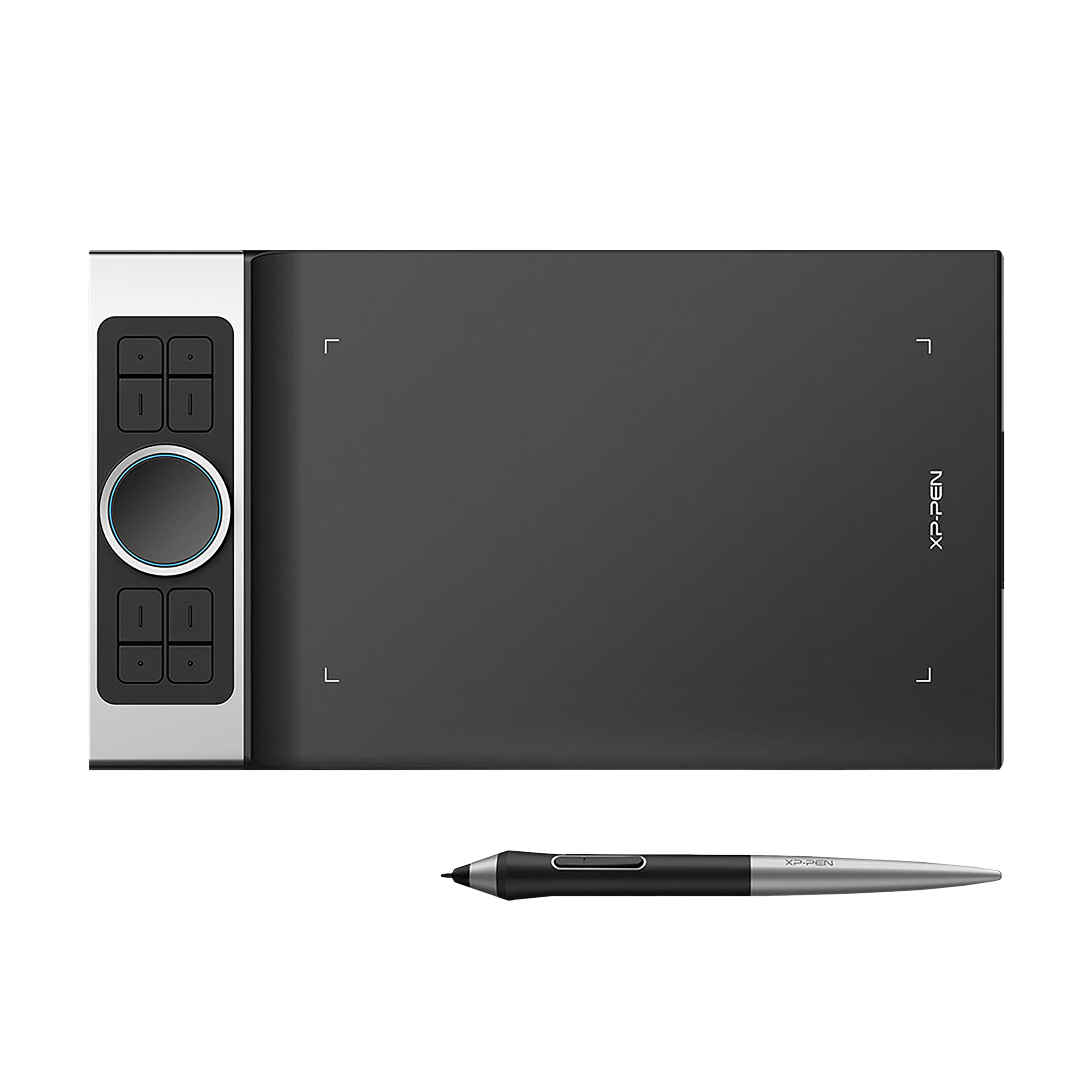 ₹ 10,994(Incl. all Taxes)₹19,999(Save ₹9,005 )82% Off
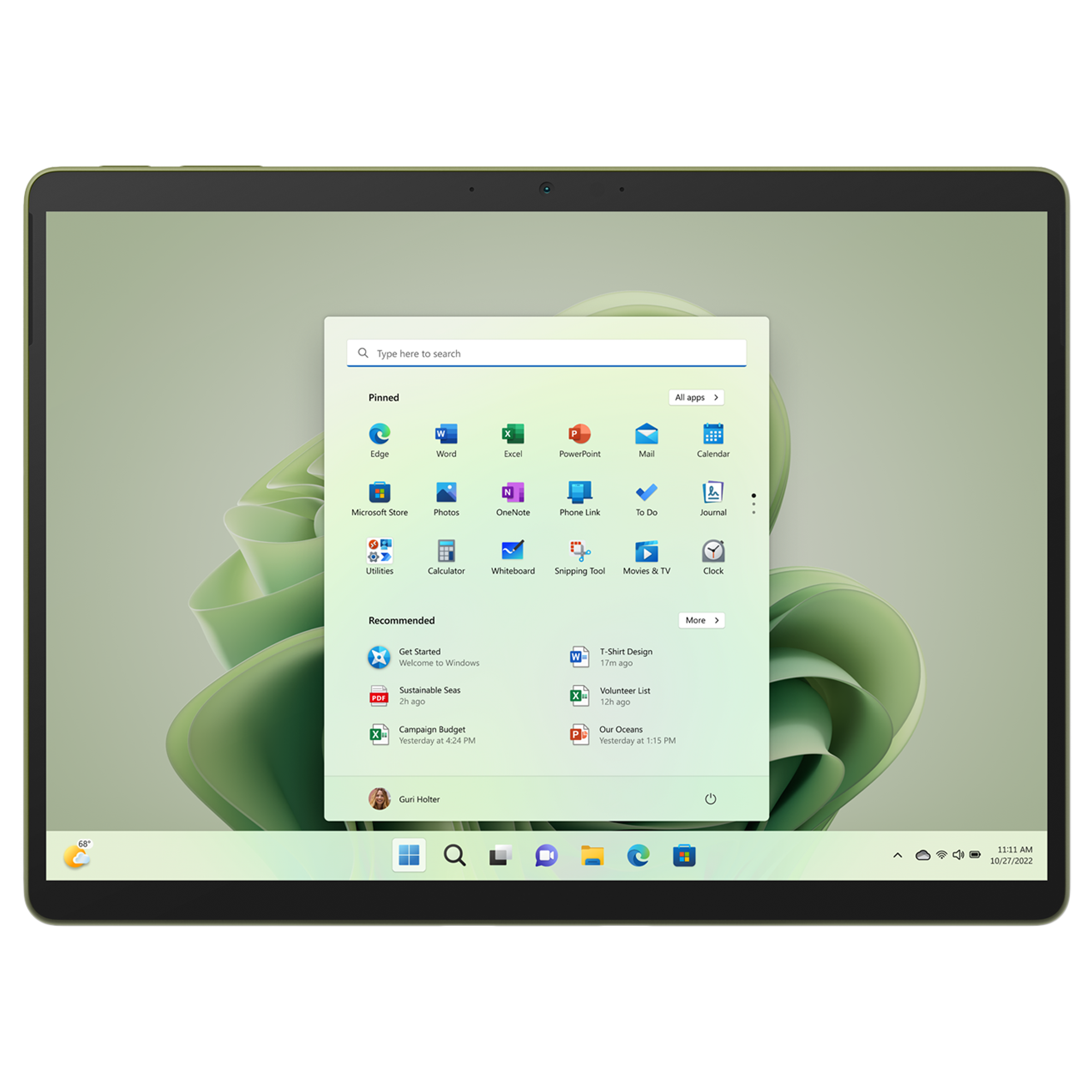 ₹ 1,13,990(Incl. all Taxes)₹1,16,999(Save ₹3,009 )3% Off
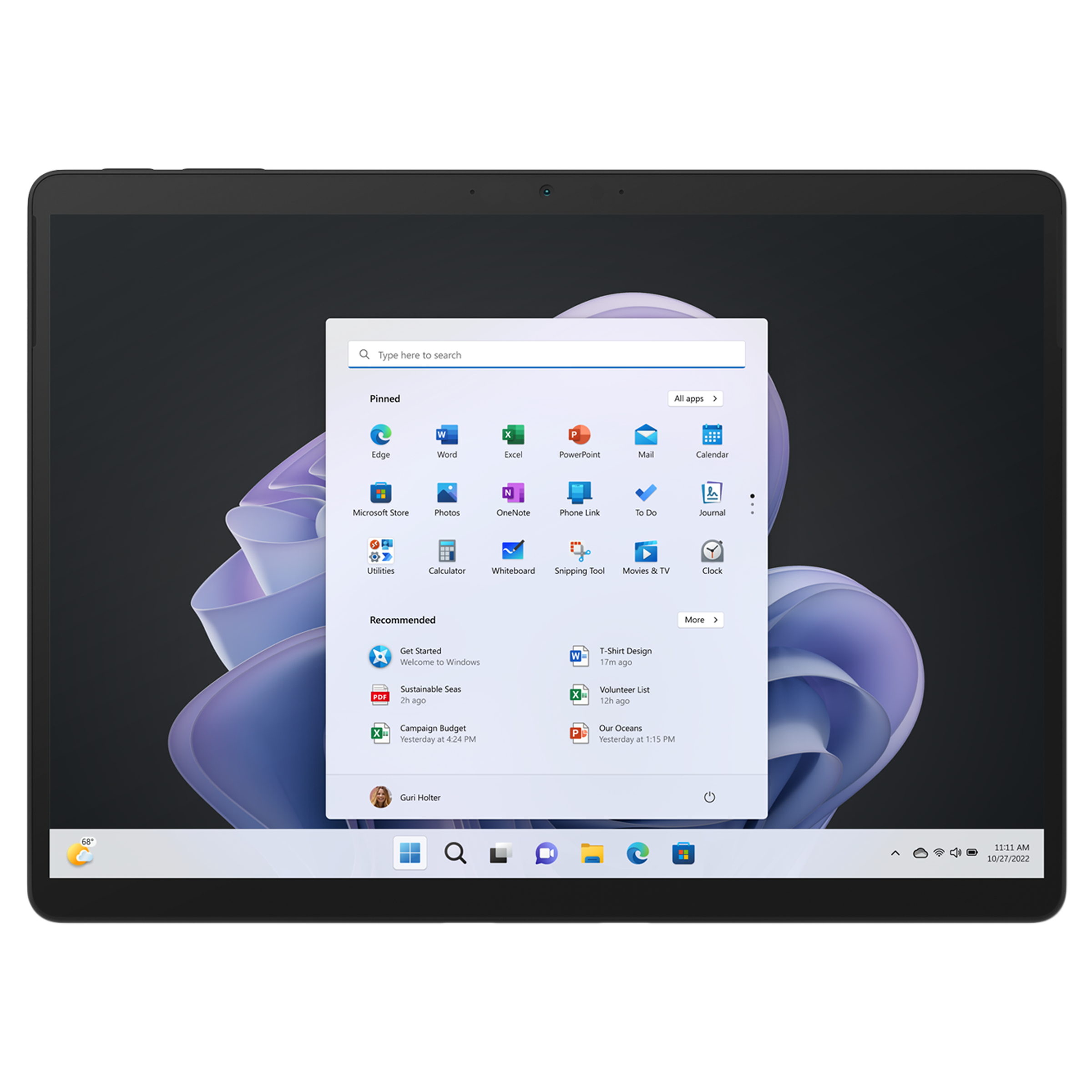 ₹ 1,92,990(Incl. all Taxes)
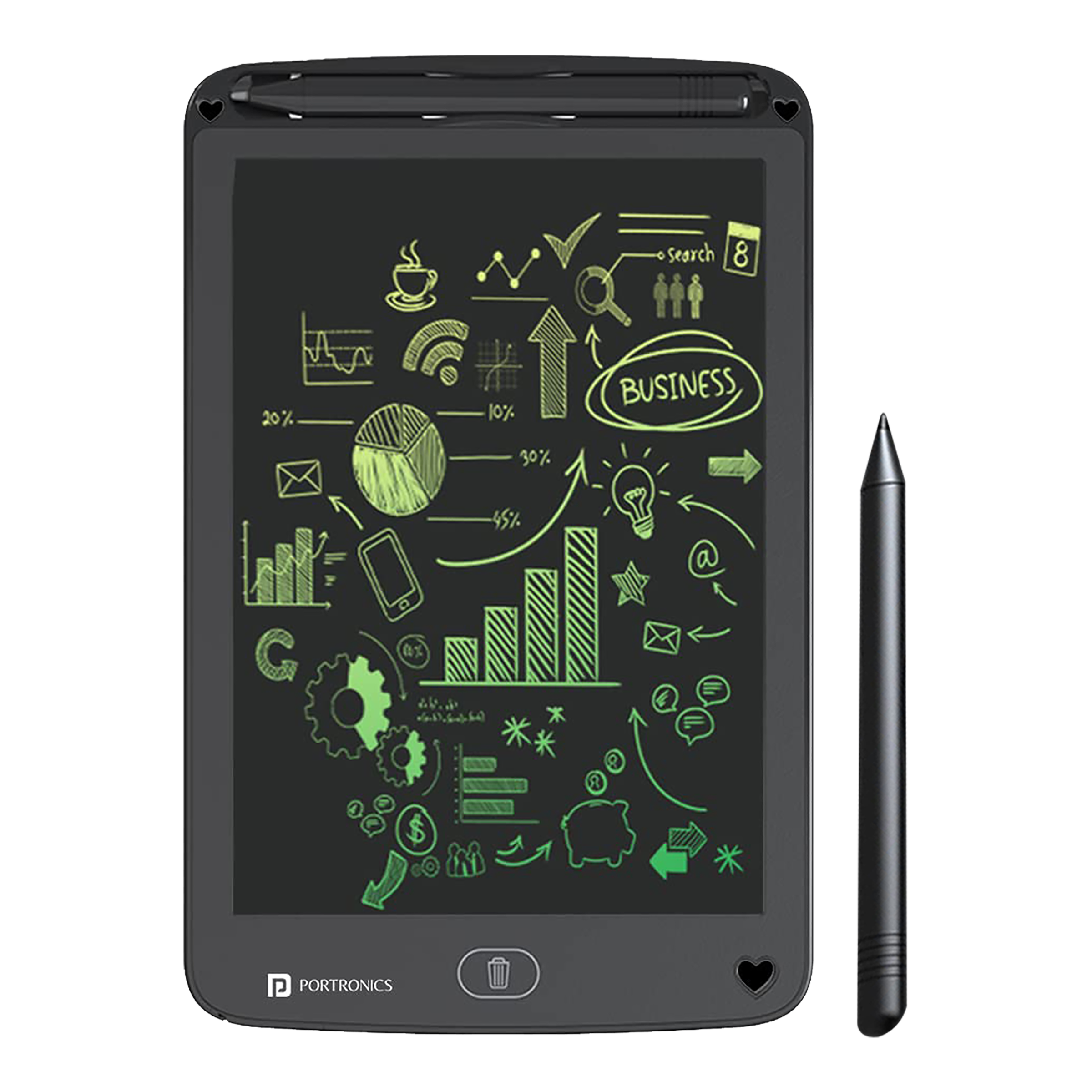 ₹ 549(Incl. all Taxes)₹1,599(Save ₹1,050 )192% Off
 ₹ 1,02,990(Incl. all Taxes)₹1,05,999(Save ₹3,009 )3% Off
 ₹ 2,61,990(Incl. all Taxes)
 ₹ 420(Incl. all Taxes)₹1,499(Save ₹1,079 )257% Off
 ₹ 8,194(Incl. all Taxes)₹14,999(Save ₹6,805 )84% Off
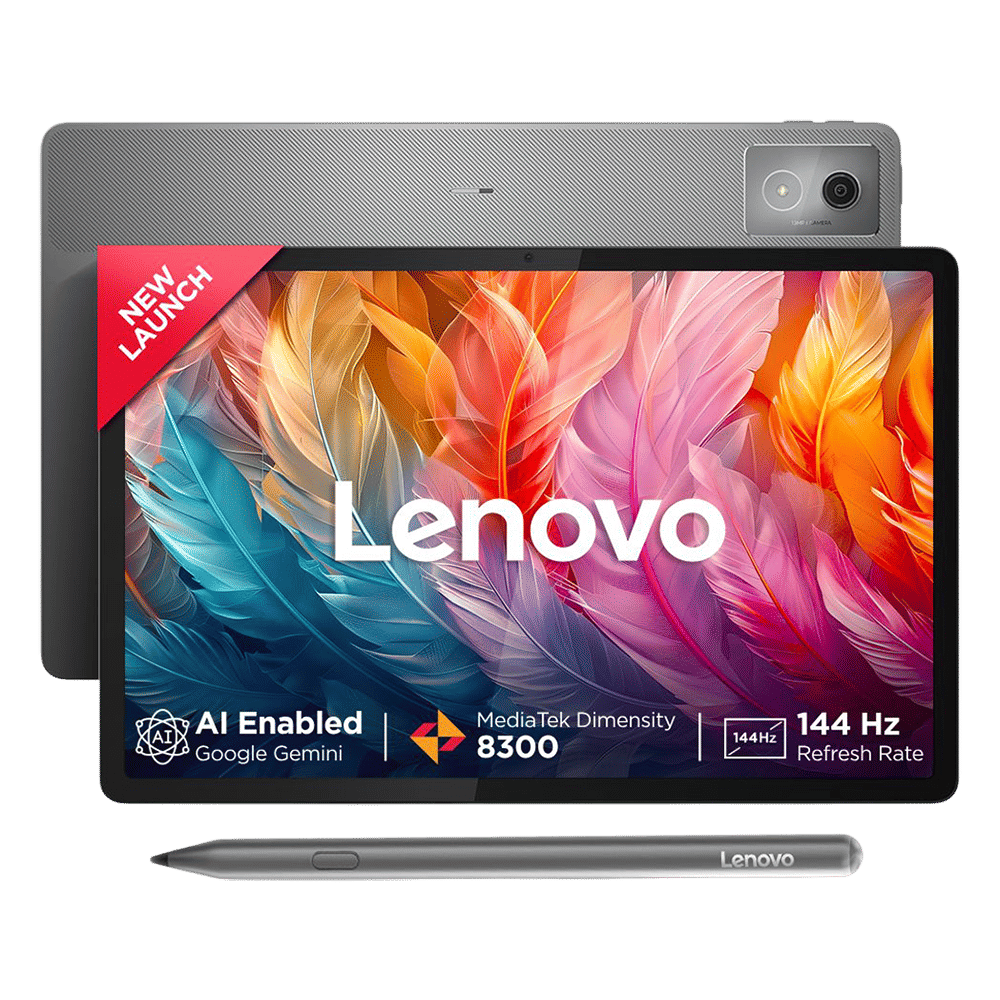 ₹ 28,999(Incl. all Taxes)₹43,999(Save ₹15,000 )52% Off
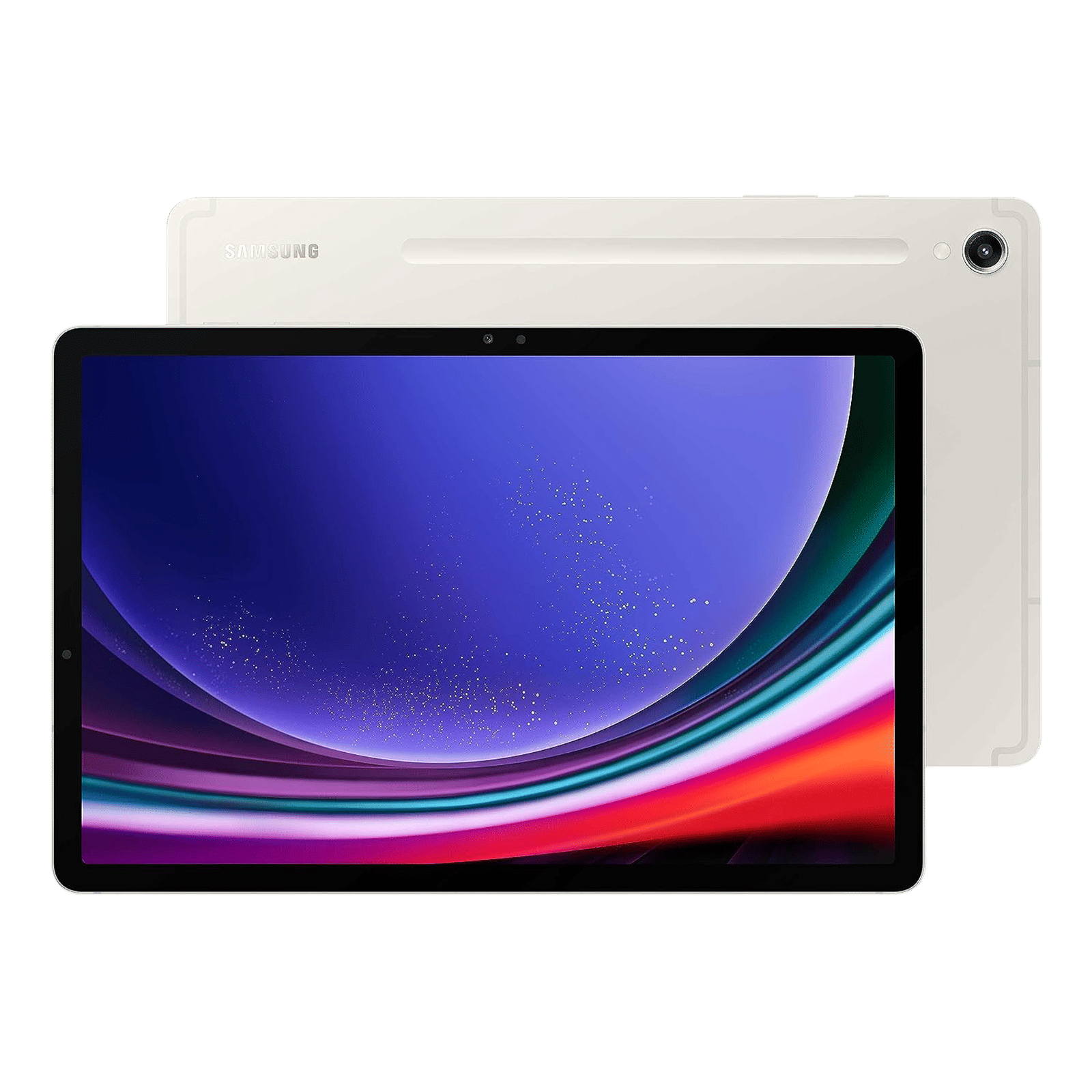 ₹ 83,999(Incl. all Taxes)₹93,999(Save ₹10,000 )12% Off
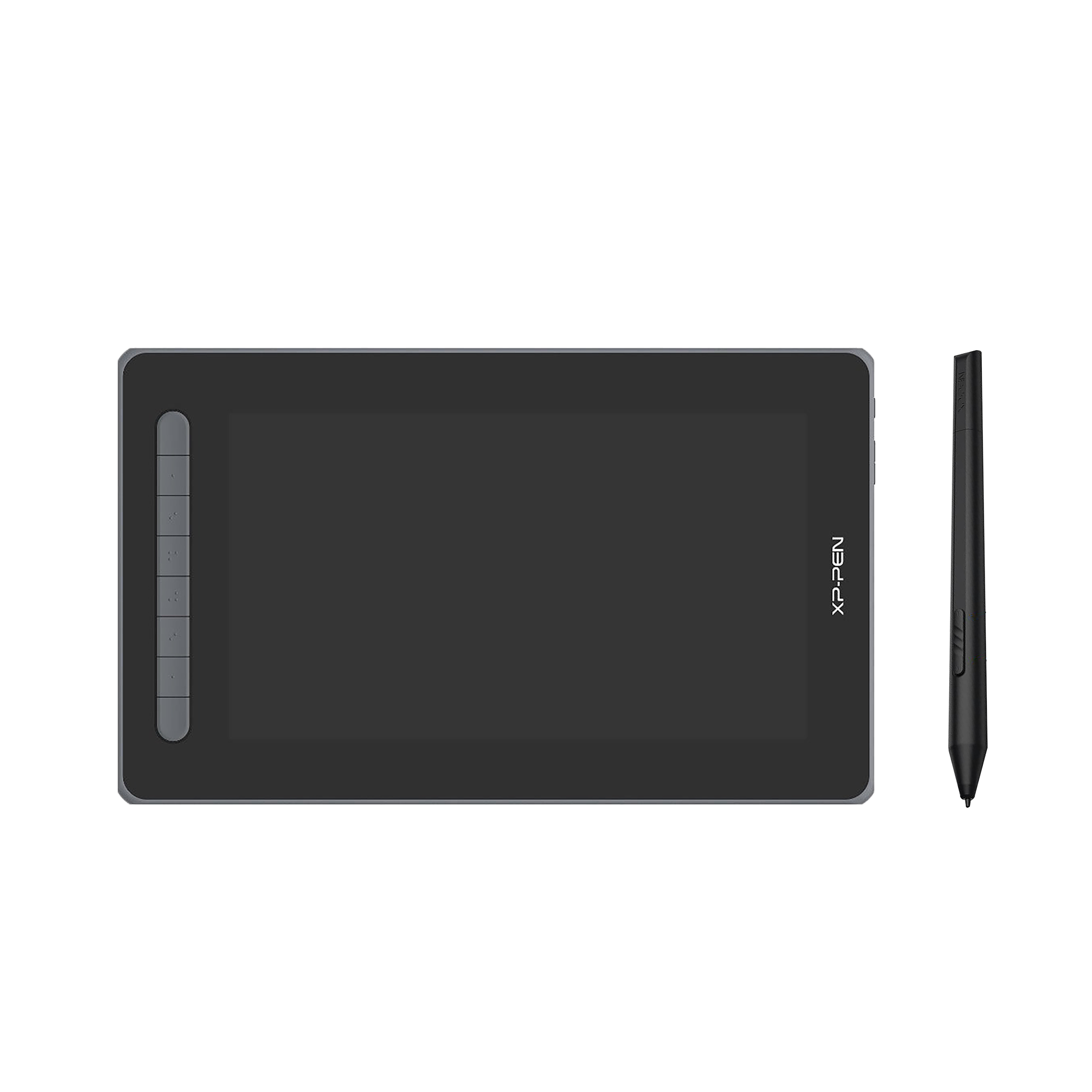 ₹ 10,994(Incl. all Taxes)₹39,999(Save ₹29,005 )264% Off
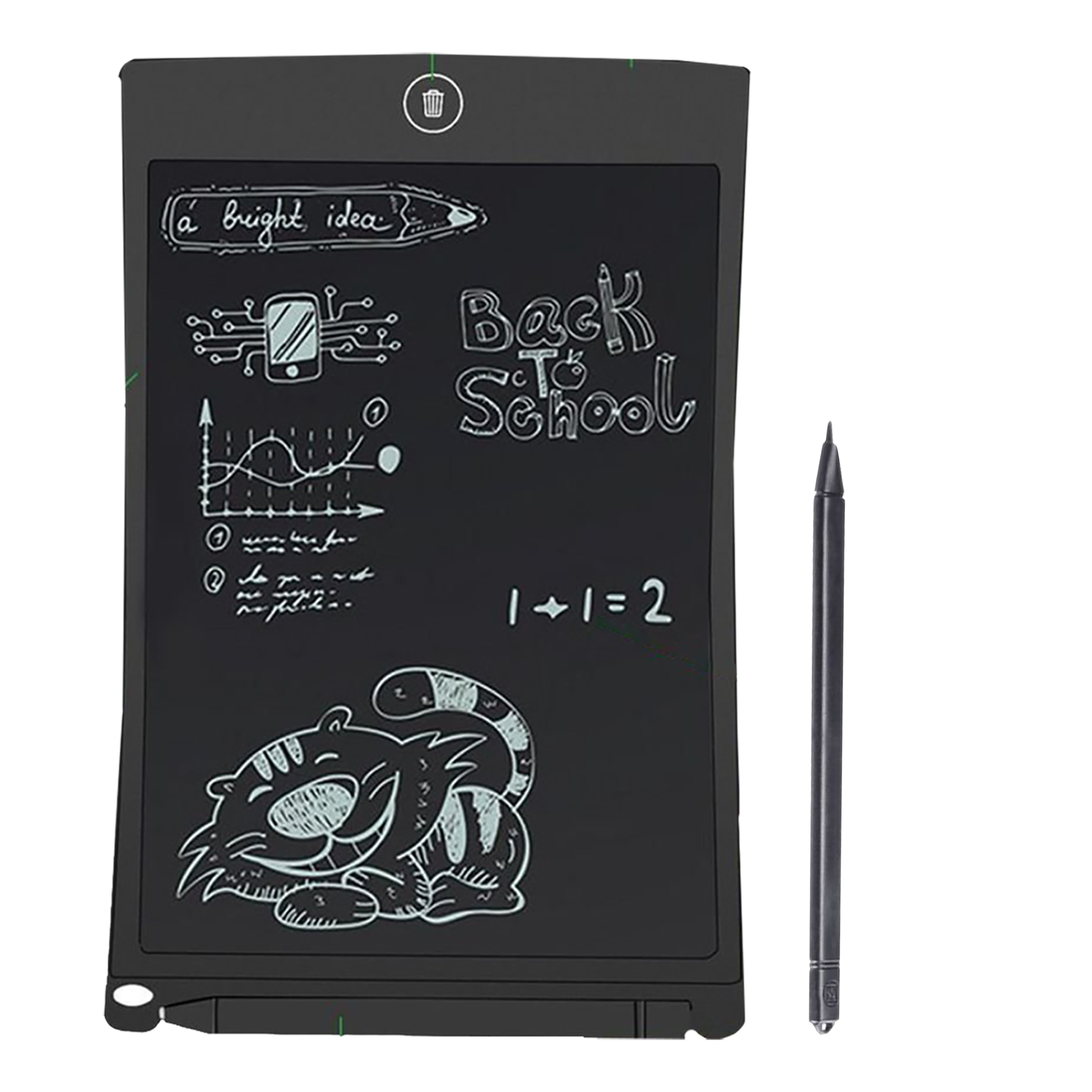 ₹ 220(Incl. all Taxes)₹899(Save ₹679 )309% Off
Similar Categories
Why Choose a Wacom Tablet for Video Editing?
A Wacom tablet for video editing is an essential tool for professionals and enthusiasts alike, offering precision and control that traditional input devices cannot match. With pressure-sensitive styluses, these tablets allow for nuanced adjustments in editing software, enabling users to create stunning visual effects and seamless transitions. The ergonomic design ensures comfort during long editing sessions, making it easier to focus on creativity. Whether you are color grading, retouching, or animating, a Wacom tablet enhances your workflow and elevates your editing capabilities.
Key Features of Wacom Tablets
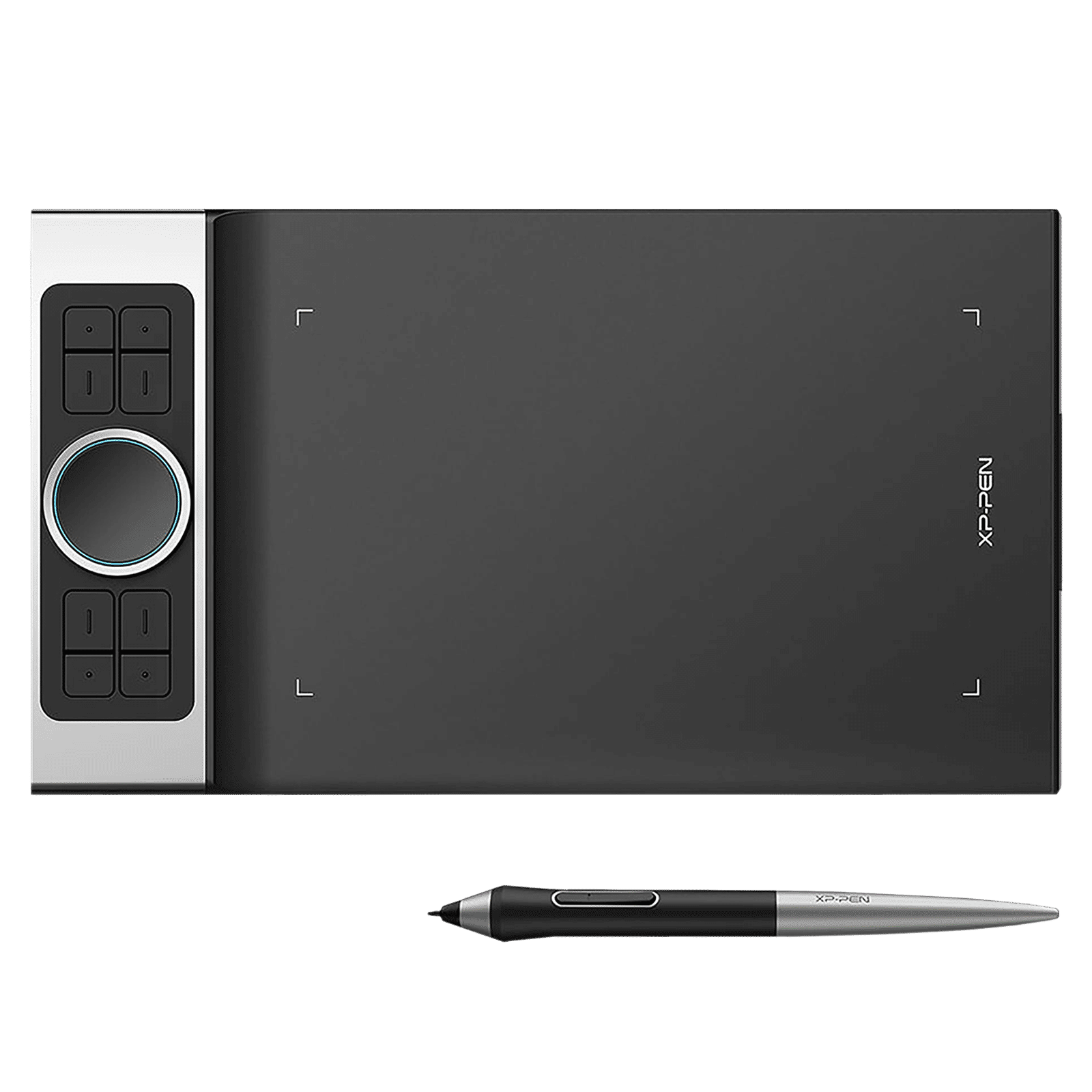
Wacom tablets come equipped with various features tailored for video editing, including customizable shortcut keys and multi-touch functionality. The high-resolution screens provide clarity and detail, allowing for precise editing and adjustments. Many models offer different sizes to suit your workspace and preferences, from compact options for portability to larger surfaces for expansive editing tasks. Additionally, the compatibility with major editing software ensures a seamless integration into your existing setup, making it a versatile choice for any video editor.
How to Select the Right Wacom Tablet for Video Editing
When choosing a Wacom tablet for video editing, consider factors such as size, pressure sensitivity, and connectivity options. A larger tablet surface can enhance your editing experience by providing more room for intricate movements, while higher pressure sensitivity levels allow for more detailed work. Additionally, ensure that the tablet is compatible with your editing software and has the necessary connectivity options, such as USB or Bluetooth, to fit your workflow. Assessing these features will help you find the perfect tablet to meet your editing needs.
Explore Wacom Tablets at Croma
At Croma, you can explore a wide range of Wacom tablets for video editing, designed to enhance your creative process. With various sizes and features available, you can find the ideal tablet that fits your editing style and requirements. Elevate your video editing experience with the precision and control that Wacom tablets offer, all available at Croma.