







In a world where design has often felt siloed and complex, Canva is doubling down on its mission to make creativity accessible to all. At its fourth annual Canva Create event, the design platform unveiled Visual Suite 2.0 which is so far, its most ambitious product update yet.
Canva Visual Suite 2.0 is bult on community feedback
At its core, this launch is less about flashy features and more about people. As they announced at their event, Canva, now serving a community of over 230 million, has poured user feedback into every element of this release. Whether you’re a teacher building lesson plans, a marketer launching campaigns, or a small business owner managing social posts and spreadsheets, Visual Suite 2.0 promises a more fluid, unified way to work.
For example, instead of hopping between apps for documents, presentations, and whiteboards, users can now build everything within a single, cross-functional design format. Planning an event? Brainstorm on a whiteboard, create the agenda in a doc, design invites, and schedule social promos. All of this is possible without ever leaving Canva.
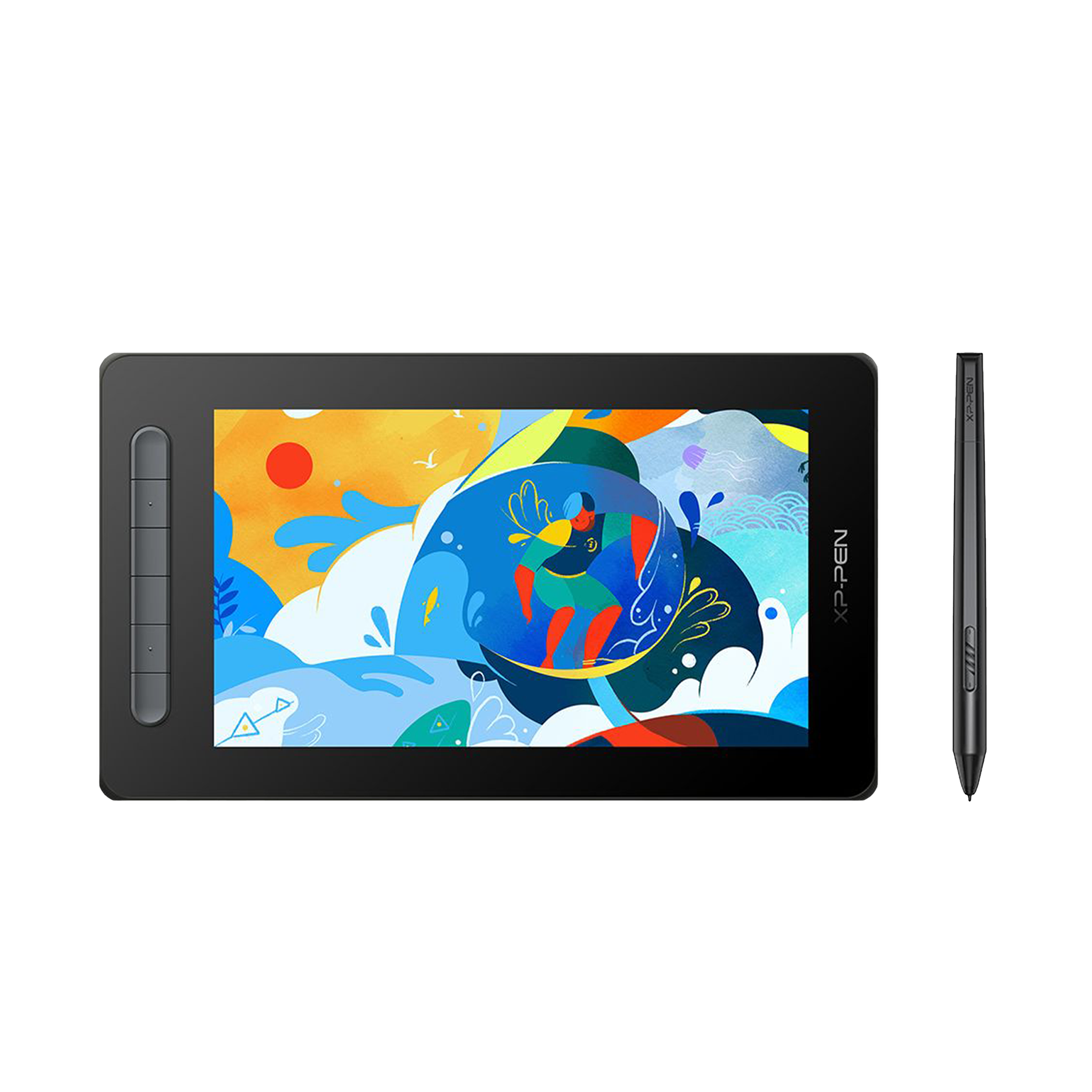
To make full use of Canva’s amateur-friendly pro tools, you can check out these tabelts that will help you unleash your creativity on the go –
Products in focus

Among the standout additions is Canva Sheets, a visually-driven, AI-powered spreadsheet tool. Think traditional spreadsheets reimagined with drag-and-drop visuals and features like Magic Insights and Magic Formulas. This is ideal for marketers analysing data or educators designing interactive charts.
Canva also expands its AI capabilities with Magic Studio, enhancing tools like Bulk Create and Translate for instant content at scale. A social media manager, for instance, can now generate localised posts in multiple languages with a click. No copy-pasting required.
ALSO READ: Canva launches Dream Lab and new features
Perhaps the most intriguing new feature is Canva Code, which allows users to build interactive tools without writing a single line of code. Imagine a nutritionist crafting a custom meal planner or a teacher designing a quiz game; all powered by a simple prompt.
With integrated photo editing and a seamless design experience, Canva is making good on its promise to bring productivity and creativity into one space. For me and a lot of others that have been working on the platform, the democratisation of creativity hasn’t been easy. However, Canva has made it possible, and with this new suite of tools at their disposal, it will be interesting to see how Canva users put them to use.

Unleash your inner geek with Croma Unboxed
Subscribe now to stay ahead with the latest articles and updates
You are almost there
Enter your details to subscribe

Happiness unboxed!
Thank you for subscribing to our blog.
Disclaimer: This post as well as the layout and design on this website are protected under Indian intellectual property laws, including the Copyright Act, 1957 and the Trade Marks Act, 1999 and is the property of Infiniti Retail Limited (Croma). Using, copying (in full or in part), adapting or altering this post or any other material from Croma’s website is expressly prohibited without prior written permission from Croma. For permission to use the content on the Croma’s website, please connect on contactunboxed@croma.com
- Related articles
- Popular articles
Satvik Pandey
Comments