







Come October 2025, Microsoft will officially pull the plug on Windows 10 support. That means no more updates and patches. But fret not, as it actually marks the beginning of a cleaner, smarter, and more secure future. That future is Windows 11, and it’s not just a security fix, as some would think, but rather much more.
Windows 11 brings a sleek design and enables several interesting AI features. It’s a complete rethink of what the modern PC experience should feel like. Not to mention, there are several UI performance boosts, as well.
So, if you’ve been delaying the switch, now is the time to move on and finally upgrade from Windows 10 to Windows 11, which is now hitting its prime.
Windows 11 has a fresh new look
Windows 11 is cleaner and fresher with several changes across the UI. One of the first things you’d notice is the centred Start Menu, which is a subtle change that not only looks good but is also easier to look at.
It’s not just the start menu; the entire taskbar has been reimagined for touch and fluidity. The glassy and subtle icons, plus the rounded corners and pastel backgrounds, look fantastic. The UI, frankly, feels less corporate and more like a designer’s workspace.
Windows 11 brings easy Multitasking
The redesigned Snap Layouts and Snap Groups make multitasking smoother than ever. You can organise windows into intuitive grids, remember your layouts, and shift seamlessly between work modes. For those with an ultrawide monitor or laptops with big screens, it’s an absolute productivity cheat code.
Windows 11 has personalised Widgets
What’s more? Widgets are back, but this time, they’re more useful as they don’t take up a chunk of your desktop; rather, they hide and disappear. You can get real-time updates on weather, calendar events, sports scores, or stock prices without needing to open different apps.
Also, you can customise and personalise these widgets based on your preferences. With new widgets, you can be more informed and stay updated every second.
Windows 11 ushers in improved Performance
Windows 11 isn’t just a fresh skin; it’s also an optimised one. It’s a UI that’s sleek, fast, and fluid. Right when you upgrade from Windows 10 to Windows 11, you’ll notice faster startup times. Switching between apps is quick and seamless.
The response time for different tasks has also been improved. Moreover, Windows 11 introduces DirectStorage, which bypasses the CPU to directly access data from your SSD. This helps with faster loading times for apps, mostly noticeable for games.
And, if you have been struggling with battery life on your laptop, Windows 11 somewhat fixes it with better overall battery life, owing to its optimisations as well.
Windows 11 ensures enhanced security
It’s 2025, hackers are smarter, and cybersecurity threats are becoming more personal. That’s exactly why you should be upgrading to Windows 11, as it goes beyond antivirus and firewalls.
Windows 11 mandates TPM 2.0 chips and Secure Boot. This means only verified software can start when you power on the system. This alone ensures that any firmware-level vulnerabilities are at bay.
ALSO READ: Evolution of Windows operating system: How Microsoft created the world’s most popular OS
Apart from this, there’s the advanced Microsoft Defender, which uses cloud intelligence to spot suspicious activity on your machine. Further, there’s Smart App Control in Windows 11, which combines Windows’ code integrity features and app intelligence services to protect users from untrusted or potentially dangerous code. This ensures only apps that are safe can run on your laptop.
There’s also Windows Hello, which helps you effortlessly log into the system with a single touch or facial scan. It not only enhances the security of the system but also brings convenience.
And, of course, there's AI Prowess
One of the most noteworthy features of Windows 11 is AI. Windows 11 enables AI features on supported hardware, and it’s not a gimmick anymore. It’s futuristic and productive. Features like Live Captions and CoCreator in Paint simply up your productivity and creativity.
The new Copilot assistant makes life easier, as it acts just like your friend living within the system. Moreover, if you switch to a Copilot+ PC, which comes with Windows 11 pre-installed, you can use Microsoft’s Recall. The feature takes a snapshot of everything you do on your laptop and lets you search through the timeline.
Other than this, AI features in Windows 11 also help you write emails in Outlook and be creative in other Office apps. With NPUs now powering the latest Windows 11 laptops, most of these features run locally, giving you a fast, secure, and seamless experience.
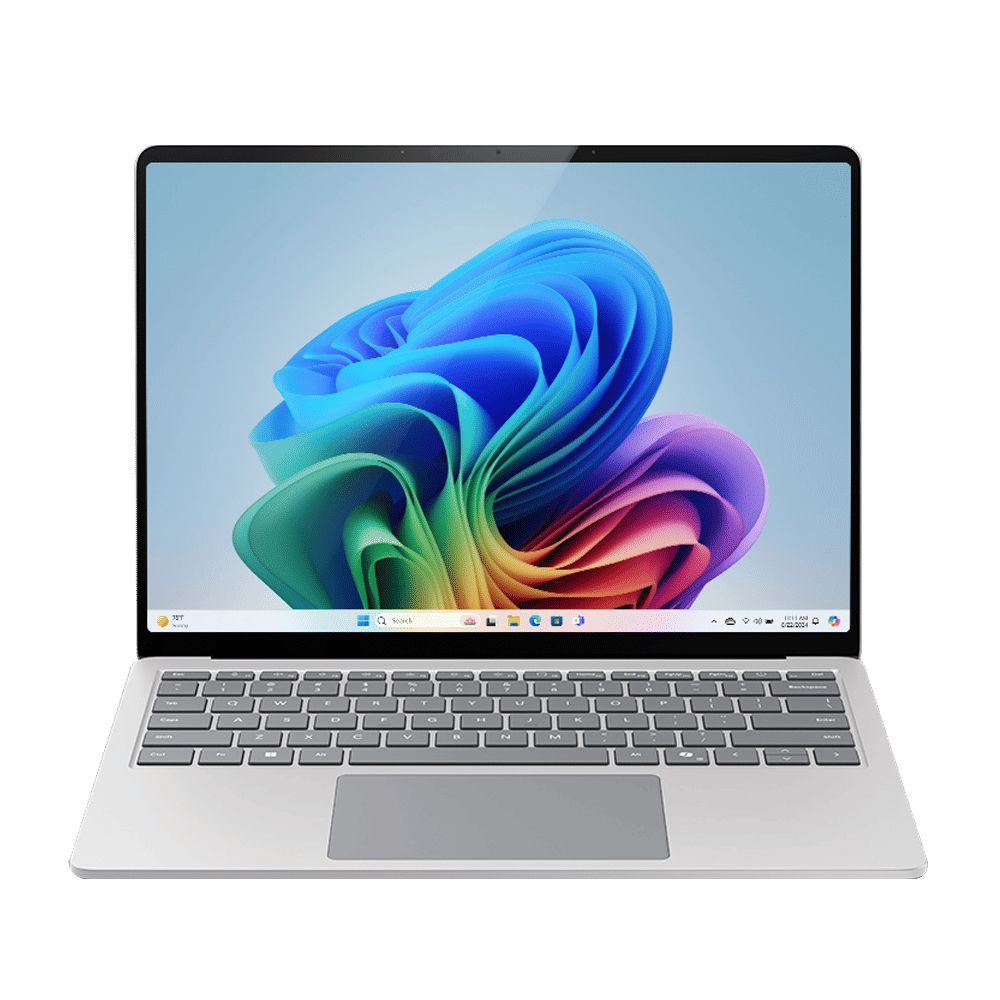
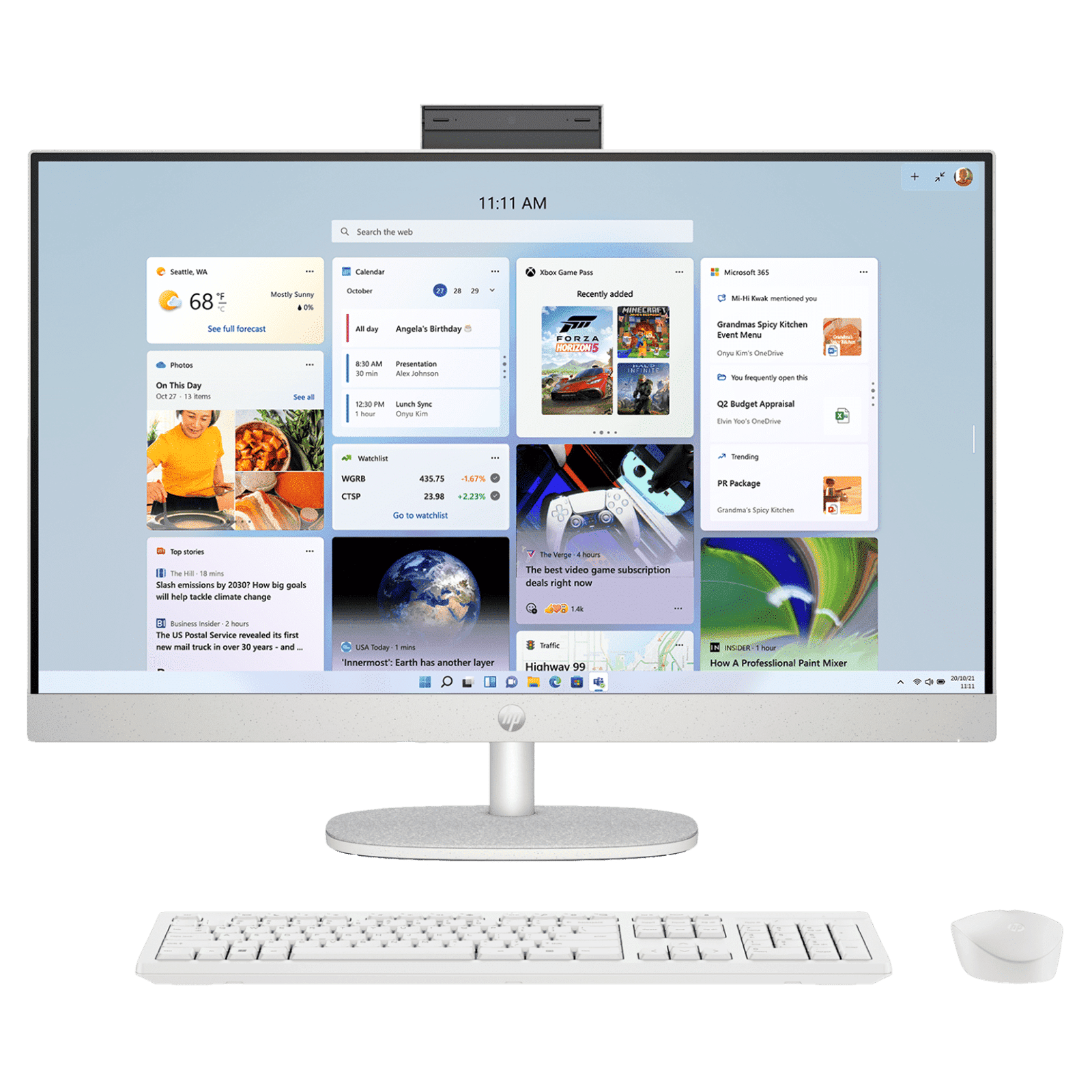
Windows 11 isn’t any other software update; it’s a sleek, fast, and secure skin for your laptop and desktop. Upgrading from Windows 10 to Windows 11 doesn’t just enhance security or bring cosmetic changes; rather, it takes your experience to a whole new level. An experience that’s future-proof and AI-ready.

Unleash your inner geek with Croma Unboxed
Subscribe now to stay ahead with the latest articles and updates
You are almost there
Enter your details to subscribe

Happiness unboxed!
Thank you for subscribing to our blog.
Disclaimer: This post as well as the layout and design on this website are protected under Indian intellectual property laws, including the Copyright Act, 1957 and the Trade Marks Act, 1999 and is the property of Infiniti Retail Limited (Croma). Using, copying (in full or in part), adapting or altering this post or any other material from Croma’s website is expressly prohibited without prior written permission from Croma. For permission to use the content on the Croma’s website, please connect on contactunboxed@croma.com
- Related articles
- Popular articles
Brand Content
Comments