







A year or two ago there would have been no competition between an iPad and a Mac. Until iPadOS 26, the Mac was by far the only real workstation for power users while the iPad primarily functioned as a mildly creative content consumption device. Today the iPad Pro vs MacBook Air debate is a lot more complex.
With iPadOS 26, Apple changed the game by introducing several Mac-like features to the iPad. The iPad also boasts of powerful processors that were once exclusive to the Mac, delivering near similar performance in many workloads.
Here’s how to choose between the iPad Pro and a MacBook Air for work or studies.
Do you type a lot?
The iPad Pro does not come with a keyboard but you can buy a (very expensive) keyboard case or third-party keyboard to go with it. The MacBook Air of course has a keyboard built into the device given that it’s a traditional laptop. Generally speaking, both devices are great to type on but the Macbook has an edge in scenarios where you’re typing on the go while the iPad works great on a table or similar surface. If you type a lot, you might prefer a MacBook.
Connectivity
The Mac is hands-down the winner in this department, if only because it was twice the number of ports than an iPad. That said, how often do you need more than one port? If the answer is often, then the device you want is a MacBook. For everyone else, the iPad will do just fine.
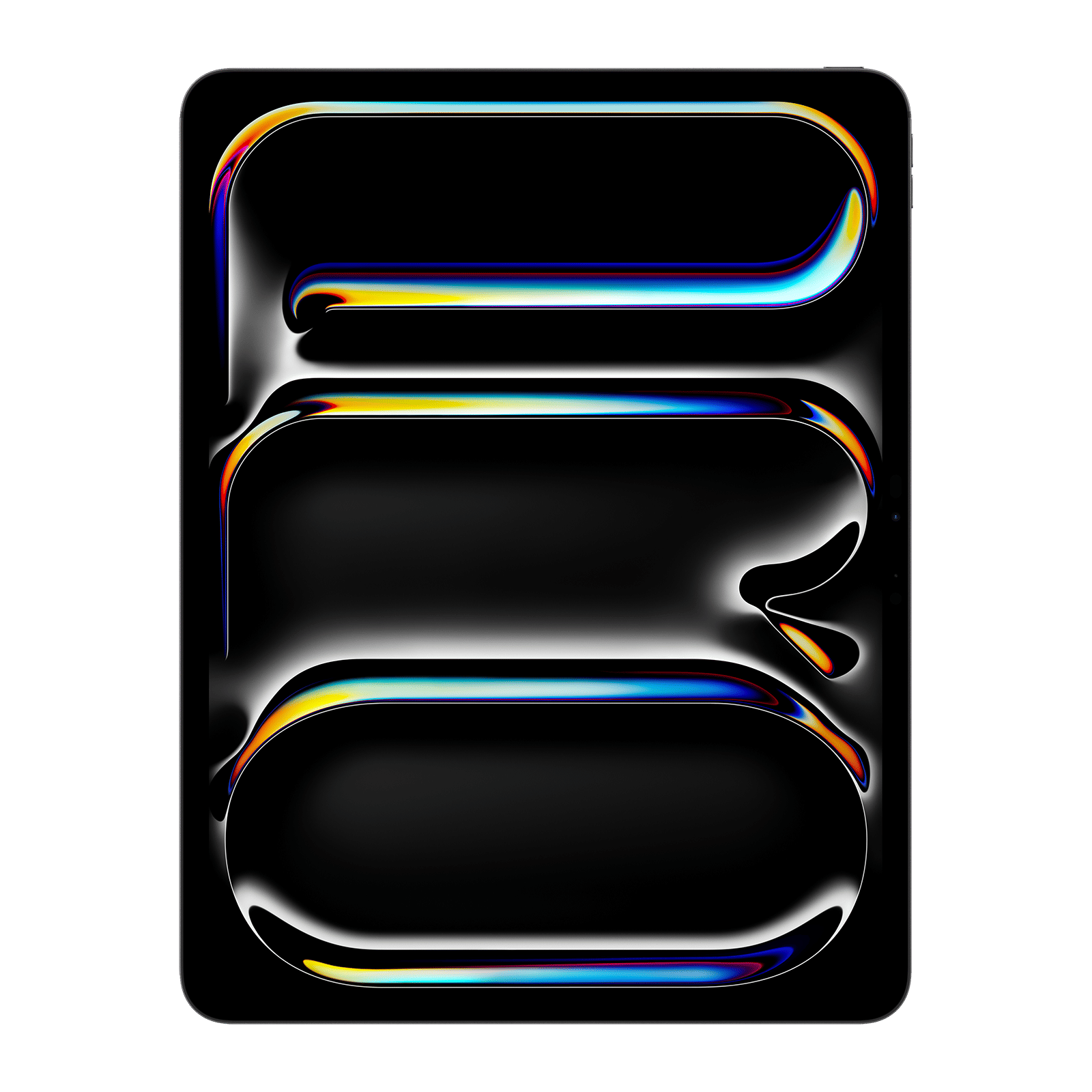
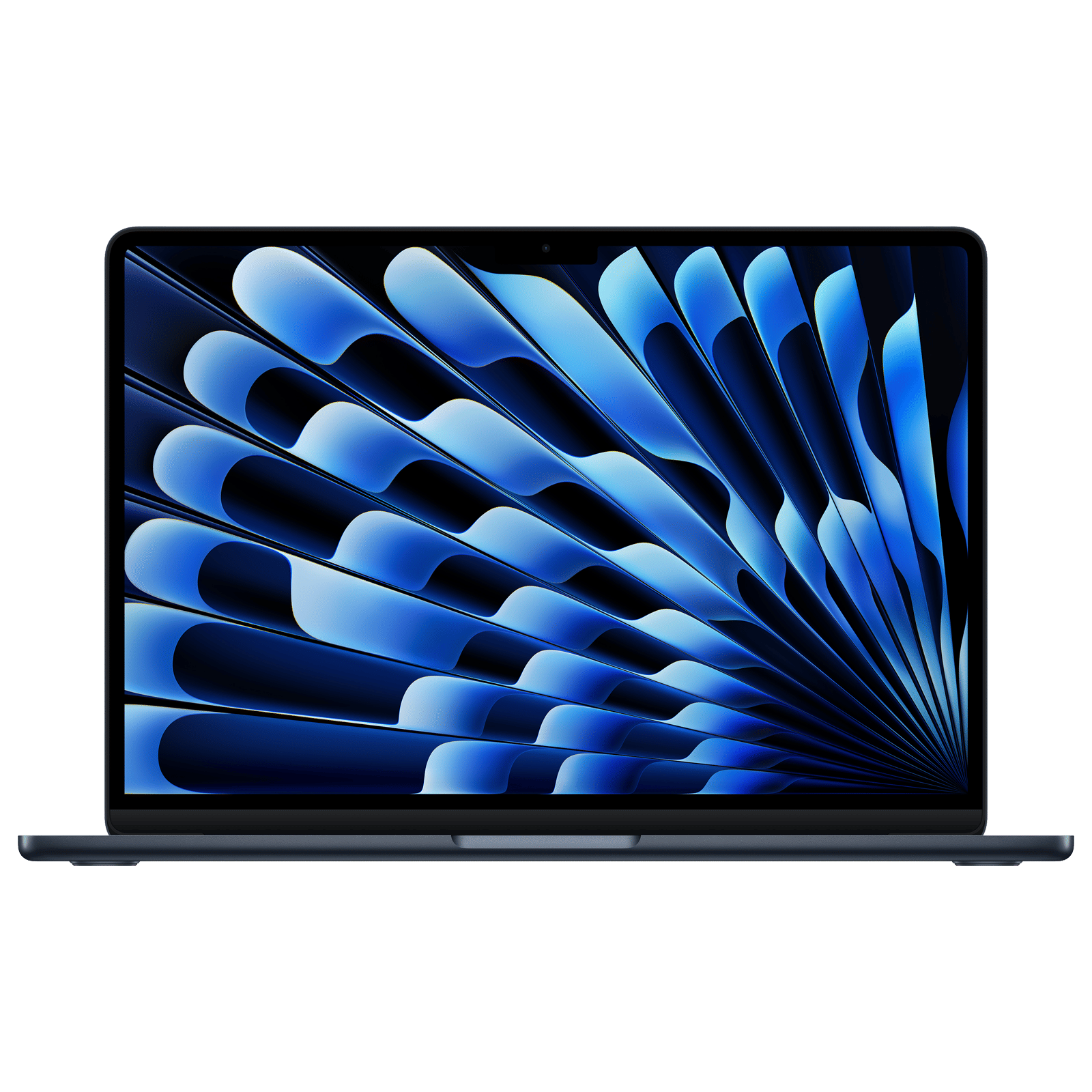
Both devices can connect to high-speed docks and drives and both support USB4 or Thunderbolt, meaning that ultra-high bandwidth devices can also be connected.
One advantage the Mac has here is that an iPad still can’t format USB drives. This can be a problem for users who often work outside the Apple ecosystem.
Display
Hands-down the winner here is the MacBook Air. The iPad is also available in a 13-inch form factor, but the larger model is significantly more expensive. And anyway, if you want size, the Air even has a 15-inch model.
The iPad Pro’s display is far superior in terms of visual quality, and this is owing to the use of a Tandem OLED display that is brighter and has infinite contrast.
The Mac wins, but only because the larger display can be more useful.
Apps
Lastly, we come to apps. Most apps that a student or office bee will need run on both devices. This includes, surprisingly, CAD programs, advanced image and video editors, and 3D rendering and animation tools. Between the two, the choice largely comes down to whether you prefer Pencil-friendly apps or a keyboard and mouse.
ALSO READ: Apple iPad variants: Which tablet suits your lifestyle and needs the best
It’s not an easy decision, and one that comes down almost entirely to personal preference.

Unleash your inner geek with Croma Unboxed
Subscribe now to stay ahead with the latest articles and updates
You are almost there
Enter your details to subscribe

Happiness unboxed!
Thank you for subscribing to our blog.
Disclaimer: This post as well as the layout and design on this website are protected under Indian intellectual property laws, including the Copyright Act, 1957 and the Trade Marks Act, 1999 and is the property of Infiniti Retail Limited (Croma). Using, copying (in full or in part), adapting or altering this post or any other material from Croma’s website is expressly prohibited without prior written permission from Croma. For permission to use the content on the Croma’s website, please connect on contactunboxed@croma.com
- Related articles
- Popular articles
Anirudh Regidi
Comments