







The WWDC 2025 keynote just wrapped up in Cupertino, and it may have been Apple’s most sweeping software showcase in over a decade. From iOS 26 to macOS Tahoe, from smarter AirPods to spatial computing upgrades in visionOS, this year’s developer conference wasn’t just about new features, it was about rethinking the entire Apple ecosystem from the ground up.
And yes, it all started with Craig Federighi drifting an F1 car. Because if Apple is going to pitch its future, it’s going to do it with cinematic swagger. The WWDC 2025 keynote, with the tagline “WWDC Baby”, was packed with vision, velocity, and the kind of polish only Apple can deliver.
The headlining change? Apple is officially in its Liquid Glass era – introducing a major redesign that touches every platform, making interfaces more translucent, interactive, and personal.
Apple Intelligence also grows sharper, smarter, and more integrated than ever before, while privacy remains its secret sauce. And for developers? The ecosystem is more open than ever, with AI features and UI design elements syncing seamlessly across devices.
Here’s everything Apple unveiled at WWDC 2025.
iOS 26: A whole new (glass) world
iOS 26 brings the most significant visual update since iOS 7 – and it’s not subtle. Enter Liquid Glass, Apple’s new design language that bathes the interface in translucent layers, reflective highlights, and dynamic responsiveness. App icons now shimmer in light or dark, and there’s even a Clear Mode for true minimalists.
The lock screen breathes with motion, adjusting the time and widgets based on your wallpaper. Notifications shrink and expand contextually. It’s tactile, reactive, and somehow still unmistakably iOS.

The Camera app has been decluttered with swipe-based mode selection and a minimal UI that prioritises your shot. The Photos app now supports depth-based 3D photo effects, bringing your lock screen or albums to life with subtle parallax movement.
Under the hood, Safari gets an edge-to-edge content-first design, FaceTime hides controls until needed, and Messages feels more expressive than ever. You can now personalise chats with custom or AI-generated backgrounds, vote in group polls, and send or receive Apple Cash – all inside the thread. There’s even message screening to separate unknown senders into their own tab.
And yes, Genmoji is here. Mash two emoji or describe what you want and watch Apple’s AI generate something meme-worthy on the spot.

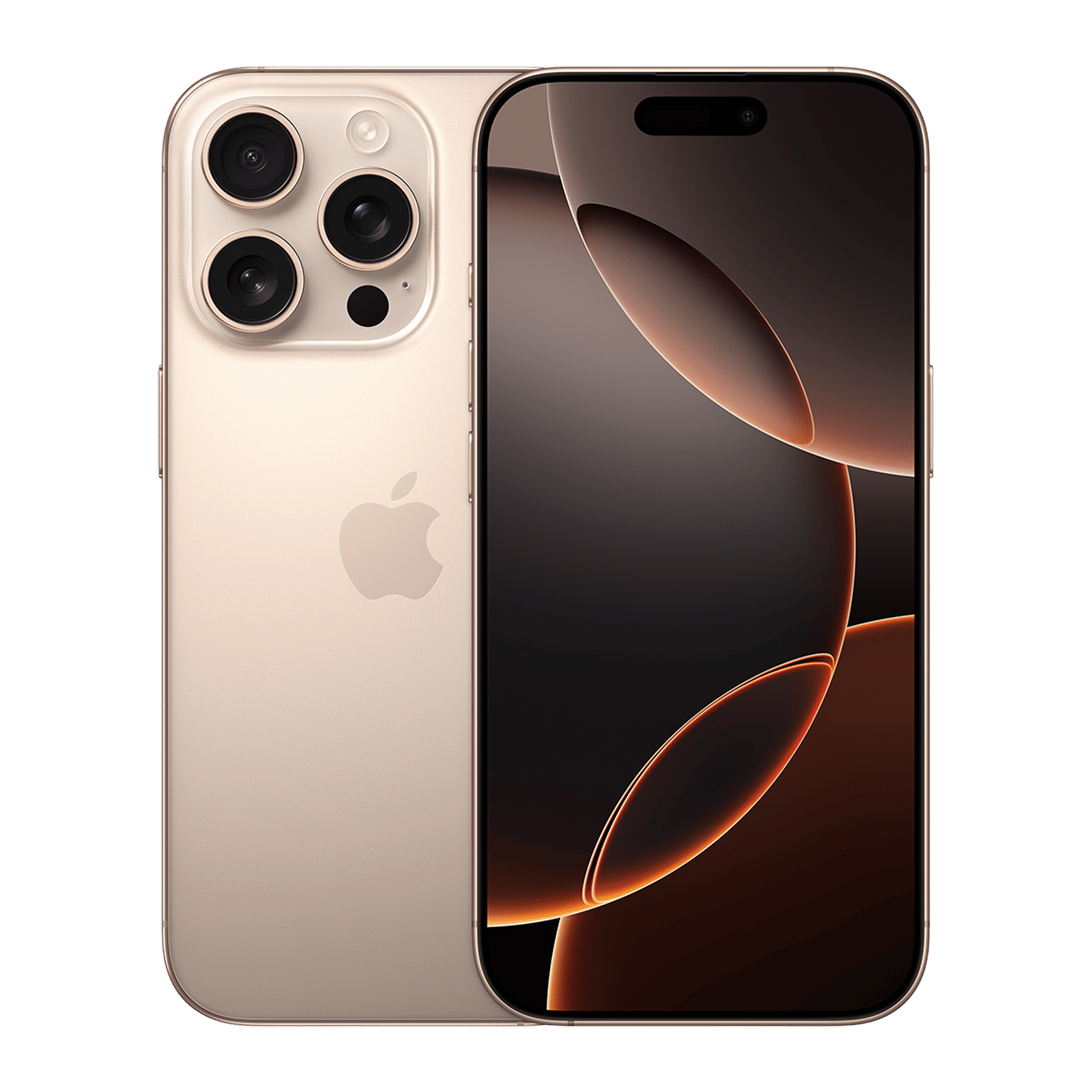
And that’s not it. CarPlay also gets a glow-up with support for widgets, Live Activities, and pinned conversations, bringing the same functionality you love on your iPhone into your dashboard.
The Phone app has been completely rethought. Favourites, Recents, and Voicemail are now part of a single scrollable view. Call Screening answers unknown numbers and summarises who’s calling and why. And Hold Assist waits on hold for you and alerts you when a human voice finally returns.
iOS 26 also introduces the new Apple Games app – a unified hub for all your titles across Apple Arcade and the App Store. It brings together your installed games, Game Center activity, achievements, and multiplayer invites in one place. You can even tweak game-specific settings like performance mode and notifications, making iOS feel a little more console-like than ever before.
Apple Intelligence: Smarter, faster, private by design
Apple Intelligence, the company’s privacy-first take on generative AI, is spreading its wings. While a full Siri revamp is still MIA (expected later this year), Apple gave us a clear view of how its system-wide models are transforming the user experience.
Live Translation is the breakout feature, now built into Phone, Messages, and FaceTime. Speak or type, and your words are instantly translated in real time, all processed on-device. You hear your language, they hear theirs.
Visual Intelligence lets you act on what’s on your screen. Long-press on a screenshot and Apple will recognise text, events, links, or even furniture. And it will suggest actions like searching online, translating, or creating a calendar event. You can even ask ChatGPT to elaborate on what you’re seeing (with your permission, of course).
ALSO READ: There’s an unexpected benefit of having Apple Intelligence on iPhones
Shortcuts are now infused with intelligence. You can summarise emails, rewrite notes, generate AI images, or automate tasks based on content, no server-side processing needed. And in apps like Wallet, Apple Intelligence can summarise your order tracking emails and display everything you need to know, without ever touching Apple Pay.
Image Playground is a full-featured creative studio built right in. Generate oil paintings, posters, or surreal stickers from a few words or photos. The ‘Any Style’ option lets you send a prompt to ChatGPT to get exactly the look you want. You can even generate backgrounds that sync with your Messages and Watch face.
And to address the Siri-sized elephant in the room once again, it’s long-awaited redesign is coming later this year, promising more natural responses, deeper context, and tighter Apple Intelligence integration, including ChatGPT when you choose to use it.
macOS Tahoe 26: Design meets horsepower
The Mac gets its own Liquid Glass transformation with macOS 26 Tahoe. The menu bar is now fully transparent, dock icons reflect ambient colours, and Control Center is more customisable than ever. It’s a fresh but familiar vibe, echoing Apple’s push for a visually consistent ecosystem.
Spotlight is now smarter and faster, with support for app-specific actions. You can create notes, send emails, or launch Shortcuts directly from search. Live Activities now show up in your Mac’s menu bar through iPhone Mirroring, letting you track things like Uber rides, food deliveries, or sports scores without pulling out your phone. It’s a small update, but one that brings real-time continuity across Apple’s ecosystem.
The Phone app arrives on macOS, bringing Call Screening and Hold Assist with it. Messages mirrors its iOS sibling with backgrounds, polls, typing indicators, and improved group chat UI.
Safari is also becoming more private with advanced fingerprinting protection on by default. Photos now features Liquid Glass elements, pinned collections, and an easier-to-navigate sidebar. Journal also comes to Mac, now with support for multiple journals, map views, and multimedia entries.
iPadOS 26: Finally a multitasking master
The iPad finally gets a windowing system worthy of its power. With iPadOS 26, you can tile, float, or resize apps on the fly. Want Exposé-style control? Swipe to see all your open windows. Want something more familiar? Stick with Stage Manager. It’s flexible, fluid, and built for the touch-and-pencil crowd.
Apple also adds a universal menu bar for quick access to app functions, search, and tips – especially handy when using a keyboard. Folders can now live in the dock, and the Files app supports colour-coded folders and emoji customisation that syncs across devices.
ALSO READ: The best free iPad apps for 2025
The new Preview app brings full PDF editing, markup, and form-filling to iPad. Meanwhile, audio creatives can now select different inputs for each app or webpage and enjoy Voice Isolation for cleaner recordings. Local Capture lets you record high-quality video and audio from conferencing apps and save them instantly.
Calculator finally comes to iPad with Math Notes and 3D graphing. And Journal gets full support, allowing handwritten entries, sketches, and photo or mood-based logs.

watchOS 26: Smarter, faster, more human
The Apple Watch gets its glow-up with Liquid Glass-infused widgets, translucent Control Center, and vibrant Smart Stack interactions. The Smart Stack is now context-aware, surfacing relevant widgets like weather, calendar, or workout stats automatically throughout your day.
The new Workout Buddy feature uses Apple Intelligence to provide voice-guided motivation, drawing from your workout history, milestones, and heart rate data.
Messages on the wrist now support Live Translation, polls, typing indicators, and custom backgrounds. There’s also a wrist-flick gesture that lets you dismiss notifications or decline calls hands-free, which is perfect for mid-workout, dog walking, or espresso sipping.
A new Notes app is also available which lets you create, pin, and unlock notes directly from your wrist. Live Listen and captions also come to Apple Watch, enhancing accessibility for users who are deaf or hard of hearing.
tvOS 26: Karaoke night goes spatial
Apple TV also gets the Liquid Glass treatment with edge-to-edge visuals and content-focused UI. The Apple TV app now features cinematic poster art, smarter profile switching, and login simplification for streaming apps.
The spotlight, though, is on Apple Music Sing. Now, your iPhone becomes a wireless mic. So, you can sing along while your voice is amplified through the TV – complete with real-time lyrics, onscreen emoji, and lyrics translation for multilingual bangers. Friends can join in too, queuing tracks or reacting live.
And yes, you can now set any AirPlay speaker as your Apple TV’s default audio output.
visionOS 26: Spatial gets supercharged
Apple Vision Pro gets major upgrades in visionOS 26. Widgets are now spatial – you can pin a clock or playlist in mid-air and it’ll be waiting for you the next time you put on your headset. Personas look more natural with better hair, skin, and lighting. And spatial photos now become spatial scenes, letting you lean into a photo like it’s a diorama.
ALSO READ: Apple Vision Pro finally gets Apple Intelligence with visionOS 2.4
Shared spatial experiences are here too. Multiple Vision Pro users can now collaborate or watch content in the same room. There’s also native support for 180-degrees and 360-degrees video from GoPro, Canon, and Insta360, plus integration with the PlayStation VR2 Sense controller, for those dreaming of a proper gaming headset.
Even Safari on Vision Pro supports 3D web content now. And Look to Scroll, Apple’s new eye-tracking navigation, makes web browsing feel effortless.
AirPods: Remote shutters and studio sound
Your AirPods are getting more powerful without changing shape. New firmware updates bring studio-quality audio recording across AirPods 4, AirPods 4 ANC, and AirPods Pro 2; perfect for vloggers, podcasters, or anyone recording on the go.
A long press on the stem now lets you trigger the camera remotely on your iPhone or iPad. Think group shots, walk-in videos, dance reels, all hands-free! A new head-tracking gesture lets you answer or decline calls by simply nodding or shaking your head.
WWDC 2025 was all about platform cohesion
From Liquid Glass to unified versioning (iOS 26, macOS 26, etc.), Apple is syncing its software story like never before. AI becomes personal, design becomes dynamic, and the ecosystem feels more seamless than it has in years.
Sure, Siri’s not ready for her big debut. But everything else? Polished, ambitious, and unmistakably Apple. And if this is just the warm-up lap… we can’t wait to see what Apple has planned for the main event in September.

Unleash your inner geek with Croma Unboxed
Subscribe now to stay ahead with the latest articles and updates
You are almost there
Enter your details to subscribe

Happiness unboxed!
Thank you for subscribing to our blog.
Disclaimer: This post as well as the layout and design on this website are protected under Indian intellectual property laws, including the Copyright Act, 1957 and the Trade Marks Act, 1999 and is the property of Infiniti Retail Limited (Croma). Using, copying (in full or in part), adapting or altering this post or any other material from Croma’s website is expressly prohibited without prior written permission from Croma. For permission to use the content on the Croma’s website, please connect on contactunboxed@croma.com
- Related articles
- Popular articles
Dhriti Datta
Comments