







Google has rolled out a sweeping redesign of its Phone app globally, giving millions of users a brand-new look under the Material 3 Expressive banner. The update, which first popped up for testers back in June, is now landing broadly on both stable and beta versions of the app, reaching Pixels, some Xiaomi devices, and Android 16 builds.
All of the changes you’ll see on the Phone app
Now when you launch the Phone app, the first thing you’ll notice is the menu bar at the bottom. It’s been trimmed down to three tabs: Home, Keypad, and Voicemail. Home pulls double duty now, merging Recents and Favourites. Your starred contacts are pinned at the top in a slick little carousel, while the call log underneath gets a fresh coat of paint.
Google even added filters so you can quickly sift through all calls, missed calls, spam, or just the people you actually care about.
The keypad itself has ditched the floating button and now lives in its own tab. It’s presented in a rounded sheet that feels more in line with the rest of Google’s new design vibe. Meanwhile, voicemail didn’t change much beyond a sharper list layout.
ALSO READ: Google Pixel 10 vs iPhone 16: Which one’s the best compact phone
Contacts have been pushed into the side drawer, though you can also access them from a floating pill below the search bar. Tapping either of the options launches the actual Contact apps, which has received a similar redesign.
As for the drawer, it also includes Settings, Clear call history, and Help & feedback, all of which now sport Google’s Material 3 Expressive makeover. The in-call screen also looks noticeably different with more prominent pill-shaped buttons.
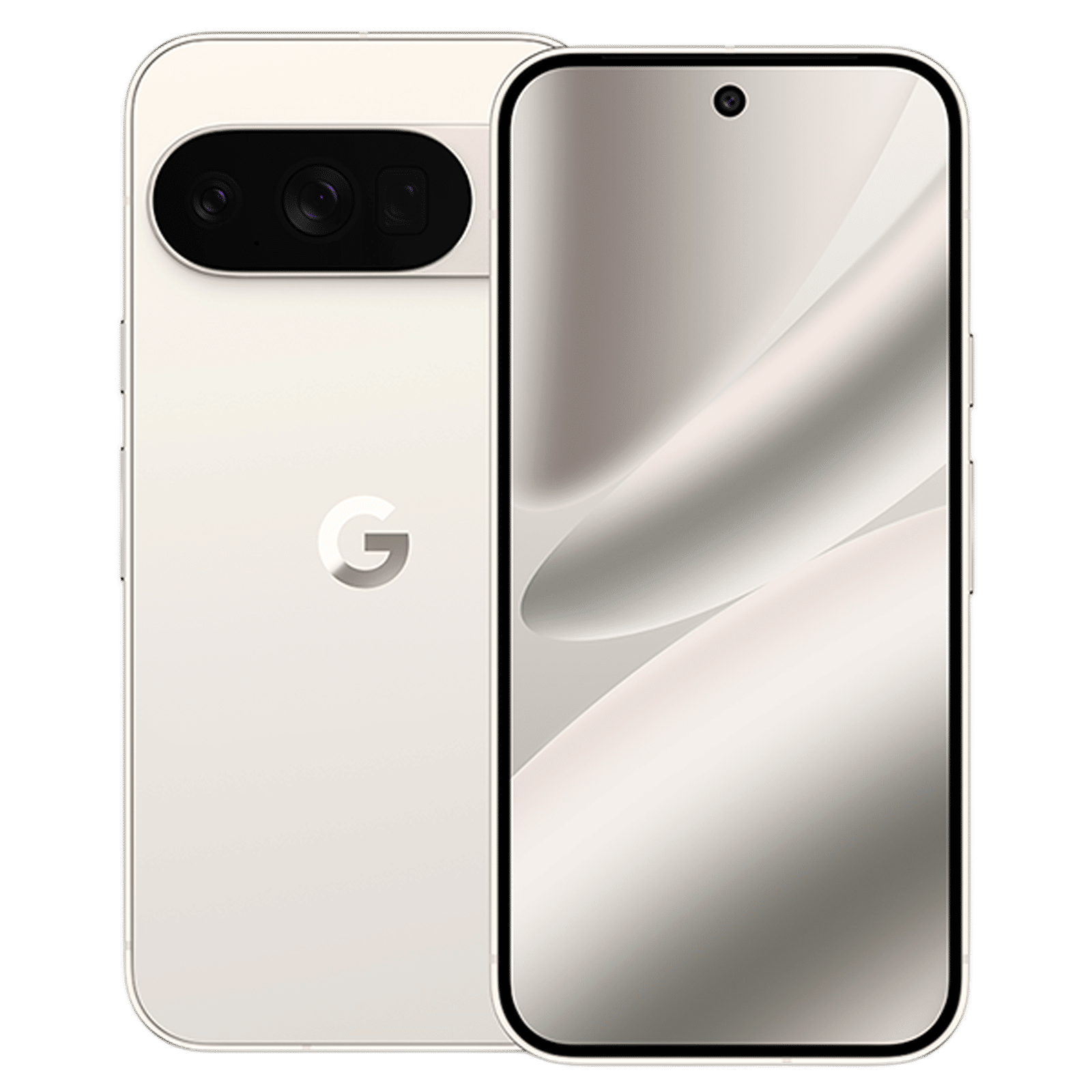
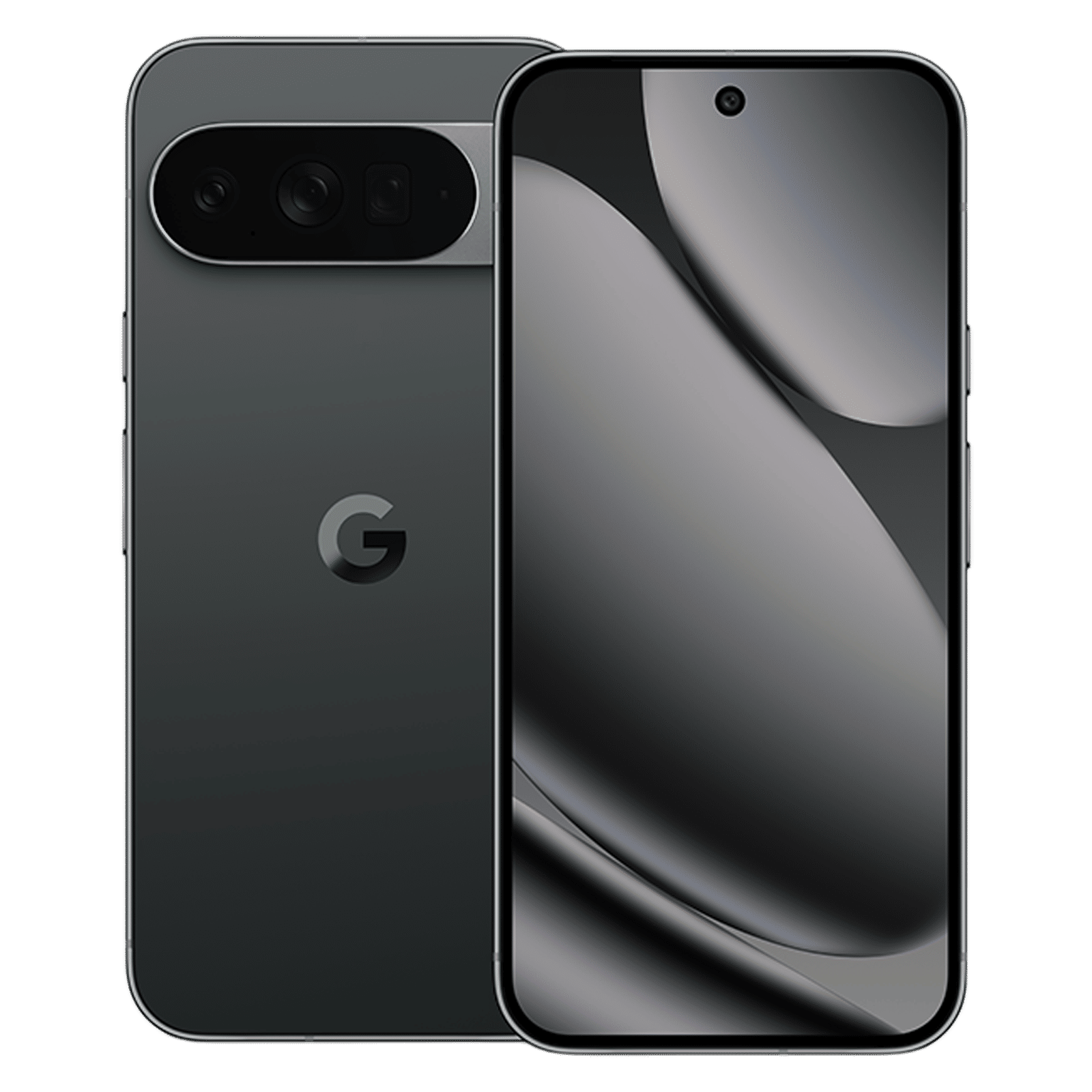
The biggest change though is how you actually answer calls. Gone is the classic vertical swipe. Now you swipe horizontally to answer calls.
Of course, the changes to Google’s telephony apps aren’t happening in isolation. Again, the company is on a visual refresh spree as part of its Material 3 Expressive design rollout and has already rolled out updates for other apps like Keep and Messages.

Unleash your inner geek with Croma Unboxed
Subscribe now to stay ahead with the latest articles and updates
You are almost there
Enter your details to subscribe

Happiness unboxed!
Thank you for subscribing to our blog.
Disclaimer: This post as well as the layout and design on this website are protected under Indian intellectual property laws, including the Copyright Act, 1957 and the Trade Marks Act, 1999 and is the property of Infiniti Retail Limited (Croma). Using, copying (in full or in part), adapting or altering this post or any other material from Croma’s website is expressly prohibited without prior written permission from Croma. For permission to use the content on the Croma’s website, please connect on contactunboxed@croma.com
- Related articles
- Popular articles
Zohaib Ahmed
Comments