







Just a television is barely enough to set up a proper home entertainment system anymore; there are a bunch of other gadgets that need to be added to the mix to give your setup proper capabilities. While a smart TV may be capable of handling everything from streaming to audio through its built-in speakers on its own, you’re often tempted to add capable devices which bring new features to the mix, such as streaming devices, gaming consoles, sound bars, and home theatre receivers.
For a good setup to work, it relies on a particular cable that many of us now take for granted – the trusty HDMI cable. High-Definition Multimedia Interface or HDMI is a widely adopted standard for inter-connectivity between devices, and has been among the most widespread and ubiquitous in the tech world since its introduction over 20 years ago.
However, within HDMI we often hear two important terms in the specifications of many of the products we use – HDMI and HDMI ARC. We’re going to explore the key differences between these two terms, and how they can be used in your home entertainment setup.
HDMI ARC vs HDMI
To start with, lets cover HDMI itself. The HDMI format has been around for over two decades now, and is currently on version 2.2 which delivers an impressive bitrate for data transfers of up to 96Gbit/s. On a practical level, HDMI allows for both audio and video data to be transferred between two compatible devices. You can therefore use HDMI to connect your gaming console or streaming device to your TV, or even to connect speakers and speaker system devices such as soundbars and home theatre receivers to your TV or to each other.
It’s among the most widely used modern connector formats today, with a large ecosystem of supporting manufacturers who develop products such as HDMI cables and converters. Most televisions, speaker systems, streaming devices, and gaming consoles support HDMI connectivity, providing for a convenient and widely used standard which is also reliable and stable in operation.
HDMI ARC on the other hand, is a specific feature built into certain HDMI-compatible devices; it isn’t a separate format, and utilises HDMI to work. The ARC feature – Audio Return Channel – refers to the ability of the HDMI-compatible device to allow only the audio signal to be retained by the source device, while sending only the video signal to the output device. This comes in handy specifically when using a speaker system or audio-only component as a source device for your content, or as a bridge device between your display and speakers.
ALSO READ: What is HDMI?
For example, you should use an HDMI ARC-compatible port when connecting a soundbar or home theatre receiver to your TV, and then separately connect source devices such as gaming consoles or streaming devices to the soundbar or receiver. This will allow the TV to receive only the video signal, while the receiver or speaker can handle the audio signal and ignore the TV’s built-in speakers.
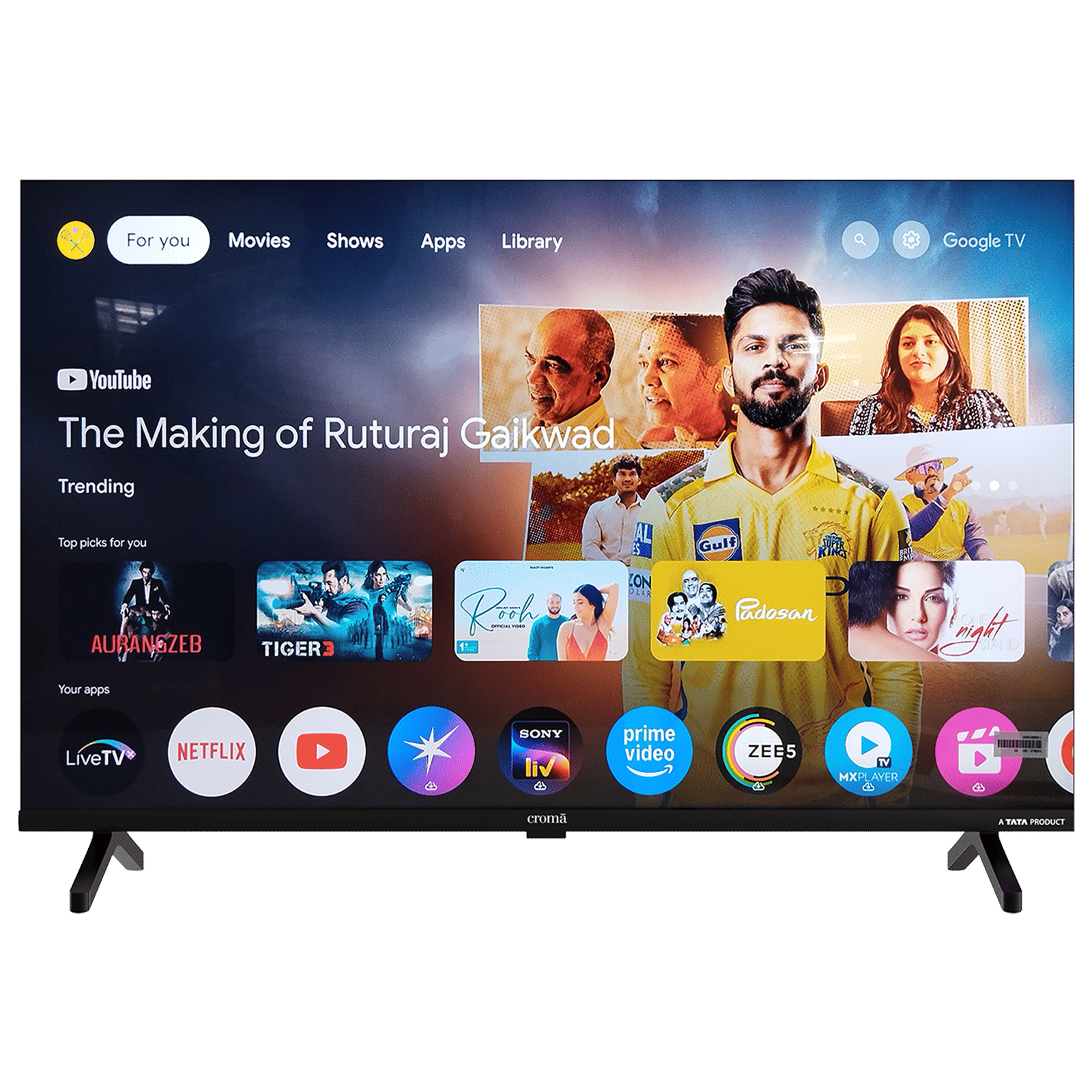
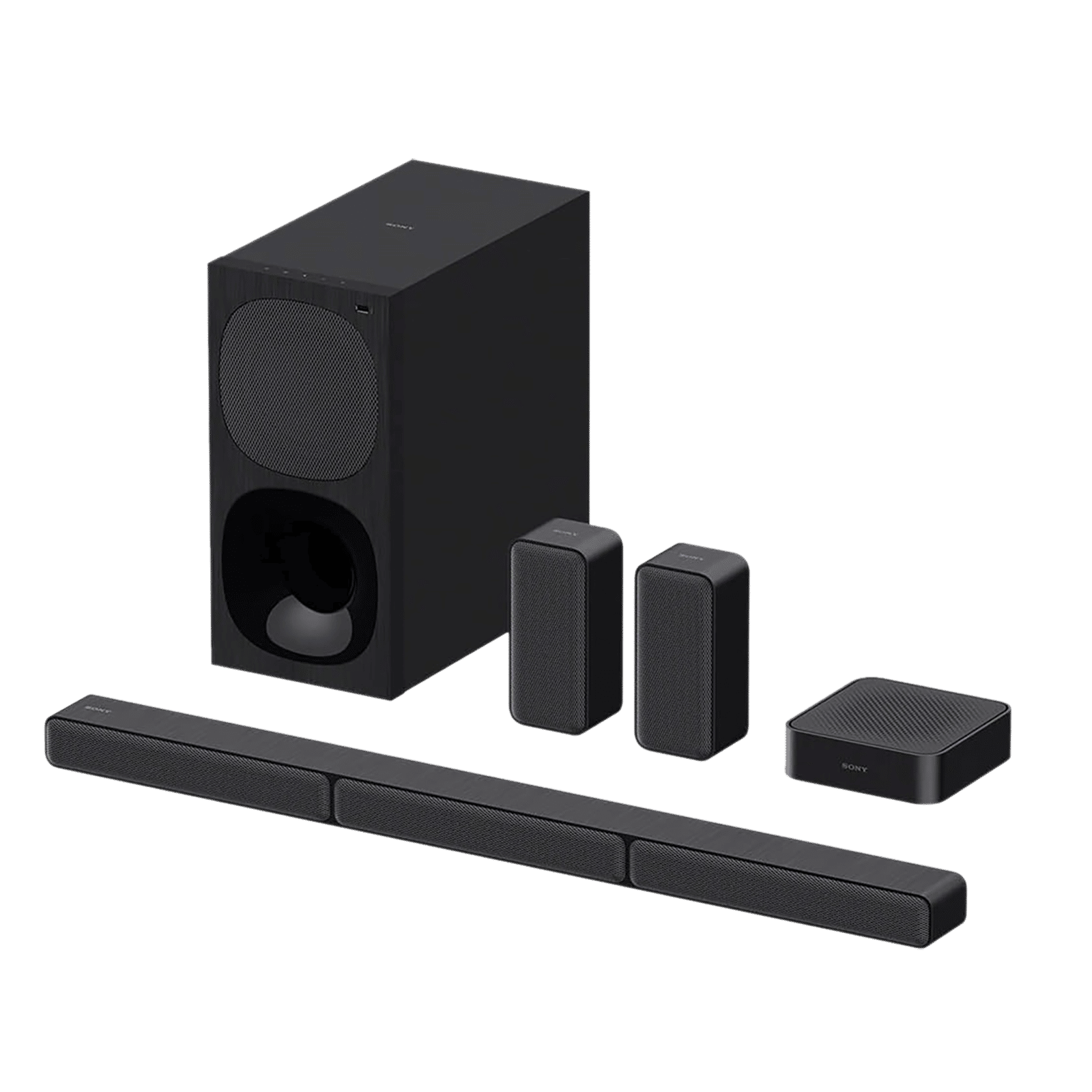
So while HDMI ARC is a specific feature built on top of the HDMI standard itself, in many cases you may not even need to use it, or connecting to an HDMI ARC-compatible port on your TV may not even be necessary. The feature is however, extremely useful for complex setups which involve many devices and components, to ensure that you’re using a superior audio system instead of your TV or monitor’s built-in speakers.

Unleash your inner geek with Croma Unboxed
Subscribe now to stay ahead with the latest articles and updates
You are almost there
Enter your details to subscribe

Happiness unboxed!
Thank you for subscribing to our blog.
Disclaimer: This post as well as the layout and design on this website are protected under Indian intellectual property laws, including the Copyright Act, 1957 and the Trade Marks Act, 1999 and is the property of Infiniti Retail Limited (Croma). Using, copying (in full or in part), adapting or altering this post or any other material from Croma’s website is expressly prohibited without prior written permission from Croma. For permission to use the content on the Croma’s website, please connect on contactunboxed@croma.com
- Related articles
- Popular articles
Ali Pardiwala
Comments