







Apple has rolled out the iOS 26.1 Beta 2 update for developers, bringing in a mix of design tweaks and functional refinements. While not a major overhaul, it signals Apple’s ongoing effort to perfect the Liquid Glass interface, a feature that’s still dividing opinions. Some users admire its fluid transparency, while others feel Apple hasn’t quite found the right balance between clarity and distraction. Here’s what’s new in the iOS 26.1 Beta 2 update.
iOS 26.1 Beta 2 arrives: What’s new
The standout change this time is the new swipe gesture to stop alarms and timers, much like how users handle incoming calls. It’s an interesting experiment, though not everyone’s a fan. Many testers say it makes dismissing alarms feel less intuitive and a bit too easy to trigger by mistake. Apple may refine or remove this gesture before the public release.
Another notable addition is easier external microphone control. You can now access connected mic settings straight from the Control Centre and manage where recorded files are stored, a welcome improvement for content creators, vloggers, and journalists who use third-party mics.
Visually, there are a few subtle refinements. App folder titles and Settings headers have shifted slightly left, and interface alignment feels cleaner overall. These are minor touches, but together they make iOS 26.1 feel smoother and more cohesive.
No new security fixes appear to be included yet, and bug issues for iPhone 17 users were already addressed in the iOS 26.0.1 patch earlier this month. Security updates and deeper optimisations are expected in later builds.
Supported iPhones and how to install iOS 26.1 Beta 2
The iOS 26 series supports iPhone 11 and newer models, along with the iPhone SE (2nd gen) and later. The iPhone 17 lineup and iPhone Air come with iOS 26 out of the box, while Apple AI features are available on the iPhone 15 Pro and newer.
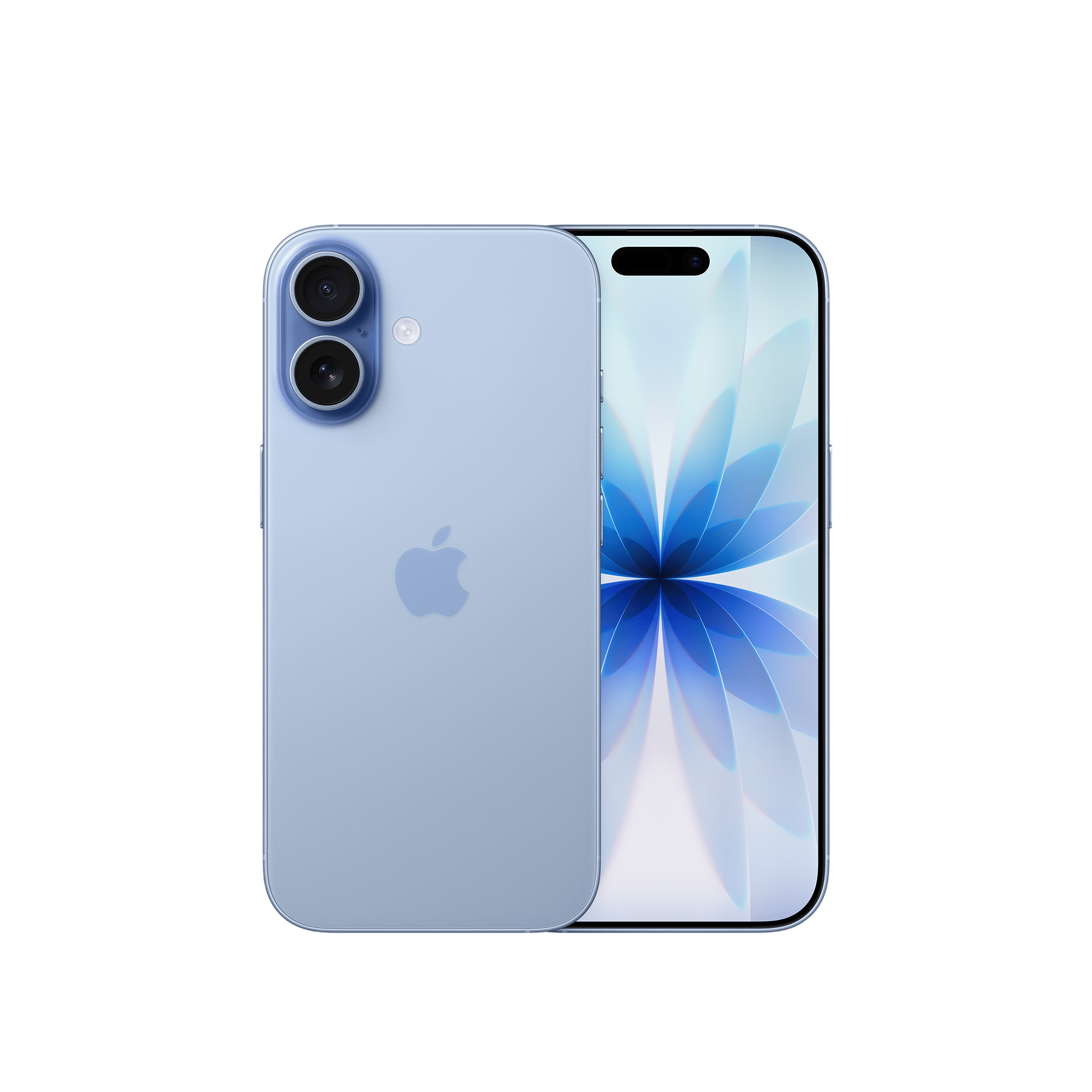
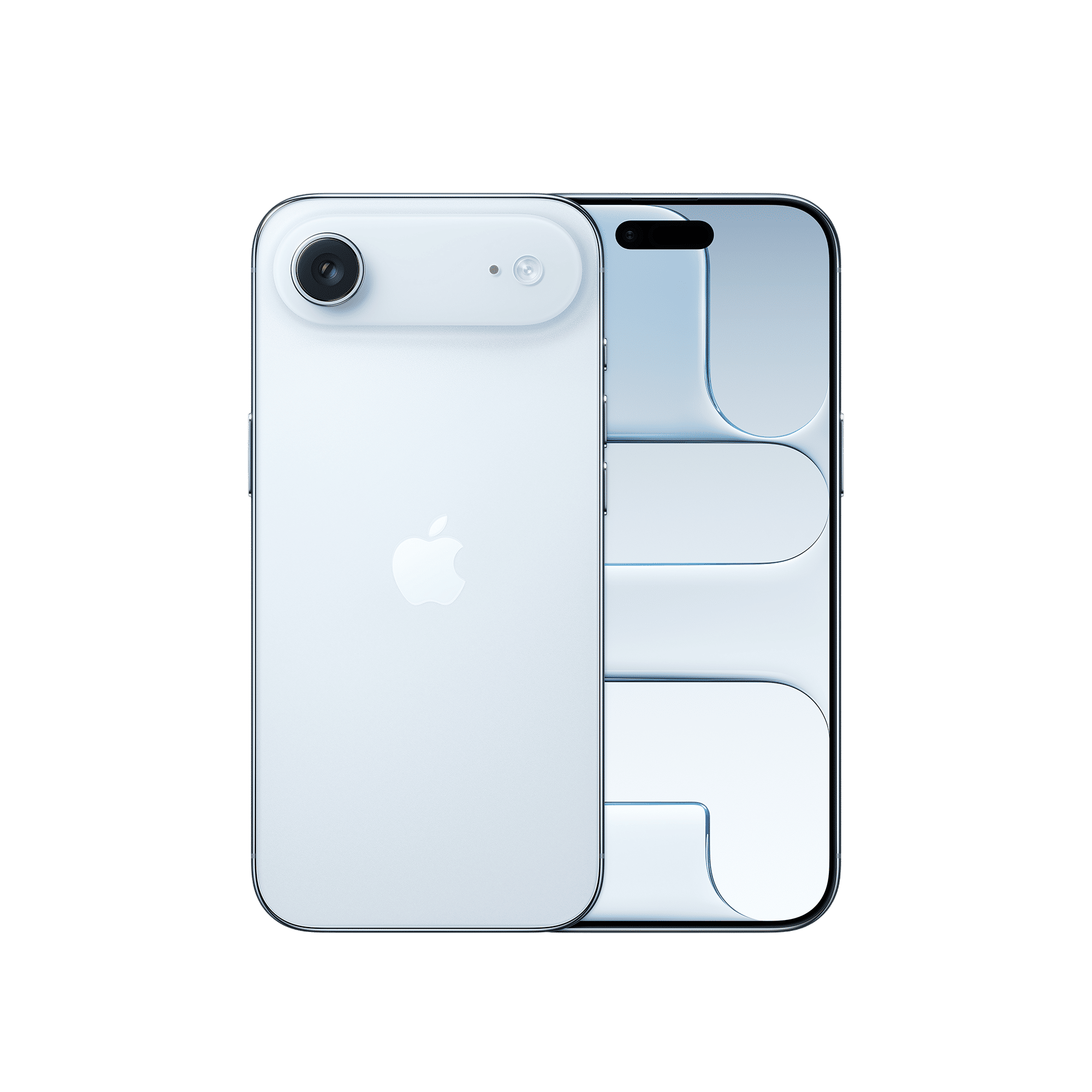
If you’re part of Apple’s developer program, here’s how to install the iOS 26.1 Beta 2 update on your device:
Step 1: Open Settings on your iPhone
Step 2: Go to General > Software Update
Step 3: Check for the iOS 26.1 Beta 2 update
Step 4: Install it using your passcode, then reboot the iPhone
Step 5: Once restarted, iOS 26.1 Beta 2 will be running on your device
To learn how to enrol in Apple’s developer program to access iOS beta versions, check out the article below.
ALSO READ: How to download iOS 26 Developer Beta on your iPhone
Apple is expected to release the public version of iOS 26.1 in the coming weeks via an over-the-air (OTA) update. So, if you’re not in the beta program, it won’t be long before you can experience these refinements yourself.

Unleash your inner geek with Croma Unboxed
Subscribe now to stay ahead with the latest articles and updates
You are almost there
Enter your details to subscribe

Happiness unboxed!
Thank you for subscribing to our blog.
Disclaimer: This post as well as the layout and design on this website are protected under Indian intellectual property laws, including the Copyright Act, 1957 and the Trade Marks Act, 1999 and is the property of Infiniti Retail Limited (Croma). Using, copying (in full or in part), adapting or altering this post or any other material from Croma’s website is expressly prohibited without prior written permission from Croma. For permission to use the content on the Croma’s website, please connect on contactunboxed@croma.com
- Related articles
- Popular articles
Dhriti Datta
Comments