







After months of waiting and a couple of developer and public beta tests, Apple’s iOS 26, in its stable version, is out for everyone. iOS 26 brings a major design change with Liquid Glass, and also adds a couple of useful features and updates. Here’s how you can install it on your iPhone.
iOS 26 eligibility, and how to install
Before we go ahead and install iOS 26, you’ll have to check whether your iPhone is eligible.
Apple’s iOS 26 is eligible for all iPhones starting from the iPhone 11 to the iPhone 16 series. Even the iPhone SE 2nd generation and newer models are supported. Notably, the new iPhone 17 lineup comes with iOS 26 pre-installed.
Now, to install iOS 26, you don’t need to do any workarounds. Since this is a stable and official rollout, you need to head to Settings and install the update. Here are the steps.
Step 1: Open Settings on your eligible iPhone.
Step 2: Tap on General.
Step 3: Tap on Software Update.
Step 4: Now, wait for a couple of seconds for your iPhone to look for the available updates. Make sure to have Wi-Fi or mobile data turned on for an active internet connection.
Step 5: Once you see the iOS 26 update, click ‘Download and Install’. You’ll also have to enter your passcode and confirm.
Once you follow all the above steps and hit confirm, iOS 26 will be downloaded and installed on your device. It may take several minutes and a couple of reboots, but once it’s done, you’ll have the shiny new iOS 26 skin on your iPhone.
iOS 26 key features and highlights
iOS 26 has been out for a while in its beta stage. Hence, all of its features are known. But the stable version offers a much-refined experience. It improves system stability and adds faster app opening animations.
The major highlight of iOS 26, as you might have heard, is the Liquid Glass design. The new design features translucent and fluid elements throughout the UI, making it feel fresh and premium. Siri now has Context awareness and on-screen integration. Users get utility features like call screen and Live voicemail.
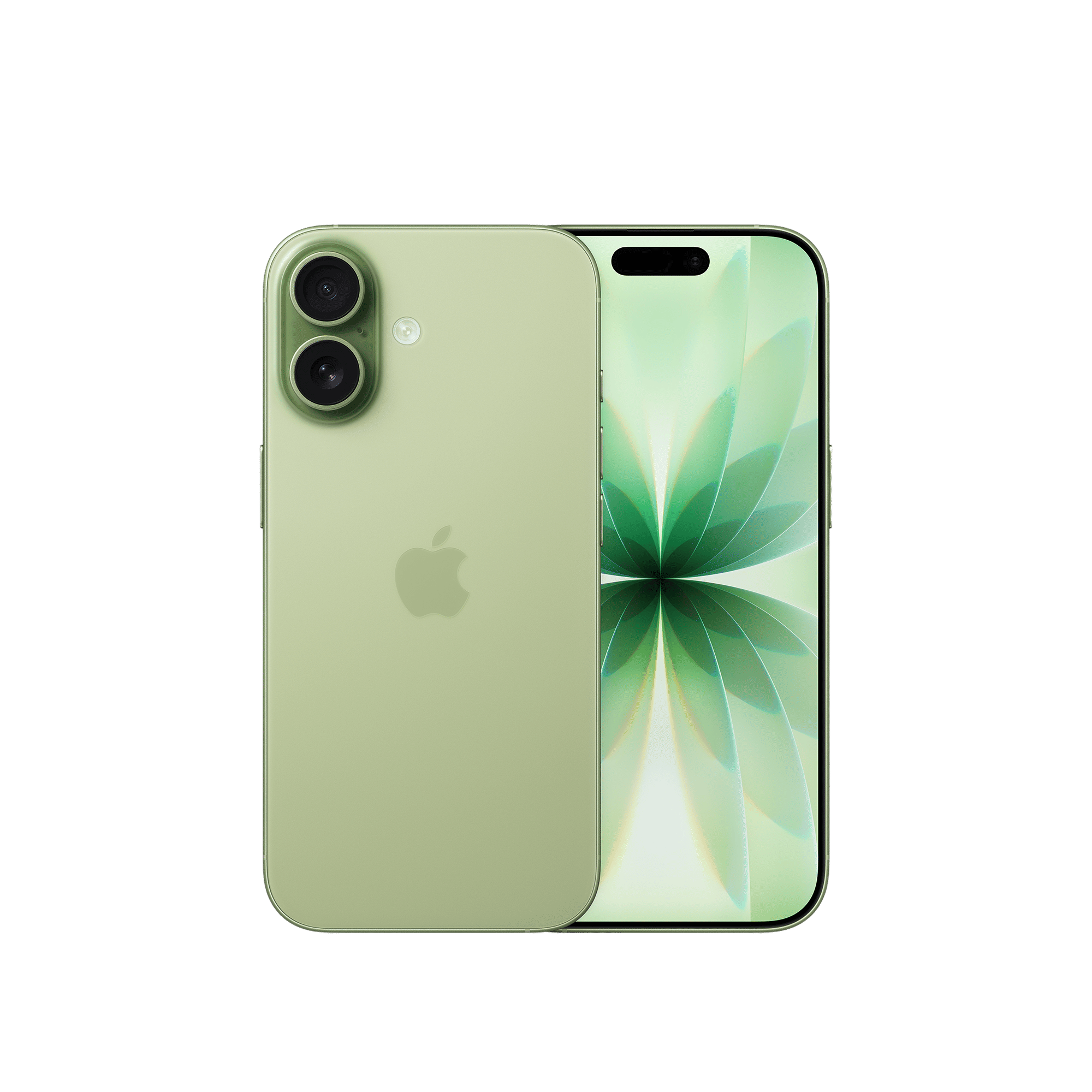
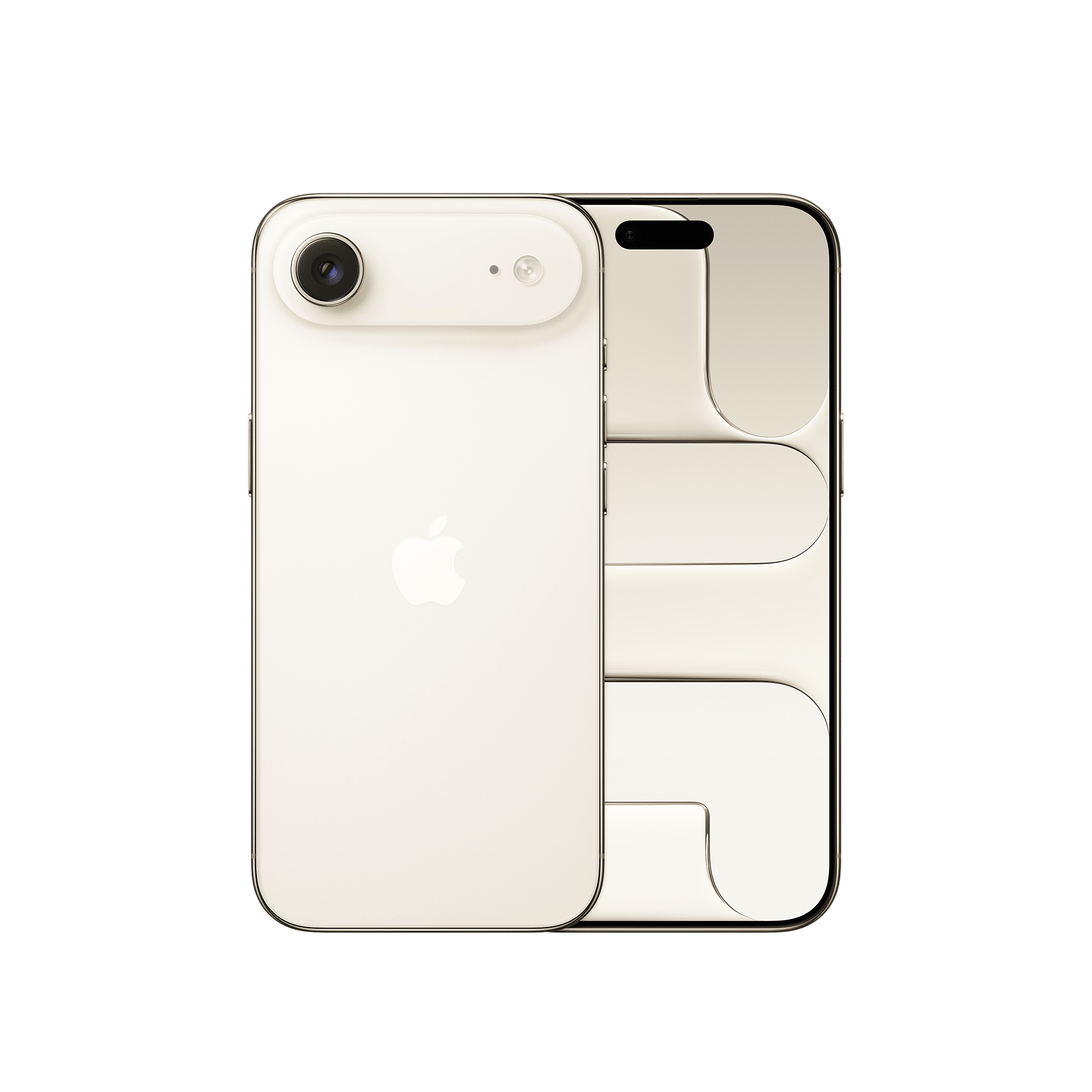
There’s also a new Camera app that’s more user-friendly. The Phone app and Photos app have also been updated with more refinements. Overall, iOS 26 is a feature-packed skin and can be installed on eligible iPhones.

Unleash your inner geek with Croma Unboxed
Subscribe now to stay ahead with the latest articles and updates
You are almost there
Enter your details to subscribe

Happiness unboxed!
Thank you for subscribing to our blog.
Disclaimer: This post as well as the layout and design on this website are protected under Indian intellectual property laws, including the Copyright Act, 1957 and the Trade Marks Act, 1999 and is the property of Infiniti Retail Limited (Croma). Using, copying (in full or in part), adapting or altering this post or any other material from Croma’s website is expressly prohibited without prior written permission from Croma. For permission to use the content on the Croma’s website, please connect on contactunboxed@croma.com
- Related articles
- Popular articles
Pranav Sawant
Comments