







Apple has only just pushed out iOS 26.4, but the company is already moving on to the next update. iOS 26.5 beta 1 is now live for developers, offering an early look at what could be coming to iPhones in the next public release.
There had been some hope that this beta would finally introduce Apple’s delayed next-gen Siri features, but that is not what this update is about. Instead, iOS 26.5 beta 1 focuses on smaller, more practical changes across Maps, Messages, accessories, and system behaviour.
It is not the kind of release that will completely change how your iPhone feels, but there are enough useful additions here to make it worth paying attention to.
iOS 26.5 beta 1: New features to check out
The biggest visible change in iOS 26.5 beta 1 lands inside Apple Maps. Apple has added a new Suggested Places section that recommends locations based on what is trending nearby, along with your recent searches.
The new Suggested Places section is also expected to play a role in Apple’s upcoming Maps advertising push. Reports suggest businesses may eventually be able to pay for promoted placement in search results and within this section.
Another important addition is the return of end-to-end encryption for RCS messaging between iPhone and Android devices. Apple had tested the feature during the iOS 26.4 beta cycle before removing it ahead of the stable release, so its comeback here is notable.
According to reports, the feature is enabled by default in iOS 26.5 beta 1, and users can also find an End-to-End Encryption toggle inside the Messages settings. If this sticks around for the public rollout, it would be one of the more meaningful under-the-hood upgrades in this release.
ALSO READ: Apple reportedly working on a standalone Siri app to rival AI chatbots
Apple is also continuing to expand interoperability features in the European Union as part of its Digital Markets Act compliance. That includes proximity pairing support for third-party accessories, which could make non-Apple earbuds and similar devices behave a little more like AirPods when connecting to an iPhone.
Beyond that, iOS 26.5 beta 1 includes support for Live Activities syncing with third-party wearables, better USB-C accessory behaviour, and a new option when switching from iPhone to Android that lets users choose how many message attachments they want to transfer.
That may sound oddly specific, but if you have ever moved phones and ended up dragging half your media library with you, it is actually quite sensible.
How to update to iOS 26.5 beta 1 and which iPhones support it
If you are a registered Apple developer, you can install iOS 26.5 beta 1 directly through your iPhone settings. Just head to Settings > General > Software Update, then make sure the Developer Beta option is selected. Once that is done, the update should appear as available for download.
As always with early beta software, this is not the version you install five minutes before a work trip or on the only iPhone you own if you hate surprises. Developer betas are still test software, and bugs, app issues, and battery quirks are very much part of the package.
In terms of supported devices, iOS 26.5 beta 1 is available on all iPhones that already support iOS 26. That means the iPhone 11 series and newer models are eligible for the update.
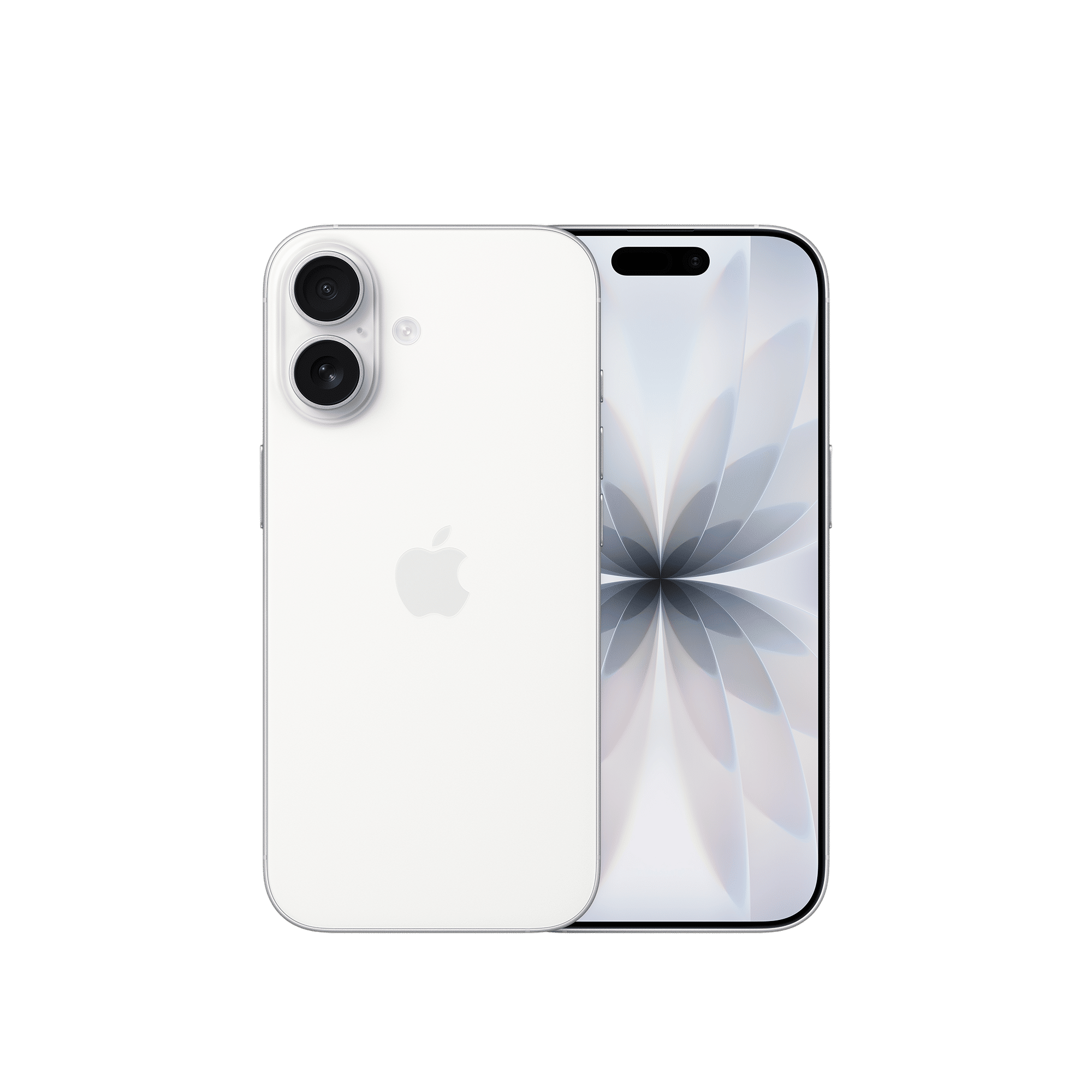

So no, this is not the Siri comeback update. But for a first beta, iOS 26.5 still brings a decent batch of changes. Have you got the patch yet? Let us know in the comments, and stay tuned to Unboxed by Croma for all things tech.

Unleash your inner geek with Croma Unboxed
Subscribe now to stay ahead with the latest articles and updates
You are almost there
Enter your details to subscribe

Happiness unboxed!
Thank you for subscribing to our blog.
Disclaimer: This post as well as the layout and design on this website are protected under Indian intellectual property laws, including the Copyright Act, 1957 and the Trade Marks Act, 1999 and is the property of Infiniti Retail Limited (Croma). Using, copying (in full or in part), adapting or altering this post or any other material from Croma’s website is expressly prohibited without prior written permission from Croma. For permission to use the content on the Croma’s website, please connect on contactunboxed@croma.com
- Related articles
- Popular articles
Dhriti Datta
Comments