







If you’re shopping for any type of display for home use – whether it’s a TV or a computer monitor – you’ve likely come across the terms LED and LCD. These are two of the most predominant display technologies in monitors right now, in options ranging from affordable to mid-range and even high-end in some cases. While the names sound almost the same, there are considerable differences between the two types of display technologies, which will obviously affect your usage and experience with your computer monitor.
In this guide, we hope to decode the tech and features that go into these two display technologies, highlighting the differences between LCD and LED monitors. This will help you pick the right one based on pricing and features on offer.
LCD vs LED monitor: Key differences explained
Backlighting
LCD stands for liquid crystal display, while LED is short for light emitting diode – the two terms refer to different aspects of the display itself. It’s worth noting that even products described as LED monitors are based on LCD technology; the differences between the two have primarily to do with the backlighting technology, and not the display itself.
Monitors pitched as LCD usually refer to liquid crystal display monitors using cold cathode fluorescent lamps (CCFLs) for backlighting. In comparison, monitors pitched as LED options also use liquid crystal displays, but rely on light emitting diodes (LEDs) for backlighting. The backlighting is what delivers the light to the LCD, which affects the performance and picture on the monitor.
Form factor
LCD monitors with CCFL backlighting are usually a lot thicker, because of the larger size of the lamps that are required to light the display. In comparison, LED backlighting is much smaller in size, and therefore allows for a slimmer form factor for the monitor itself.
Energy efficiency
Powering CCFL backlighting is usually less energy efficient, so you can expect higher electricity bills when using an LCD monitor. LED monitors are more energy efficient in comparison.
Performance
LED monitors are usually a lot better when it comes to colour and contrast levels, as well as brightness thanks to better and even backlighting technology. You can therefore expect better performance on an LED monitor, as compared to an LCD monitor.
Additionally, the use of IPS technology in newer LED options means that you will get better viewing angles as well. Some modern options may also come with full-array backlighting, which will deliver better black levels on LED monitors.
ALSO READ: How to reduce electricity bills in the summer
Life cycle
While the liquid crystal display technology is common to both, LED monitors typically last longer because of the longer lifespan of the LED backlighting technology. CCFL backlighting has a shorter lifespan, so you’re likely to get more years out of your LED monitor.

Price
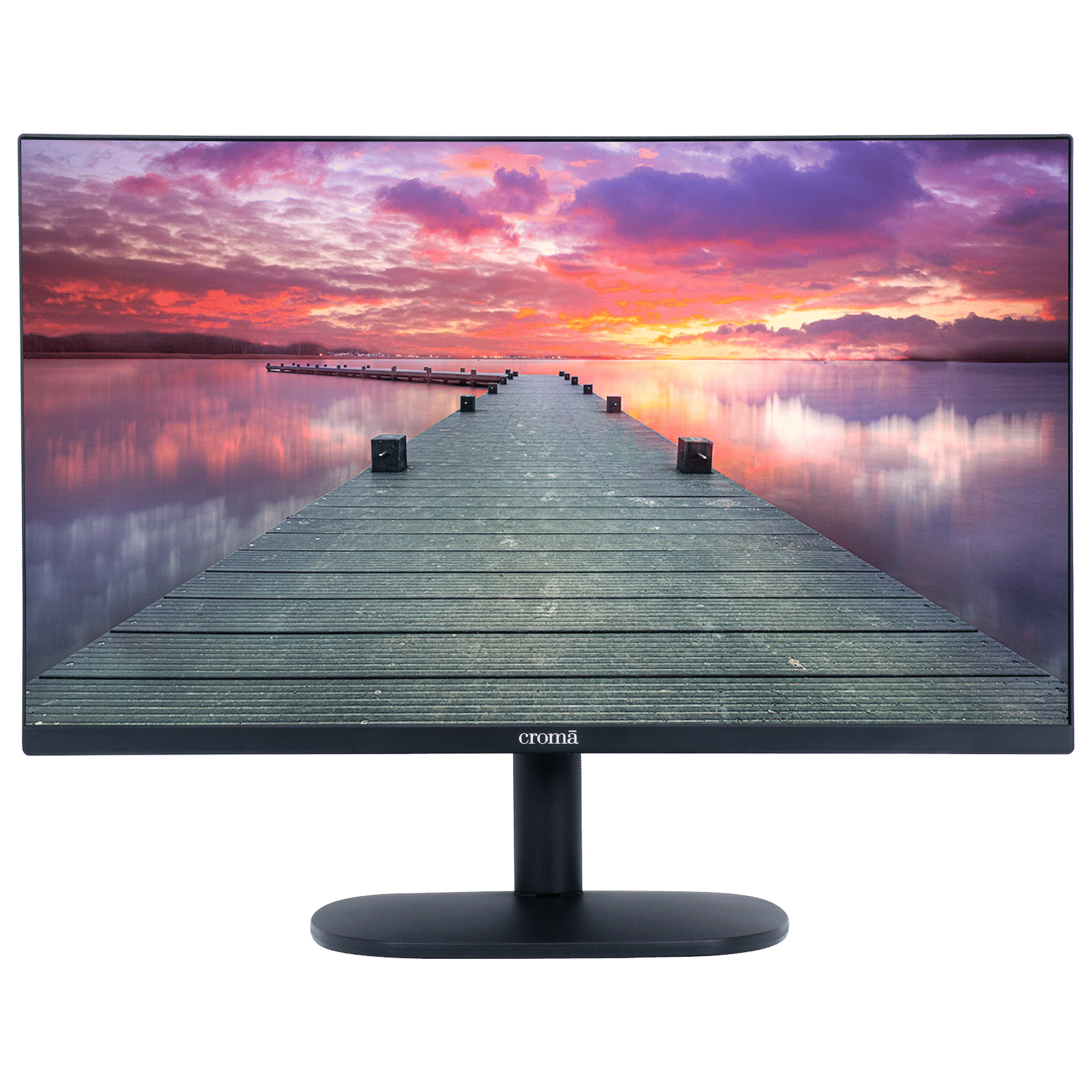
LCD monitors are usually more affordable than LED monitors, and will therefore appeal to those looking at a monitor on a tight budget. LED monitors are more relatively more expensive to purchase, but deliver better performance and energy efficiency, last longer, and are lighter and slimmer, making them a lot easier to handle and install.
Make your choice for your next monitor based on these factors, and pick what is best for you.

Unleash your inner geek with Croma Unboxed
Subscribe now to stay ahead with the latest articles and updates
You are almost there
Enter your details to subscribe

Happiness unboxed!
Thank you for subscribing to our blog.
Disclaimer: This post as well as the layout and design on this website are protected under Indian intellectual property laws, including the Copyright Act, 1957 and the Trade Marks Act, 1999 and is the property of Infiniti Retail Limited (Croma). Using, copying (in full or in part), adapting or altering this post or any other material from Croma’s website is expressly prohibited without prior written permission from Croma. For permission to use the content on the Croma’s website, please connect on contactunboxed@croma.com
- Related articles
- Popular articles
Ali Pardiwala
Comments