







Ahead of the launch of Nothing’s flagship smartphone offering – the Nothing Phone (3) – on July 1, the company has dropped a sizeable update to its in-house gallery app that’s hard to ignore. With the aim of becoming an everyday editing powerhouse, for casual users and creators alike, the new Nothing Gallery 2.0 aims to blend sleek design with serious capability. And yes, there’s AI involved. Here’s everything you need to know.
Nothing Gallery 2.0: Everything you need to know
Think of it as Nothing’s custom answer to Google Photos, but built from the ground up to match the brand’s design-first DNA. The update to Nothing Gallery was unveiled by Carl Pei on X with a post saying, “At the end of last year, with Nothing OS 3.0, we launched our native Nothing Gallery app. Today, we’re expanding it with a new built-in editing feature”.
Nothing Gallery 2.0 doesn’t just view your media, it helps you transform it. The app now includes an impressive suite of native editing tools for both photos and videos. Yes, the basics like cropping and rotating are here, but so are advanced features like colour grading with up to 12 tuning parameters, ten bespoke filters handcrafted by Nothing’s design team, and video editing tricks like trimming, volume control, and slow-motion speed adjustments.
It’s the kind of toolkit that lets your sunset shot hit harder, your food videos look cinematic, and your aesthetic selfies feel editorial; all from within the same app.
One of the perks of a vertically integrated system? Seamless performance. The Gallery 2.0 app is designed exclusively for Nothing devices, which results in lightning-fast response times. Expect up to 20 per cent quicker camera-to-gallery transitions and 25 per cent faster image processing.
ALSO READ: Nothing Phone (3) will be powered by a Snapdragon 8-series chipset, but it’s not the one you expect
And then there’s the feel. Every tool in Gallery 2.0 is accompanied by subtle haptic feedback, giving users that satisfying click-and-snap sensation. It’s an underrated detail, but one that makes editing feel less like work and more like play.
Of course, it wouldn’t be 2025 without a dose of AI. Gallery 2.0 uses artificial intelligence to bring smart photo sorting, AI-assisted suggestions, and an Image Cutout tool that’s equal parts functional and fun.
Hold down on a subject in your photo and you’ll see Nothing’s signature Dot Animation pulse through as the background disappears. It’s slick, satisfying, and very, very Nothing.
ALSO READ: Nothing OS 3.0 announced with AI features, visual and performance improvements
And while most apps throw your data into the cloud, Nothing keeps things grounded. All edits and AI magic happen entirely on-device, ensuring your media never leaves your phone. No sign-ups, no logins, no paywalls.
Nothing Gallery 2.0: Rollout and availability
Nothing Gallery 2.0 is rolling out now via the Google Play Store. Just head there and hit update. It’s compatible with all Nothing and CMF phones running Nothing OS 3.0, which means if you’ve got a recent Nothing device in your pocket, you’re good to go.
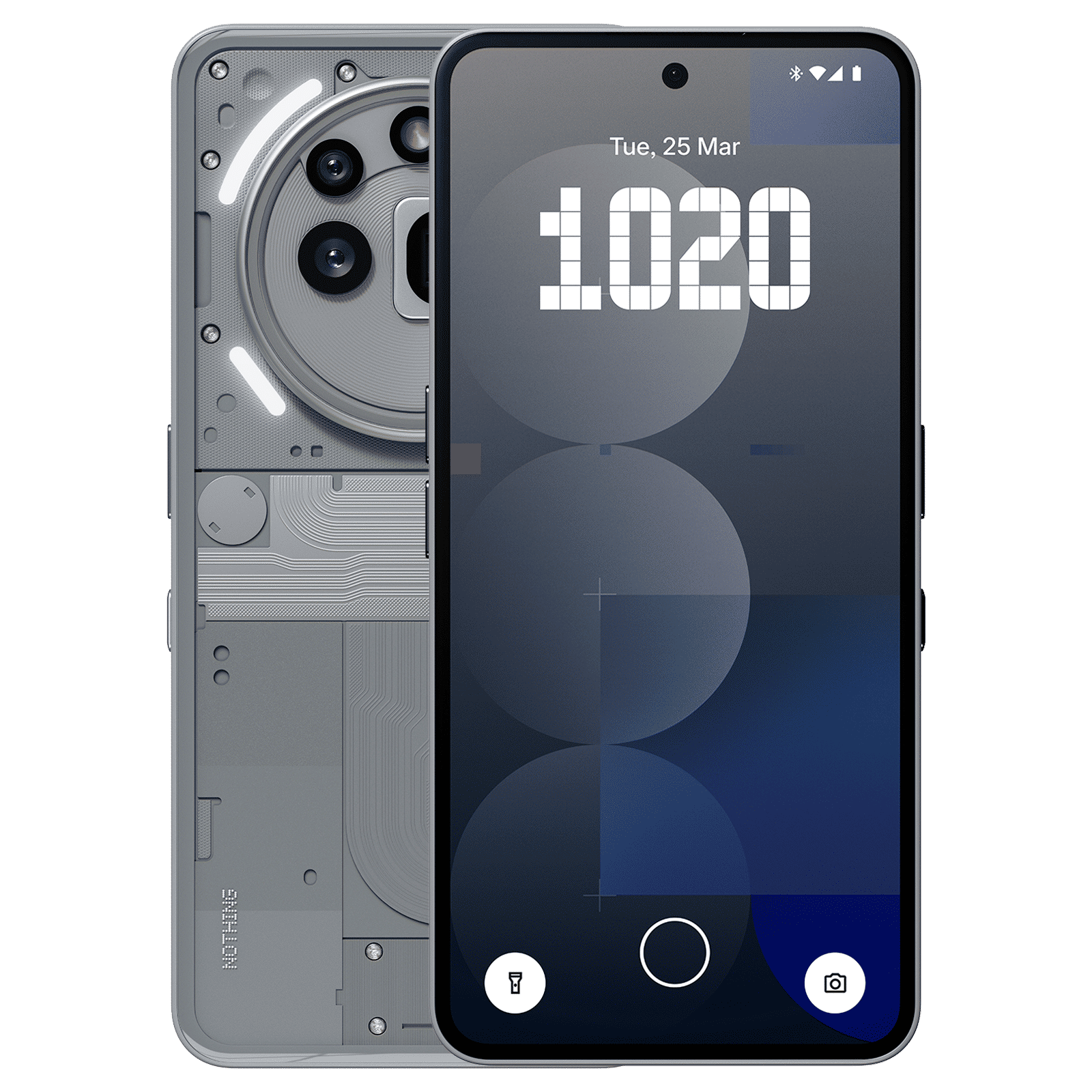

Are you excited to try out Nothing’s Gallery 2.0? Drop a comment to let us know, and stay tuned to Unboxed by Croma for the latest update on all things tech.

Unleash your inner geek with Croma Unboxed
Subscribe now to stay ahead with the latest articles and updates
You are almost there
Enter your details to subscribe

Happiness unboxed!
Thank you for subscribing to our blog.
Disclaimer: This post as well as the layout and design on this website are protected under Indian intellectual property laws, including the Copyright Act, 1957 and the Trade Marks Act, 1999 and is the property of Infiniti Retail Limited (Croma). Using, copying (in full or in part), adapting or altering this post or any other material from Croma’s website is expressly prohibited without prior written permission from Croma. For permission to use the content on the Croma’s website, please connect on contactunboxed@croma.com
- Related articles
- Popular articles
Dhriti Datta
Comments