







For years, OnePlus phones featured the signature Alert Slider. The latest OnePlus 13 also has one, and it allows you to conveniently switch sound profiles on your device, without you having to unlock your phone. But it appears that OnePlus is removing the Alert Slider from OnePlus phones for something better.
OnePlus’ CEO Pete Lau confirmed that the Alert Slider is growing into a customisable button that can do a lot more. Here’s everything you need to know.
Upcoming OnePlus phones to feature a customisable button
Lau revealed that the Alert Slider on OnePlus phones will be replaced with a smarter, customisable button. Notably, the existing Alert Slider on OnePlus phones is a three-stage switch that lets you switch between the ringer mode, vibrate mode, and silent mode.
The new customisable button will let you do a lot more but also allow you to switch between these sound profiles, as noted by Lau in his OnePlus Community post. OnePlus revealed that it gathered feedback from users about the Alert Slider and many requested for a customisable button.
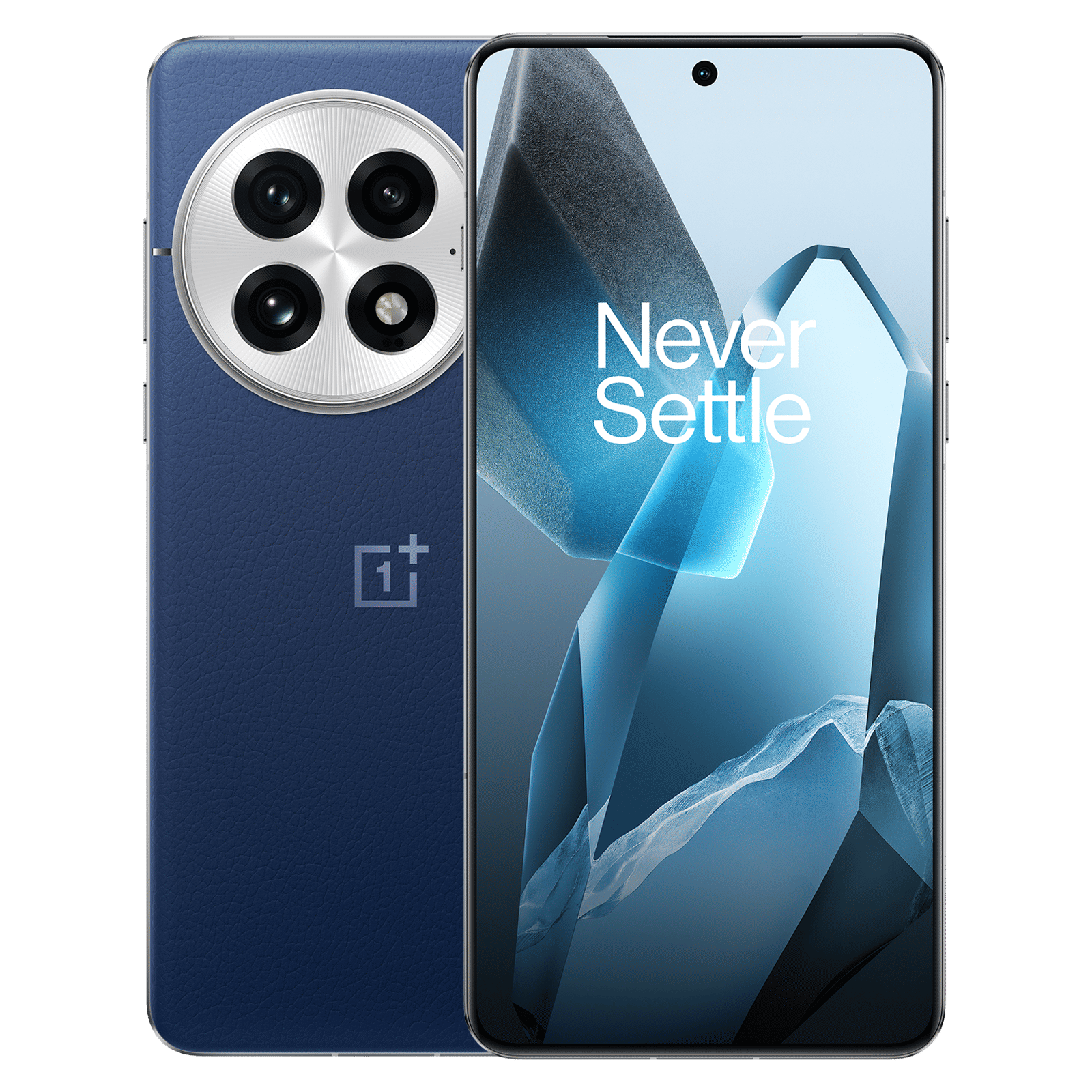
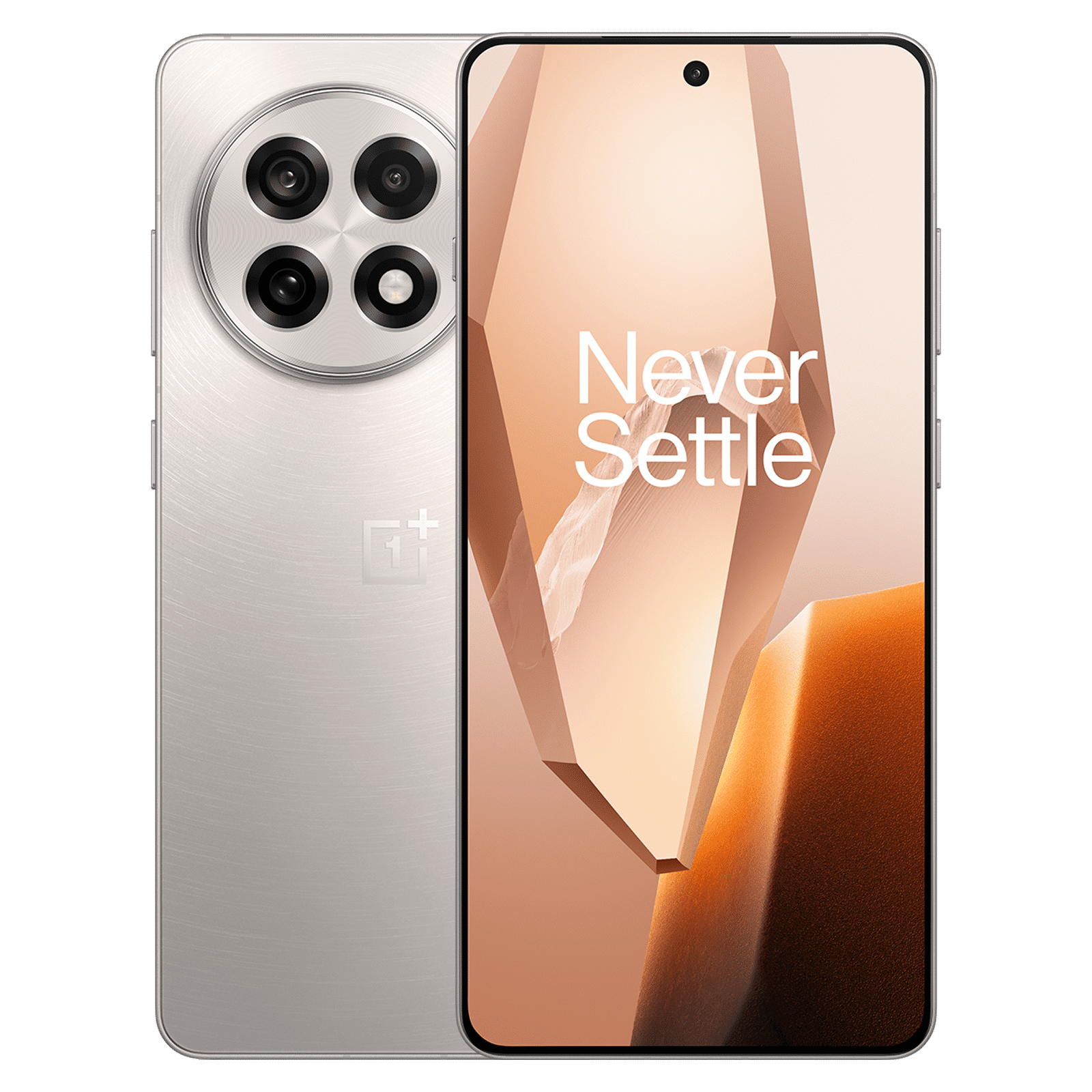
Back in 2022, OnePlus garnered some criticism when it launched the OnePlus 10T without the Alert Slider. But its next iteration, the OnePlus 11, came with one, and ever since, even Oppo-branded flagships also have the Alert Slider. For instance, the latest Oppo Find X8 Pro has an Alert Slider and it’s super convenient.
Lau said that OnePlus has been debating about the future of the Alert Slider for the past three years. And it finally came to the conclusion of replacing the Alert Slider with a smarter and customisable button.
ALSO READ: Best OnePlus smartphones launched over the years and how they have evolved
Unfortunately, OnePlus hasn’t revealed all the actions this new customisable button can do. But if it’s anything like iPhone’s Action Button, then there’s a lot for users to do with it.
Notably, the Action Button on the iPhone 15 Pro Max and above models lets you set all sorts of actions, from opening the camera to turning on the flashlight. There are lots of use cases for a customisable button, and we can’t wait to see how the button works on the upcoming OnePlus phones.

Unleash your inner geek with Croma Unboxed
Subscribe now to stay ahead with the latest articles and updates
You are almost there
Enter your details to subscribe

Happiness unboxed!
Thank you for subscribing to our blog.
Disclaimer: This post as well as the layout and design on this website are protected under Indian intellectual property laws, including the Copyright Act, 1957 and the Trade Marks Act, 1999 and is the property of Infiniti Retail Limited (Croma). Using, copying (in full or in part), adapting or altering this post or any other material from Croma’s website is expressly prohibited without prior written permission from Croma. For permission to use the content on the Croma’s website, please connect on contactunboxed@croma.com
- Related articles
- Popular articles
Pranav Sawant
Comments