







Apple just dropped the curtain on iOS 26 at WWDC 2025, and while the world was still catching its breath over AI this, AI that, the Cupertino-giant reminded us why design still matters. But don’t get it twisted – this update isn’t just pretty.
iOS 26 is quietly ambitious, layering visual drama with smart new tools powered by Apple Intelligence. From personalised Lock Screens that breathe to a new ‘Phone’ experience (yes, that app you only open when something’s gone terribly wrong), here are the five features Apple announced that we’re most hyped to try.
ALSO READ: iOS 26’s Liquid Glass design to macOS Tahoe: Everything announced at WWDC 2025
Best iOS 26 features
Here are some of the best features Apple announced for iOS 26 at WWDC 2025 that will make you sit up and take notice:
– Liquid Glass UI
– Live Translation
– Call Screening and Hold Assist
– Genmoji + Image Playground
– Apple Music AutoMix and Lyrics Translation
1. Liquid Glass UI: The iPhone gets a vanity makeover
iOS 26’s new design language – Liquid Glass – is the software equivalent of wearing Tom Ford under good lighting. It refracts, reflects, and reacts to your environment, subtly transforming app icons, widgets, and even the Lock Screen. This isn’t just aesthetic fluff; it’s Apple saying, “We know your phone is an accessory, not just a tool”.
With iOS 26, you can expect clear, customisable app icons, adaptive typography, and spatial wallpapers that dance with your movements. Yes, your Home Screen finally has its red carpet moment with a horde of customisations and improvements introduced.
2. Live Translation: Talk global, stay local
Remember when translating a phone call meant holding up Google Translate to your speaker? Welcome to the future. iOS 26 brings Live Translation right into Phone, FaceTime, and Messages. No switching apps, no awkward pauses.
Plus, all of this runs on-device, so your multilingual chats stay secure. It also works in real-time for audio and text, so you can argue with your French ex or negotiate with a Korean Airbnb host like a local.
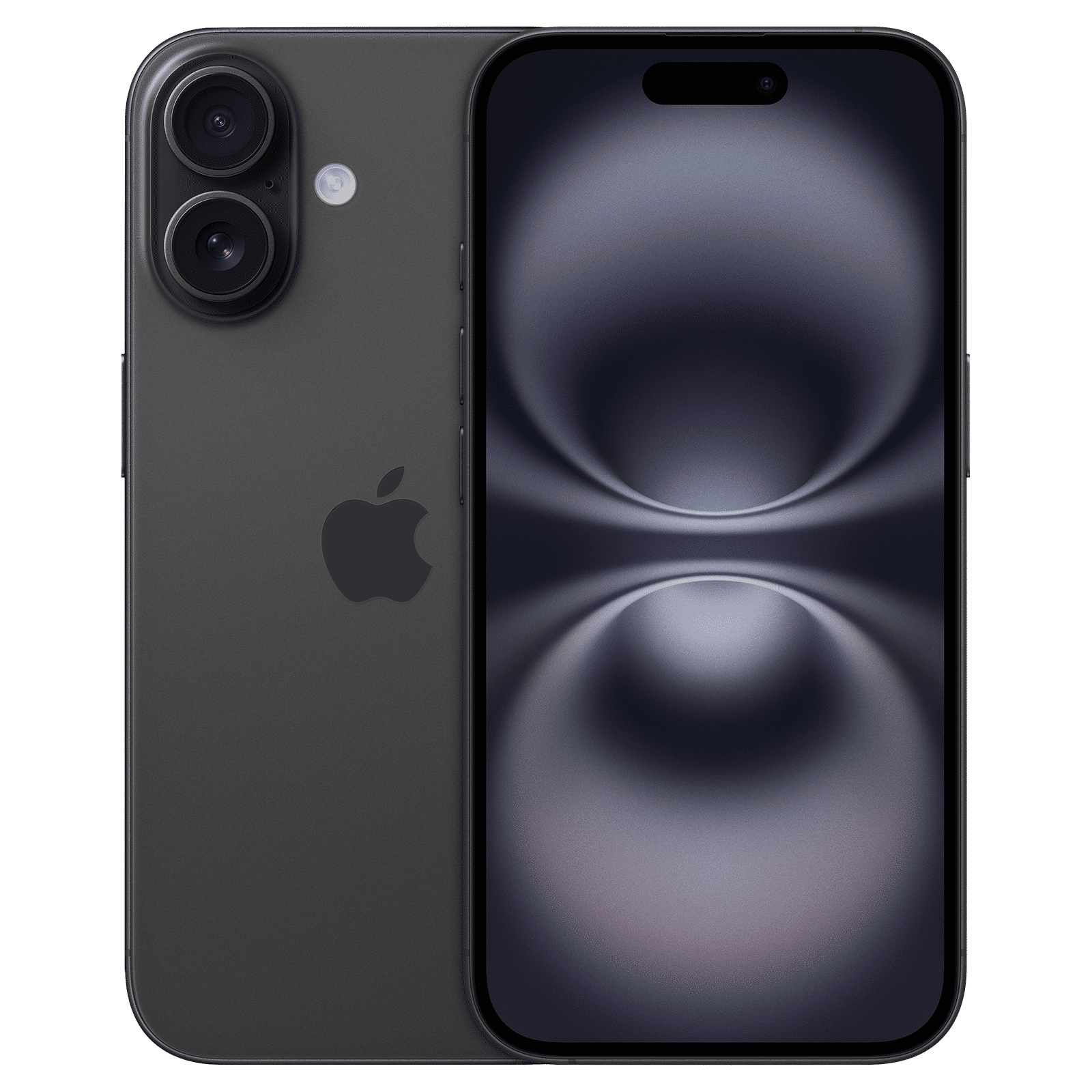
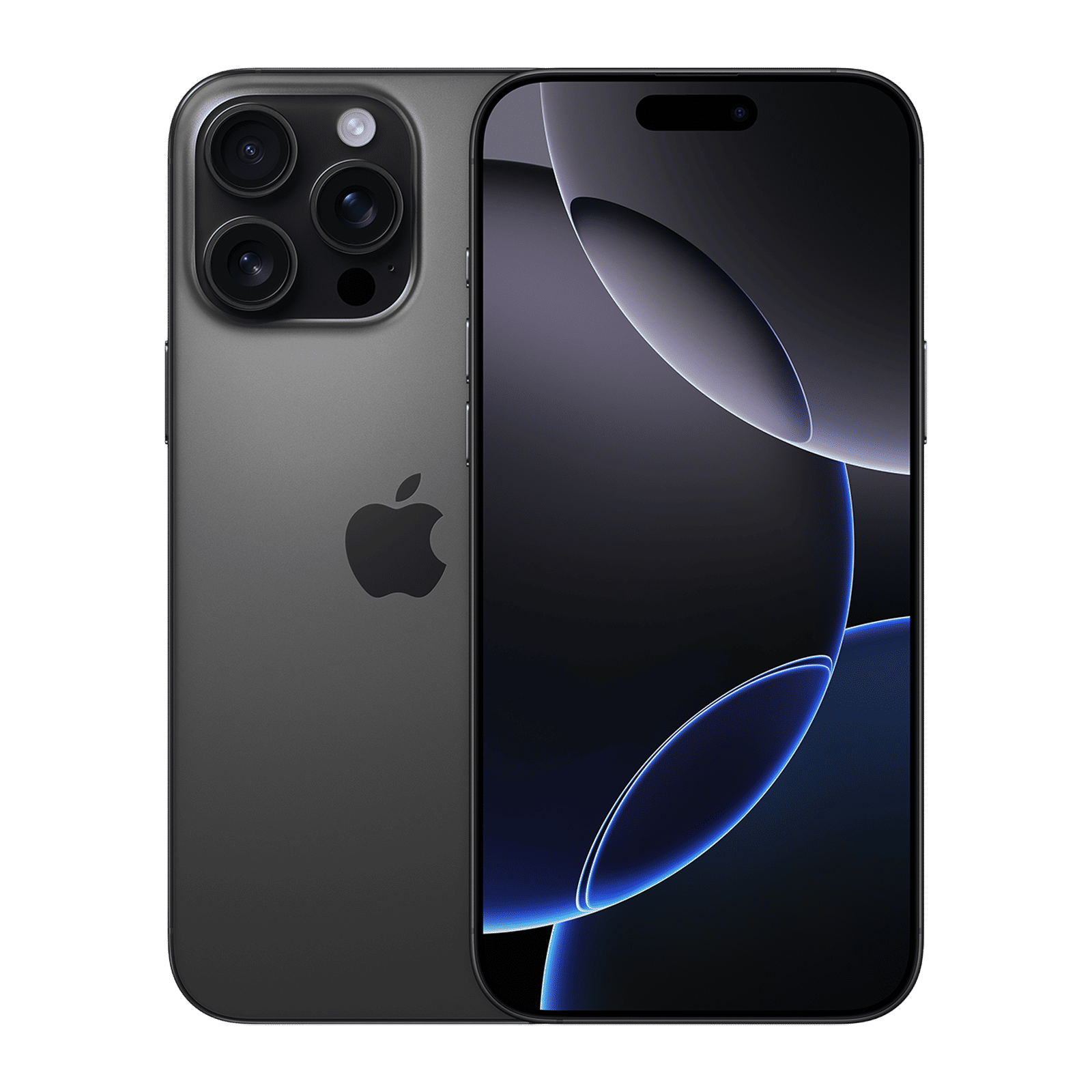
3. Call Screening and Hold Assist: Your inner circle, curated
Spam calls are the cockroaches of the digital age; impossible to kill and somehow everywhere. Apple’s new Call Screening lets your iPhone vet unknown callers before you answer, giving you context and control. And if you’re trapped in hold-music hell, Hold Assist will stick around and alert you when a human finally picks up. This one is a serious lifesaver!
4. Genmoji + Image Playground: Emoji’s big bang moment
What if you could design your own emoji, based on your face, your outfit, or that oddly specific vibe you’re feeling on a Tuesday? Enter Genmoji, Apple’s latest flex in the ‘AI meets self-expression’ department.
With Image Playground, you can create visuals that blend your favourite emojis, mood words, and even Genmoji into stickers and wallpapers. It’s hyperpersonal in a way you can’t ignore, and we’re here for it.
5. Apple Music AutoMix and Lyrics Translation: DJ iPhone in the house
If you ever wished Apple Music had just a bit more… groove, iOS 26 might surprise you. The new AutoMix feature can now transitions songs like a seasoned DJ, beatmatching and time-stretching tracks for seamless vibes.
ALSO READ: Apple Music hits play on playlist portability, making switching platforms less of a skip
But the real mic drop are the Lyrics Translation and Pronunciation tools. Because bopping to Bad Bunny feels way cooler when you actually know what you’re singing.
Honourable mentions
Apple Games: Finally, a central place for all your iPhone games (and Apple Arcade) with alerts for updates and events.
Visited Places in Maps: It logs your frequented spots and routes privately. Think Foursquare meets Apple’s encryption.
AirPods as a camera remote: Press the stem and snap a pic. Spycore.
And that’s a wrap. What’s your favourite new iOS 26 feature? Drop a comment to let us know and stay tuned to Unboxed by Croma for updates around all things tech.

Unleash your inner geek with Croma Unboxed
Subscribe now to stay ahead with the latest articles and updates
You are almost there
Enter your details to subscribe

Happiness unboxed!
Thank you for subscribing to our blog.
Disclaimer: This post as well as the layout and design on this website are protected under Indian intellectual property laws, including the Copyright Act, 1957 and the Trade Marks Act, 1999 and is the property of Infiniti Retail Limited (Croma). Using, copying (in full or in part), adapting or altering this post or any other material from Croma’s website is expressly prohibited without prior written permission from Croma. For permission to use the content on the Croma’s website, please connect on contactunboxed@croma.com
- Related articles
- Popular articles
Dhriti Datta
Comments