







When shopping for a new laptop, the first specification you will notice is the processor speed, usually written as 2.4GHz, 3.3GHz, or higher. For first-time laptop buyers, this number is both important and extremely confusing. So, what is GHz in a laptop? Well, it is a unit that measures the speed of your laptop’s processor.
It is important because processor speed determines how your laptop performs for everyday tasks, gaming, or office work. By understanding the importance of processor speed, you can also choose the right laptop for your needs.
GHz and its importance
GHz in a laptop stands for gigahertz, a unit used to measure the frequency at which a processor’s clock cycles operate. In other words, it defines how many instructions a CPU can process every second. For example, a processor rated at 3GHz indicates that it can perform up to 3 billion cycles per second under ideal conditions. In theory, the higher the GHz, the faster your laptop will be at handling various tasks.
The importance of processor speed stems from the fact that it directly affects how responsive your laptop feels. For tasks such as opening apps, loading web pages, or running any other software, your processor should be fast enough to easily execute these instructions.
ALSO READ: Best high-performance laptops in 2025 for power users
A low GHz range of 1GHz to 2GHz is enough for basic tasks like browsing, emails, while you need between 2.1GHz and 3GHz for office work, multitasking, and photo editing. For tasks like gaming, video editing, and heavy workloads, you need a processor with speeds of 3GHz and above.
When it comes to modern processors, it is not just limited to GHz. They are often listed with two speeds. A base clock speed indicates the minimum speed at which the CPU operates during normal tasks, and a boost speed, which is a higher speed the CPU reaches during demanding tasks. A common example is a processor with a base speed of 2.4GHz and a boost up to 4.2GHz.
While GHz is important, it isn’t the only factor that determines the performance or experience of your laptop. The other factors to keep in mind are:
– Number of cores: More cores allow for better multitasking
– Processor generation: A newer 3GHz processor will outperform an older 3.5GHz chip
– Thermal Design Power (TDP): The maximum heat generated under typical workloads
– RAM and SSD: These also affect the speed and responsiveness of a system

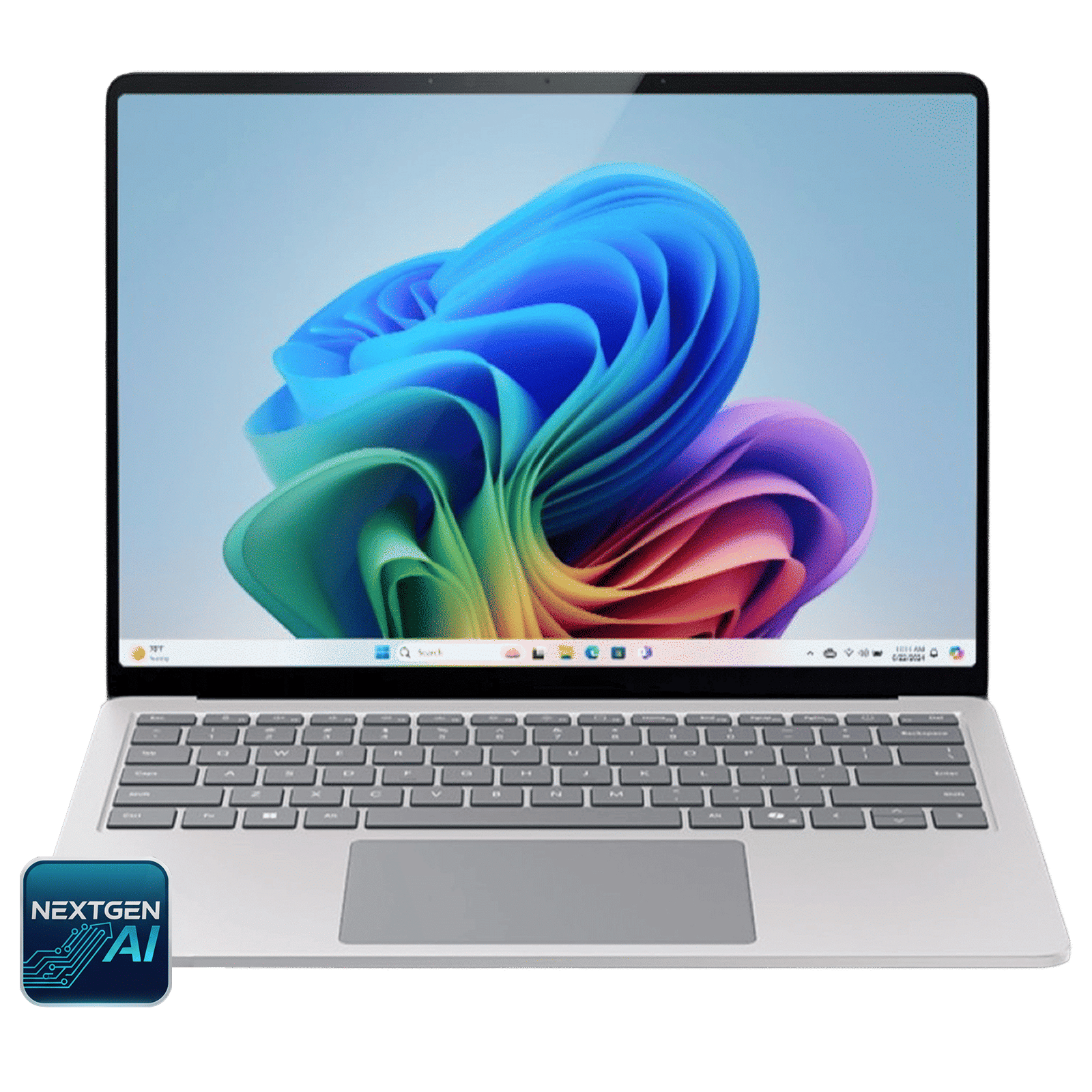
If you are in the market for a new laptop, the first thing to consider is your usage and not the GHz value alone. For casual users, a processor with a clock speed between 2GHz and 2.5GHz will offer reliable performance, while office goers will need to look for a clock frequency between 2.5GHz and 3.2GHz. Gamers and creators must choose processors with a frequency of 3.0GHz or more and high boost speeds for fast performance.
GHz is one of the easiest ways to measure how fast your laptop’s processor can work, but it is only a part of the performance story. It is an important metric on the specifications sheet and one that truly defines your experience. However, we recommend looking beyond the GHz value and understanding factors like core count, processor generation, and overall system design. All these combined will deliver a greater experience than a processor with a high GHz number.

Unleash your inner geek with Croma Unboxed
Subscribe now to stay ahead with the latest articles and updates
You are almost there
Enter your details to subscribe

Happiness unboxed!
Thank you for subscribing to our blog.
Disclaimer: This post as well as the layout and design on this website are protected under Indian intellectual property laws, including the Copyright Act, 1957 and the Trade Marks Act, 1999 and is the property of Infiniti Retail Limited (Croma). Using, copying (in full or in part), adapting or altering this post or any other material from Croma’s website is expressly prohibited without prior written permission from Croma. For permission to use the content on the Croma’s website, please connect on contactunboxed@croma.com
- Related articles
- Popular articles
Karthekayan Iyer
Comments