







A proximity sensor in mobile phones is a small infrared sensor that detects when objects, particularly your face, come close to the screen during a phone call. Located near the front camera, it automatically turns off the display and disables touch input to prevent accidental screen taps and saves battery life.
What is proximity sensor in mobile?
The proximity sensor uses infrared light emission and reflection detection to measure distances and typically works within a range of 10 to 100mm from the device. It works by emitting invisible infrared light and measuring light bouncing back from nearby objects. Based on the reflection, it determines object proximity and triggers the screen on/off. It serves the following essential functions:
– Call management: Automatically locks the screen during voice calls
– Power consumption: Conserves battery by turning off the display
– Accidental touch: Disables touchscreen when face is near
– Automatic wake-up: Re-enables the screen when the phone moves away from the ear
ALSO READ: Which sensors are used in mobile phones?
In addition to the above functions, a proximity sensor is also used to enable gesture control like wave-to-wake or wave-to-mute, auto-pause video when the phone is flipped, enhanced face unlock, and motion-based gaming.
FAQs
Q1: Where exactly is the proximity sensor located on my phone?
A: It is typically located near the front camera or notification LED and appears as a small dark circle. On iPhone, you will find it on the top bezel near the front camera and speaker, while Android phones house them near the earpiece or front camera. Some phones even hide them under the screen, while premium phones may have front and back sensors.
Q2: Why does my screen stay black during phone calls?
A: This usually indicates a malfunctioning proximity sensor or obstruction of the sensor. Avoid using thick screen protectors and try cleaning the sensor area to fix this issue.
Q3: Can I disable the proximity sensor?
A: No, mobile phones do not allow their users to disable the proximity sensor for safety reasons, but offer the option to change the sensitivity.
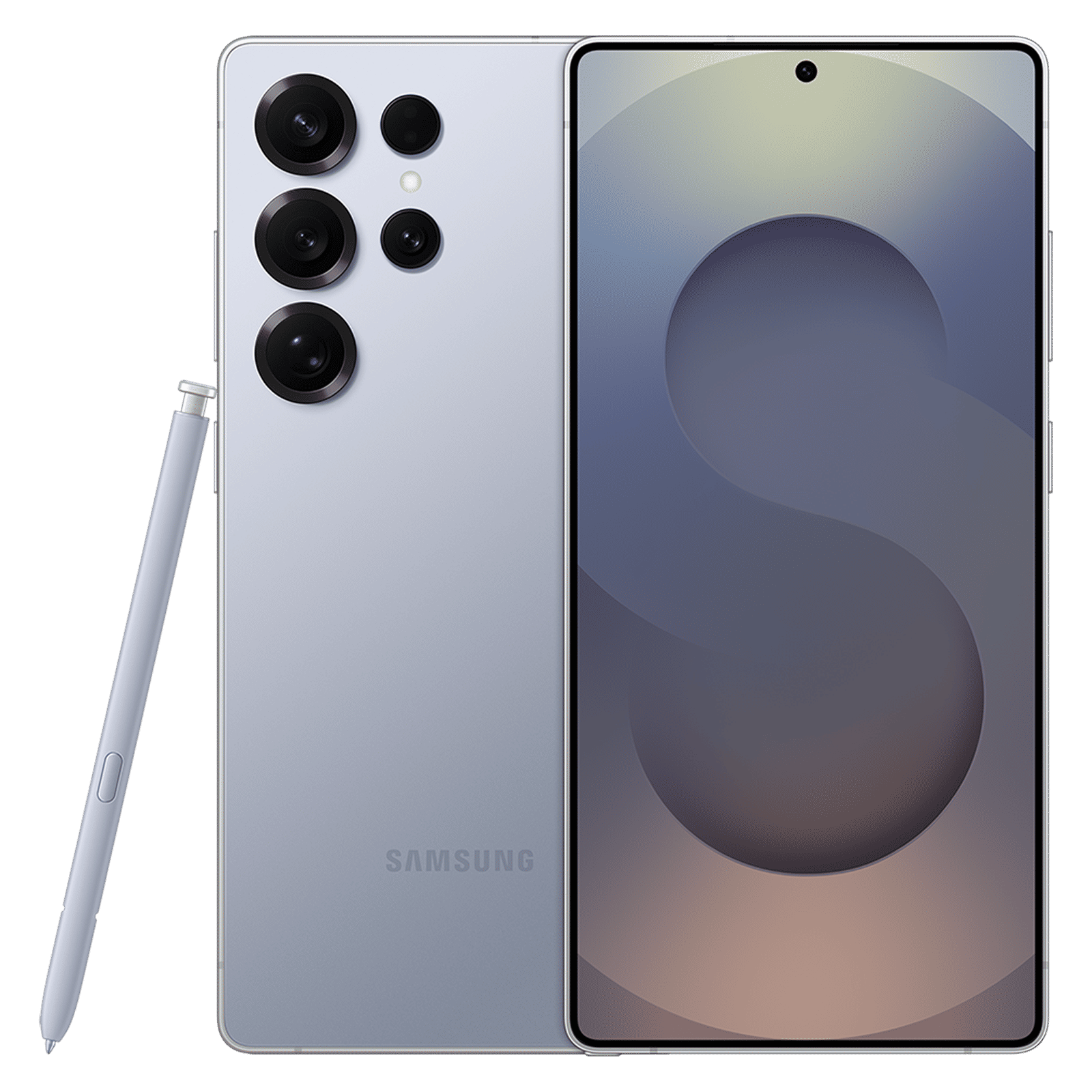
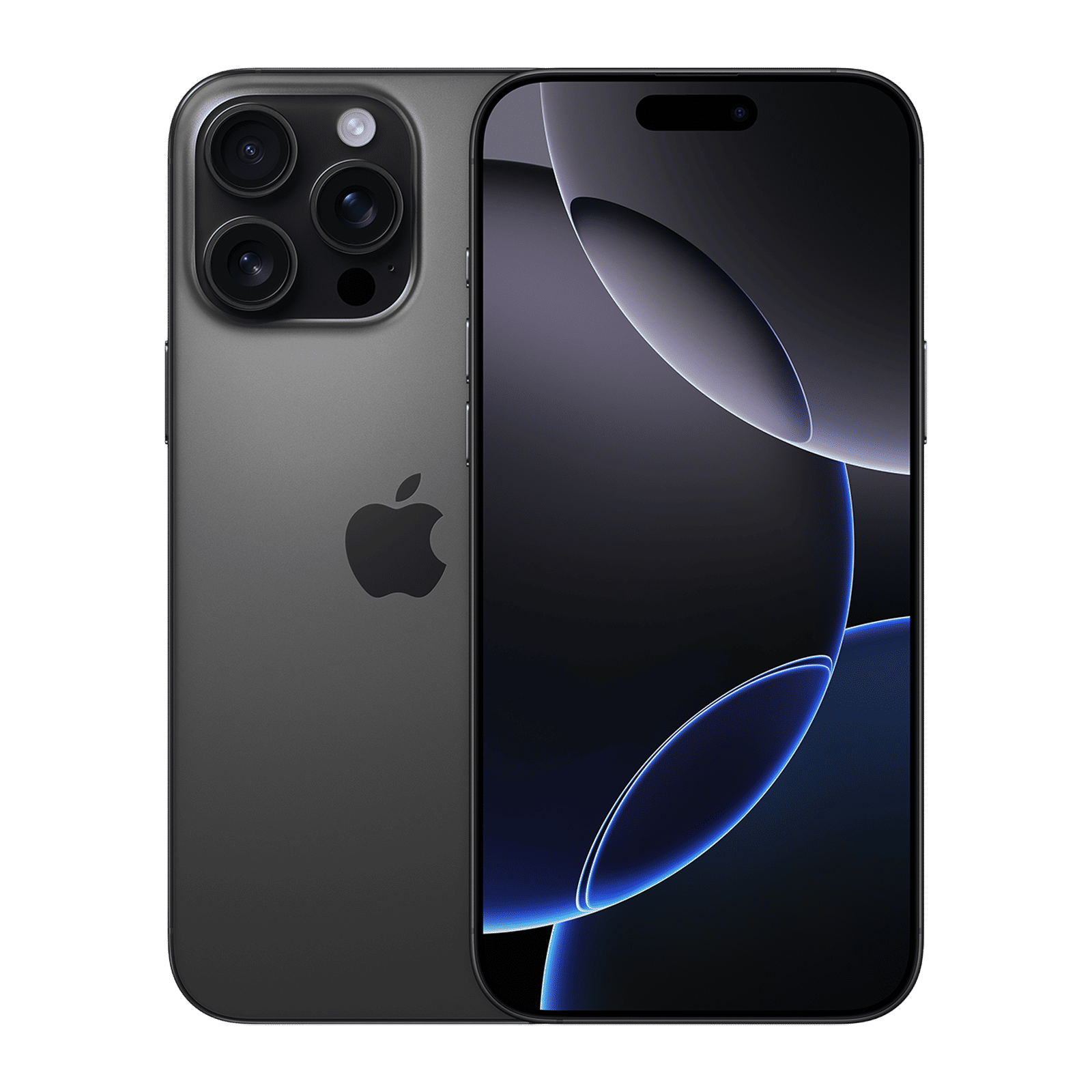
A proximity sensor is one of many sensors in mobile phones that serves an essential function, such as automatically managing the screen during calls. It works using infrared technology to detect nearby objects and helps enhance user experience and improve battery life.

Unleash your inner geek with Croma Unboxed
Subscribe now to stay ahead with the latest articles and updates
You are almost there
Enter your details to subscribe

Happiness unboxed!
Thank you for subscribing to our blog.
Disclaimer: This post as well as the layout and design on this website are protected under Indian intellectual property laws, including the Copyright Act, 1957 and the Trade Marks Act, 1999 and is the property of Infiniti Retail Limited (Croma). Using, copying (in full or in part), adapting or altering this post or any other material from Croma’s website is expressly prohibited without prior written permission from Croma. For permission to use the content on the Croma’s website, please connect on contactunboxed@croma.com
- Related articles
- Popular articles
Karthekayan Iyer
Comments