







Microsoft has finally addressed one of the long-standing limitations of the Windows operating system, the inability to share audio between two Bluetooth devices. The latest update introduces a new Shared Audio (Preview) feature that allows supported Copilot+ PCs to stream sound to two separate Bluetooth accessories simultaneously, such as headphones, speakers, or hearing aids.
The new update makes it easier for users to enjoy a shared listening experience without relying on wired splitters or using a single earbud.
Shared audio preview on Windows 11: How it works
The shared audio feature, available through the Windows 11 Insider Preview Build 26220.7051, enables users to stream the same sound from a Windows 11 PC to two different Bluetooth audio devices at once. Microsoft explains that this feature is ideal for situations like friends sharing music or watching a movie together during travel.
To use it, users can connect two compatible Bluetooth LE Audio accessories to their Windows 11 PC and access the “Shared audio (preview)” tile from Quick Settings. Once enabled, both devices will receive the same audio output, and users can stop sharing anytime by selecting the “Stop sharing” button.
Limited availability
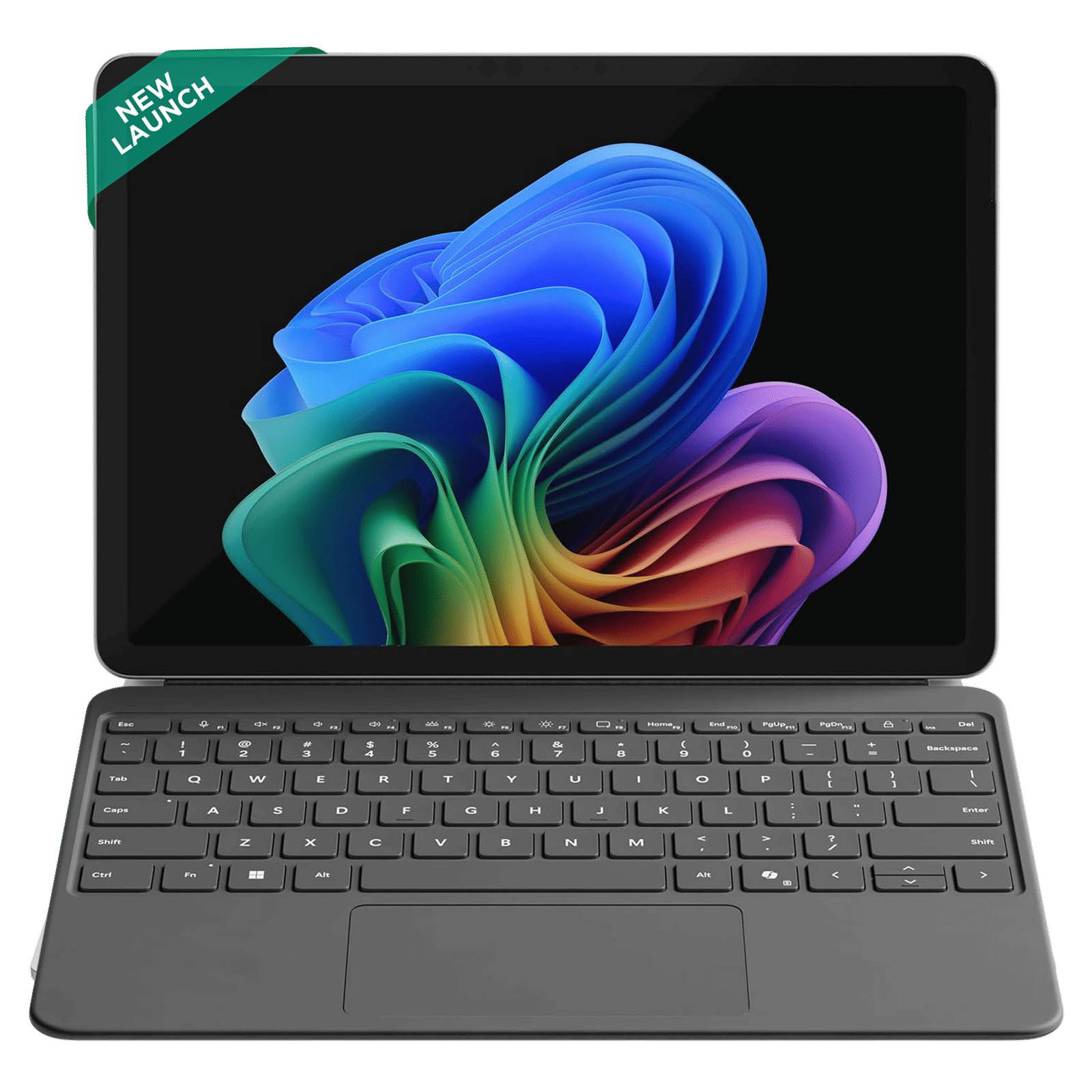
At present, the shared audio feature is exclusive to select Copilot+ PCs powered by the Qualcomm Snapdragon X processor. These include the Surface Laptop in 13.8-inch and 15-inch variants, the Surface Pro 13-inch model, and their respective business editions.
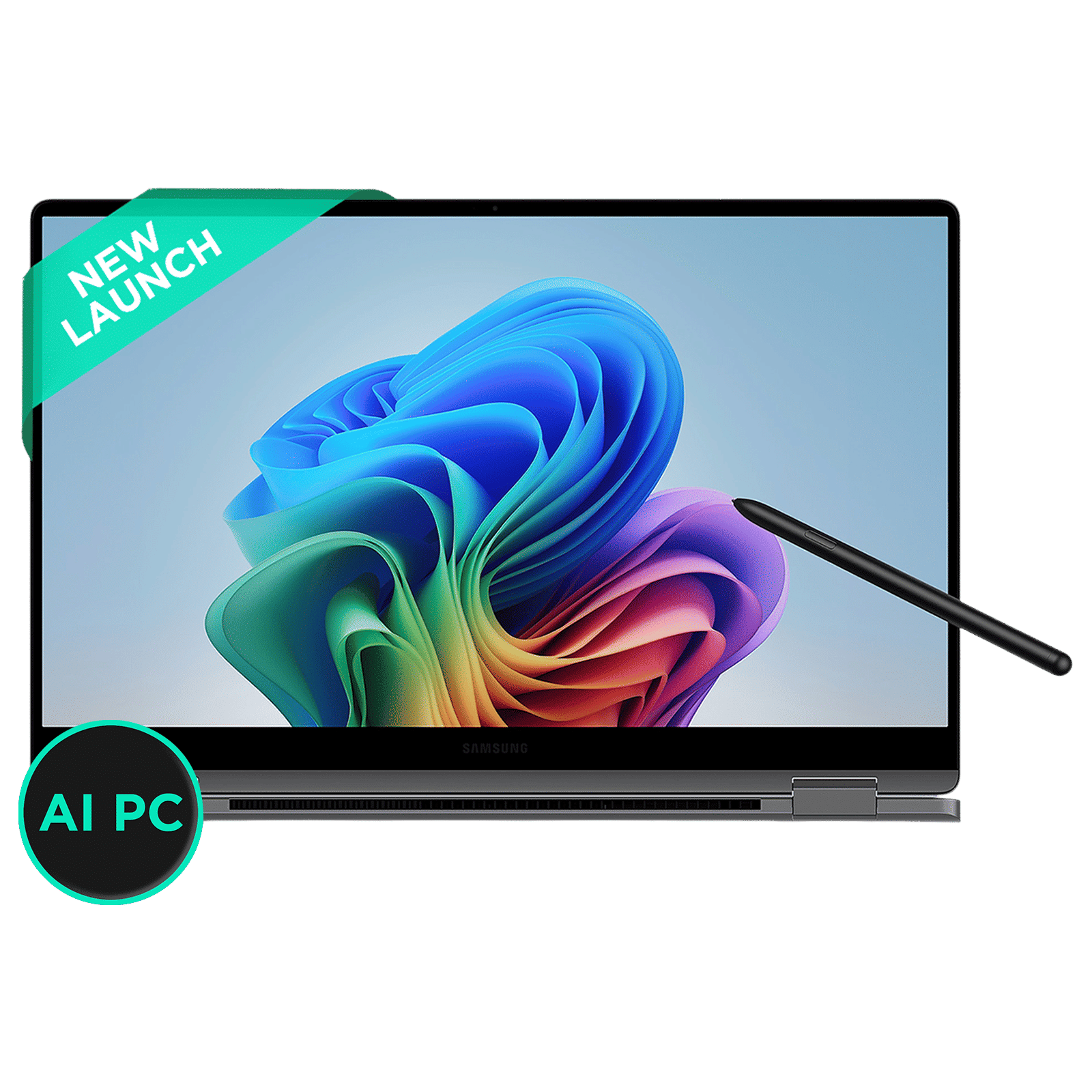
Microsoft has confirmed that the feature will soon expand to other Snapdragon X-powered devices, including the Samsung Galaxy Book 5 series featuring the Intel Core Series 200 chip, the Galaxy Book 4 Edge with Snapdragon X, and the 12-inch Surface Pro and its business variant.
Supported audio devices and availability
The feature supports a range of Bluetooth LE Audio-enabled accessories, including the Samsung Galaxy Buds 2 Pro, Galaxy Buds 3, Galaxy Buds 3 Pro, Sony WH-1000XM6, and select ReSound and Beltone hearing aids. To try out this feature, Windows 11 users need to join the Insider Dev or Beta Channel, install all available driver updates, and enable early feature access under Settings, followed by Windows Update.
In the coming months, Microsoft plans to make the shared audio feature available to all supported Windows 11 systems. The addition is expected to enhance the collaborative and entertainment experience for users, making wireless sharing more seamless than ever.
ALSO READ: Windows 11 update makes it easier to access your iPhone from your PC
Stay tuned to Unboxed by Croma for all the latest Windows PC feature updates.

Unleash your inner geek with Croma Unboxed
Subscribe now to stay ahead with the latest articles and updates
You are almost there
Enter your details to subscribe

Happiness unboxed!
Thank you for subscribing to our blog.
Disclaimer: This post as well as the layout and design on this website are protected under Indian intellectual property laws, including the Copyright Act, 1957 and the Trade Marks Act, 1999 and is the property of Infiniti Retail Limited (Croma). Using, copying (in full or in part), adapting or altering this post or any other material from Croma’s website is expressly prohibited without prior written permission from Croma. For permission to use the content on the Croma’s website, please connect on contactunboxed@croma.com
- Related articles
- Popular articles
Anvinraj Valiyathara
Comments