







If your iPhone photos look great on your screen but fall apart on a 4K display, Adobe feels your pain, and it’s coming in hot with a solution. Meet Project Indigo, a new camera app from Adobe Labs that puts full creative control back in your hands and strips away that infamous “smartphone look”. You know the one – over-sharpened, hyper-saturated, and a little too perfect for comfort.
This isn’t Adobe’s first rodeo with mobile tools. After unleashing Firefly and mobile Photoshop, it’s now gunning for Apple’s own Camera app with something built for purists, creators, and anyone who misses the SLR / DSLR aesthetic. And unlike most Adobe software, this one is completely free. No subscriptions. No sign-ins. Just download and go.
Full manual settings on iPhone, finally
What makes Indigo interesting isn’t just its branding or Adobe’s pedigree, it’s the fact that it feels like a proper camera. The app offers deep manual controls, including ISO, shutter speed, focus, white balance (split into temperature and tint), and exposure time. Think of it like your iPhone finally grew up and got a lot more DSLR-esque.
There are only two shooting modes – Photo and Night – but they’re backed by Adobe’s powerful computational photography engine, which captures up to 32 frames per image and blends them to retain dynamic range, reduce noise, and preserve fine detail.
Night mode especially gets a big boost here, combining longer exposure with frame stacking to improve low-light clarity without turning everything into a blur-fest. It also includes better image stabilisation and minimises hand-shake, essentially helping users capture sharper, more cinematic night shots without needing a tripod.
The app leans into underexposure by default, resulting in richer highlights, cleaner shadows, and an overall more realistic rendering of light and dark. And all of this is achieved without overly smoothing textures, which is a common complaint with native smartphone camera apps.
Say goodbye to the over-processed ‘Smartphone Look’
Adobe’s main gripe is clear. Smartphone photos are starting to look a little too… algorithmic. Project Indigo is their counter-offensive.
Instead of the usual AI-enhanced punchiness, Indigo preserves detail, even if it means letting a bit of natural noise stay in the shot. It avoids aggressive sharpening or colour saturation. In Adobe’s own words, smartphone photos often end up looking “unrealistic” when blown up on larger screens. Indigo wants to change that by giving users images with more depth, detail, and texture, the way a real camera would.
ALSO READ: Adobe Firefly is pushing the future of AI art to be mobile
Indigo doesn’t just shine in stills and low light. Adobe has also tackled one of the smartphone camera’s oldest enemies – digital zoom. By applying multi-frame super resolution, the app captures multiple images of the same scene and blends them into a single, sharper photo. This means pinch-to-zoom won’t immediately wreck your image quality.
Designed for creators, free for everyone
Project Indigo works with Adobe Camera Raw and Lightroom, making it an ideal companion for pros who want to tweak their shots in post. You can capture in both JPEG and RAW, and thanks to Adobe’s computational engine, the results are already optimised for more advanced editing workflows.
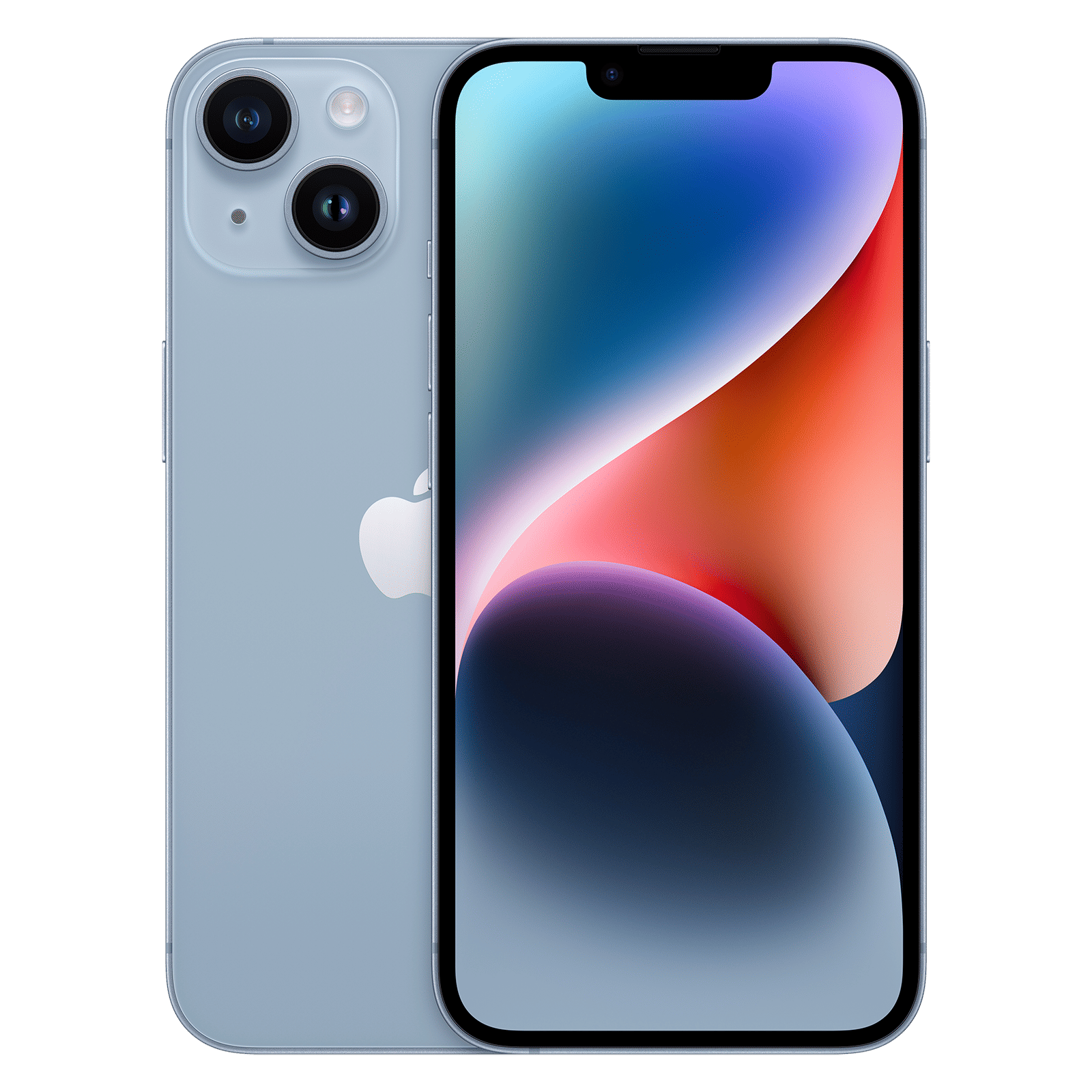
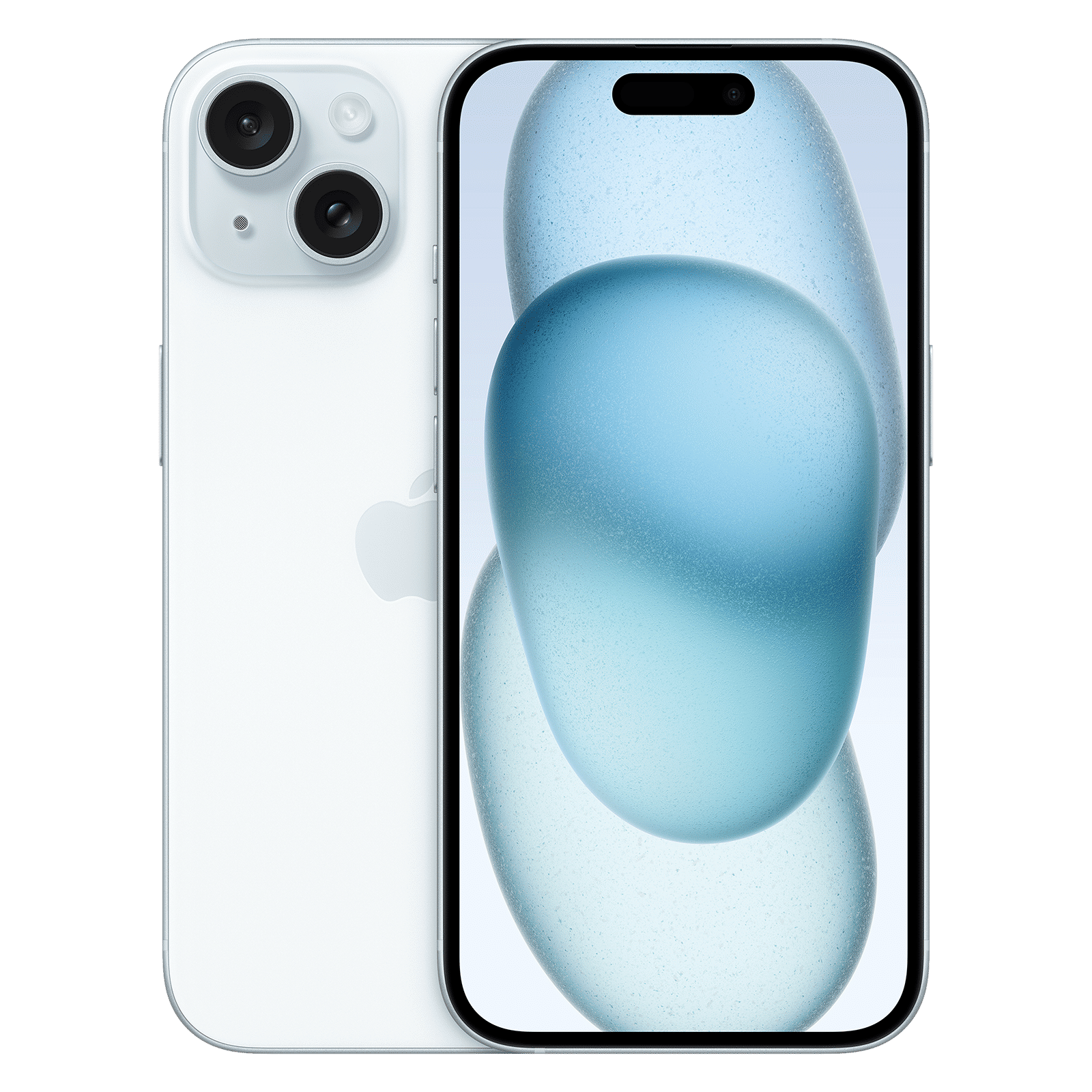
It’s available right now on the App Store, and compatible with iPhone 12 Pro and newer Pro models, as well as iPhone 14 and later non-Pro models. No sign-in. No hidden costs. Just install and shoot.
Adobe says an Android version is coming soon, but hasn’t locked in a release timeline yet. For more updates like these, stay tuned to Unboxed by Croma, your ultimate destination for all things tech.

Unleash your inner geek with Croma Unboxed
Subscribe now to stay ahead with the latest articles and updates
You are almost there
Enter your details to subscribe

Happiness unboxed!
Thank you for subscribing to our blog.
Disclaimer: This post as well as the layout and design on this website are protected under Indian intellectual property laws, including the Copyright Act, 1957 and the Trade Marks Act, 1999 and is the property of Infiniti Retail Limited (Croma). Using, copying (in full or in part), adapting or altering this post or any other material from Croma’s website is expressly prohibited without prior written permission from Croma. For permission to use the content on the Croma’s website, please connect on contactunboxed@croma.com
- Related articles
- Popular articles
Dhriti Datta
Comments