







Getting your phone stolen is definitely not something any of us look forward to. Google clearly knows this, which is why it’s just rolled out a suite of updates, all meant to make an Android phone a terrible prize for thieves.
Starting with the new stuff in Android 16, we have the Failed Authentication Lock. This kicks in when someone tries and fails to unlock your phone too many times. While it was already working in the background, you now have a toggle to control it directly in settings.
New security features for Android 16 and beyond
Then there is Identity Check. Google launched it back in early 2025 to demand a biometric scan when the phone noticed it wasn’t in a trusted spot, like your home. Now, they have expanded that to cover almost any app using the system’s biometric prompt.
That means even if a thief guesses your PIN, they are still blocked from opening your banking apps or Google Password Manager unless they somehow have your fingerprint.
Speaking of PINs, Google made guessing them much more annoying. These updates increase the lockout timer if you get the code wrong. That said, if you enter the same wrong PIN twice, it no longer counts toward the limit. So if your toddler is obsessively mashing the number zero, that won’t lock you out.
ALSO READ: Google is bringing this security feature to more phones with Android 16
And when your phone is already stolen, the Remote Lock tool – accessible via the web – now includes an extra security challenge. It ensures that only you can lock the device remotely.
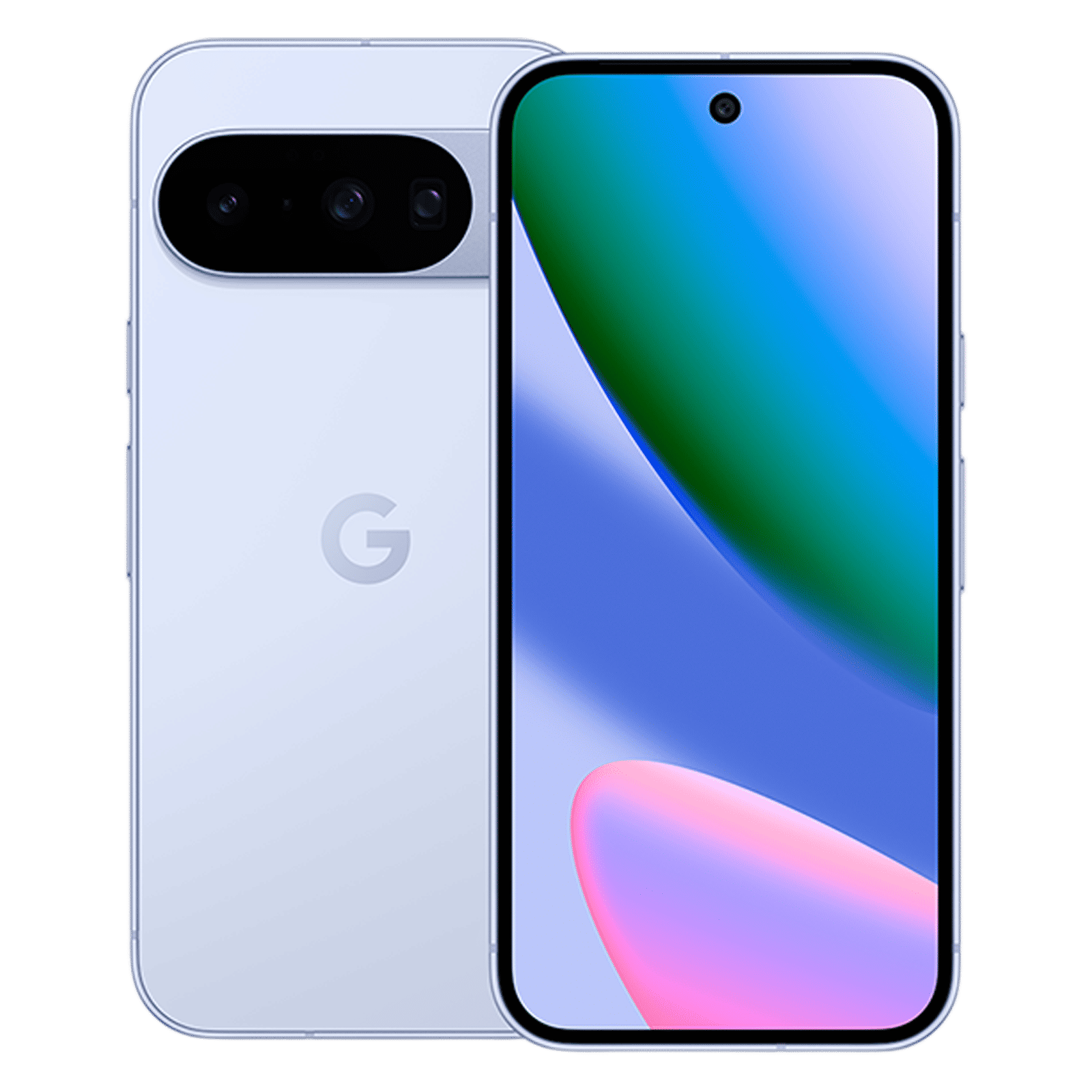
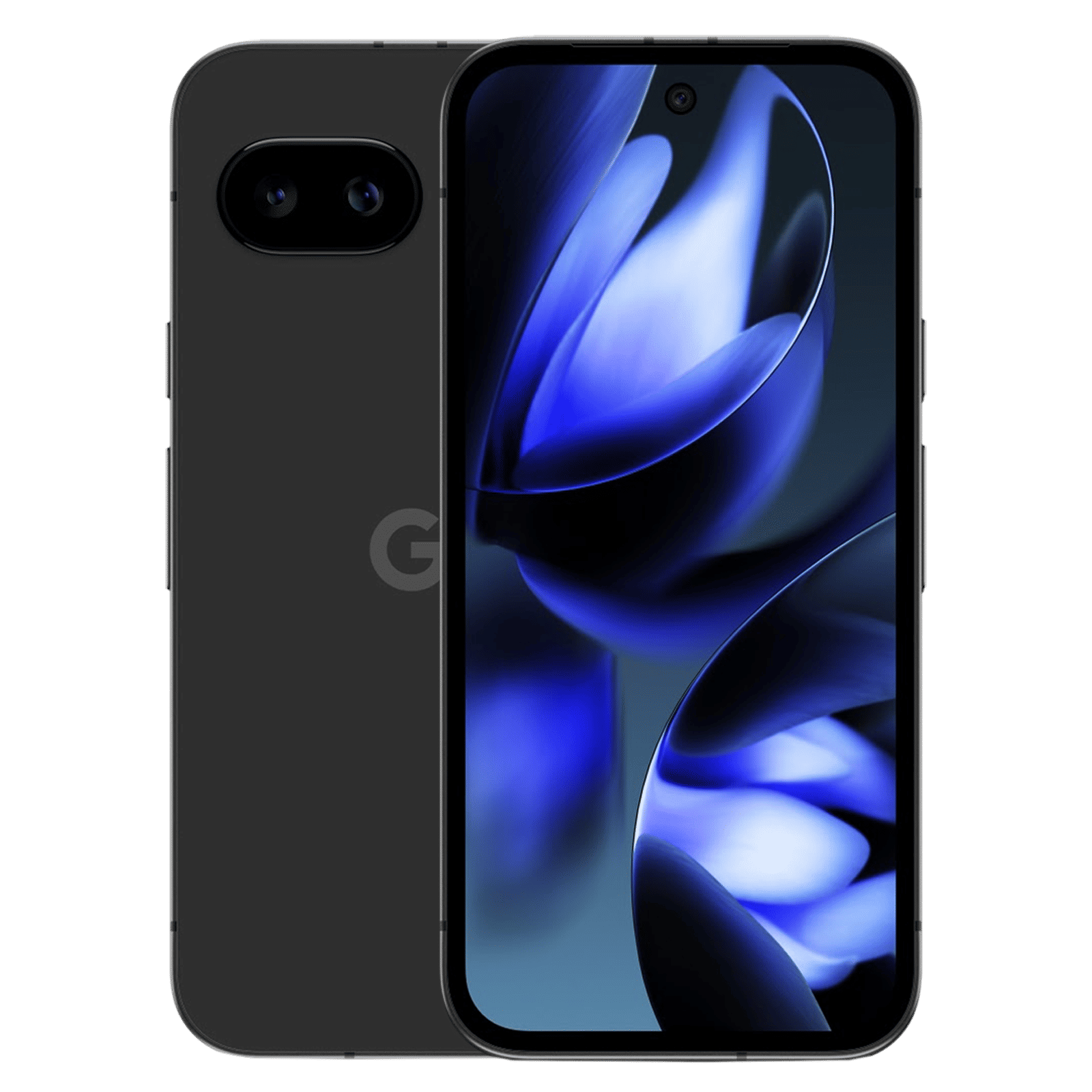
Google is also getting proactive in Brazil. Since phone theft is common there, new devices in the region will have Theft Detection Lock enabled by default. This uses on-device AI to sense the motion of a snatch-and-run and locks the screen instantly. Hopefully, the same step is taken for India as well.
Ultimately, all these features are mostly about buying time. They might not necessarily help get your hardware back, but they will definitely keep your data secure while you figure out your next move.

Unleash your inner geek with Croma Unboxed
Subscribe now to stay ahead with the latest articles and updates
You are almost there
Enter your details to subscribe

Happiness unboxed!
Thank you for subscribing to our blog.
Disclaimer: This post as well as the layout and design on this website are protected under Indian intellectual property laws, including the Copyright Act, 1957 and the Trade Marks Act, 1999 and is the property of Infiniti Retail Limited (Croma). Using, copying (in full or in part), adapting or altering this post or any other material from Croma’s website is expressly prohibited without prior written permission from Croma. For permission to use the content on the Croma’s website, please connect on contactunboxed@croma.com
- Related articles
- Popular articles
Zohaib Ahmed
Comments