







If your iPhone has suddenly thrown a stern-looking warning onto your Lock Screen, Apple would like a word. The company has started sending “Critical Software” alerts to iPhones and iPads running older versions of iOS and iPadOS, warning users that outdated software is being actively targeted in web-based attacks.
In other words, this is not the usual background nag to update when convenient. Apple is making it unusually clear that this one really matters.
The notification, which appears to come from the Settings app, tells users that Apple is aware of attacks affecting older iOS software, including the version currently running on their device, and recommends installing the latest update as soon as possible. Here’s everything you need to know.
Why updating your iPhone is critical now
Apple’s warning follows reports of hacking toolkits said to be exploiting vulnerabilities in older iPhone software, including versions ranging from iOS 13 up to iOS 17.2.1. The concern is simple enough; on an unpatched device, something as routine as opening the wrong link or landing on a compromised webpage could potentially expose personal data.
That is also what makes this feel more urgent than the average software patch. And while the company’s support documentation specifically called out much older software in some cases, users running builds like iOS 17.0 are also reportedly seeing the warning.
So, “my iPhone’s software is not that far behind” may not be the comforting excuse it once was.
What iPhone users should do now
The answer, predictably, is to update your iPhone. Head to Settings > General > Software Update and install the latest version your device supports.
Apple has already issued security fixes for older supported devices too, including iOS 15.8.7 and iOS 16.7.15, so even if you are not on the newest generation of hardware, there may still be a patch waiting for you.
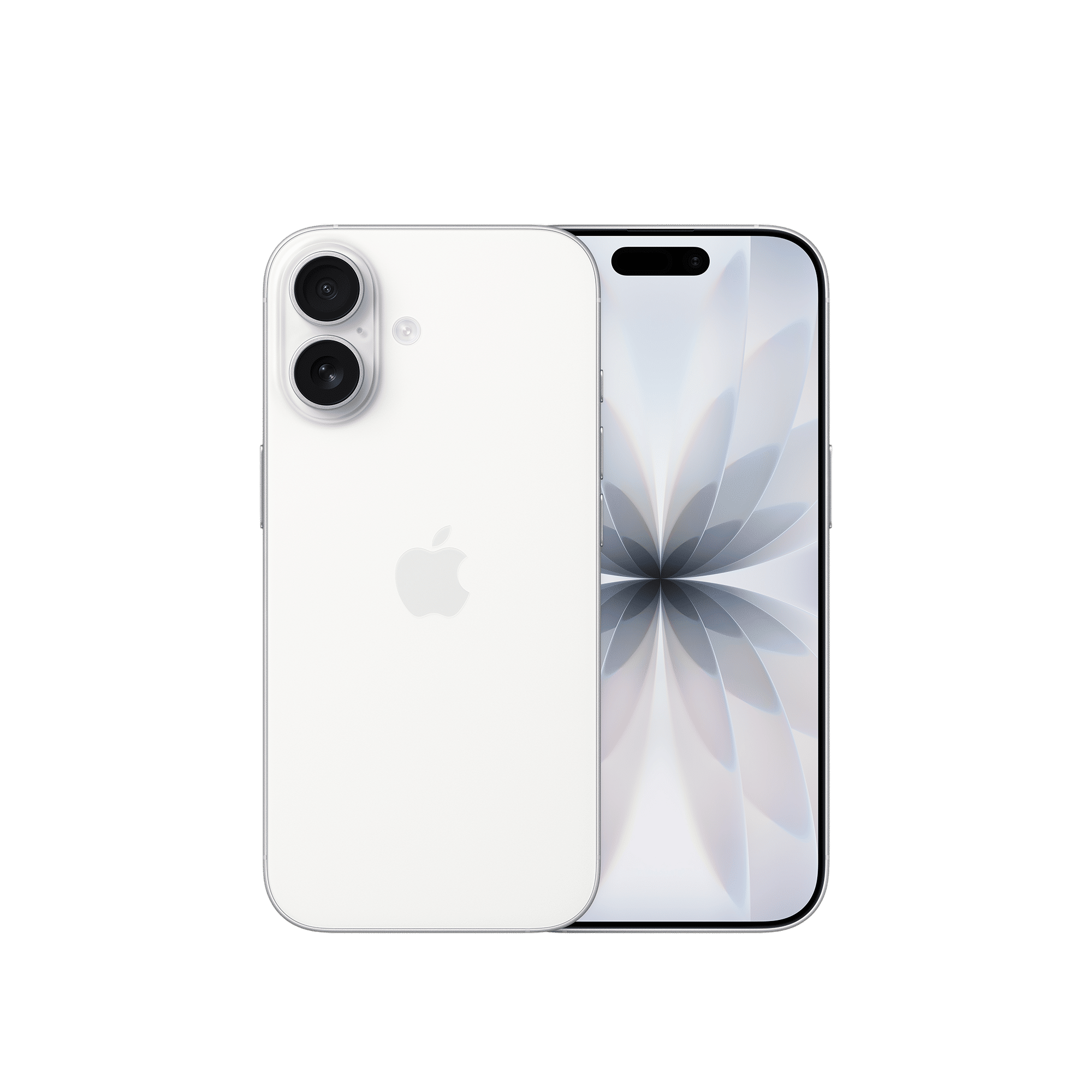

If your device cannot be updated further, Apple suggests using Lockdown Mode, where available, as an added layer of protection against malicious web content. It is not a feature most people will ever need day to day, but if your phone is stuck on ageing software, it becomes a lot more relevant.
ALSO READ: Apple won’t allow you to downgrade your iPhone to iOS 26.2 anymore
Apple also says Safari’s Safe Browsing protections are enabled by default and can help block known malicious sites, but this is not really a substitute to updating.
All in all, the larger message here is hard to argue with. If your iPhone is warning you in unusually dramatic terms, it is probably worth listening.
Have you updated your iPhone or iPad to the latest software? Drop a comment below to let us know.

Unleash your inner geek with Croma Unboxed
Subscribe now to stay ahead with the latest articles and updates
You are almost there
Enter your details to subscribe

Happiness unboxed!
Thank you for subscribing to our blog.
Disclaimer: This post as well as the layout and design on this website are protected under Indian intellectual property laws, including the Copyright Act, 1957 and the Trade Marks Act, 1999 and is the property of Infiniti Retail Limited (Croma). Using, copying (in full or in part), adapting or altering this post or any other material from Croma’s website is expressly prohibited without prior written permission from Croma. For permission to use the content on the Croma’s website, please connect on contactunboxed@croma.com
- Related articles
- Popular articles
Dhriti Datta
Comments