







Apple has officially rolled out the iOS 26.1 update to compatible iPhones across the globe. This is the first major OS update after the company released iOS 26 in September this year. Since it is an incremental update, it refines the Liquid Glass design introduced earlier, enhances privacy, and adds new security and customisation features. Here’s everything you need to know about the new features and eligible devices for the iOS 26.1 update.
iOS 26.1: All the new features
The most noticeable change in iOS 26.1 is the new Liquid Glass customisation setting, which allows users to adjust the translucency of the Lock Screen interface. It offers two options such as Clear for a fully transparent look and Tinted for higher contrast. Apple claims this was one of the most requested features since the iOS 26 release.
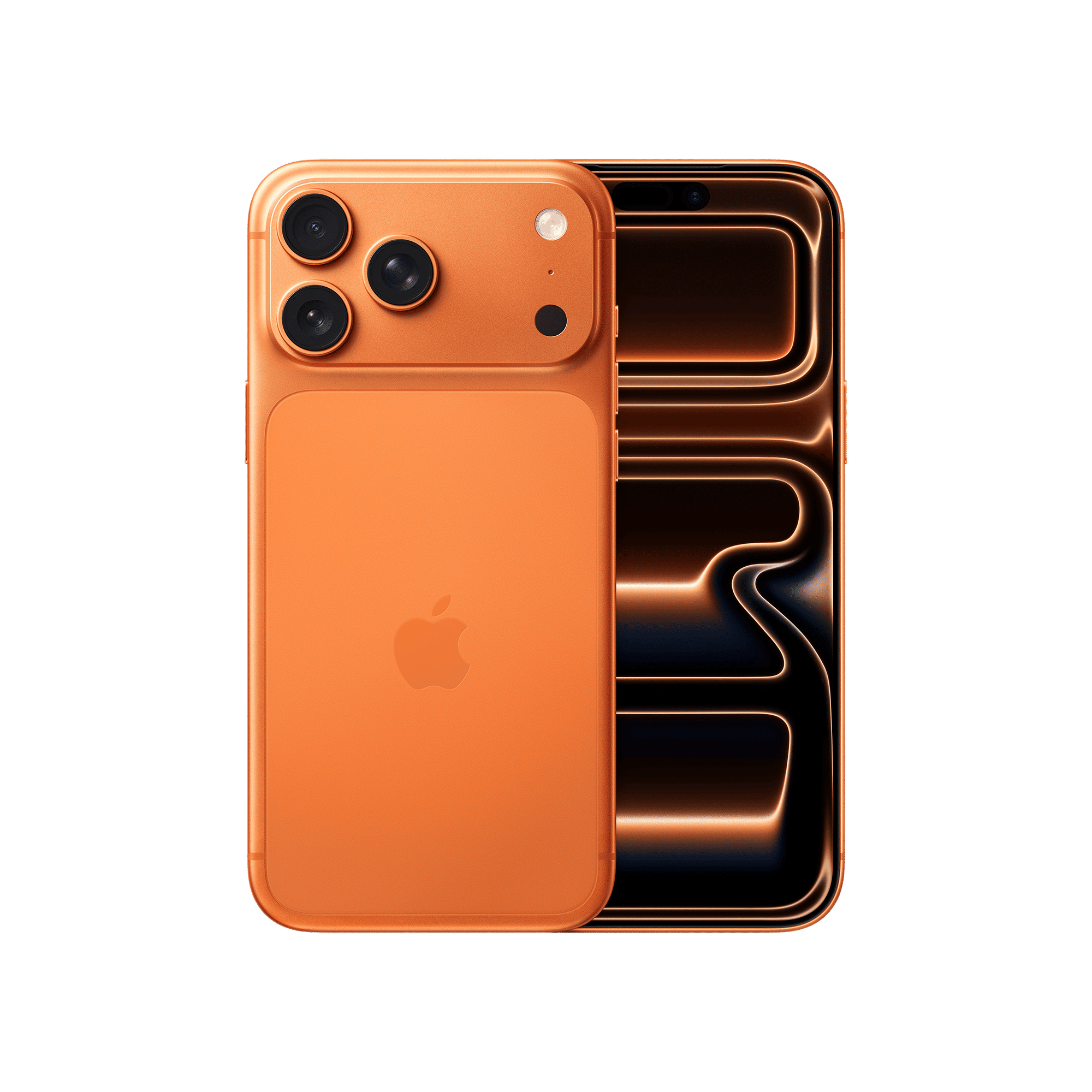
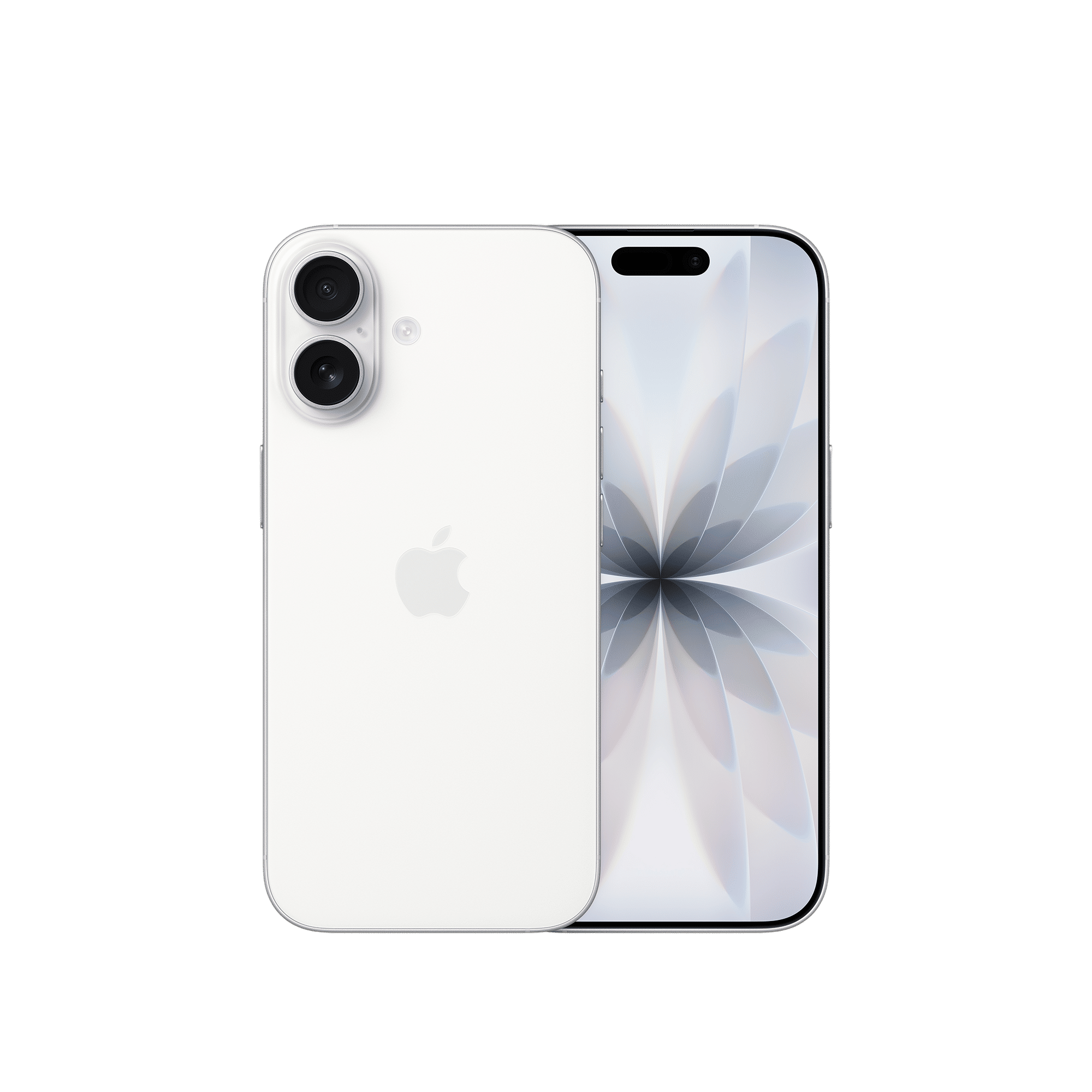
Another useful addition is the new toggle to disable the Lock Screen camera swipe, preventing accidental launches of the Camera app. The Clock app now features a revised alarm system that requires users to perform a swipe action to dismiss alarms, reducing unintentional snoozing.
Apple has also introduced Background Security Improvements under Settings → Privacy & Security → Background Security Improvements. This feature automatically installs essential security patches silently, without interrupting user activity. Meanwhile, the Live Translation and Apple Intelligence features now support new languages, including Chinese (Simplified and Traditional), Korean, Japanese, and Italian.
The iOS 26.1 update also lets users fine-tune phone call haptics, manage audio through the new Local Capture settings, and experience smoother interactions in built-in apps such as Safari, Photos, and Apple Music. Additionally, the update patches over 50 security vulnerabilities, including two high-severity flaws, such as CVE-2025-43426 and CVE-2025-43413, offering enhanced system protection.
How to install the iOS 26.1 update
To install the iOS 26.1 update, follow these simple steps:
- Open Settings on your iPhone.
- Tap General → Software Update.
- Select Download and Install.
- Enter your passcode and agree to the terms.
- Ensure your iPhone is connected to Wi-Fi and has at least 50% battery charge.
It is recommended to back up your iPhone via iCloud or a Mac/PC before installing the update. File sizes may vary depending on the model, with some users reporting up to 12GB of required space.
iOS 26.1: Eligible devices
The iOS 26.1 update is available for all iPhones launched after the iPhone 11 series. This includes the iPhone 11, iPhone 11 Pro, iPhone 11 Pro Max, iPhone SE (second and third generation), iPhone 12, iPhone 13, iPhone 14, iPhone 15, iPhone 16 series, and iPhone 17 series.
Devices older than the iPhone 11 will remain capped at iOS 18, as per Apple’s support policy.
ALSO READ: Apple’s big plans for Siri might include Google Gemini
Have you installed the iOS 26.1 update? Share your experience by adding your comments below.

Unleash your inner geek with Croma Unboxed
Subscribe now to stay ahead with the latest articles and updates
You are almost there
Enter your details to subscribe

Happiness unboxed!
Thank you for subscribing to our blog.
Disclaimer: This post as well as the layout and design on this website are protected under Indian intellectual property laws, including the Copyright Act, 1957 and the Trade Marks Act, 1999 and is the property of Infiniti Retail Limited (Croma). Using, copying (in full or in part), adapting or altering this post or any other material from Croma’s website is expressly prohibited without prior written permission from Croma. For permission to use the content on the Croma’s website, please connect on contactunboxed@croma.com
- Related articles
- Popular articles
Anvinraj Valiyathara
Comments