







Apple has seeded the second release candidate (RC) of iOS 26.2 to developers and public beta testers, just one week after rolling out the first RC. This version represents the final build that is expected to roll out to the public very soon (possibly even later today), provided no last-minute bugs are discovered.
With this update, Apple is strongly signalling that iOS 26.2 is nearing full public readiness. What initially began as an ‘optional’ update with iOS 26 has now become a ‘recommended’ one, especially for users who prioritise the latest security protections and Intelligence-driven features. You will see the ‘recommended’ tag accompanying the iOS 26.2 update in your iPhone Settings page when it publicly rolls out.
While Apple will continue offering limited security patches for older versions such as iOS 18 for now, that support window is expected to tighten in the coming months. For most users with supported devices, iOS 26.2 is shaping up to be the next essential update rather than a wait-and-watch release.
List of eligible iPhones that will support iOS 26.2
Apple has confirmed broad device compatibility for iOS 26.2. Supported iPhones include:
– iPhone 17, 17 Pro, 17 Pro Max
– iPhone Air
– iPhone 16e, iPhone 16, 16 Plus
– iPhone 16 Pro, 16 Pro Max
– iPhone 15, 15 Plus, 15 Pro, 15 Pro Max
– iPhone 14, 14 Plus, 14 Pro, 14 Pro Max
– iPhone 13, 13 mini, 13 Pro, 13 Pro Max
– iPhone 12, 12 mini, 12 Pro, 12 Pro Max
– iPhone 11, 11 Pro, 11 Pro Max
– iPhone SE (2nd generation and later)
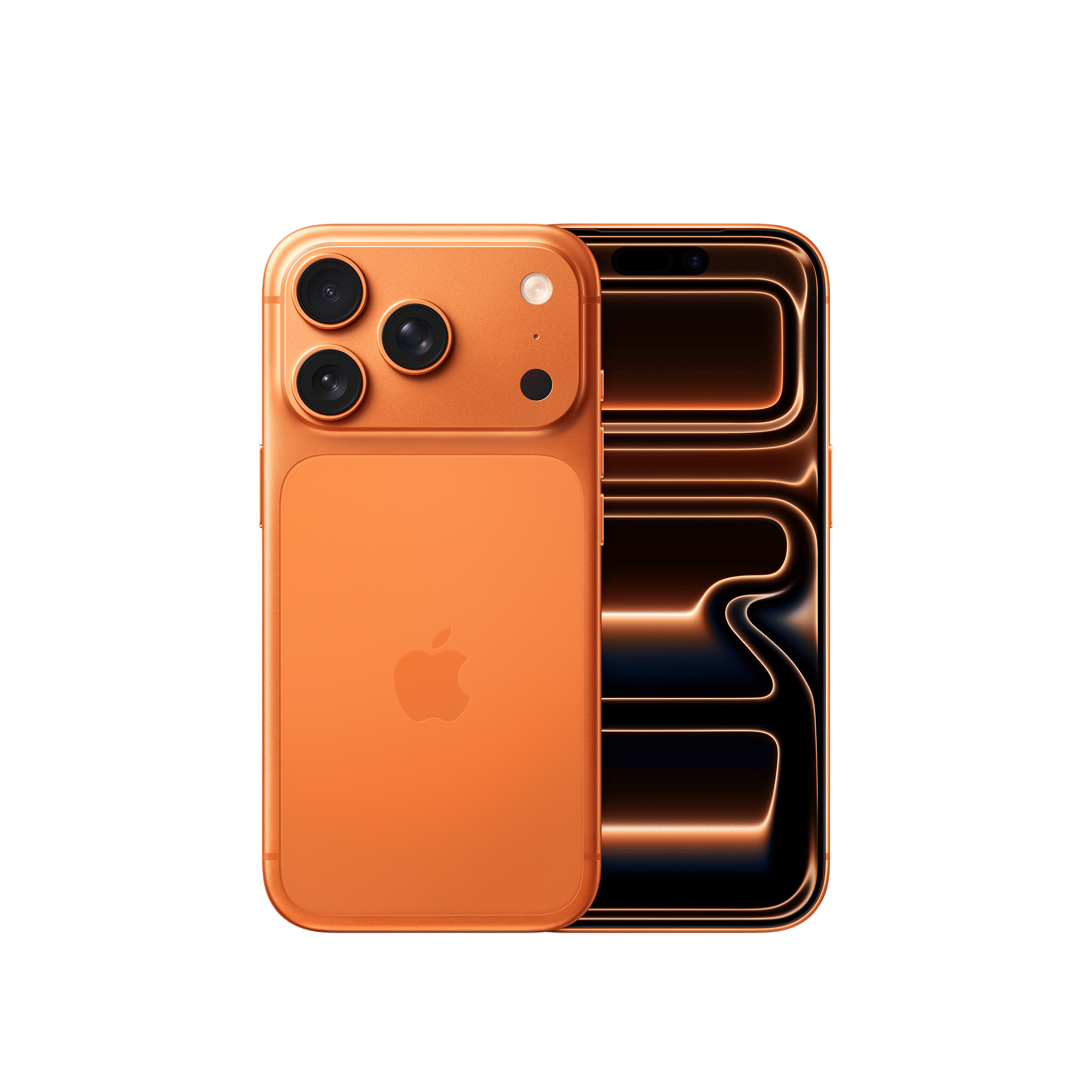
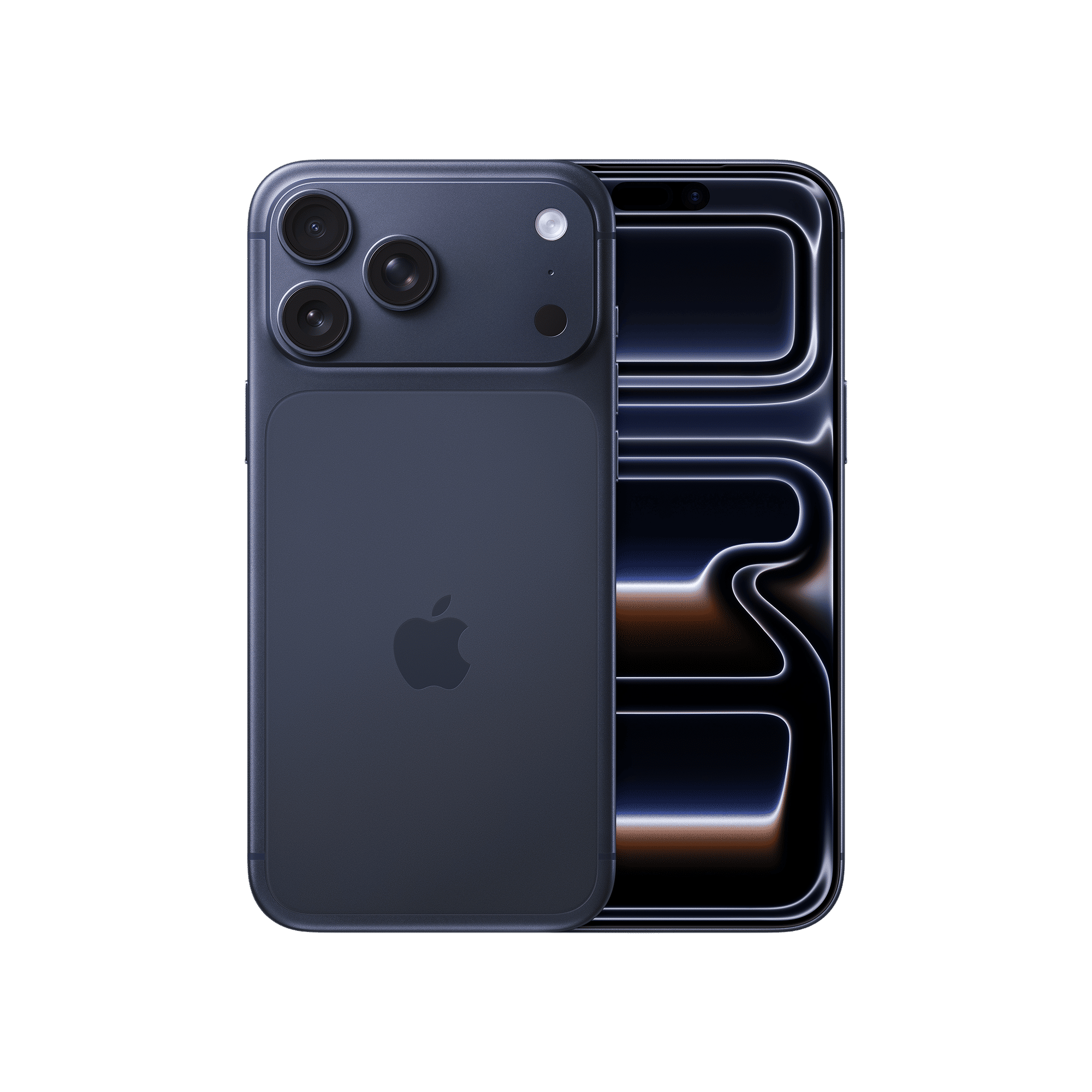
Once the public rollout begins, downloading the update is expected to take anywhere between 30 minutes to two hours depending on internet speed, device model, and Apple’s server traffic at the time.
What’s new in iOS 26.2
iOS 26.2 comes with a host of new feature that beta testers and developers can try out now. It continues to refine the Liquid Glass interface introduced earlier this year. The translucent design language now feels more balanced, with smoother transitions and better visual consistency across system apps.
Apple Intelligence also moves closer to everyday usability. Live translation now stretches into more real-world scenarios, while Visual Intelligence adds the ability to search directly from screenshots.
There’s a new call screening feature that automatically answers unknown numbers, identifies the caller, and allows users to decide whether to pick up. Hold Assist keeps users in queue during customer service calls and alerts them when a representative becomes available.
ALSO READ: iOS 26.2 Beta brings Liquid Glass changes, updated Sleep Scores, and more
CarPlay receives a functional enhancement with support for Live Activities. Users can now view dynamic updates such as delivery tracking, sports scores, and real-time alerts directly on the dashboard display.
Beyond headline features, iOS 26.2 also brings refinements to file sharing, reminders, sleep and health tracking, along with updates to apps like Podcasts and News. System-level performance optimisation, bug fixes, and potential battery efficiency improvements round out the update.

Unleash your inner geek with Croma Unboxed
Subscribe now to stay ahead with the latest articles and updates
You are almost there
Enter your details to subscribe

Happiness unboxed!
Thank you for subscribing to our blog.
Disclaimer: This post as well as the layout and design on this website are protected under Indian intellectual property laws, including the Copyright Act, 1957 and the Trade Marks Act, 1999 and is the property of Infiniti Retail Limited (Croma). Using, copying (in full or in part), adapting or altering this post or any other material from Croma’s website is expressly prohibited without prior written permission from Croma. For permission to use the content on the Croma’s website, please connect on contactunboxed@croma.com
- Related articles
- Popular articles
Dhriti Datta
Comments