







So, you finally hit install on that iOS 26 update, waited through an endless loading bar, and now your iPhone feels like it can’t last through lunch! Don’t panic; your phone hasn’t suddenly turned into a power-hungry diva.
Apple says this battery drain is completely normal after a big update, and there’s a method behind the madness. Whether you’ve pre-ordered a spanking new iPhone 17 or are contemplating hitting the update button, here’s everything you need to know about battery drain on iOS 26 and some steps you can take to fix it.
Why your iPhone feels hungrier than usual
Every time Apple drops a major iOS update, your phone doesn’t just slap on a new coat of digital paint. It’s secretly hard at work in the background; reindexing files, updating apps, pulling in new system assets, and basically reorganising its digital brain. That takes energy, and for a few days, your phone will chew through battery faster than usual.
Apple even admits it. Your device may run hotter, feel slower, and lose charge quicker for a bit. It’s not a flaw; it’s your iPhone settling into its new OS. Give it some time (and a couple of follow-up software patches), and things will stabilise.
The silver lining? iOS 26 actually comes with a redesigned Battery screen to help you make sense of what’s going on. You can now compare today’s battery behaviour with yesterday’s, track app-level culprits, and even spot patterns in your charging routine.
Steps you can take to reduce battery drain on iOS 26
Apple knows users don’t just want explanations, they want fixes. Enter Adaptive Power mode, a new trick in iOS 26. When turned on, it quietly stretches out your charge by dimming the display, slowing down some background tasks, and automatically flipping on Low Power Mode when you hit 20 per cent. Think of it as a personal trainer for your battery, pacing you so you don’t burn out before dinner.
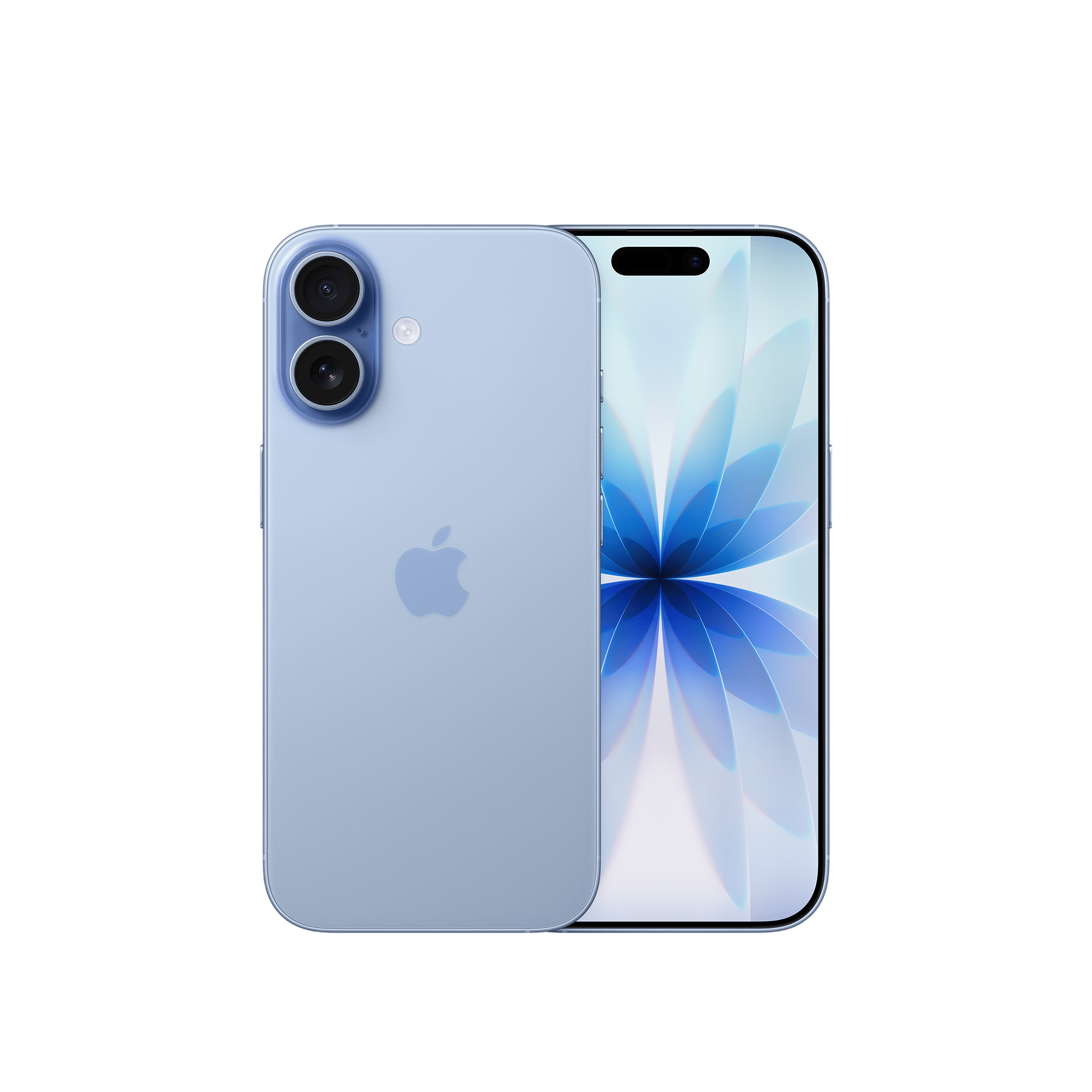
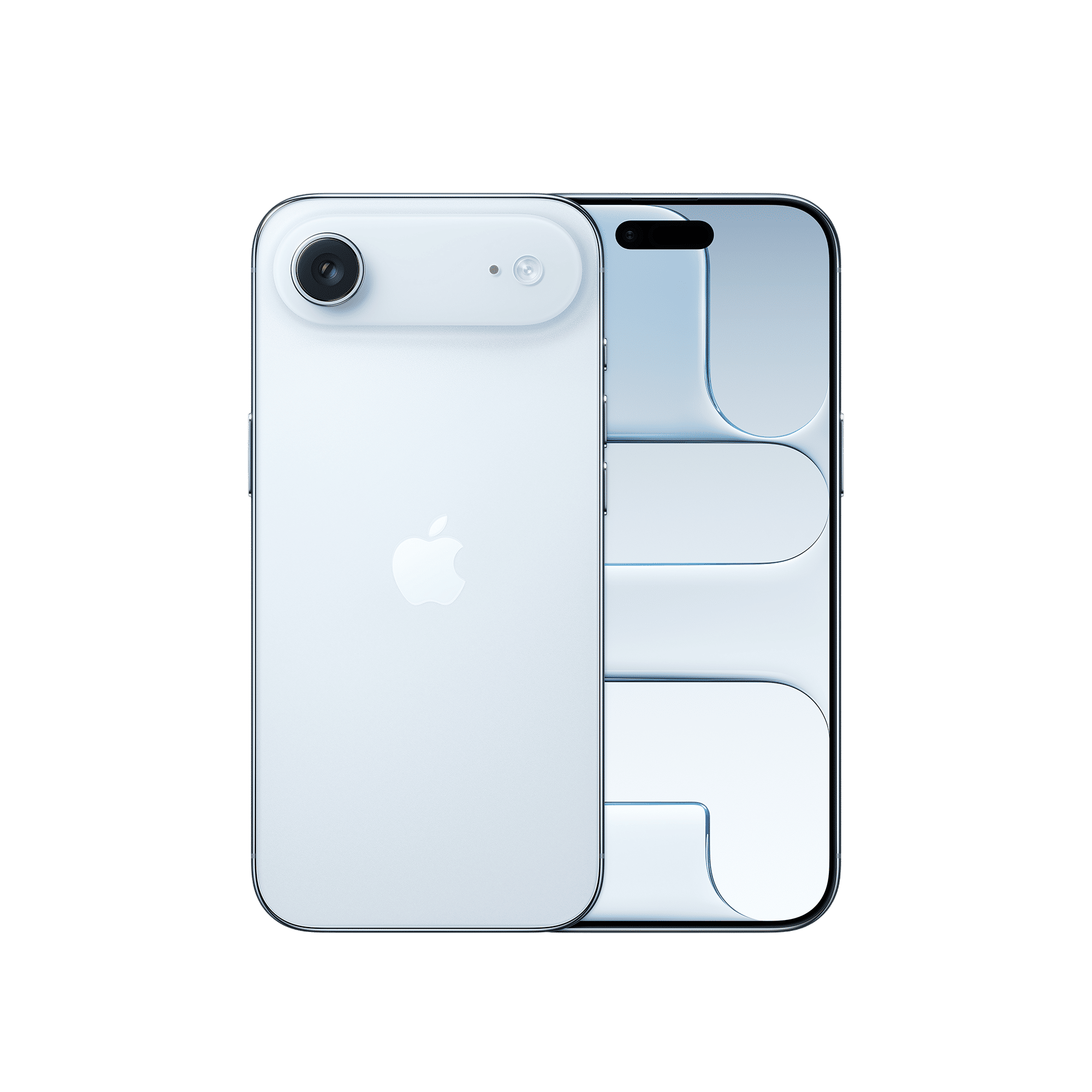
Beyond that, the usual lifestyle hacks still matter. Here are some steps you can take to reduce battery drain on iOS 26:
– Keep your phone cool: Filming in sunlight, gaming on full brightness, or charging endlessly with a case on will heat your phone, and heat kills battery life faster than any app
– Audit your apps: Head to Settings > Battery and you’ll see the biggest offenders. If Instagram is eating 40 per cent of your phone’s juice, well, that’s your answer
– Limit background refresh: Most apps don’t need to wake up every few minutes to update. Switch off Background App Refresh for anything that doesn’t need real-time info
– Toggle Wi-Fi or cellular when unnecessary: Hunting for signals is battery-draining. If you’re stuck with no Wi-Fi, switch it off. If you’re on strong Wi-Fi, pause cellular. Airplane Mode is your nuclear option.
ALSO READ: iOS 26: New Apple Intelligence features are now live
iOS 26 might be making your iPhone thirstier right now, but that’s the price of progress. Once the background housekeeping is done, your phone will calm down, and Adaptive Power mode might just become your new best friend.

Unleash your inner geek with Croma Unboxed
Subscribe now to stay ahead with the latest articles and updates
You are almost there
Enter your details to subscribe

Happiness unboxed!
Thank you for subscribing to our blog.
Disclaimer: This post as well as the layout and design on this website are protected under Indian intellectual property laws, including the Copyright Act, 1957 and the Trade Marks Act, 1999 and is the property of Infiniti Retail Limited (Croma). Using, copying (in full or in part), adapting or altering this post or any other material from Croma’s website is expressly prohibited without prior written permission from Croma. For permission to use the content on the Croma’s website, please connect on contactunboxed@croma.com

- Related articles
- Popular articles
Deb UnknownApps
Iphone is considered to be a smart device. What is the purpose of a smart device if i had to turn off the smart features? Might as well use Nokia feature phone.\nAnd the phone was supposed to do work for me as instructed, not that I was employed by apple.
Sengamuthu
My iPhone 7 needs to update 5g network