







iOS 26 is officially out, and with it, Apple has automatically switched on a new “Adaptive Power” mode for everyone with a shiny new iPhone 17, iPhone 17 Pro, Pro Max, or iPhone Air. This new feature joins the classic Low Power Mode as another tool to keep your phone alive longer – except this one is designed to work its magic without you ever noticing.
A new AI-powered battery feature with iOS 26
Adaptive Power is an Apple Intelligence-powered feature that learns your daily habits to extend your battery life when you need it most. Apple explains that it uses on-device smarts to figure out when you’re having a heavier-than-usual day and then makes subtle adjustments to help you get through it.
It takes about a week of background processing for the system to fully get a read on your usage patterns. The adjustments include minor performance tweaks, limiting some background activity, and even dimming your screen brightness by a barely-perceptible three percent. It will also automatically flip on Low Power Mode once you hit that 20 percent danger zone.
ALSO READ: Apple iPhone 17 battery sizes officially revealed, thanks to EU regulations
Crucially, Apple says the feature is smart enough not to throttle your device when you’re doing something intensive, like playing a game with Game Mode active or snapping photos. The company also says that Adaptive Power may throw notifications at you when it powers on during the day. You can turn these off too.
All in all, the feature seems particularly handy for the new iPhone Air, which rocks the smallest battery of the bunch, offering up to 27 hours of video playback.
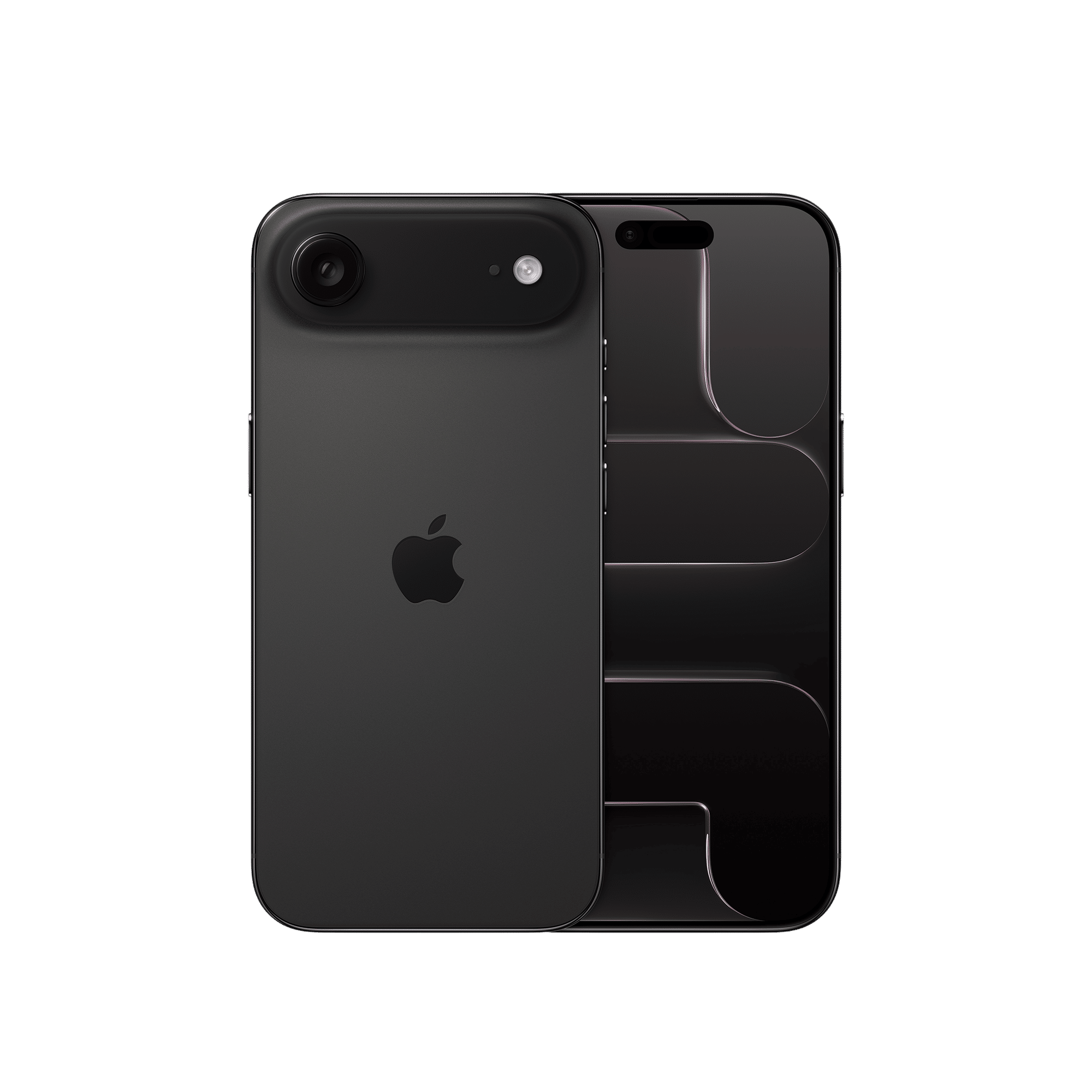
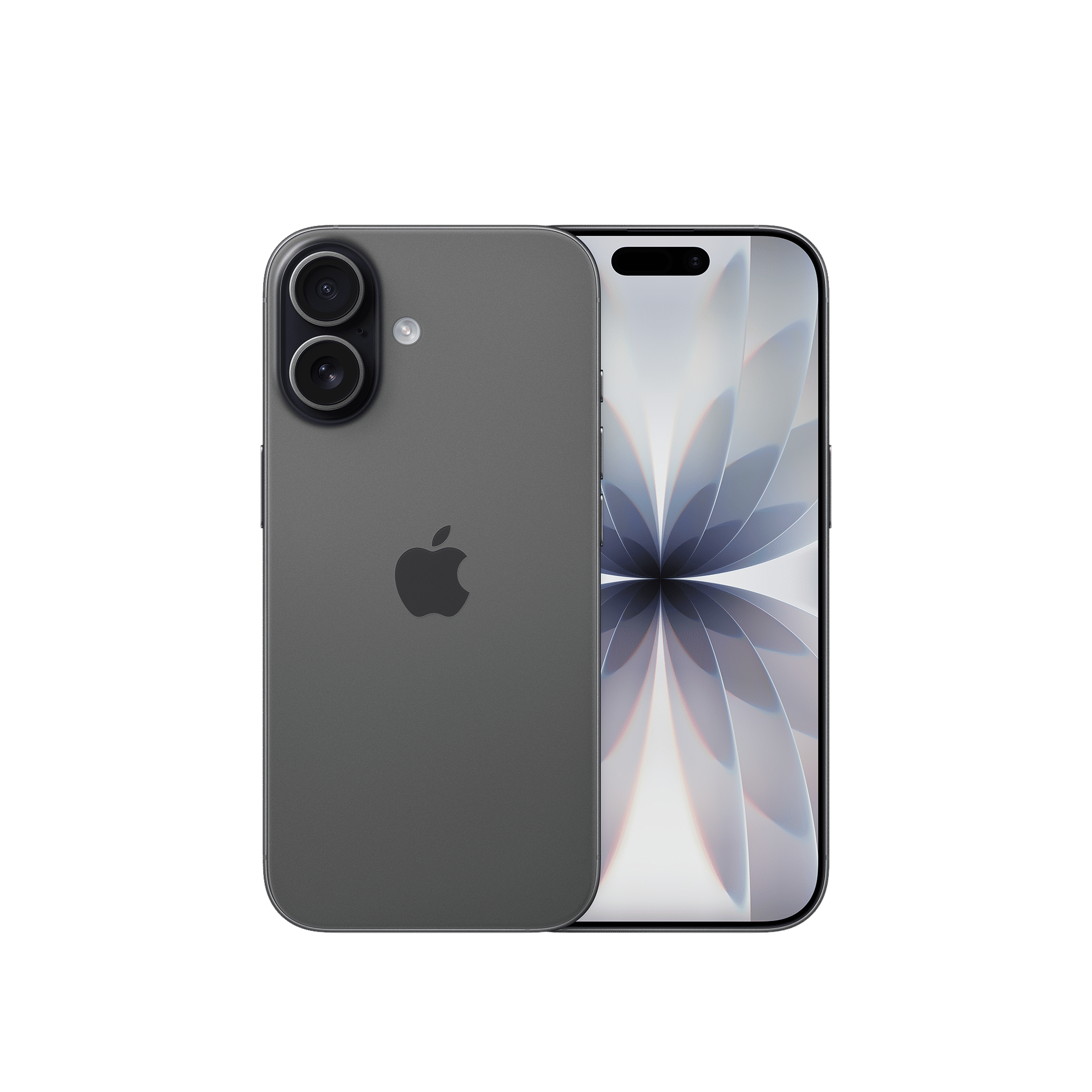
Now, it’s worth mentioning that while the feature has been available for iPhone 16 models and the iPhone 15 Pro lineup, it’s only the brand-new iPhone 17 family that has it enabled by default.
To turn it on or off, open Settings, tap Battery, tap Power mode, and tap the toggle for Adaptive Power.

Unleash your inner geek with Croma Unboxed
Subscribe now to stay ahead with the latest articles and updates
You are almost there
Enter your details to subscribe

Happiness unboxed!
Thank you for subscribing to our blog.
Disclaimer: This post as well as the layout and design on this website are protected under Indian intellectual property laws, including the Copyright Act, 1957 and the Trade Marks Act, 1999 and is the property of Infiniti Retail Limited (Croma). Using, copying (in full or in part), adapting or altering this post or any other material from Croma’s website is expressly prohibited without prior written permission from Croma. For permission to use the content on the Croma’s website, please connect on contactunboxed@croma.com
- Related articles
- Popular articles
Zohaib Ahmed
Comments