







While shopping for laptops you might have, on occasion, stumbled across a device listed as running DOS and not Windows. These devices, you would have noticed, are often cheaper than their Windows counterparts despite having the same configuration. There’s a good reason for this, as you shall soon see.
Windows is expensive (sometimes)
While the average consumer might think that they’re getting Windows for free with their laptop or pre-built desktop, this is far from true. Officially, a Windows 11 Home license is available for Rs 10,000+.
A pro or enterprise license costs a lot more. The version of Windows bundled on your laptop is cheaper as Microsoft gives laptop manufacturers, called OEMs, a discount on the license. The cost of that license is passed on to us when we buy a Windows laptop, and the cost goes up if you opt for a Pro or Enterprise license instead.
ALSO READ: Laptops for online classes: What you need to keep in mind when buying one
If you can’t do without Windows, know that you don’t need to purchase a Windows license from Microsoft directly. Several retailers and resellers online offer Windows 11 keys for very low prices, sometimes under Rs 1,000. The sale of these licenses appears to be in some kind of legal grey area but the keys do work and can be used on all laptops and desktop PCs.
DOS vs Windows
Laptops offering DOS or Disk Operating System are cheaper simply because the manufacturer didn’t include a Windows license with the laptop. These laptops instead are running DOS or Disk Operating System, an outdated OS that Microsoft invented in 1981, i.e. before most of us were born.
We’re not sure why manufacturers settled on DOS and not one of many Linux distros – a modern, open-source, and usually free OS – but it’s the option we’re presented with.
Windows is of course a fast, modern OS, and as mentioned earlier, costs a pretty penny (officially) to license.
The advantage of offering DOS
If you’re opting for a DOS-based laptop, the first thing you’ll want to do is install a new operating system. Legally speaking, your options are limited to either the purchase of a Windows 11 license key or the use of Linux.
For a student or developer, Linux is in fact a fantastic option. Linux is free, very powerful, and has most of the features and apps we’d need for working on a laptop. These include Chrome, VLC, and photo and video editors. For developers, Linux can be more flexible and performant than Windows. This is largely dependent on the tools they use of course.
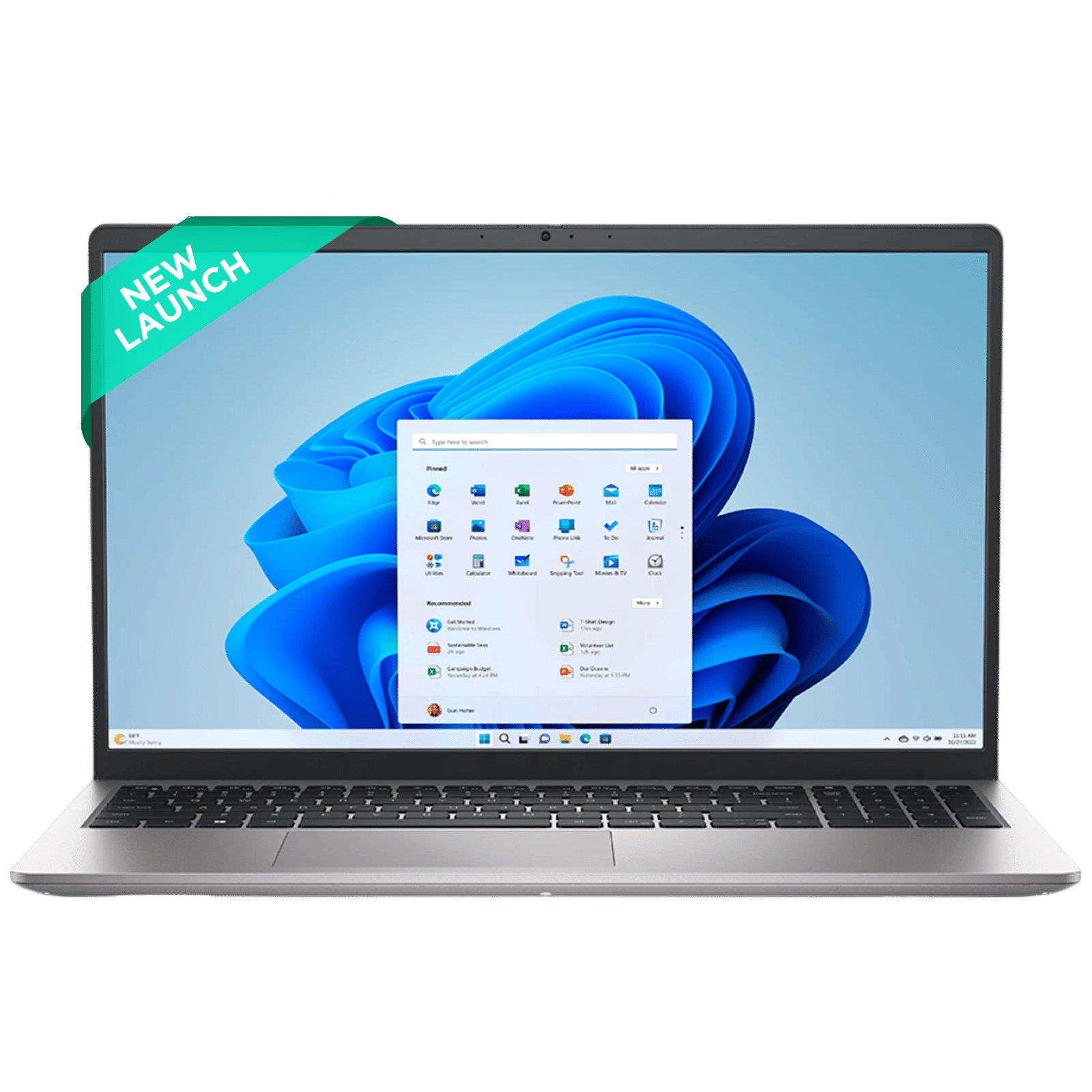
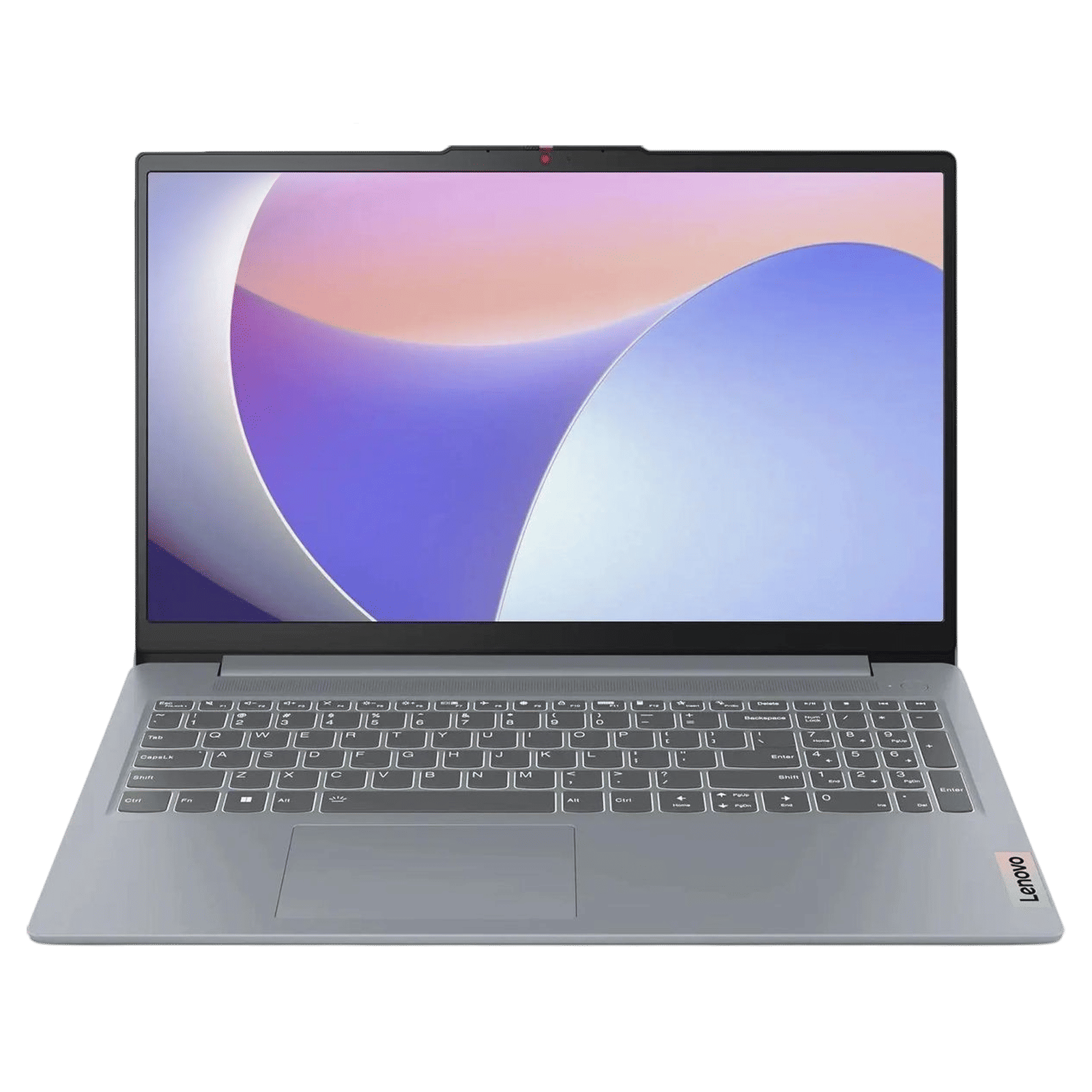
Surprisingly, gaming is also possible, though the games library and feature-set is more limited owing to poor driver support.
ALSO READ: The best 2-in-1 laptops in 2025
When offering DOS, manufacturers are simply stating that you need to install your own operating system. If you need Windows, buy a laptop with Windows pre-installed. If you’re comfortable with Linux, already have a Windows key, or don’t mind sourcing a license some other way, opting for a DOS laptop is a great way to save money. If not, just buy a Windows-powered laptop and accept the cost.

Unleash your inner geek with Croma Unboxed
Subscribe now to stay ahead with the latest articles and updates
You are almost there
Enter your details to subscribe

Happiness unboxed!
Thank you for subscribing to our blog.
Disclaimer: This post as well as the layout and design on this website are protected under Indian intellectual property laws, including the Copyright Act, 1957 and the Trade Marks Act, 1999 and is the property of Infiniti Retail Limited (Croma). Using, copying (in full or in part), adapting or altering this post or any other material from Croma’s website is expressly prohibited without prior written permission from Croma. For permission to use the content on the Croma’s website, please connect on contactunboxed@croma.com
- Related articles
- Popular articles
Anirudh Regidi
Comments