







The iOS 26 era has officially begun, and while we’re still a few months away from a public rollout, the second developer beta is here to give us a preview of what Apple has been quietly refining behind the scenes.
ALSO READ: iOS 26 first impressions: A bold redesign meets smart features
For those willing to get a little adventurous with their iPhones, the iOS 26 developer beta 2 promises a more stable, more polished experience. It’s not quite ready for everyone just yet, but it’s a close look at what iPhone users can expect later this year. Here’s how to install iOS 26 developer beta 2, and what’s new under the hood.
How to install iOS 26 Developer Beta 2 on your iPhone
Before diving in, a word of caution – developer betas are still works in progress. So, expect a few bugs, some performance inconsistencies, and potentially misbehaving apps. It’s strongly recommended not to install it on your primary device. That said, if you’re comfortable experimenting, or if you’re a developer looking to get ahead, here’s the installation process:
Step 1: Visit developer.apple.com and log in with your Apple ID. You’ll need to agree to the developer terms and enroll in the program (no paid membership required for beta access).
Step 2: Use iCloud or a computer to back up your data. This is essential. Betas can be unpredictable, and a backup ensures you won’t lose anything if things go south.
ALSO READ: Top 5 iOS 26 features we can’t wait to try
Step 3: Go to Settings > General > Software Update > Beta Updates, and select iOS 26 Developer Beta.
Step 4: Once selected, iOS 26 developer beta 2 will appear like a regular update. Tap download, install, and wait for the reboot. The entire process may take some time depending on your network and device.
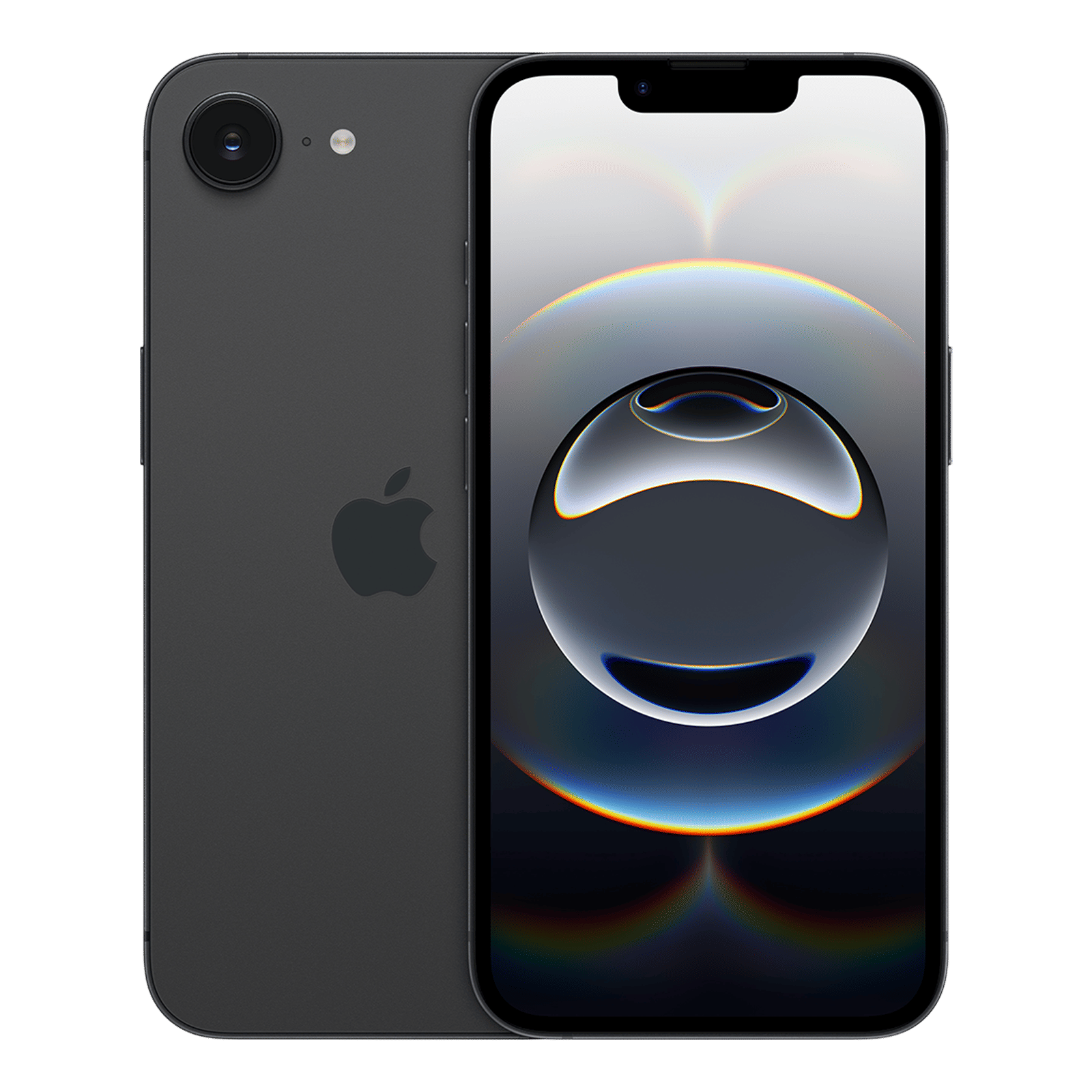
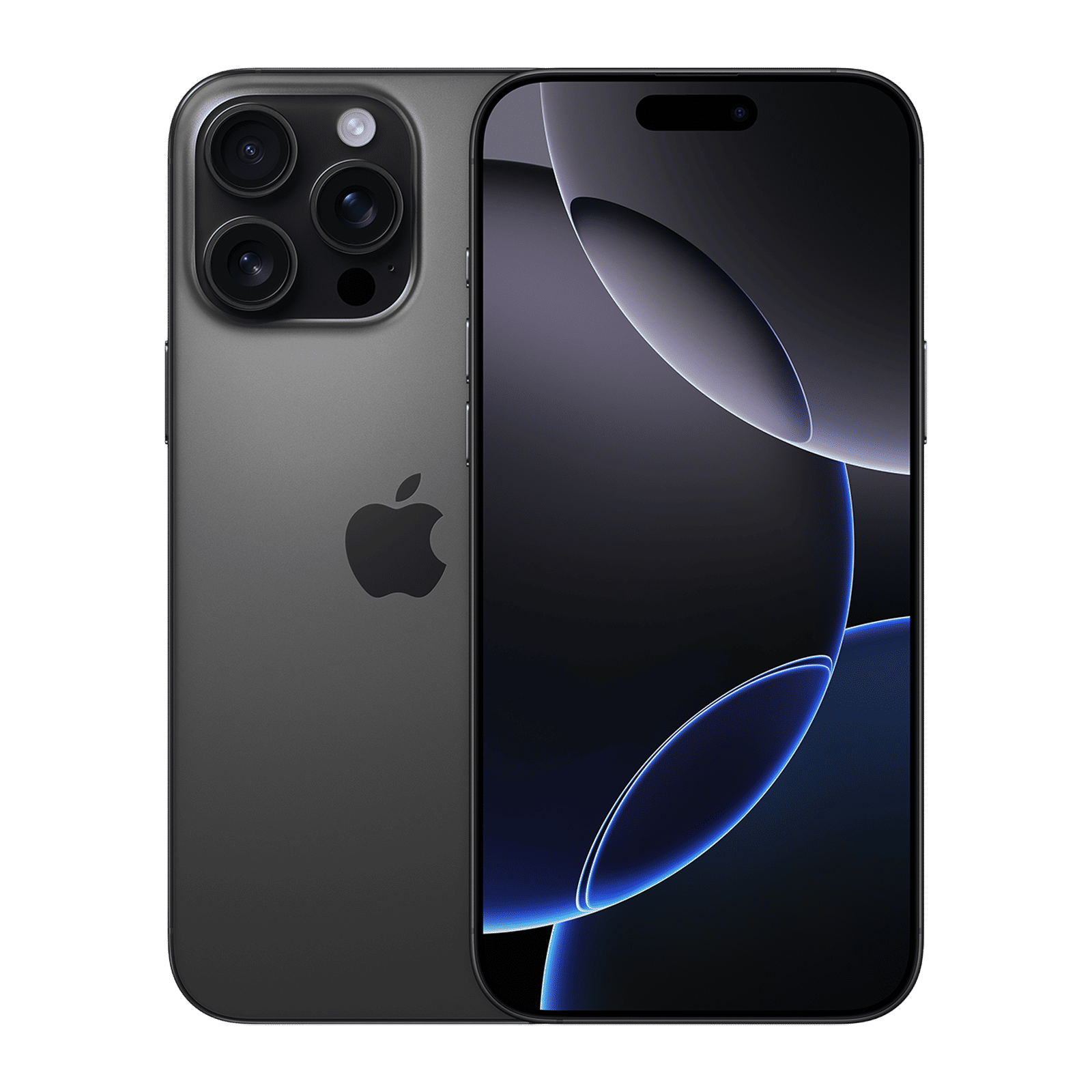
iOS 26 is compatible with iPhone 11 and newer. However, AI-powered features require an iPhone 15 Pro or later, since those models include the necessary on-device neural processing hardware.
What's new in iOS 26 Developer Beta 2?
This second beta release smooths out several of the issues introduced in Beta 1, while also adding a few new features. It’s not a massive overhaul, but it offers subtle yet meaningful refinements, especially for those with newer iPhones.
A more refined Liquid Glass UI
Apple introduced its new “Liquid Glass” design language in Beta 1, but early impressions weren’t glowing. The translucent layering looked sleek but caused readability issues and UI overlap in places like the Control Centre. Beta 2 corrects much of this, delivering a cleaner and more cohesive interface where elements feel better spaced, more legible, and intentional.
New ringtone: Alt 1
In classic Apple fashion, a simple new ringtone makes the cut as a headline feature. Called Alt 1, this new default tone brings a subtle shift in Apple’s audio branding. It can be accessed through Settings > Sounds & Haptics > Ringtone.
App store accessibility transparency
iOS 26 introduces a new section in App Store listings highlighting which accessibility features an app supports – from VoiceOver to dynamic text sizing. This update nudges developers to prioritise inclusive design while giving users greater clarity before downloading.
ALSO READ: What iPhones will get iOS 26?
Low Power Mode, explained
Apple is finally pulling back the curtain on what happens when you enable Low Power Mode. iOS 26 now details how it reduces background activity, processing speed, display refresh rate, and iCloud sync, giving users a clearer understanding of what trade-offs they’re making to extend battery life.
Live Captions, now with notification
Apple’s Live Captions feature for calls now includes an added layer of transparency. When enabled, the system will notify the caller that captions are active, bringing the feature in line with Apple’s broader privacy-first ethos.
Should you wait for the Public Beta?
Apple is expected to release the iOS 26 public beta later this month. That version will be more stable than the developer betas and better suited for regular users. If you rely on your iPhone for daily productivity, or simply prefer a glitch-free experience, waiting is the smarter call.
However, if you’re running a backup device or are comfortable dealing with a few quirks, the developer beta 2 offers a much more polished preview than Beta 1 and gives a solid early taste of what Apple has planned for iOS 26.

Unleash your inner geek with Croma Unboxed
Subscribe now to stay ahead with the latest articles and updates
You are almost there
Enter your details to subscribe

Happiness unboxed!
Thank you for subscribing to our blog.
Disclaimer: This post as well as the layout and design on this website are protected under Indian intellectual property laws, including the Copyright Act, 1957 and the Trade Marks Act, 1999 and is the property of Infiniti Retail Limited (Croma). Using, copying (in full or in part), adapting or altering this post or any other material from Croma’s website is expressly prohibited without prior written permission from Croma. For permission to use the content on the Croma’s website, please connect on contactunboxed@croma.com
- Related articles
- Popular articles
Dhriti Datta
Comments