







Before announcing its annual iOS refresh at WWDC 2025 in June, Apple has rolled out, possibly, one of the last updates of note for iOS 18. After a month of beta testing, the company has taken the wraps off iOS 18.5 that brings a series of minor tweaks and enhancements to the iOS experience on iPhones.
ALSO READ: WWDC 2025 is Apple’s chance to redeem itself in the AI race
There are some changes to the Mail app, Parental controls, Apple TV purchases, Satellite connectivity, and a new Pride-themed wallpaper. Here’s everything you need to know about iOS 18.5 and how to download it.
iOS 18.5 new features
iOS 18.5 brings multiple minor tweaks and updates to iPhones. Let’s go through them. First off, the Mail app gets a small tweak which allows users to view the ‘All Mail’ inbox that was previously buried and hidden.
One of the major pain points of the new Mail app is also fixed – you can now toggle off Contact Photos right from the Mail app instead of having to scour the iPhone Settings menu for it. Simple and easy, as it should have always been.
Apple has also introduced a new Pride-themed wallpaper for iPhones, just in time for Pride Month in June. This will pair nicely with the newly launched Pride Edition Watch Bands for all sizes.
Parental Controls sees a tweak too. Parents will now receive notifications alerting them when their child’s Screen Time passcode is used on their device. This will help with monitoring and prevent unsanctioned changes to usage limits.
ALSO READ: 18 cool iOS 18 tips to help you get the most out of your iPhone
The iOS 18.5 update also brings satellite connectivity to the iPhone 13 series. Previously limited to iPhone 14 series and above, this will allow older iPhone users to get a taste of satellite connectivity in certain markets (including the US).
Finally, users can now purchase Apple TV app content right from their iPhones. Previously, this was restricted to Apple TVs running tvOS.
Alongside iOS 18.5, Apple has also launched iPadOS 18.5, watchOS 11.5, macOS 15.5, visionOS 2.5, and tvOS 18.5, but the updates are minor.
iOS 18.5 supported devices
The iOS 18.5 update is supported on all iPhones that support iOS 18. This includes the iPhone XS/XS Max, iPhone XR, iPhone SE (2nd Generation), iPhone 11 series, iPhone 12 series, iPhone 13 series, iPhone 14 series, iPhone 15 series, and, of course, iPhone 16 series including the latest iPhone 16e.
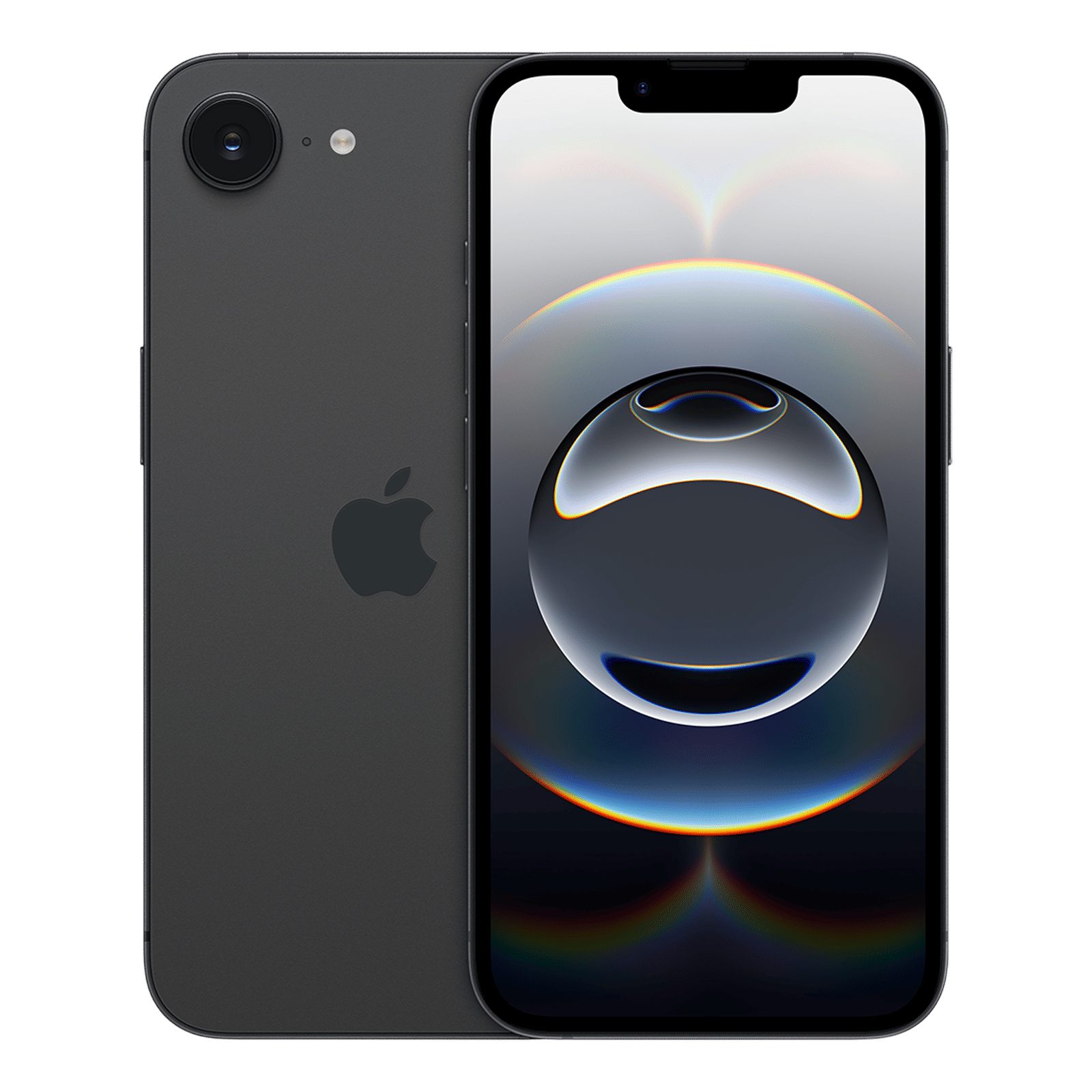

iOS 18.5 update: How to download
To download the new iOS 18.5 update, simply follow these steps on your supported iPhone:
Step 1: Head to your iPhone’s Settings menu
Step 2: Go to General > Software Update
Step 3: Download iOS 18.5 update, but ensure the device is connected to Wi-Fi and has sufficient battery before starting it.
Let us know what you think about the iOS 18.5 update in the comments below. And stay tuned to Unboxed by Croma to stay on top of everything tech.

Unleash your inner geek with Croma Unboxed
Subscribe now to stay ahead with the latest articles and updates
You are almost there
Enter your details to subscribe

Happiness unboxed!
Thank you for subscribing to our blog.
Disclaimer: This post as well as the layout and design on this website are protected under Indian intellectual property laws, including the Copyright Act, 1957 and the Trade Marks Act, 1999 and is the property of Infiniti Retail Limited (Croma). Using, copying (in full or in part), adapting or altering this post or any other material from Croma’s website is expressly prohibited without prior written permission from Croma. For permission to use the content on the Croma’s website, please connect on contactunboxed@croma.com
- Related articles
- Popular articles
Dhriti Datta
Comments