







When connecting Apple AirPods to an Android phone, the main limitation is the loss of seamless Apple-ecosystem features. You lose automatic ear detection for pausing media, convenient on-screen battery status for the case/buds, and the ability to natively customise controls (like the double-tap/squeeze actions).
They operate as standard Bluetooth headphones, meaning you must manually pair them, and you cannot access Spatial Audio or the “Find My” feature. There are some third-party apps like OpenPods that allow users to access some of these AirPods features on Android. However, there’s a new app called LibrePods that allows users to access all the AirPods functionalities when paired with an Android device.
LibrePods: Bring near-native AirPods experience on Android
Developed by Kavish Devar, the LibrePods app brings access to noise control settings, including Noise Cancellation, Adaptive and Transparency modes. It also adds Conversational Awareness, which lowers audio when the user starts speaking. Ear Detection can automatically pause or resume playback when an earbud is removed or worn, while head gestures allow call answering with a simple nod.
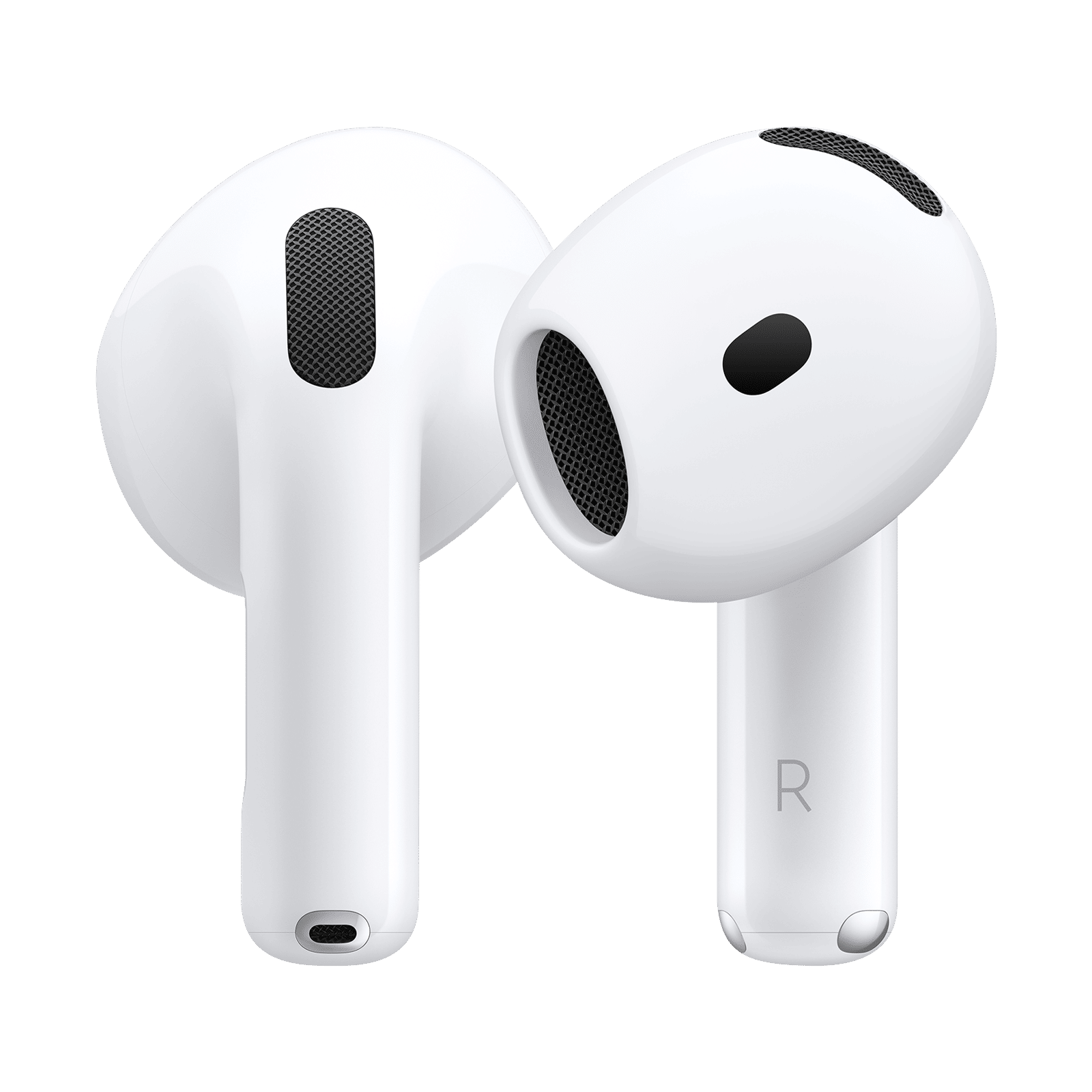
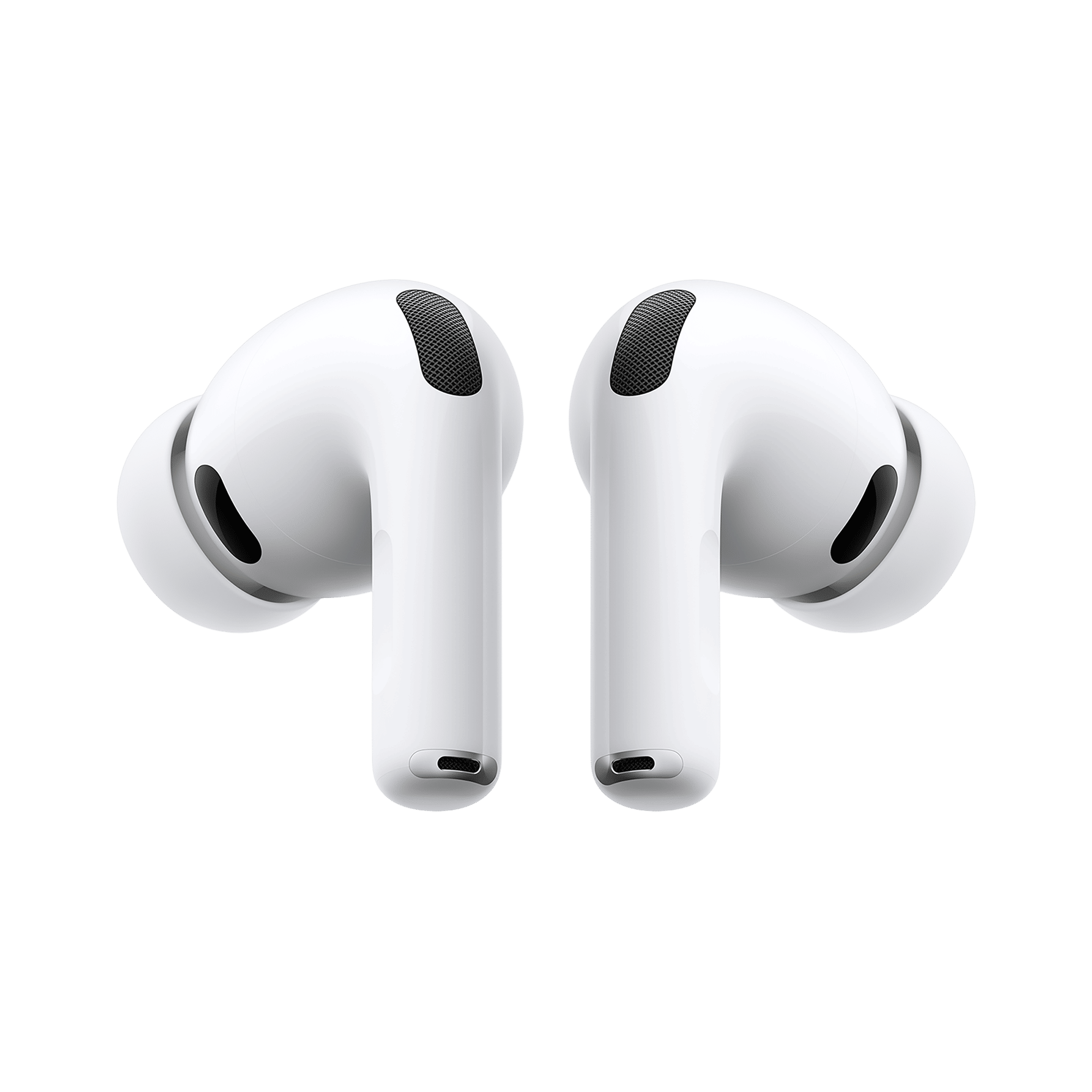
Battery data for the case and both earbuds is also displayed with precise percentages. Users can also rename their AirPods and adjust long-press controls through the interface.
Advanced and hidden settings
LibrePods includes deeper functions that go beyond the standard features. These include adjustable audio transparency, multi-device support and an option that lets AirPods act like basic hearing aids. These settings require enabling a mode that makes the earbuds register the phone as an Apple device.
The key requirement for accessing the complete set of features is a rooted Android phone, with the developer recommending the Xposed framework. Some limited features may still work on Oppo and OnePlus devices without root access.
ALSO READ: Best Apple AirPods to buy in 2025
AirPods Pro Gen 2 and Gen 3 get the most comprehensive support, while other models retain core features such as battery status. The app is available through the developer’s GitHub page along with the APK download.
Stay tuned to Unboxed by Croma for more updates from the world of tech.

Unleash your inner geek with Croma Unboxed
Subscribe now to stay ahead with the latest articles and updates
You are almost there
Enter your details to subscribe

Happiness unboxed!
Thank you for subscribing to our blog.
Disclaimer: This post as well as the layout and design on this website are protected under Indian intellectual property laws, including the Copyright Act, 1957 and the Trade Marks Act, 1999 and is the property of Infiniti Retail Limited (Croma). Using, copying (in full or in part), adapting or altering this post or any other material from Croma’s website is expressly prohibited without prior written permission from Croma. For permission to use the content on the Croma’s website, please connect on contactunboxed@croma.com

- Related articles
- Popular articles
Sai Krishna Reddy Kovvuri
Librepods apk link not working