







Nothing has kicked off the global rollout of its Nothing OS 4.0 Open Beta, giving users a first look at what’s next for its minimalist ecosystem. Built on Android 16, the update brings an extra layer of polish, and some clever new AI-driven tricks, to the brand’s distinct design DNA.
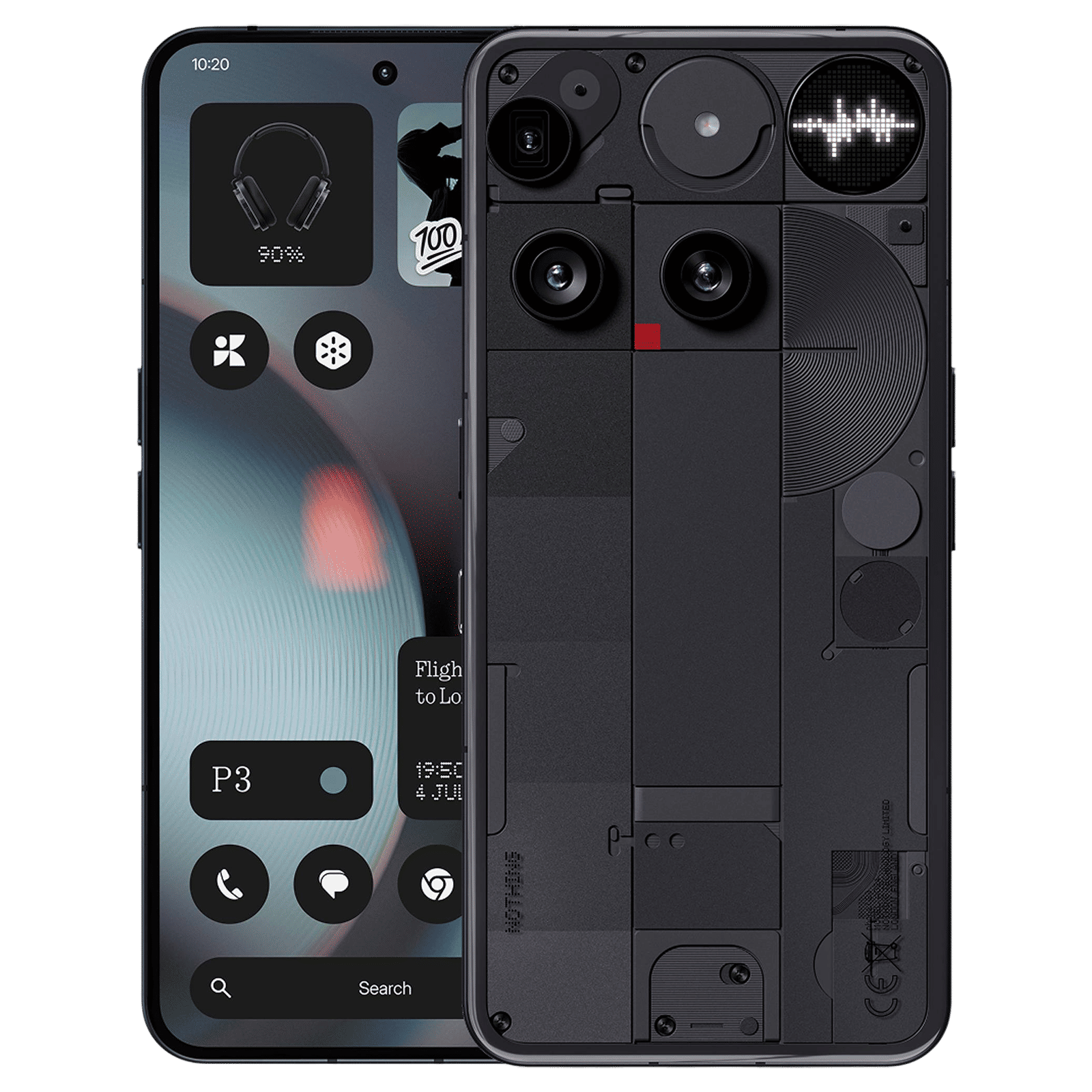
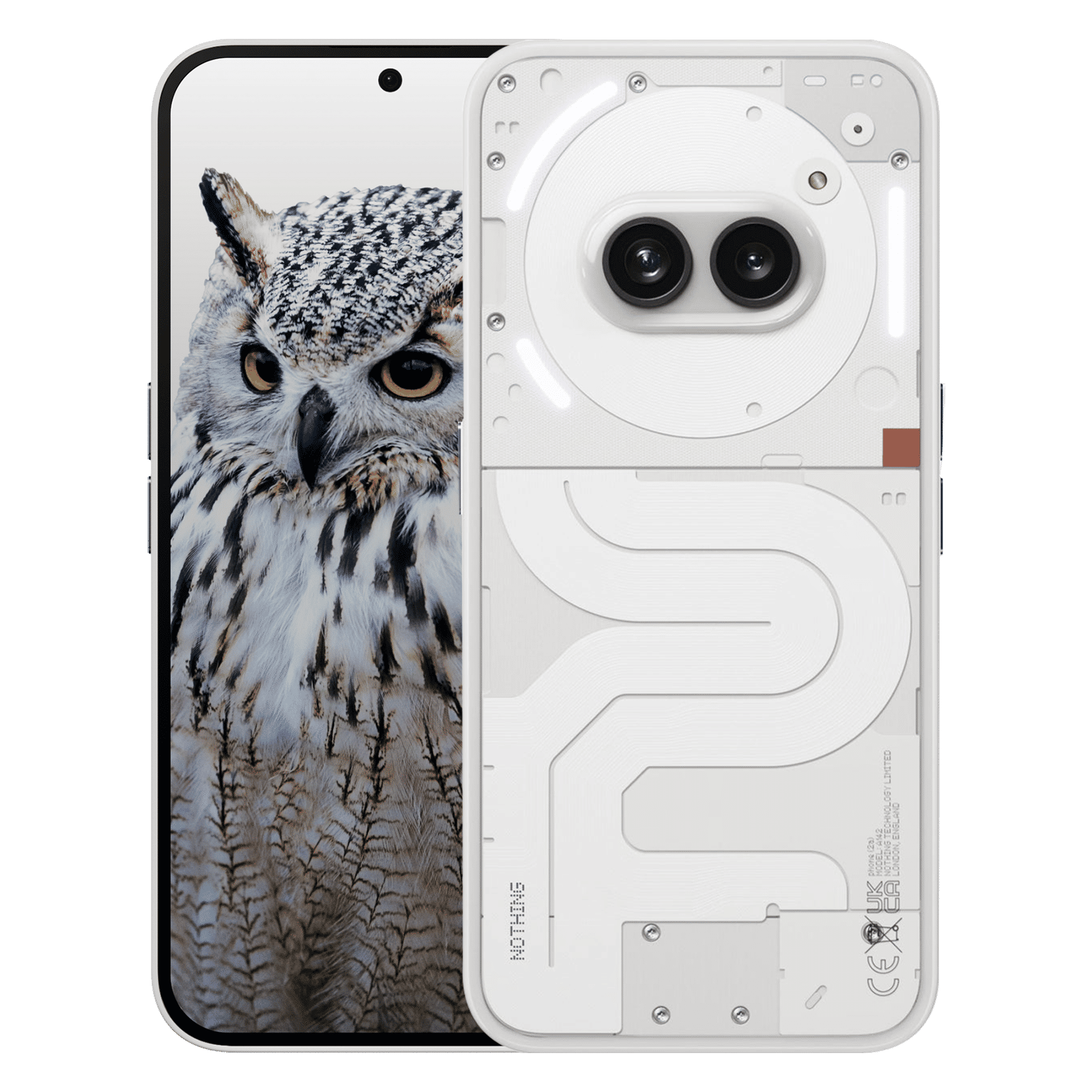
Available now for the Nothing Phone 3, Phone 2, and Phone 2a series, the beta will open to the Phone 3a lineup later this month. Those eager to try it must first update to the latest stable build (Nothing OS 3.5) before joining the beta through the Nothing Beta Hub. The window to enroll closes on October 14, after which new registrations won’t be accepted.
How to install the Nothing OS 4.0 Open Beta
Before you start make sure your device runs the latest Nothing OS 3.5 stable version. Also, back up all important data since beta software can sometimes require a factory reset.
How to install Nothing OS 4.0 Open Beta step-by-step guide:
Step 1: Download the Beta Updates Hub APK from Nothing’s community page
Step 2: Install the APK on your compatible Nothing Phone
Step 3: Go to Settings > System > Nothing Beta Hub
Step 4: Tap Join Beta to enroll your device
Step 5: Once registered, tap Go to Update to begin downloading the beta
Step 6: Follow the on-screen instructions and let the phone reboot after installation
Alternatively, you can check manually under Settings > System > System updates > Check for updates.
ALSO READ: Nothing OS 4.0 is here to make AI a little less mysterious and a lot more intuitive
To roll back to the stable version:
Step 1: Download the rollback package from Nothing’s website
Step 2: Go to Settings > System > Nothing Beta Hub
Step 3: Tap Import file and select the rollback package
Step 4: Follow the on-screen prompts to restore your device to a stable version
Nothing OS 4.0: Smarter, faster, and a little more playful
The standout addition this time is the AI Usage Dashboard, found within the Nothing Phone 3’s “Essential Space”. It gives users a transparent look at how AI models operate on-device, a small but significant nod to growing privacy consciousness.
There’s also the new Essential Apps suite, letting users create mini apps using natural language prompts, and a Playground hub where these can be shared with the community. Everyday usability gets a boost too. You get quicker pop-up switching, optimised brightness, and smoother lock screen animations.
Camera fans get something special as well. A Stretch preset, crafted in collaboration with photographer Jordan Hemingway, enhances photos with deeper shadows and extended highlights, giving them an artsy, editorial feel.
Elsewhere, system-level tweaks make startup times faster across all devices, and you’ll spot fresh touches like new lock screen clock faces, extra dark mode options, and 2×2 Quick Settings tiles.
Are you excited to try Nothing OS 4.0 out? Let us know in the comments, and stay tuned to Unboxed by Croma for updates on all things tech.

Unleash your inner geek with Croma Unboxed
Subscribe now to stay ahead with the latest articles and updates
You are almost there
Enter your details to subscribe

Happiness unboxed!
Thank you for subscribing to our blog.
Disclaimer: This post as well as the layout and design on this website are protected under Indian intellectual property laws, including the Copyright Act, 1957 and the Trade Marks Act, 1999 and is the property of Infiniti Retail Limited (Croma). Using, copying (in full or in part), adapting or altering this post or any other material from Croma’s website is expressly prohibited without prior written permission from Croma. For permission to use the content on the Croma’s website, please connect on contactunboxed@croma.com
- Related articles
- Popular articles
Dhriti Datta
Comments