







Your old gaming laptop may need an upgrade as Nvidia is ending support for some of its popular GPUs. This also includes the popular GeForce 10-series GPUs which power many graphics cards in desktops and gaming laptops. Having said that, if you own laptops with older GPUs, like the GeForce 10-series cards, and want to continue playing heavy games, then you may want to upgrade your machine. Here’s everything you need to know.
Nvidia ending support for 10-series GPUs
Nvidia in its latest CUDA notes stated that the “Architecture support for Maxwell, Pascal, and Volta is considered feature-complete and will be frozen in an upcoming release.” This confirms that Nvidia is ending support for its old GPUs, including the popular GeForce 10-series GPUs, which is present in several laptops.
ALSO READ: What features to look for when buying a gaming laptop
While Nvidia hasn’t confirmed why it’s ending support for these cards, this isn’t something new for Nvidia as well as its rival AMD. Both manufacturers tend to discontinue support for their older cards. Nvidia last dropped support for older cards in 2021, whereas AMD did the same in 2023.
If you own an old laptop that packs GPUs from the aforementioned series, then you don’t necessarily need to freak out. Ending support for these cards means your GPUs may not get the latest Game Ready drivers. However, they will still function as they do.
Should you upgrade your old gaming laptop?
The question remains, should you upgrade your old gaming laptop? The answer to that question is both yes and no. Yes, if you plan on using the GPU in your laptop for playing AAA games. No, if you’d play casual or retro games on your laptop, but with the caveat that you may run into some bugs and issues later on.
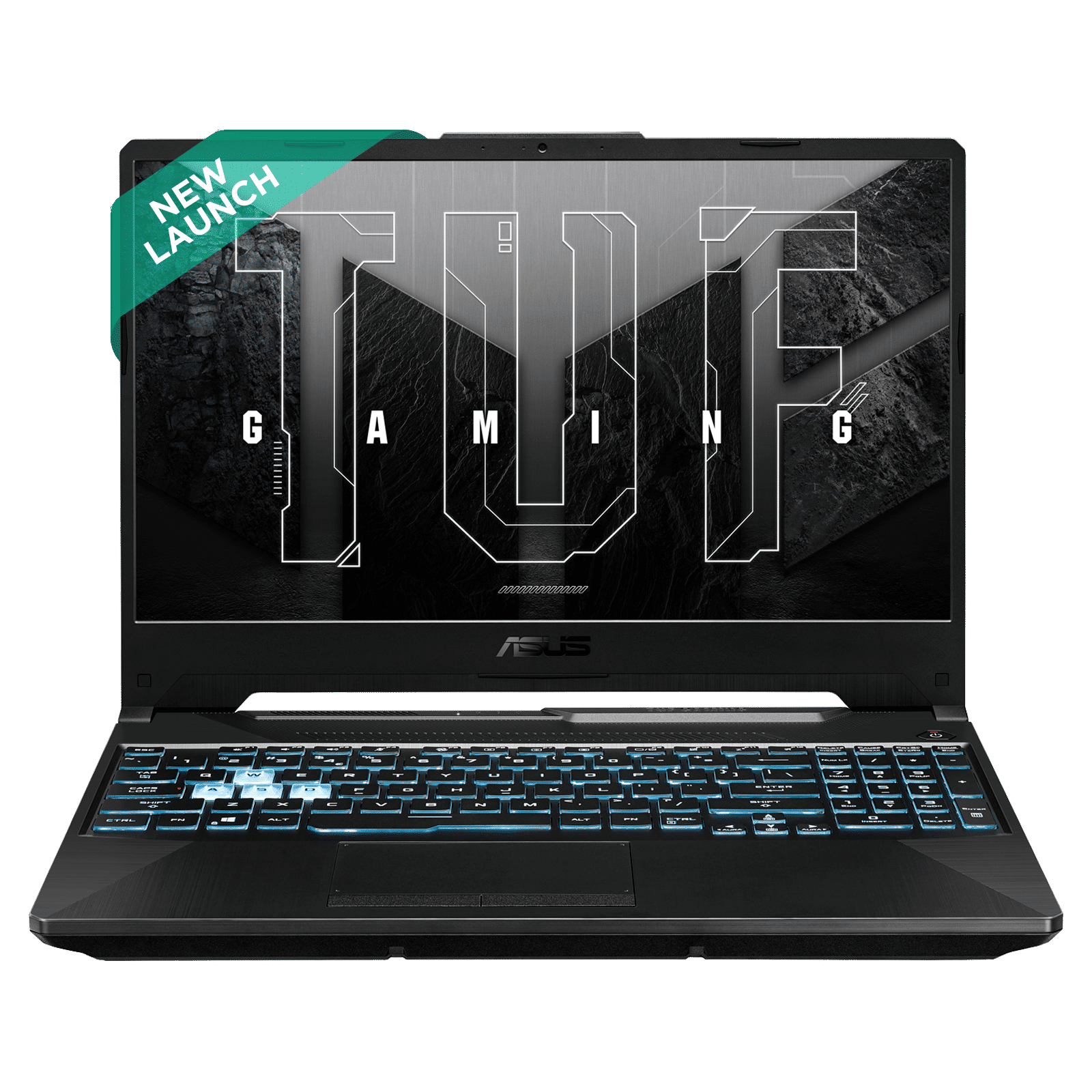
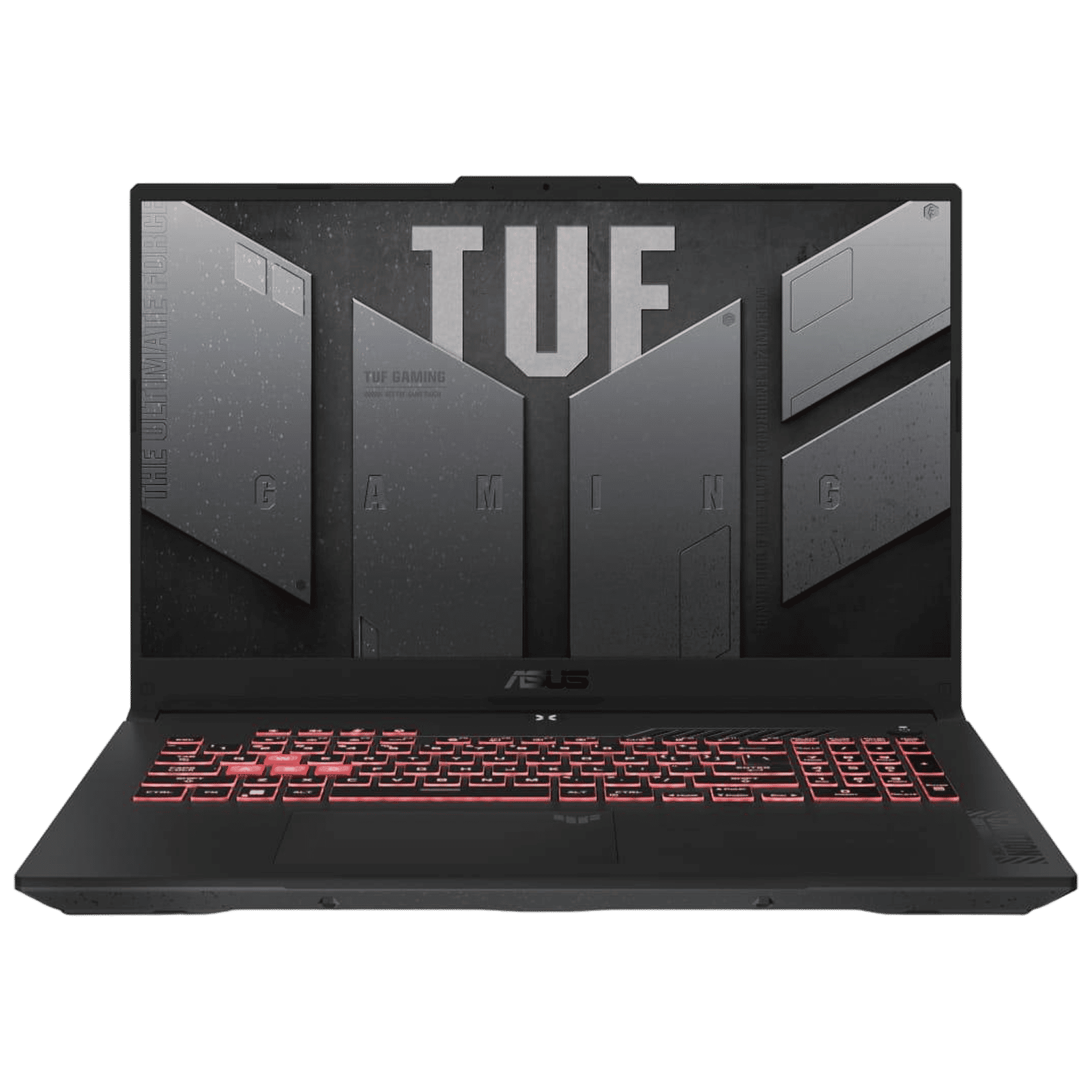
For those who plan to upgrade, we recommend you consider laptops with Nvidia’s 30-series and 40-series GPUS. You can also consider the upcoming laptops with 50-series GPUs, but they are slightly pricier for now. Notably, you can skip laptops with 20-series GPUs as they don’t offer the right value at the moment That’s because you can easily get laptops with 30-series GPUs in the same price range.

Unleash your inner geek with Croma Unboxed
Subscribe now to stay ahead with the latest articles and updates
You are almost there
Enter your details to subscribe

Happiness unboxed!
Thank you for subscribing to our blog.
Disclaimer: This post as well as the layout and design on this website are protected under Indian intellectual property laws, including the Copyright Act, 1957 and the Trade Marks Act, 1999 and is the property of Infiniti Retail Limited (Croma). Using, copying (in full or in part), adapting or altering this post or any other material from Croma’s website is expressly prohibited without prior written permission from Croma. For permission to use the content on the Croma’s website, please connect on contactunboxed@croma.com
- Related articles
- Popular articles
Pranav Sawant
Comments