







Touchscreen laptops aren’t just a gimmick. A hybrid desktop-touch interface is difficult to nail on an OS (Windows) that has, for decades, been focused on keyboard/mouse as the primary input, but Microsoft has made some excellent progress on that front. With the updates available today, a touch UI on a Windows desktop is increasingly intuitive and usable. Microsoft has also done a fantastic job with Pen or stylus input and now most touch-friendly Windows laptops come with a stylus.
There are downsides, notably bulk, as touch-friendly display panels tend to be much heavier. Display clarity is also a problem on some devices as manufacturers may not always use a high resolution digitiser. The digitiser is a layer that sits atop your display glass to enable touch input. On low resolution digitisers, you can see an array of dots across your display. These dots or cells measure touch.
ALSO READ: What exactly is laptop generation? Understanding different generations of laptops
Here are the best touch screen laptops you can buy in 2025:
Samsung Galaxy Book 5 Pro
We’ll start with one of the best ones, the Samsung Galaxy Book 5 Pro (Rs 1,31,900). A fantastic looking laptop this, with the premium finish and slick design one would expect from a Samsung device. Being a Samsung device, the display is a fantastic AMOLED touchscreen.
SAMSUNG Galaxy Book5 Pro Intel Core Ultra 5 Touchscreen Thin & Light Laptop (16GB, 512GB SSD, Windows 11 Home, 8GB Graphics, 14 inch WQXGA Plus AMOLED Display, MS Office 2021, Gray, 1.23 KG)
Buy now
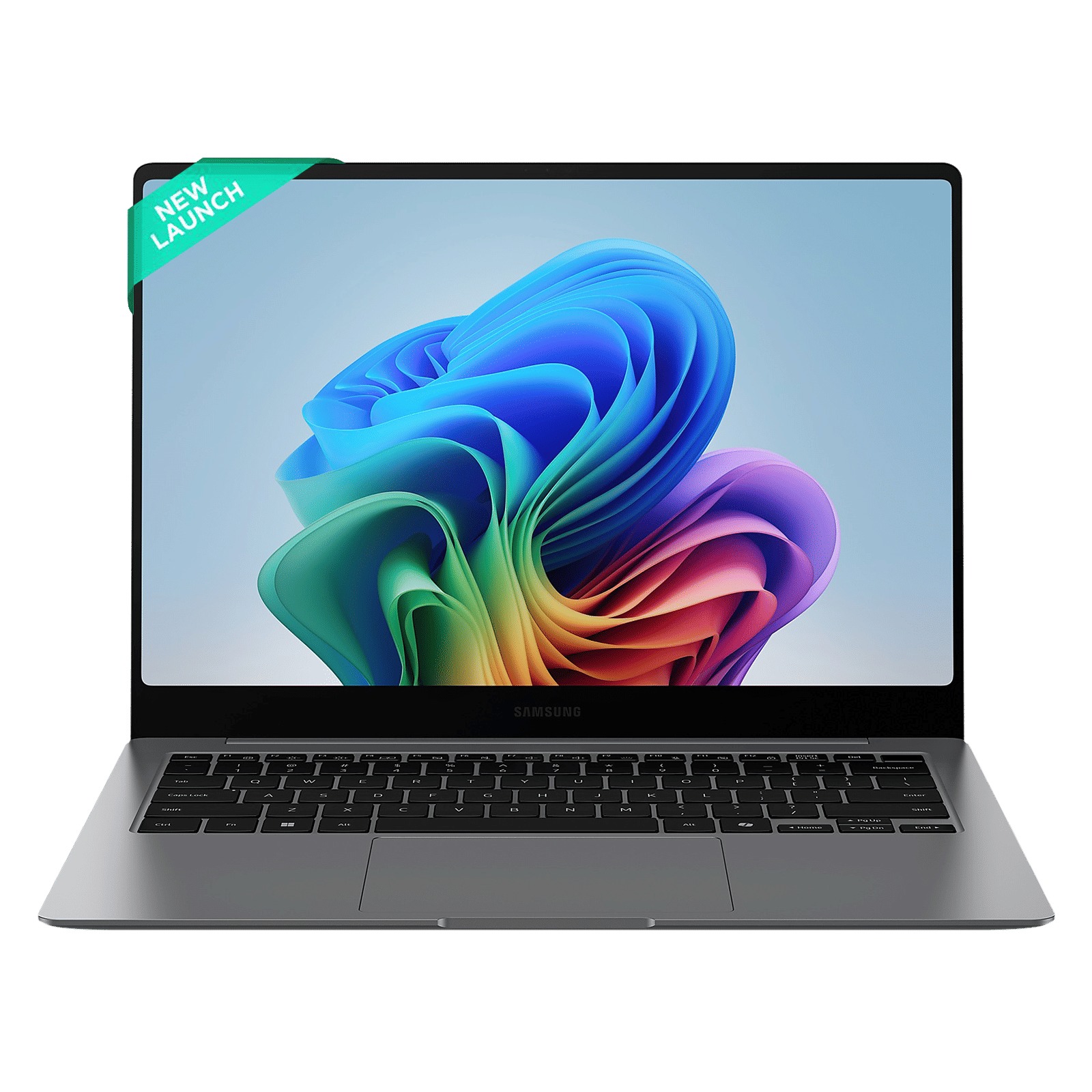
Specs include an Intel Core Ultra 5 226V, 16GB RAM, and 512GB of high-speed storage. The processor boasts of a 96-TOPS NPU or AI processor, which works very well with the plethora of AI features built into Windows and many apps. More importantly, the RAM is integrated into the CPU itself, much like in Apple’s M series laptop processors. This gives a huge boost to system responsiveness, but you can’t get more than 16GB RAM without paying for an upgrade to a Core Ultra 7 processor.
HP OmniBook 5 16
Those who want to indulge in some light gaming on their touchscreen Windows laptops might want to consider the HP OmniBook 5.
HP OmniBook 5 16-ag1048AU AMD Ryzen AI 7 Touchscreen Thin & Light Laptop (16GB, 512GB SSD, Windows 11 Home, 16 inch 2K IPS Display, MS Office Home 2024, Glacier Silver, 1.79 KG)
Buy now

The 16-inch variant retails at Rs 82,999 and comes with an excellent, 2K IPS touchscreen. The feature that makes it great for light gaming is the use of the AMD Ryzen AI 7 350 processor. This one also has support for Microsoft CoPilot+ and other AI features, but more importantly, has a powerful integrated GPU in the form of an AMD Radeon 860M.
ALSO READ: Eight ways to decorate and make your laptop look new
While not as powerful as a discrete GPU, the 860M is plenty for 1080p gaming, especially if you take advantage of AMD’s FSR upscaling tech.
ASUS Vivobook 14 Flip
For a more tablet-friendly Windows experience, consider the ASUS Vivobook 14 Flip. It looks like a regular Windows laptop but the hinge swivels nearly 360 degrees. This enables a proper, tablet-like experience and opens up other form factors such as a tent mode.
ASUS Vivobook 14 Flip Intel Core Ultra 5 Touchscreen 2-in-1 Laptop (16GB, 512GB SSD, Windows 11 Home, 14 inch OLED Display, MS Office Home 2024 & MS 365 Basic, Matte Gray, 1.57 KG)
Buy now
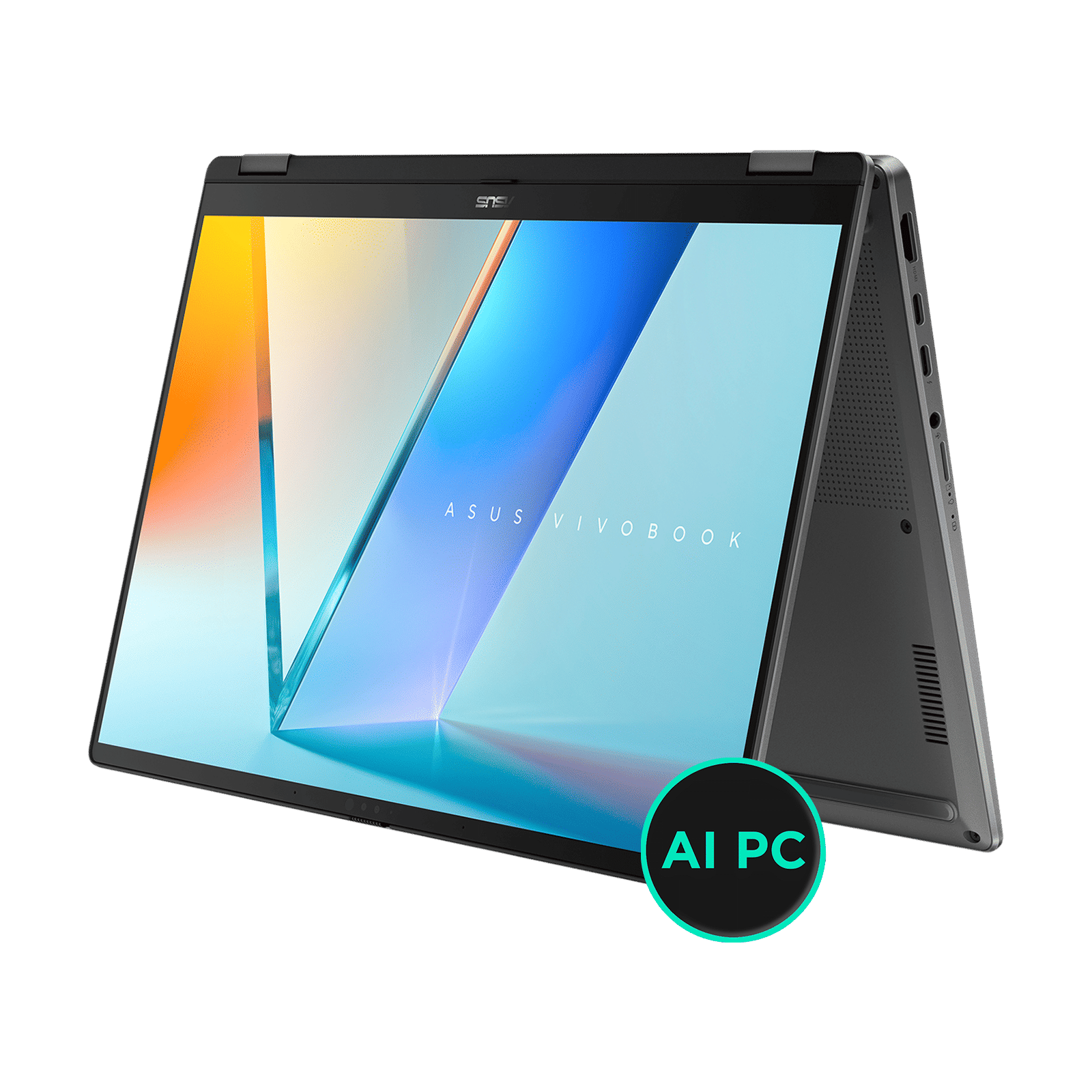
Its OLED display is great for consuming content, and the Intel Core Ultra 5, 16GB of RAM, and 512GB of storage are plenty for everyday computing. You can find the Vivobook 14 Flip for Rs 93,990 on Croma.
Lenovo IdeaPad 5
On the budget end, you might want to consider the Lenovo IdeaPad 14IRH9 (Rs 69,990). It’s running a slightly older Intel processor but comes with the same 16GB RAM and 512GB storage as other devices in this list.
Lenovo IdeaPad 5 14IRH9 Intel Core i5 13th Gen Touchscreen 2-in-1 Laptop (16GB, 512GB SSD, Windows 11 Home, 14 inch WUXGA IPS Display, MS Office 2024, Luna Grey, 1.6 KG)
Buy now
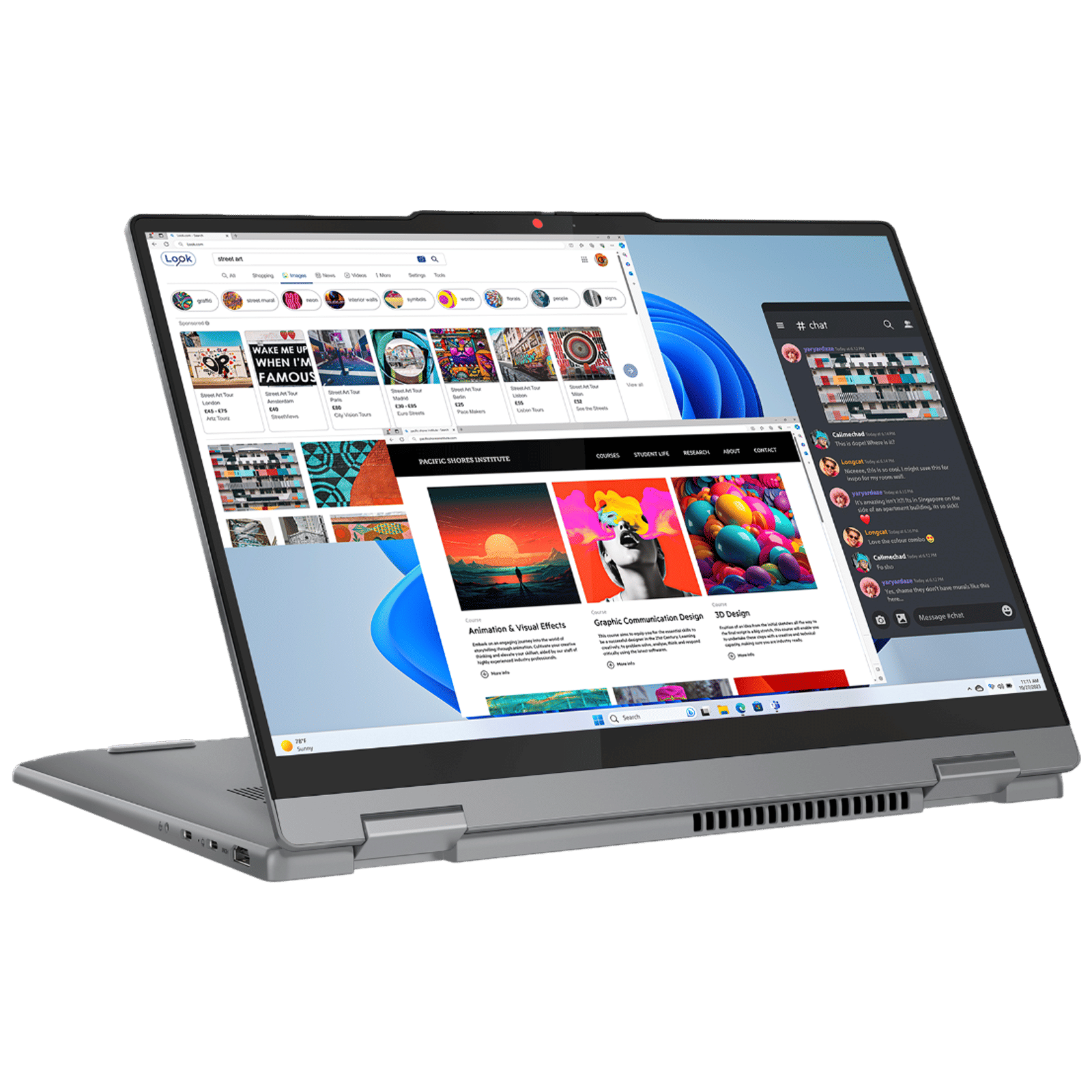
In terms of performance for everyday computing, you will see no restriction or slow-down compared to any modern device, thereby allowing you to save a lot of money for other gadgets such as external storage and a mouse.
Like Vivobook Flip, the IdeaPad 5 display also rotates nearly 360 degrees and allows for a variety of operating modes, making it a very good touchscreen laptop for students.
Dell Inspiron 14 Snapdragon
Now this one might seem like a traditional touschreen laptop, but it’s a lot more exciting than that. Powered by a Qualcomm Snapdragon X (a laptop version of the same Snapdragon chip powering your phone), the Dell Inspiron 14 Snapdragon offers the closest thing to tablet computing experience.
Dell Inspiron 14 Plus Snapdragon X Plus Touchscreen Thin & Light Laptop (16GB, 512GB SSD, Windows 11 Home, 14 inch QHD Plus IPS Display, MS Office 2021, Ice Blue, 1.4 KG)
Buy now
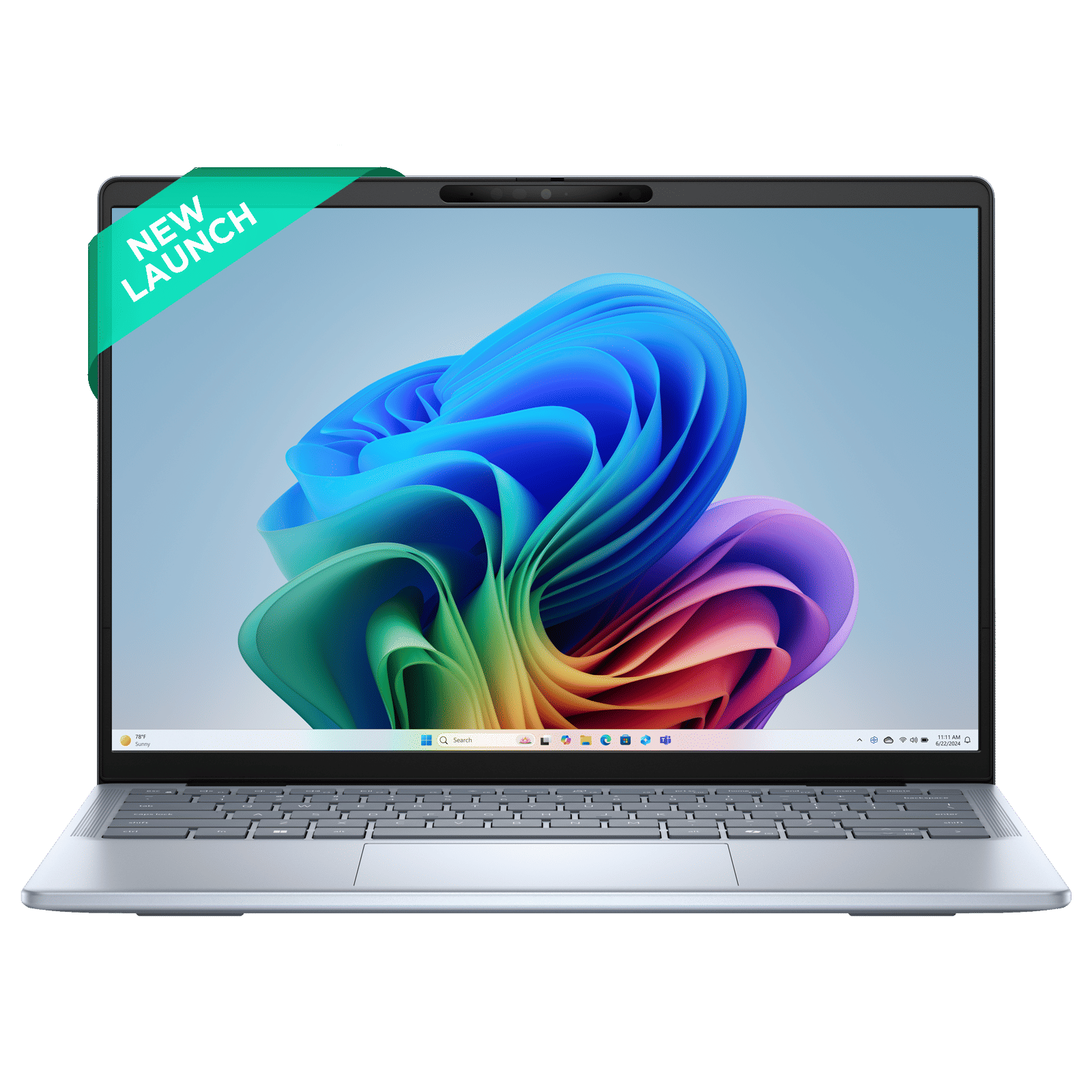
The Snapdragon chip is incredibly quiet and efficient — when compared to its AMD and Intel counterparts — thus allowing for near silent operation and all-day battery life. It does have limitations, though, in the form of little to no gaming support and limited app support. If what you mostly do is browse the web and use Office apps, this one could be the perfect device for you. It’s available for Rs 1,09,490.
If you’re looking for a new laptop for work or for a child, a touchscreen laptop offers a best-of-both worlds tablet-desktop experience that’s worth considering. The added weight of the touchscreen can be a problem if you travel a lot, but the convenience of the touchscreen might outweigh that inconvenience. Ultimately, the choice is yours and Croma.com has a tonne of other options besides the ones listed above. Be sure to check them out.

Unleash your inner geek with Croma Unboxed
Subscribe now to stay ahead with the latest articles and updates
You are almost there
Enter your details to subscribe

Happiness unboxed!
Thank you for subscribing to our blog.
Disclaimer: This post as well as the layout and design on this website are protected under Indian intellectual property laws, including the Copyright Act, 1957 and the Trade Marks Act, 1999 and is the property of Infiniti Retail Limited (Croma). Using, copying (in full or in part), adapting or altering this post or any other material from Croma’s website is expressly prohibited without prior written permission from Croma. For permission to use the content on the Croma’s website, please connect on contactunboxed@croma.com
- Related articles
- Popular articles
Anirudh Regidi
Comments