







Unlike a regular wireless router setup, where only one router is providing network access to a large area, a mesh network uses a system of relays or nodes to re-transmit and amplify the same wireless signal for more even distribution.
You can try installing multiple routers all over your home or work space, but if they’re not mesh routers, you’re going to be dealing with multiple Wi-Fi networks in your home and none of your devices will talk to each other.
How a mesh network works
At its core, a mesh network comprises multiple nodes – routers designed to repeat an existing Wi-Fi signal. There will be a base unit that you connect to the internet, and this base will act as a central node that controls the rest of the nodes or satellites.
The satellite nodes connect to the base node either wirelessly or via a wired connection. Once connected, they repeat or re-broadcast the base node’s Wi-Fi signal, thereby indirectly “boosting” the signal.
More expensive mesh networks will use a dedicated and isolated Wi-Fi band to connect the base to the other routers, while cheaper ones will use an existing one, potentially limiting bandwidth. In either case, connecting nodes via an Ethernet cable is the best option for optimum bandwidth and lowest latency. The cables are ugly, though, and most homeowners will not want to use them.
ALSO READ: Wi-Fi router FAQs: Everything you need to know before upgrading your home network
With this setup, your devices will automatically connect to the nearest node (the source of the strongest signal), ensuring that the device always has access to the fastest Wi-Fi. As you move around the house, the signal will be handed off to the nearest node, ensuring continuous coverage.
Newer mesh networks also feature self-healing and adaptive routing capabilities. This means that it can detect when a node is down or when a certain wireless band is too clogged, adjusting the signal strength accordingly.

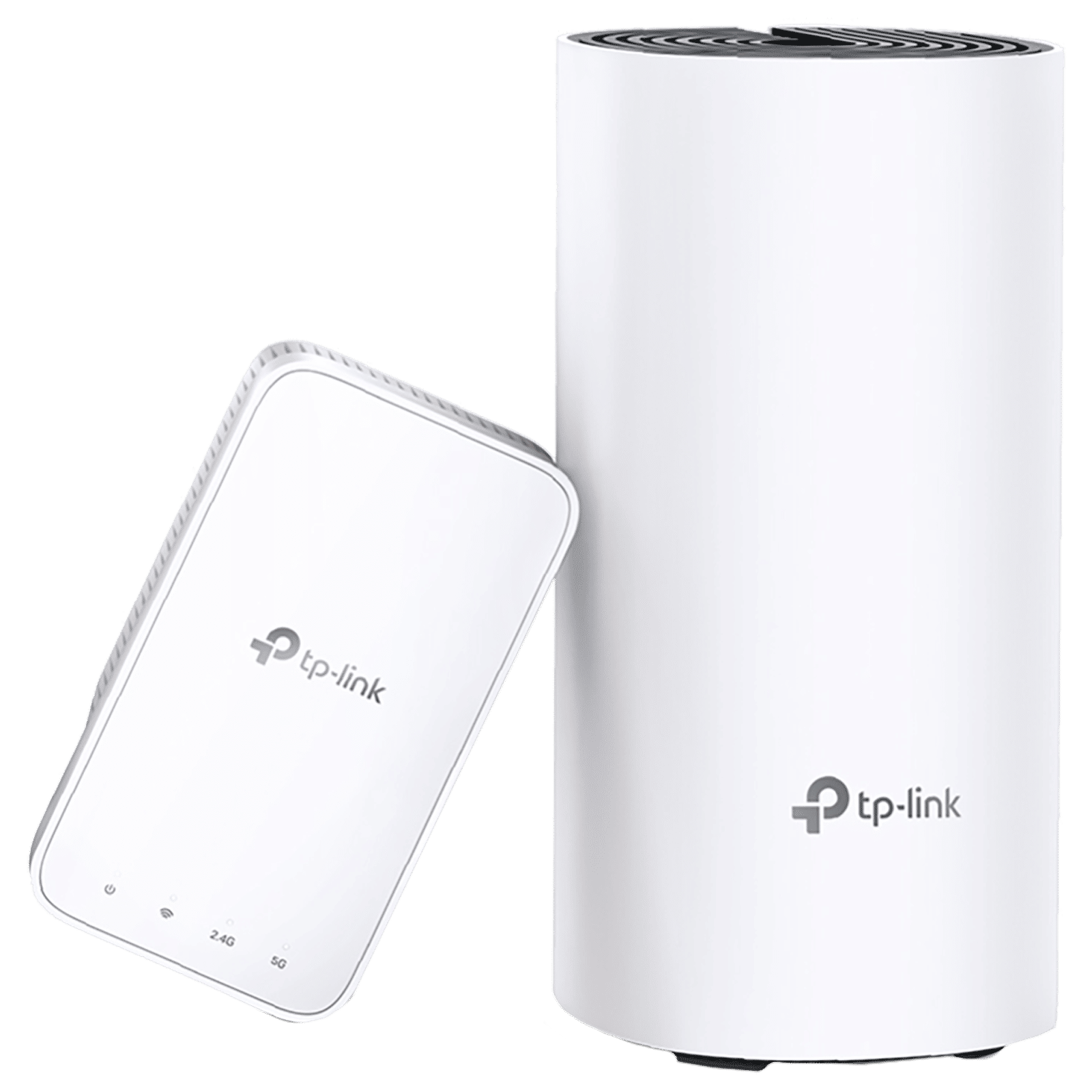
Mesh networks aren’t needed in smaller homes as having a powerful router is usually sufficient. It’s only in larger homes, and especially in multi-story homes, that a mesh network really comes into its own and has significant benefits.

Unleash your inner geek with Croma Unboxed
Subscribe now to stay ahead with the latest articles and updates
You are almost there
Enter your details to subscribe

Happiness unboxed!
Thank you for subscribing to our blog.
Disclaimer: This post as well as the layout and design on this website are protected under Indian intellectual property laws, including the Copyright Act, 1957 and the Trade Marks Act, 1999 and is the property of Infiniti Retail Limited (Croma). Using, copying (in full or in part), adapting or altering this post or any other material from Croma’s website is expressly prohibited without prior written permission from Croma. For permission to use the content on the Croma’s website, please connect on contactunboxed@croma.com
- Related articles
- Popular articles
Anirudh Regidi
Comments