







You know that moment when you’re trying to tweak your Wi-Fi settings and somehow end up deep in menus with no idea what you tapped? Turns out, the latest Windows 11 updates are designed to help with exactly that, and much more. First arriving on the latest AI-powered PCs, this update aims to make tech feel less… techy.
A smarter system for everyone
Whether you’re a student juggling classes and remote calls or someone troubleshooting a surprise display issue during a presentation, the new update has you covered. Instead of searching online for fixes, you can now type something like “my screen looks odd after waking from sleep” right into Settings, and the system helps identify and resolve the issue automatically.
This is part of a new wave of built-in smart features , like a virtual assistant that understands your intent and context.

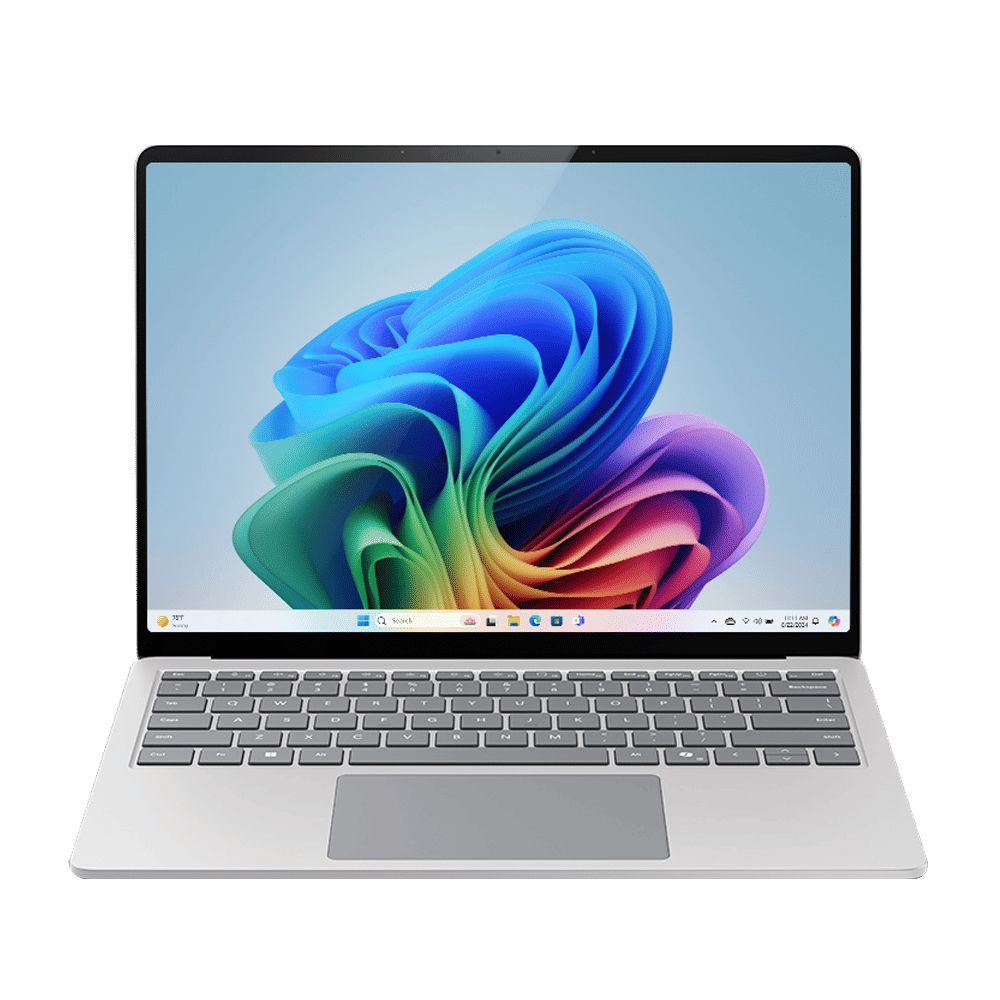
One of the highlights is a productivity tool designed for multitaskers. Imagine you’re preparing a presentation and grab a screenshot of a meeting invite. With a simple click, the system recognises the info and adds it to your calendar. For younger users, there’s even a reading feature that helps practice pronunciation by sounding out highlighted text, like having a built-in reading coach.
READ MORE: Microsoft Surface Laptop 13 and Surface Pro aim to make Copilot+ PCs more accessible
Creators will love what’s new too. The drawing tool now lets you create fun stickers using simple prompts (for example, a sleepy puppy on a skateboard), while the photo editor includes smart lighting controls that feel like a mini studio at your fingertips.
Accessibility tools are also getting an upgrade. The screen reader can now describe images in more detail, including faces, charts, and other visuals, even if they’re missing captions.
All of this runs faster and stays private thanks to on-device AI built into new Microsoft Copilot+ PCs, powered by a Neural Processing Unit (NPU). Microsoft is also working with creators and devs to supercharge third-party tools like Capcut, DJay Pro, and LiquidText, all optimised for AI performance.
So whether you’re a student pulling an all-nighter, a creative on deadline, or someone just trying to figure out how to stop their mouse from disappearing, this new Windows isn’t just smarter. It’s finally speaking your language.
And maybe, just maybe, it’ll help you avoid that next dive into tech support forums.

Unleash your inner geek with Croma Unboxed
Subscribe now to stay ahead with the latest articles and updates
You are almost there
Enter your details to subscribe

Happiness unboxed!
Thank you for subscribing to our blog.
Disclaimer: This post as well as the layout and design on this website are protected under Indian intellectual property laws, including the Copyright Act, 1957 and the Trade Marks Act, 1999 and is the property of Infiniti Retail Limited (Croma). Using, copying (in full or in part), adapting or altering this post or any other material from Croma’s website is expressly prohibited without prior written permission from Croma. For permission to use the content on the Croma’s website, please connect on contactunboxed@croma.com
- Related articles
- Popular articles
Satvik Pandey
Comments