







If you don’t have a smart TV, or even if you don’t particularly like your smart TV’s software and interface, there are options for you to still be able to access connected apps and streaming services without having to buy a new television altogether. Furthermore, issues such as your TV not getting software updates and slowing down might make you want a solution.
A decent streaming device can not only give you access to connected services on your existing TV, but some of these options can even expand your capabilities in ways you may not have thought of.
ALSO READ: How to reset a Fire TV stick: Easy steps to fix connection issues
Two of the best streaming devices right now are the Apple TV 4K and Fire TV Stick 4K, both of which plug into your TV via HDMI and offer a dedicated system and interface to stream content and other activities. We compare these two streaming devices, to help you decide which is the best one for you.
Apple TV 4K vs Fire TV Stick 4K: Features and capabilities compared
1. Form factor:
The Apple TV 4K and Fire TV Stick 4K come with the same key features and functionality, but have very different form factors. The Fire TV Stick 4K is a fair bit smaller and connects to the back of your TV, staying out of sight and not requiring much space to stay put. It’s also quite light, and may be possible to power directly through the USB port of your TV, although it’s recommended to connect the Fire TV Stick 4K to a separate power socket using its included adapter, for a more steady power supply.
The Apple TV 4K is a much larger and heavier box, and must be placed on a table or cabinet shelf near the TV. While it connects to your TV using an HDMI cable, it also requires a dedicated power supply through its own included cable. Unlike the lightweight and primarily plastic Fire TV Stick 4K, the Apple TV 4K is largely made of recycled aluminium.
The remote of the Fire TV Stick 4K runs on AAA batteries, while the remote of the Apple TV 4K has a built-in battery and can be recharged using the USB Type-C port. In both cases, a full charge will last for at least a few months at a time, so frequent charging is not a concern.
Operating system and capabilities: This is where the biggest differences can be seen between the Fire TV Stick 4K and Apple TV 4K. The Fire TV Stick 4K runs on FireOS, a purpose-built operating system and user interface for the Fire TV streaming devices. It’s a light OS that focuses on audio and video streaming, and features thousands of apps made for use on the big screen on the TV. Additionally, navigation is designed to be convenient using the remote, and some games may be possible to play. The Fire TV Stick 4K supports only Wi-Fi by default, but you can add Ethernet connectivity through an optional adapter.
Apple TV 4K features Apple’s tvOS, which is a specialised version of Apple’s mobile operating systems meant for use on the big screen. Apart from streaming apps, there are also many games made for tvOS, which you can play with a supported controller. The Apple TV 4K also has more storage – up to 128GB – and optional ethernet connectivity on the higher variant, which can help with storing more apps and games on the device, as well as ensuring more stable wired connectivity when there are issues with Wi-Fi stability.
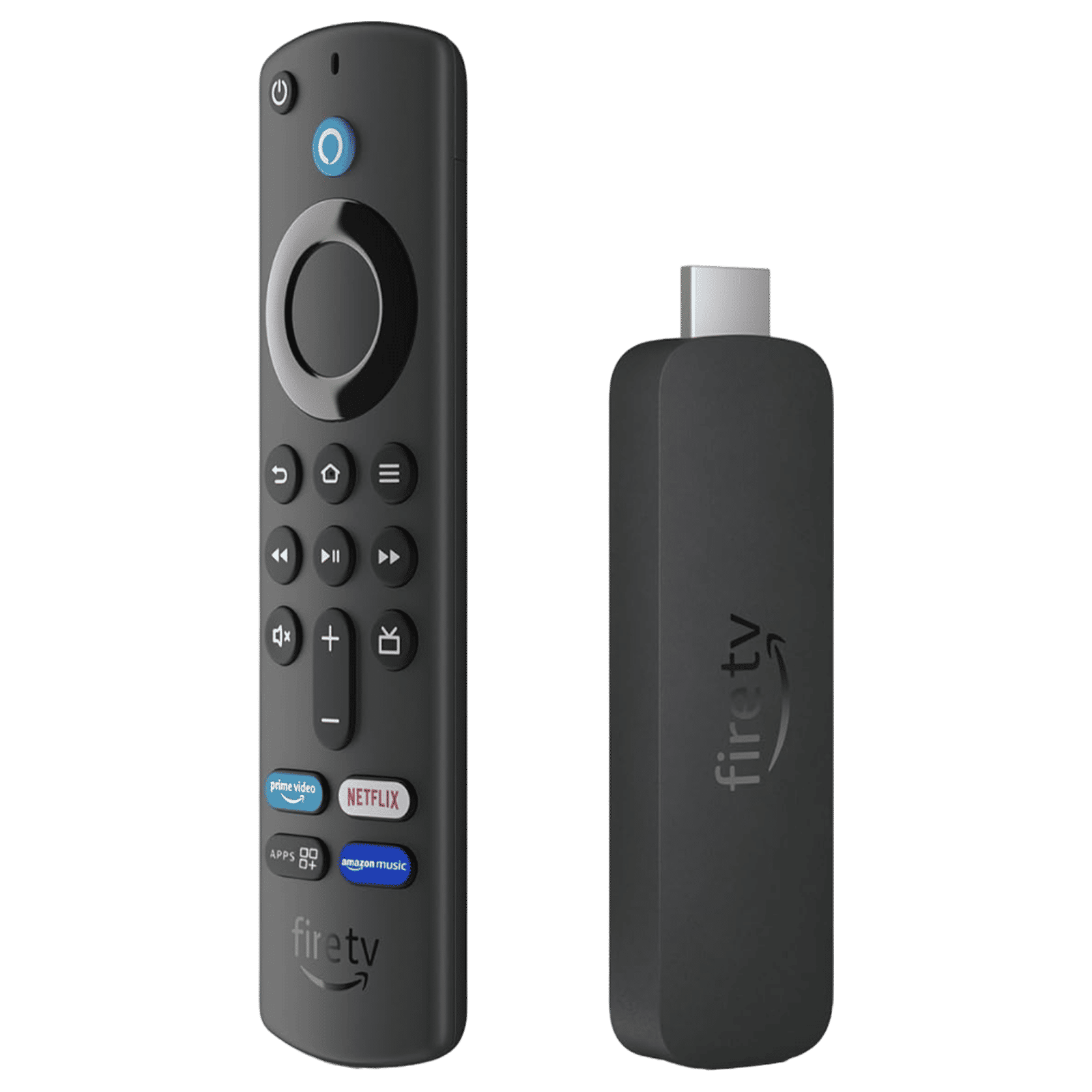
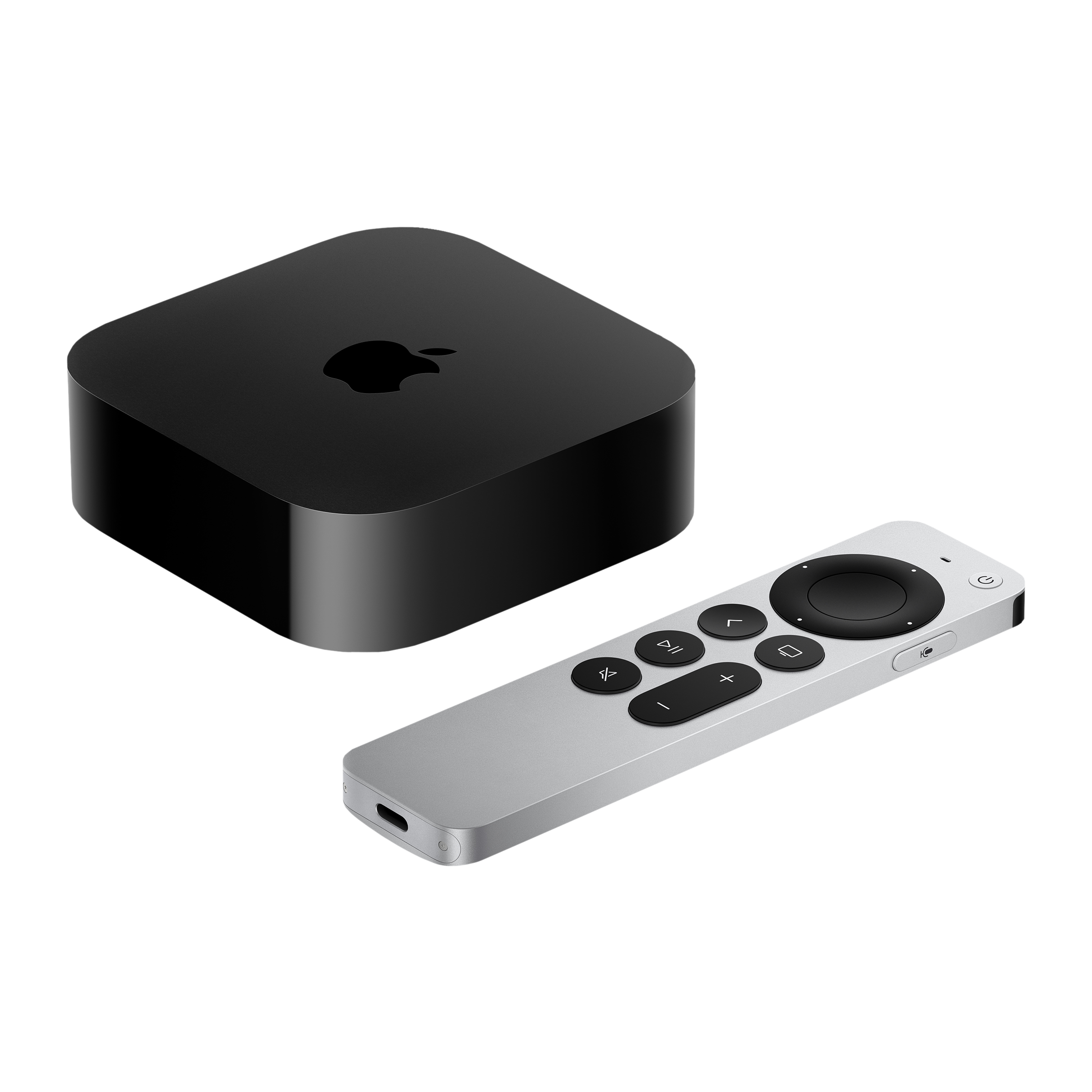
Therefore, the Apple TV 4K is a better option for those who might already have other Apple devices such as the iPhone or MacBook series, and also offers options for those interested in gaming. The Fire TV Stick 4K, on the other hand, is more affordable, lighter and more discreet, and a good option for those who want easy and convenient access to streaming services.

Unleash your inner geek with Croma Unboxed
Subscribe now to stay ahead with the latest articles and updates
You are almost there
Enter your details to subscribe

Happiness unboxed!
Thank you for subscribing to our blog.
Disclaimer: This post as well as the layout and design on this website are protected under Indian intellectual property laws, including the Copyright Act, 1957 and the Trade Marks Act, 1999 and is the property of Infiniti Retail Limited (Croma). Using, copying (in full or in part), adapting or altering this post or any other material from Croma’s website is expressly prohibited without prior written permission from Croma. For permission to use the content on the Croma’s website, please connect on contactunboxed@croma.com
- Related articles
- Popular articles
Ali Pardiwala
Comments