







Apple users cannot currently swap out Siri on the Side button, but a new workaround offers a powerful alternative for those with the latest flagship devices. Thanks to a recent update, owners of the iPhone 15 Pro and newer models can now turn the Action button into a dedicated launcher for OpenAI’s chatbot.
This integration allows for instant, hands-free voice interactions that bypass the need to open the app manually. Here is how you can set it up and what it offers.
Connecting ChatGPT voice to the Action button
Setting up ChatGPT on the Action button is quick and involves replacing an existing shortcut in iOS controls. Here is a clean walkthrough:
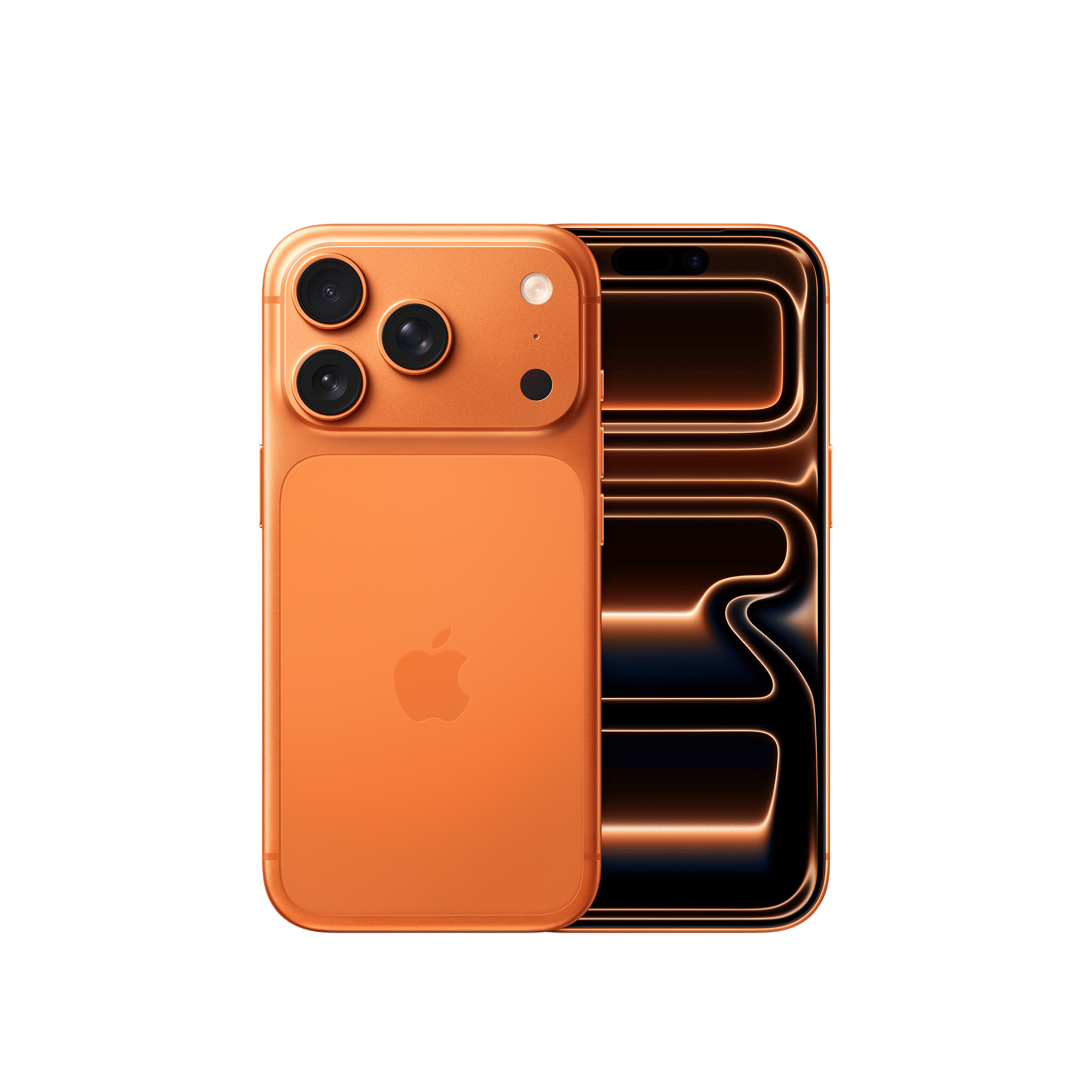
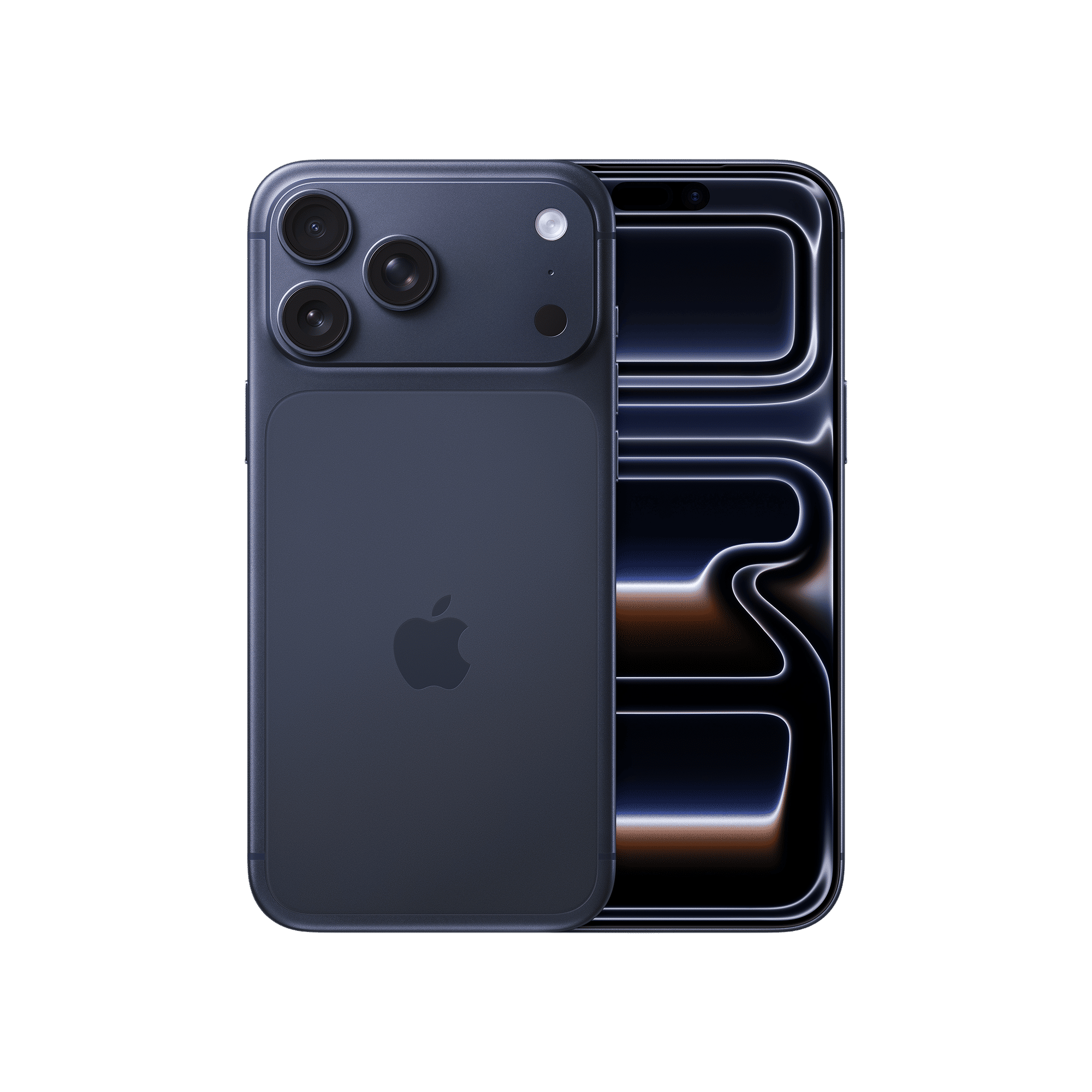
Step 1: Add the official ChatGPT application from the iOS App Store and authenticate your account.
Step 2: Open iPhone Settings and scroll to Action Button preferences.
Step 3: Swipe to Controls and expand the shortcut library by tapping the chevrons next to your current mapped tool.
Step 4: Search ChatGPT and pick Open ChatGPT Voice from the list.
Step 5: Confirm the selection. Holding the Action button will now begin voice chat immediately.
How the new interaction flows
The new update leverages the Action button’s ability to trigger specific controls, effectively transforming it into a one-press access to ChatGPT’s voice mode. This feature removes the friction of navigating menus, letting you jump straight into a spoken conversation.
Once activated, the experience is fluid; a recent app refresh ensures that voice interactions occur within the main chat window rather than a separate interface. This means spoken responses are displayed alongside text and visuals in real-time, preserving context and allowing you to switch between typing and speaking effortlessly.
Additionally, the system supports multitasking via the Dynamic Island, where the conversation remains active even if you swipe away from the app.
What the shortcut still cannot do
The Action button link is an app-level mapping, not an OS-level override. This means that ChatGPT cannot read your personal calendars, fix system toggles, or assign reminders.
Siri continues to handle internal iOS actions and system permissions. Even so, this update reflects a shift in how devices can connect to third-party AI, creating a smoother, button-led path to richer voice conversations.
ALSO READ: ChatGPT gets redesigned Voice mode with enhanced visuals
Have you tried remapping the Action button with ChatGPT on your iPhone? Share your experiences with us by commenting below.

Unleash your inner geek with Croma Unboxed
Subscribe now to stay ahead with the latest articles and updates
You are almost there
Enter your details to subscribe

Happiness unboxed!
Thank you for subscribing to our blog.
Disclaimer: This post as well as the layout and design on this website are protected under Indian intellectual property laws, including the Copyright Act, 1957 and the Trade Marks Act, 1999 and is the property of Infiniti Retail Limited (Croma). Using, copying (in full or in part), adapting or altering this post or any other material from Croma’s website is expressly prohibited without prior written permission from Croma. For permission to use the content on the Croma’s website, please connect on contactunboxed@croma.com
- Related articles
- Popular articles
Anvinraj Valiyathara
Comments