







Imagine you’re playing a graphically demanding game at 4K, but your frame rate keeps dropping, making everything feel sluggish. Lowering the resolution can help boost performance, but now the game looks blurry.
This is where DLSS (Deep Learning Super Sampling) and FSR (FidelityFX Super Resolution) come in. Developed by NVIDIA and AMD respectively, these upscaling technologies use advanced image reconstruction techniques to boost frame rates while keeping graphics sharp.
NVIDIA’s DLSS uses AI-powered upscaling with dedicated hardware, while AMD’s FSR takes a software-based approach that works on more GPUs. So, what’s the difference between DLSS and FSR, and which one is better? In this guide, we’ll break down how each technology works, its pros and cons, and which one suits your gaming setup best.
What’s the difference between DLSS and FSR?
Both are designed to boost frame rates while keeping games looking sharp, but they go about it in very different ways. So, which one actually delivers the best balance of speed and visuals? Let’s find out.
ALSO READ: What are NVIDIA drivers and how do you download them?
DLSS is Nvidia’s advanced upscaling technology that leverages artificial intelligence to reconstruct higher-resolution images from lower-resolution frames. This AI-driven approach helps maintain finer details, reduce noise, and improve image stability, all while increasing frame rates.
Since it uses deep learning, it continuously improves over time, delivering better results in newer versions. However, DLSS only works on Nvidia RTX GPUs because it relies on dedicated Tensor Cores, which are specialised AI processors built into RTX graphics cards. That means if you have an older GTX card or an AMD GPU, DLSS is off the table.
ALSO READ: Integrated vs dedicated graphics cards: How to choose the best GPU
AMD’s FSR, on the other hand, takes a more straightforward approach by using a software algorithm to enhance image sharpness and upscale lower-resolution frames. While it doesn’t have AI-driven reconstruction like DLSS, it still provides a noticeable boost in performance and image clarity.
Unlike DLSS, FSR works on a wide range of GPUs, including older Nvidia and AMD cards. This makes it a great choice for players who don’t have an RTX graphics card but still want improved performance.
Which one actually performs better?
Now that we know how they work, let’s focus on what really matters: Which one delivers better visuals and smoother gameplay?
DLSS vs. FSR: Frame rates
Both DLSS and FSR can increase performance by 1.5x to 2x, depending on the settings. However, DLSS typically provides better FPS gains than FSR, especially in demanding games. DLSS achieves this by rendering the game at a lower internal resolution before upscaling it, allowing the GPU to process frames faster.
ALSO READ: All graphics options in PC games explained
FSR also improves frame rates but doesn’t go as far as DLSS since it lacks AI-powered upscaling. The performance boost is still solid, but DLSS tends to be more efficient in delivering higher FPS.
DLSS vs. FSR: Image quality
When it comes to visuals, DLSS has a clear advantage. Its AI-driven upscaling preserves finer details, reduces noise, and enhances overall sharpness, making games look closer to native resolution. It also has superior anti-aliasing, meaning fewer jagged edges on objects.
FSR, while much improved with FSR 3.1, still has some noticeable drawbacks. Textures tend to look a bit softer compared to DLSS, and issues like shimmering and ghosting can appear on moving objects. FSR also struggles more with fast motion, sometimes leaving behind visible artefacts. While it still provides a major improvement over playing at native lower resolutions, DLSS consistently delivers sharper, cleaner, and more stable visuals.
DLSS vs. FSR: Hardware compatibility
When it comes to compatibility, AMD’s FSR is the clear winner. Since DLSS requires RTX GPUs with dedicated Tensor Cores, it won’t work on older Nvidia cards or AMD GPUs. FSR, on the other hand, is more accessible and works on a variety of hardware, including older AMD and Nvidia GPUs, some Intel GPUs, and even AMD Ryzen processors with integrated graphics. If you don’t have an Nvidia RTX card, FSR is your only option for upscaling and performance boosts.
DLSS or FSR: Which should you use?
If you have an Nvidia RTX GPU, DLSS is generally the better choice. It delivers higher frame rates, sharper image reconstruction, and smoother motion thanks to its AI-driven technology. But if you have a non-RTX Nvidia GPU, an AMD card, or an integrated GPU, FSR is a solid alternative. While it doesn’t quite match Nvidia’s DLSS in quality, it still boosts performance and keeps games playable across a wider range of hardware.
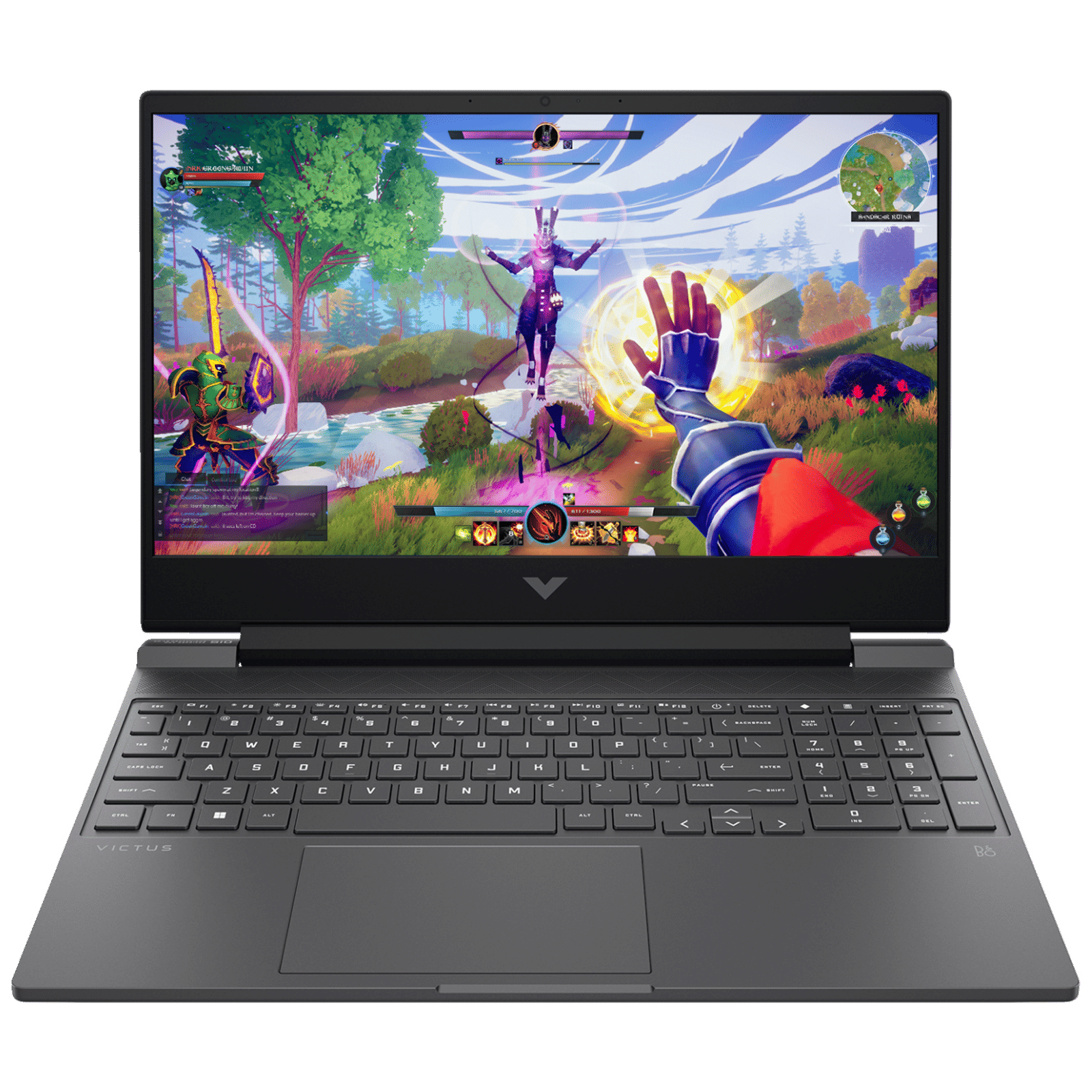

Overall, both DLSS and FSR significantly improve frame rates and make demanding games more accessible. As both technologies continue to evolve, the gap is narrowing, allowing more players to enjoy smoother gameplay without high-end hardware.

Unleash your inner geek with Croma Unboxed
Subscribe now to stay ahead with the latest articles and updates
You are almost there
Enter your details to subscribe

Happiness unboxed!
Thank you for subscribing to our blog.
Disclaimer: This post as well as the layout and design on this website are protected under Indian intellectual property laws, including the Copyright Act, 1957 and the Trade Marks Act, 1999 and is the property of Infiniti Retail Limited (Croma). Using, copying (in full or in part), adapting or altering this post or any other material from Croma’s website is expressly prohibited without prior written permission from Croma. For permission to use the content on the Croma’s website, please connect on contactunboxed@croma.com
- Related articles
- Popular articles
Shubhendu Vatsa
Comments