







TV is the centre of our home entertainment. While smart TVs are usually a family device, you can connect Bluetooth headphones for a personal viewing experience. Most smart TVs support Bluetooth functionality allowing users to connect their headphones and earbuds and all you need to do is put them in pairing mode and select them on the TV’s Bluetooth device list.
How to connect Bluetooth headphones to TV
The process to connect Bluetooth headphones to TV is rather standard and works across most smart TV brands. Here is a step-by-step guide:
Step 1: On your TV, go to Settings > Sound > Audio Output and select Bluetooth or Wireless Audio.
Step 2: Now, put your headphones in pairing mode by holding the power button for 3 to 5 seconds.
Step 3: Wait for the blinking LED indicating pairing mode.
Step 4: Select “Add Device” or “Pair New Device” on your TV.
Step 5: Choose your headphones from the available devices list and wait for connection confirmation.
How to connect headphones to TV
If your TV doesn’t have Bluetooth, you can either use a Bluetooth transmitter that plugs into your TV’s audio output port or use wired headphones. You can connect headphones using a 3.5mm audio jack or use optical audio transmitters. You can also plug in a USB Bluetooth adapter to your smart TV’s USB port.
How to connect earbuds to TV
Wireless earbuds have become the most popular Bluetooth audio devices, and if you have one, you can connect them to your TV. Most wireless earbuds support standard Bluetooth protocols compatible with smart TVs for an optical audio experience. To connect earbuds to TV, first enable pairing mode and then go to Settings > Sound > Audio Output > Bluetooth > Add Device on your TV. Select your earbuds and wait for confirmation.
FAQs
Q1: Do all smart TVs have Bluetooth?
A: Yes, many smart TVs have Bluetooth capabilities for wireless connection and allow users to stream phone audio to their TV.
ALSO READ: 10 different types of headphones explained
Q2: How do I check if my smart TV has Bluetooth?
A: You can check if your smart TV has Bluetooth by going to Settings > Sound > Audio or Connections. Now, look for Bluetooth or wireless audio options.
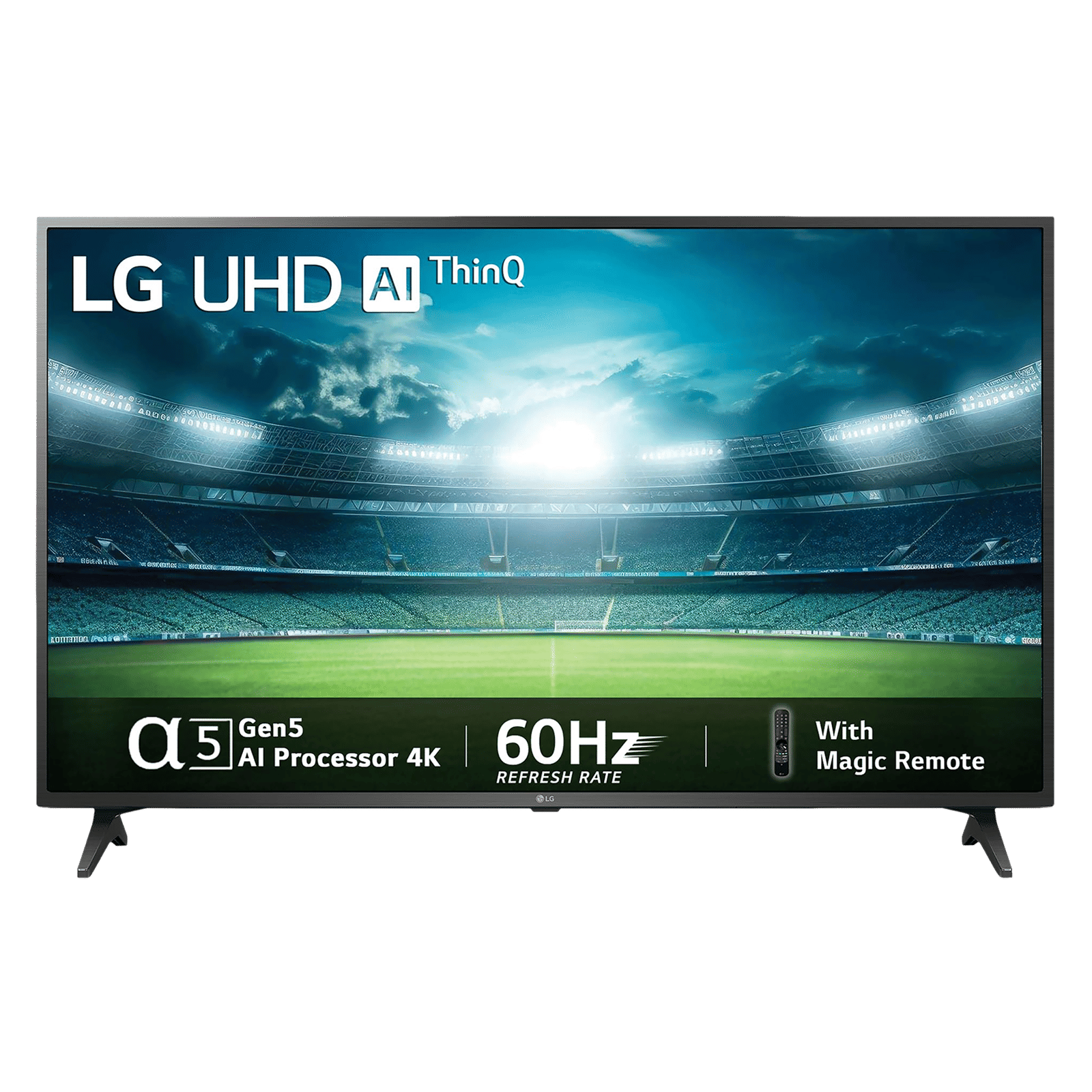

You can continue watching or playing games on your TV without disturbing others by connecting Bluetooth headphones to your smart TV. All you need is compatible devices and follow basic pairing steps to connect them and enjoy the freedom of wireless audio and large-screen entertainment.

Unleash your inner geek with Croma Unboxed
Subscribe now to stay ahead with the latest articles and updates
You are almost there
Enter your details to subscribe

Happiness unboxed!
Thank you for subscribing to our blog.
Disclaimer: This post as well as the layout and design on this website are protected under Indian intellectual property laws, including the Copyright Act, 1957 and the Trade Marks Act, 1999 and is the property of Infiniti Retail Limited (Croma). Using, copying (in full or in part), adapting or altering this post or any other material from Croma’s website is expressly prohibited without prior written permission from Croma. For permission to use the content on the Croma’s website, please connect on contactunboxed@croma.com
- Related articles
- Popular articles
Karthekayan Iyer
Comments