







Editing a document on a mobile phone is one of the easiest tasks to accomplish. With a tonne of free apps available, the process is more simple and streamlined than one might realise and chances are that your device already has the required apps.
There are some caveats to keep in mind in the case of some specialised files, but in most cases you can make the necessary edits without downloading additional apps.
Edit documents in mobile using native apps
The two popular mobile platforms are Android and iOS, and both come with native document editors built in. In Android’s case, you can use Google Docs, Google Sheets, and Google Slides for editing documents, spreadsheets, and presentations respectively. In Apple’s case, the equivalent apps would be Pages, Numbers, and Keynote.
These apps are powerful and can handle almost all formats, including docx and xlsx. The best part is that these documents can be saved on the cloud and worked on collaboratively with others.
If these apps don’t cut it, you can also just download the Microsoft Office suite from the relevant app store for your mobile device.
Edit documents in mobile using web apps
Apple’s and Google’s apps are available online as well and only require an Apple account or Google account to access. If you need to access Microsoft’s Office suite online, you can do so by heading to office.com and logging in with a Microsoft account.
ALSO READ: Best InkTank printer for home and office use in 2025
We would, in fact, recommend using web-based tools exclusively if you need to access your documents on the go. This way the documents are already available to you or anyone you choose to share it with on demand, and are very easy to edit.
Caveats
The one caveat to bear in mind when editing on mobile is that in some rare instances, particularly when dealing with Excel files (.xlsx) and presentations (.pptx), you can run into compatibility issues with formulas and formatting. This is because web-based tools and mobile apps don’t always support the full feature set that desktop apps do.
If you’re dealing with a complex document, we’d recommend using web/mobile apps only for minor edits, and switching to a laptop or desktop device for any major ones.
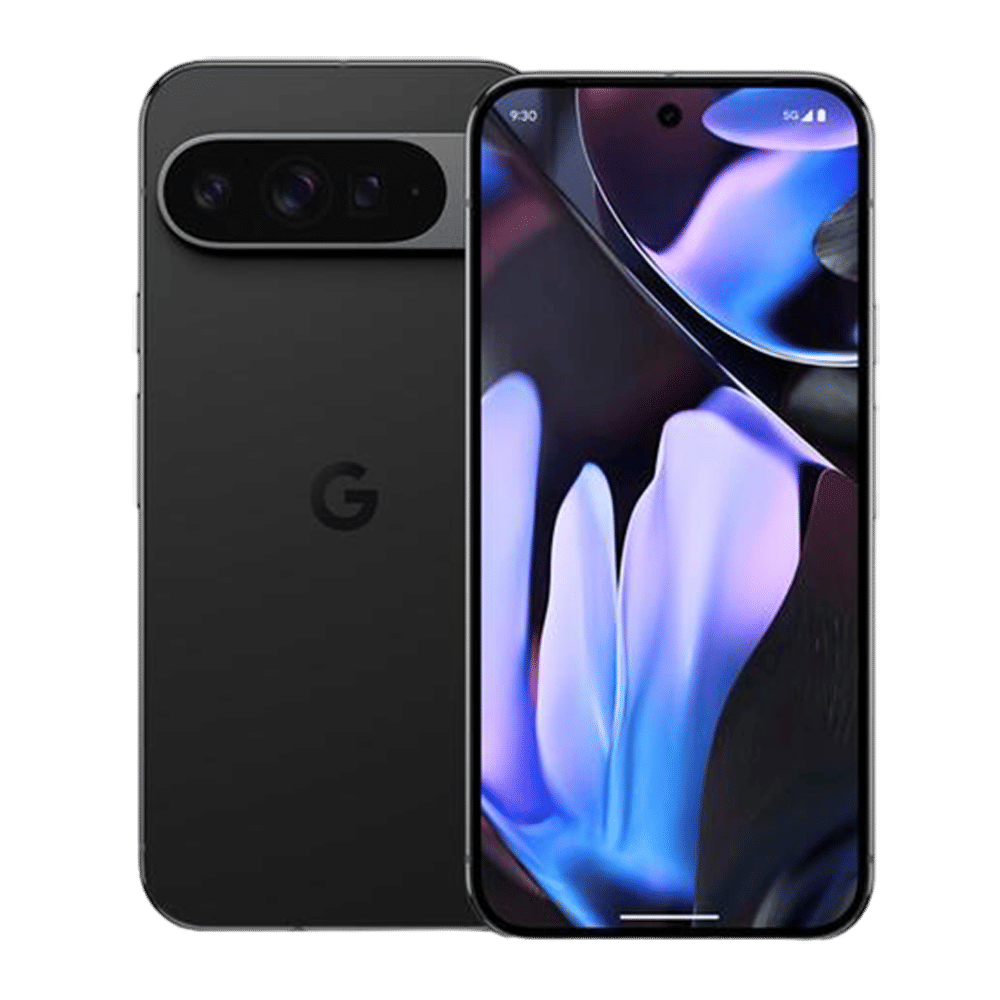
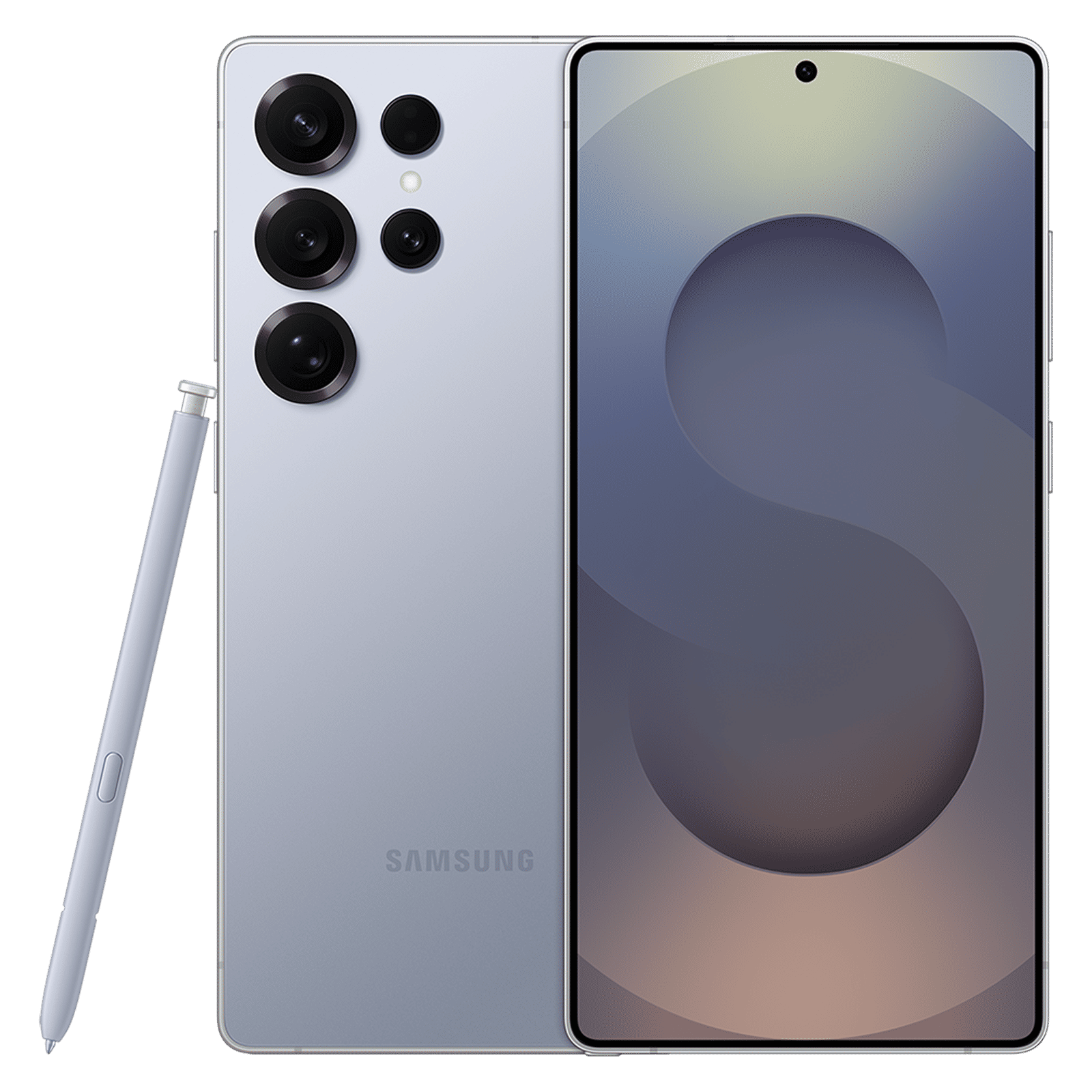
Editing on the go is simple and at most requires internet access. Web apps are powerful and native apps are also very good when you need to make critical changes while on the move. Just remember to take frequent backups, and in the case of sensitive documents, keep an untouched copy of the original on hand.

Unleash your inner geek with Croma Unboxed
Subscribe now to stay ahead with the latest articles and updates
You are almost there
Enter your details to subscribe

Happiness unboxed!
Thank you for subscribing to our blog.
Disclaimer: This post as well as the layout and design on this website are protected under Indian intellectual property laws, including the Copyright Act, 1957 and the Trade Marks Act, 1999 and is the property of Infiniti Retail Limited (Croma). Using, copying (in full or in part), adapting or altering this post or any other material from Croma’s website is expressly prohibited without prior written permission from Croma. For permission to use the content on the Croma’s website, please connect on contactunboxed@croma.com
- Related articles
- Popular articles
Anirudh Regidi
Comments