







Controlling a PC using your mobile phone as a keyboard ranks among the coolest things you can do with your phone, but such a task isn’t necessarily about the cool. Having your phone masquerade as a wireless keyboard/mouse is very useful when you’re accessing, say, a home server or HTPC that may not have a keyboard or mouse plugged into it. It’s also great to have this control option on standby in case of emergencies.
There is no officially supported way of having your mobile phone behave as a keyboard or mouse, but with the right apps, you can do this quite easily. Usually, you’ll require some sort of mini server running on your PC and an app installed on your phone. The devices will also need to be on the same wireless network so the phone app can access the PC server without issue.
ALSO READ: How to pair your Fire TV Stick remote
You simply fire up the app, connect to the PC (usually with credentials of some kind) and start typing away at your phone.
Some apps even come with dedicated gamepad or media centre interfaces in case you’re using an HTPC or gaming PC hooked up to a TV in the living room.
Here are some popular apps you can try that convert your mobile phone into a keyboard for your PC:
Remote Mouse: This is our top pick. Remote mouse connects to your PC or Mac via Wi-Fi, which is great if your PC doesn’t come with Bluetooth. The app and server are also available for both iOS and Android, even allowing you to use an iPad as a remote. It also includes several custom keyboard profiles and control panels depending on which mode you’re using, has volume controls, supports voice typing, custom interfaces, and more. While the app is free, you will need to pay a subscription fee for some features.
ALSO READ: How to use your smart TV without remote)
Unified Remote: This is a much older app that still works great today. The setup process and interface isn’t as comfortable as the one Remote Mouse offers, but it is fully customisable and functional.
Monect: Gamers might want to try Monect, which not only works as a remote keyboard app for your Android or iOS device, but also converts your phone into a motion controller for your PC.
The app has many gaming-focused features such as custom launchers, button layouts, and more, plus, the app can act as remote file transfer service, supports screen projection, and a lot more besides. The free version is ad supported and has several restrictions on content streaming and quality, but it gets the job done.
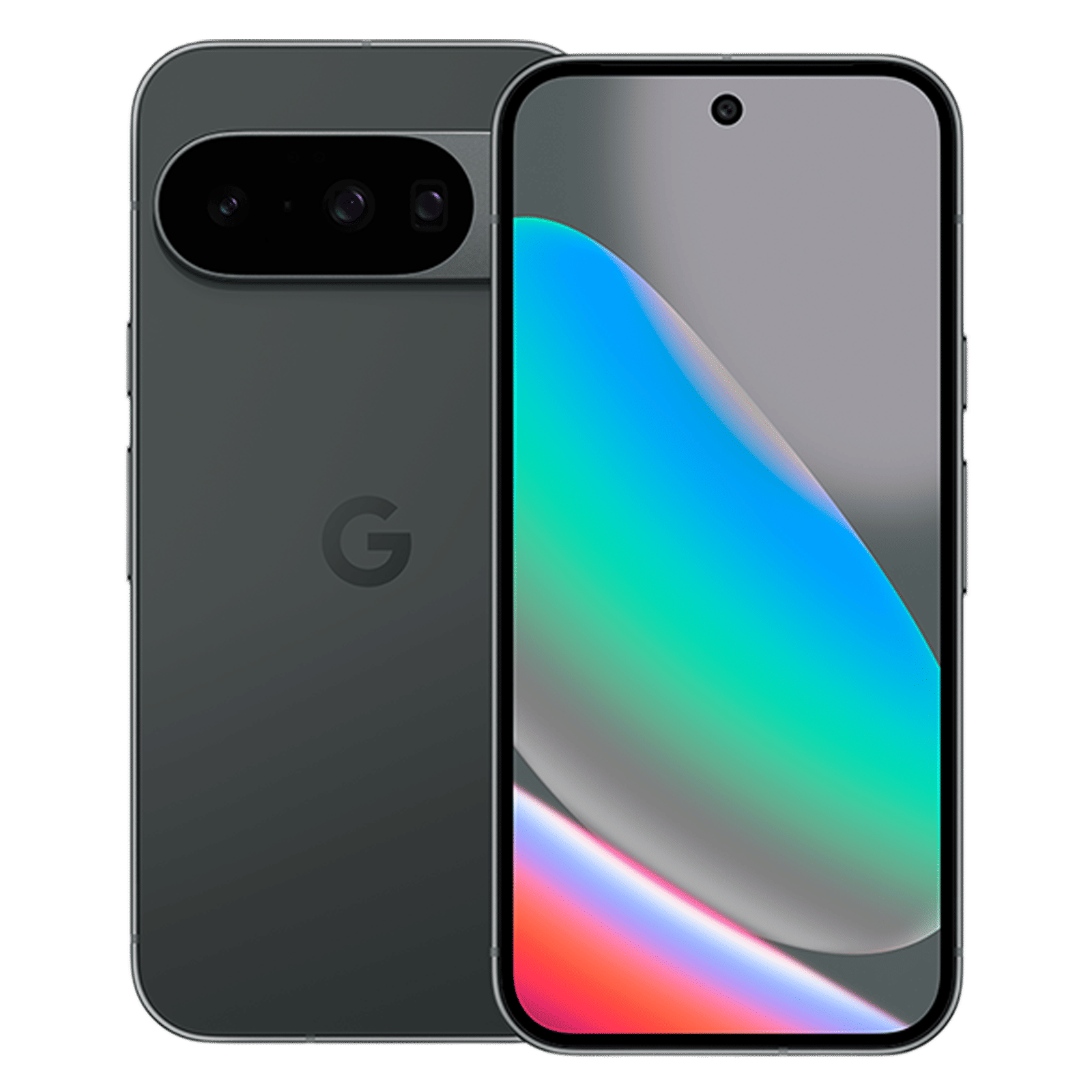

You’ll find many more such apps on the Play Store and App Store. Feel free to explore and pick the best option for your use case and the devices you have on hand. Happy hunting!

Unleash your inner geek with Croma Unboxed
Subscribe now to stay ahead with the latest articles and updates
You are almost there
Enter your details to subscribe

Happiness unboxed!
Thank you for subscribing to our blog.
Disclaimer: This post as well as the layout and design on this website are protected under Indian intellectual property laws, including the Copyright Act, 1957 and the Trade Marks Act, 1999 and is the property of Infiniti Retail Limited (Croma). Using, copying (in full or in part), adapting or altering this post or any other material from Croma’s website is expressly prohibited without prior written permission from Croma. For permission to use the content on the Croma’s website, please connect on contactunboxed@croma.com
- Related articles
- Popular articles
Anirudh Regidi
Comments