







Apple has begun rolling out iOS 26.1 Beta 4, marking another step in its evolution toward a more personal, fluid, and cohesive user experience. While the update doesn’t overhaul anything dramatically, it fine-tunes the system in the way Apple does best; subtle changes that make your iPhone feel just that bit more right, for you. Here’s everything you need to know.
Apple iOS 26.1 public beta 4: What’s new?
The standout addition this time is a new Liquid Glass customisation feature that lets users adjust the transparency and reflectivity of the interface. It’s a visual refinement to the gloss-heavy aesthetic introduced earlier this year, giving users the ability to tone down the shimmer for a calmer, matte-like finish; or amp it up if they prefer the full futuristic gleam.
Within Settings > Display & Brightness, the Liquid Glass controls allow fine-grained tweaks to how light interacts with your wallpaper and widgets. Think of it as a visual dimmer switch for the interface.
Apple has also enhanced animations across system apps. App transitions feel quicker, Control Center gestures are smoother, and dynamic wallpapers shift more naturally with motion sensors. Even small UI details, like notification banners and Spotlight transitionsm now carry that extra bit of finesse.
ALSO READ: Next iOS 26 update is set to bring in new features and UI tweaks
Notifications in particular feel better tuned. There’s improved stacking behaviour, more responsive haptics, and smarter grouping for Focus modes. These are quiet quality-of-life updates that make daily interactions feel more fluid.
iOS 26.1 public beta 4: Subtle but significant under the hood
Beyond the visual updates, iOS 26.1 Beta 4 packs optimisations aimed at stability and battery efficiency. Early testers report smoother scrolling, faster app launches, and improved continuity between iPhone and Apple Watch. Siri responsiveness is also noticeably faster when triggering on-device actions, a likely benefit of continued AI model tuning running locally on the Neural Engine.
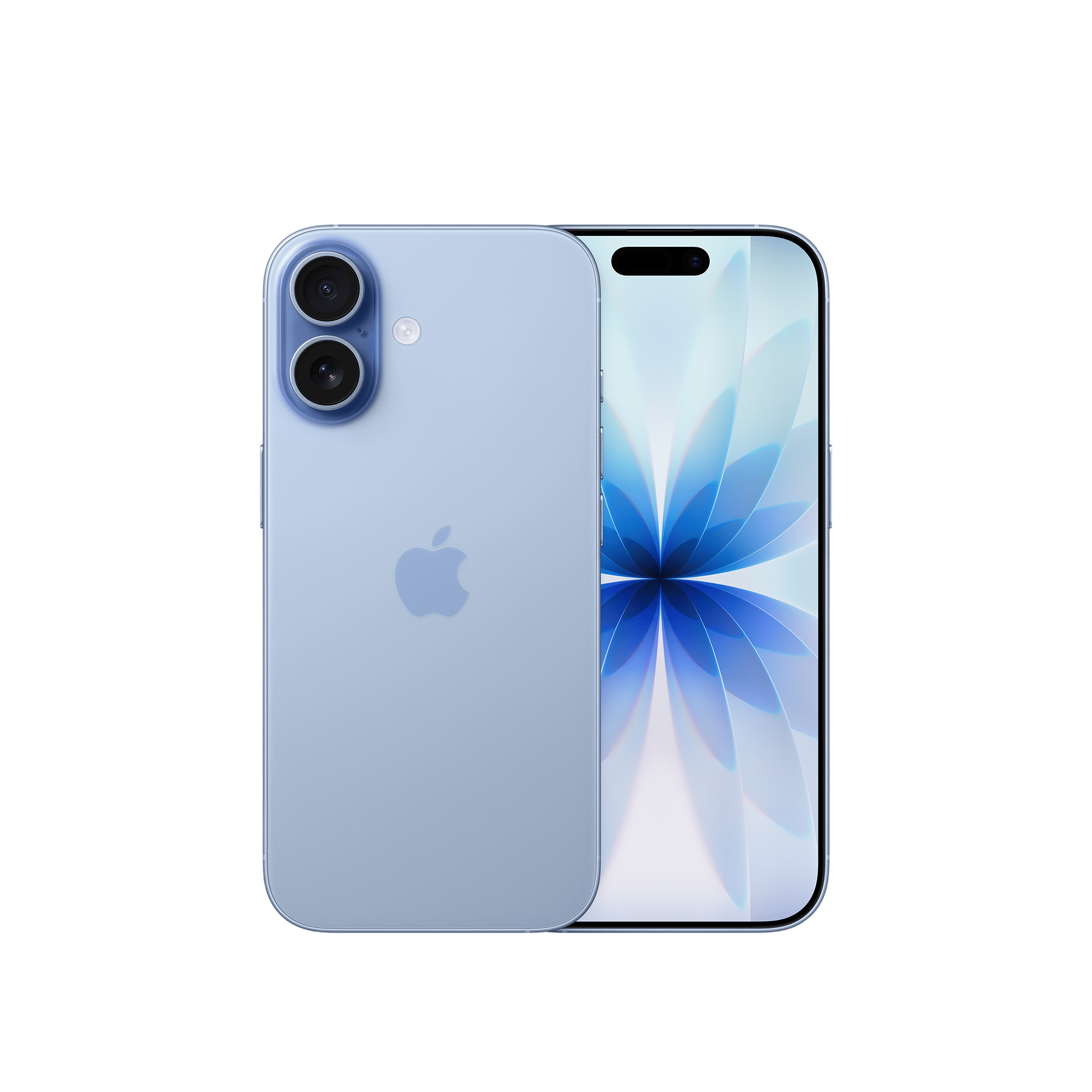
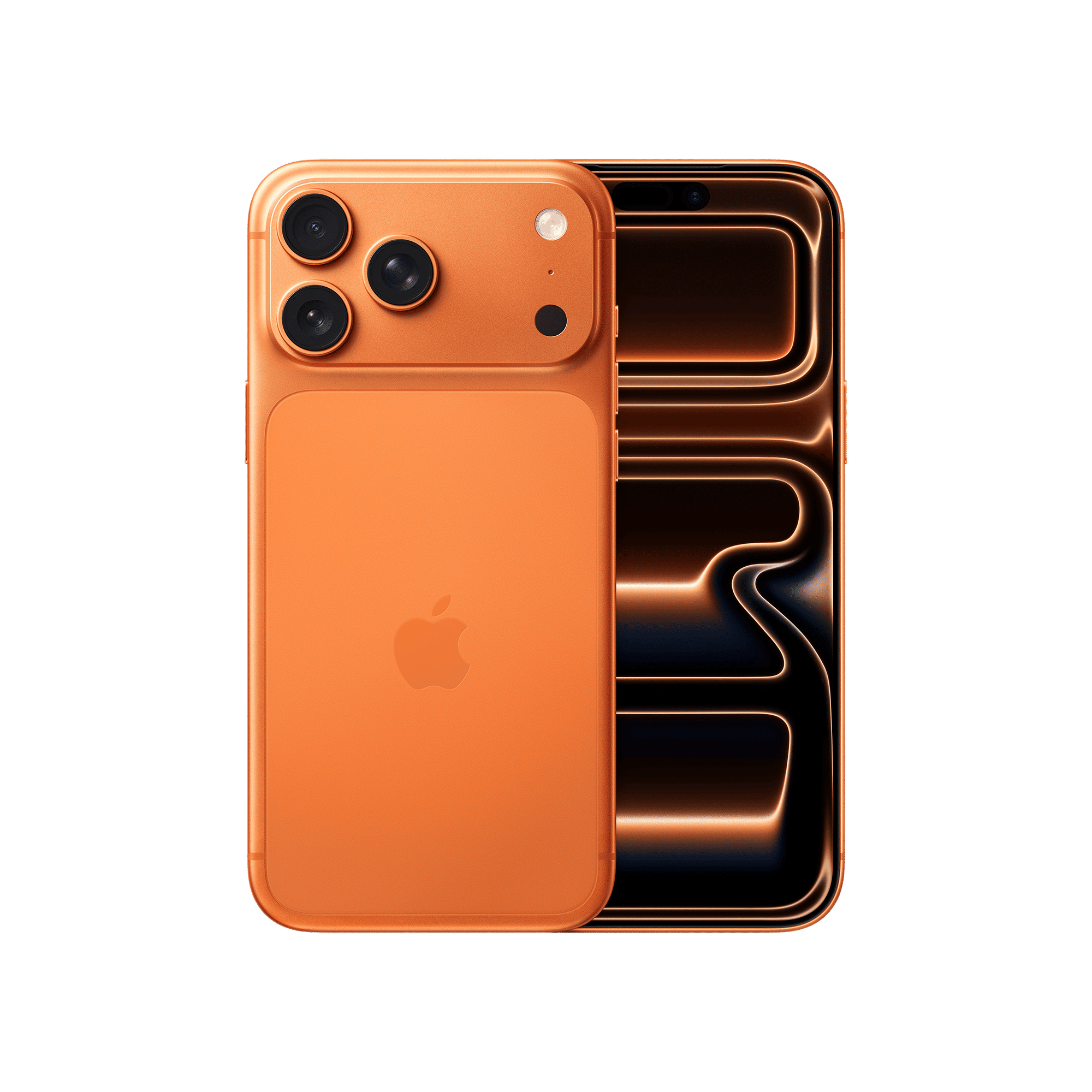
Apple’s goal with this round seems pretty clear: unify the feel of iOS with its ecosystem. Similar refinements are rolling out on iPadOS, macOS, and watchOS, but iOS continues to set the tone with these interface-led updates that ripple across devices.
Developers and beta testers can install iOS 26.1 Beta 4 through Settings > General > Software Update > Beta Updates. The final version is expected to reach all users in the coming weeks. What do you think of the system tweaks in iOS 26.1 public beta 4? Drop a comment with your thoughts.

Unleash your inner geek with Croma Unboxed
Subscribe now to stay ahead with the latest articles and updates
You are almost there
Enter your details to subscribe

Happiness unboxed!
Thank you for subscribing to our blog.
Disclaimer: This post as well as the layout and design on this website are protected under Indian intellectual property laws, including the Copyright Act, 1957 and the Trade Marks Act, 1999 and is the property of Infiniti Retail Limited (Croma). Using, copying (in full or in part), adapting or altering this post or any other material from Croma’s website is expressly prohibited without prior written permission from Croma. For permission to use the content on the Croma’s website, please connect on contactunboxed@croma.com
- Related articles
- Popular articles
Dhriti Datta
Comments