







Apple isn’t waiting until the iPhone 17 reveal to stir the pot. Just days before its September 9 launch event, the company has rolled out the final public beta of iOS 26; the last chance for early adopters to take the new software for a spin before it becomes the default on Apple’s next-generation devices. If you’re itching to give it a try, here’s how you can install it.
How to install iOS 26 public beta
If you’re enrolled in Apple’s beta programme, the update is just a few taps away. Follow these steps:
– Open Settings
– Tap General
– Go to Software Update
– Download and install iOS 26 beta
For a more detailed guide on how to enroll in the beta programme, check out this article. Apple also recommends backing up your device, because betas are betas, and glitches or app hiccups can ruin a day.
iOS 26: What's new
Unveiled at WWDC in June, iOS 26 skips straight past versions 19 through 25 to match the calendar year. It’s a small but clever move, making it easier for users to know at a glance that they’re running the latest build.
But the numbering is the least dramatic change. iOS 26 ushers in Apple’s boldest visual and functional rethink since the days of iOS 7. At the heart of the refresh is “Liquid Glass”, a gleaming, futuristic interface that mimics the properties of actual glass.
ALSO READ: What iPhones will get iOS 26?
Then there’s the AI. Features like live voicemail transcription, smarter call screening, and revamped Music and Photos apps signal a clear direction; Apple wants your iPhone to feel less like a slab of glass and more like a capable assistant, anticipating what you need before you even swipe.

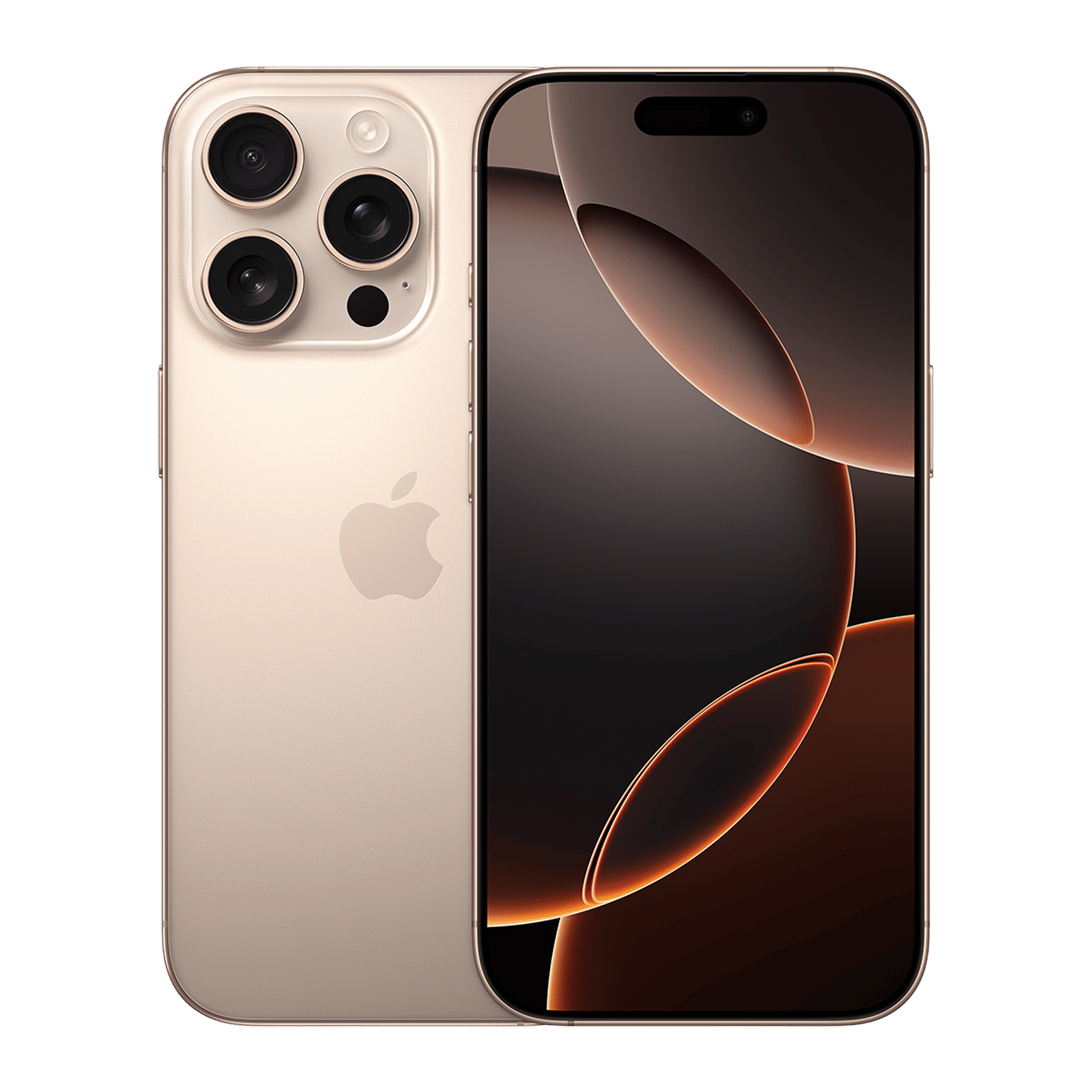
Having experienced iOS 26 beta, it’s clear this isn’t just window dressing. The design feels fresh, the apps are tangibly better, and the AI touches bring real-world usefulness. It’s not flawless, the interface can be polarising, and bugs still lurk, but it’s the most exciting iOS release in years.
For those who live on the bleeding edge, this is the kind of update that makes your phone feel brand new again, even before you’ve unboxed an iPhone 17.

Unleash your inner geek with Croma Unboxed
Subscribe now to stay ahead with the latest articles and updates
You are almost there
Enter your details to subscribe

Happiness unboxed!
Thank you for subscribing to our blog.
Disclaimer: This post as well as the layout and design on this website are protected under Indian intellectual property laws, including the Copyright Act, 1957 and the Trade Marks Act, 1999 and is the property of Infiniti Retail Limited (Croma). Using, copying (in full or in part), adapting or altering this post or any other material from Croma’s website is expressly prohibited without prior written permission from Croma. For permission to use the content on the Croma’s website, please connect on contactunboxed@croma.com
- Related articles
- Popular articles
Dhriti Datta
Comments