







iOS 26 isn’t officially launching until later this year, but Apple is already letting curious users get their hands on it with the public beta. After launching a few developer versions, the iOS 26 beta has finally gone public. So, if you’ve been itching to try the new Liquid Glass interface or want to show off features your friends haven’t even heard of yet, now’s your chance.
This is Apple’s annual backstage pass; a glimpse at where your iPhone is headed. But before you dive in, remember that public beta means unfinished software. That new lockscreen animation might be buttery smooth one minute and glitchy the next. Battery life might take a hit. Some of your favourite apps may not behave like they used to.
ALSO READ: iOS 26’s Liquid Glass design to macOS Tahoe: Everything announced at WWDC 2025
If you’re the type who prefers stability and predictability, you might want to wait for the final release later this year. But if you enjoy being ahead of the curve, bugs and all, then read on. Here’s everything you need to know about installing the iOS 26 public beta on your iPhone, and whether your device even makes the cut.
List of iPhones that support iOS 26
Apple has shifted to naming its operating systems by the year, so iOS 26 is what we’ll all be using for most of 2026. But not every iPhone is invited to the party. If you’re still clinging to an older device, this might be your cue to upgrade. Here’s the full list of iPhones that support iOS 26:
– iPhone SE (2nd generation and later)
– iPhone 11, 11 Pro, 11 Pro Max
– iPhone 12, 12 mini, 12 Pro, 12 Pro Max
– iPhone 13, 13 mini, 13 Pro, 13 Pro Max
– iPhone 14, 14 Plus, 14 Pro, 14 Pro Max
– iPhone 15, 15 Plus, 15 Pro, 15 Pro Max
– iPhone 16e, 16, 16 Plus, 16 Pro, 16 Pro Max
If your iPhone isn’t on this list, the beta won’t be available to you, and chances are, the final release won’t be either. It’s Apple’s way of nudging you gently (or not so gently) toward newer hardware.

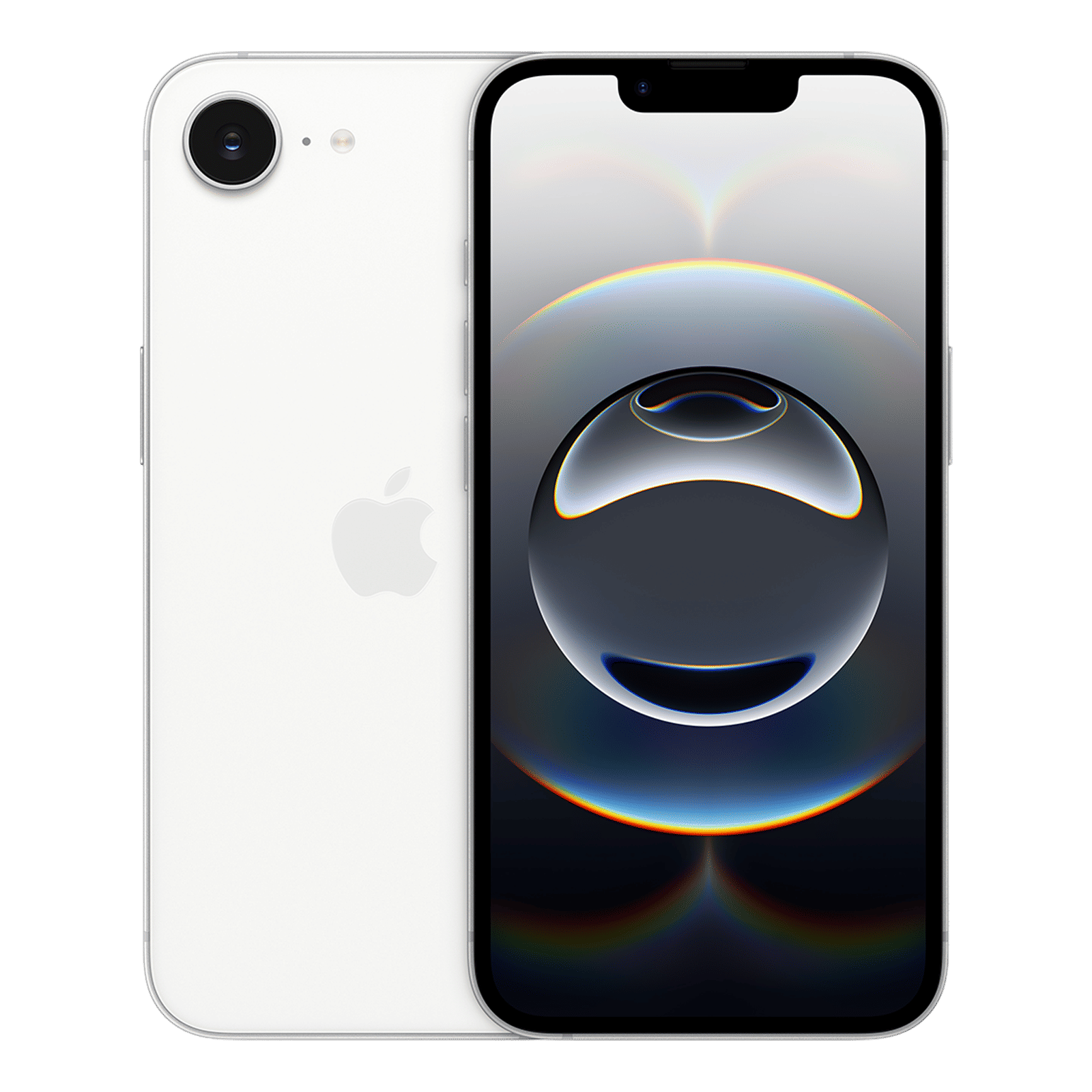
How to install the iOS 26 beta on your iPhone
Installing a beta used to be a bit of a hassle, but Apple has streamlined the process in recent years. You don’t need a developer account or a special profile anymore. Just a few taps, and you’re in. Here’s how you do it:
Step 1: Start by visiting beta.apple.com using Safari on your iPhone. Sign in with your Apple ID and enrol your device in the Apple Beta Software Program. It only takes a minute, and once you’re in, you’ll have access to all of Apple’s public betas going forward.
Step 2: Open Settings, then go to General > Software Update. If you’ve successfully enrolled in the beta program, you’ll see a new option called Beta Updates.
Step 3: Tap on Beta Updates, then choose iOS 26 Public Beta from the list. Your iPhone will connect to Apple’s servers and prepare the update.
Step 4: Once the update appears, tap Download and Install. Your iPhone will handle the rest. Expect a few restarts, a bit of waiting, and then you’ll be up and running on iOS 26.
A few things to keep in mind
Running a beta can be exciting, but it’s not without risks. You may encounter bugs, performance hiccups, and app incompatibilities. Some features might not work as intended, and battery life can be unpredictable.
If you’re thinking about installing it on your primary phone, make sure you’re okay with a little bit of chaos. And whatever you do, back up your device first. Whether you use iCloud or plug into a computer, having a backup gives you a safety net in case things go sideways.
ALSO READ: iOS 26 first impressions: A bold redesign meets smart features
So, if you love being on the cutting edge and don’t mind a few bumps along the way, the iOS 26 public beta is a fun ride. You’ll get to explore new features before anyone else and watch the software evolve in real time. But if your iPhone is your lifeline, for work, travel, or just day-to-day sanity, it might be smarter to wait for the stable release.
Still, there’s something undeniably cool about running next year’s iOS before it’s even live. Just proceed with a little caution and a fully charged battery. For more updates like these, stay tuned to Unboxed by Croma.

Unleash your inner geek with Croma Unboxed
Subscribe now to stay ahead with the latest articles and updates
You are almost there
Enter your details to subscribe

Happiness unboxed!
Thank you for subscribing to our blog.
Disclaimer: This post as well as the layout and design on this website are protected under Indian intellectual property laws, including the Copyright Act, 1957 and the Trade Marks Act, 1999 and is the property of Infiniti Retail Limited (Croma). Using, copying (in full or in part), adapting or altering this post or any other material from Croma’s website is expressly prohibited without prior written permission from Croma. For permission to use the content on the Croma’s website, please connect on contactunboxed@croma.com
- Related articles
- Popular articles
Dhriti Datta
Comments