







Apple has released iOS 26.3, a comparatively low-key update that arrives alongside iPadOS 26.3, macOS Tahoe 26.3, watchOS 26.3, tvOS 26.3 and visionOS 26.3. If you were expecting a sweeping redesign, this is not it. Instead, iOS 26.3 focuses on stability, privacy tweaks and a handful of practical upgrades that smooth everyday use.
It may not feel dramatic, but there are a few meaningful additions here. A new cross-platform transfer system simplifies the jump between iPhone and Android. There is also a more granular location privacy setting, plus a set of region-specific features that open up parts of Apple’s ecosystem in new ways. Here are all the new features in Apple’s latest software release.
Switching between iPhone and Android gets easier
Moving from iOS to Android, or vice versa, has long involved companion apps such as Move to iOS or Android Switch. With iOS 26.3, Apple and Google are rolling out a more direct method based on a shared transfer standard.
Place an iPhone next to an Android phone, ensure both are on the same Wi-Fi network with Bluetooth enabled, and the devices will auto-detect each other. A QR code appears to start the process. Users can then transfer photos, messages, notes, apps, passwords, mail accounts, phone numbers, voice memos and even WhatsApp chats.
It is not a full digital clone just yet. Health data and Bluetooth-paired devices remain locked to their original ecosystems for now. Even so, this marks a huge step towards making platform switching less of a chore.
ALSO READ: Apple may finally make iOS to Android data transfers seamless
There is also a small organisational tweak in this update. Weather and Astronomy wallpapers now sit in separate sections within settings.
A quieter privacy upgrade
One of the more interesting additions is a new setting that lets users hide their exact location from mobile carriers. Instead of revealing a precise address, compatible devices can limit visibility to an approximate neighbourhood. Apps that deliberately use precise location though, such as Find My, continue to work normally.
The catch is that the feature currently supports only iPhones with Apple’s in-house 5G modems, including the iPhone 16e and iPhone Air, and only with selected carriers such as Telekom in Germany, EE and BT in the UK, Boost Mobile in the US, and AIS and True in Thailand. If eligible, the option appears under Settings, then Cellular, then Cellular Data Options.
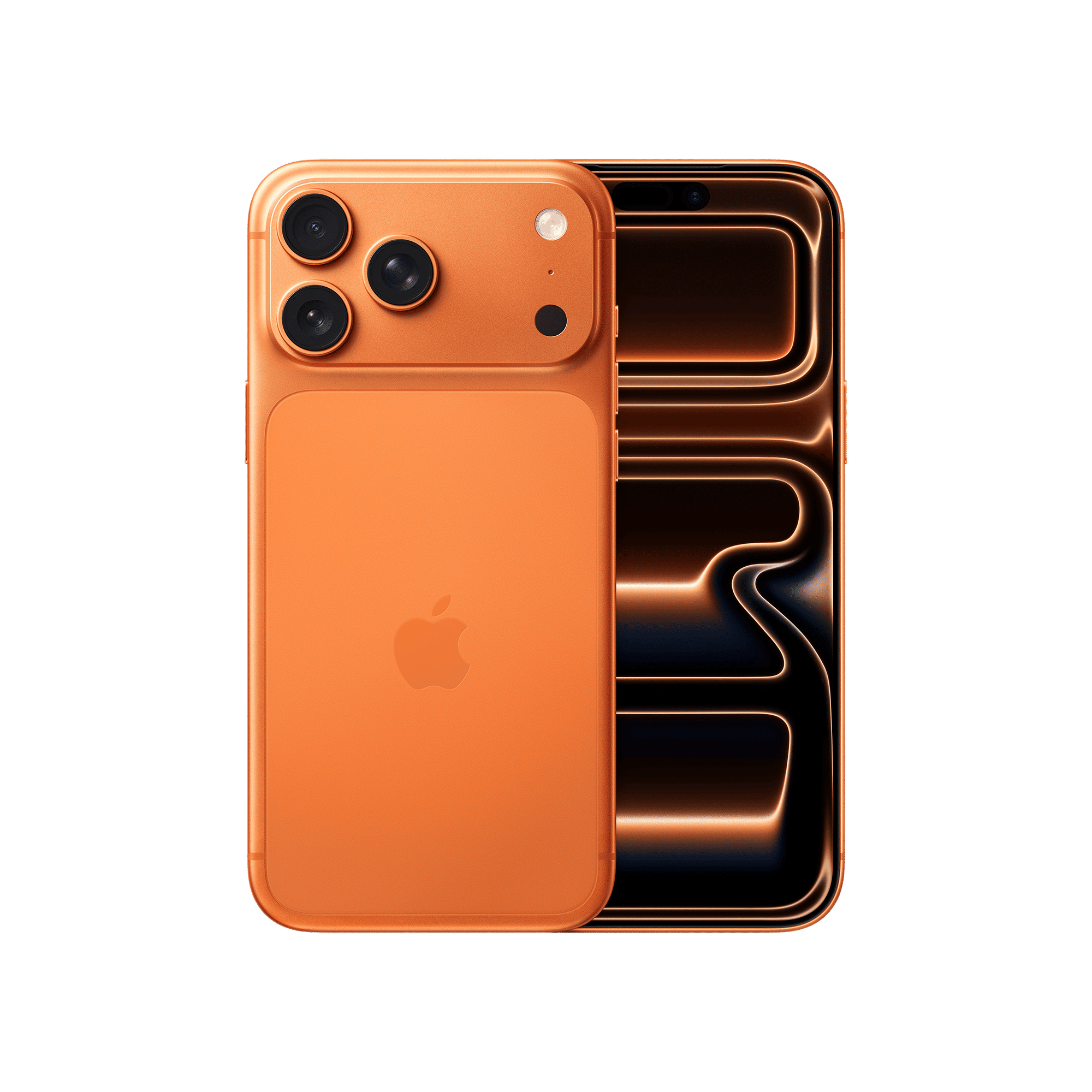
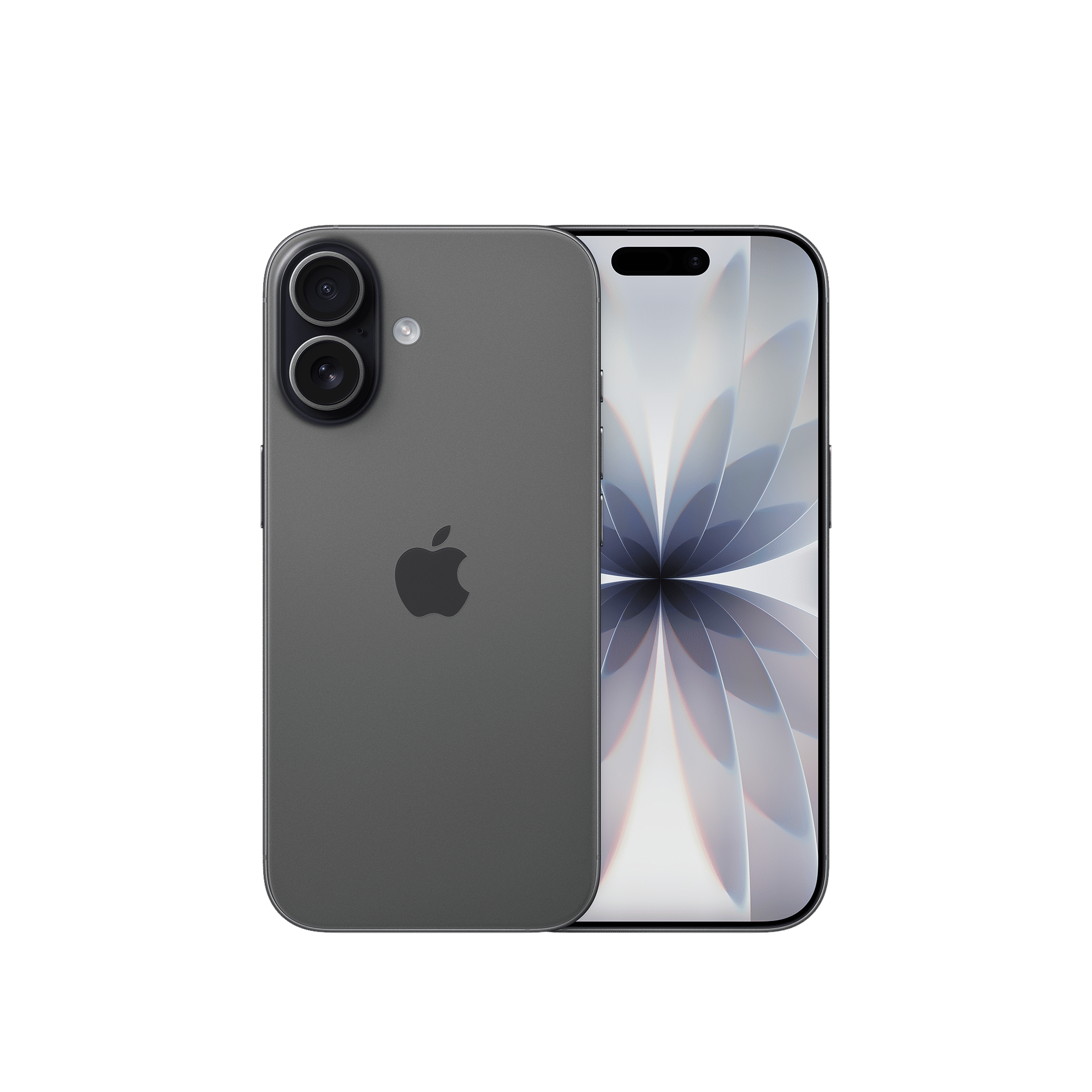
In parts of Europe, iOS 26.3 also introduces four additional features tied to regulatory changes. Users can reply to notifications from a third-party smartwatch using a new Notification Forwarding feature. Third-party headphones gain access to an AirPods-style fast pairing experience.
Developers are now able to use NFC directly inside their own apps, enabling things like in-app contactless payments without routing everything through Apple Wallet. Apple is also opening up certain communication frameworks so that features similar to AirDrop, AirPlay and Continuity Camera can extend to non-Apple devices.
ALSO READ: Messages sent via iPhone might finally get secure RCS with iOS 26.3
So, iOS 26.3 will not transform your iPhone overnight. It is a measured update that tightens privacy, trims friction for switchers and lays groundwork for the larger changes expected with iOS 26.4 later this spring.

Unleash your inner geek with Croma Unboxed
Subscribe now to stay ahead with the latest articles and updates
You are almost there
Enter your details to subscribe

Happiness unboxed!
Thank you for subscribing to our blog.
Disclaimer: This post as well as the layout and design on this website are protected under Indian intellectual property laws, including the Copyright Act, 1957 and the Trade Marks Act, 1999 and is the property of Infiniti Retail Limited (Croma). Using, copying (in full or in part), adapting or altering this post or any other material from Croma’s website is expressly prohibited without prior written permission from Croma. For permission to use the content on the Croma’s website, please connect on contactunboxed@croma.com
- Related articles
- Popular articles
Dhriti Datta
Comments