







Apple just released its sixth rendition of iOS 26 beta software. With the public launch just weeks away, iOS 26 beta version 6 feels like the OS slipping into its final outfit before the big show. It’s trying to be all that was announced at WWDC, and more.
With the sixth version, the changes are smaller now, but they’re clearly about polish, personality, and ironing out those little friction points that make the difference between good and great. Here’s everything you need to know about Apple’s latest iOS 26 developer beta 6.
What’s new in iOS 26 beta 6
One of the biggest crowd-pleasers introduced in this beta is a surprise drop of six new ringtones, all riffs on the iconic “Reflection” tone. “Dreamer” is the early fan favourite (already being called “such a bop” by testers) and might even tempt people out of silent mode.
Then there’s the Camera swipe drama. A change in earlier betas flipped the mode switcher’s gesture direction, throwing off years of muscle memory and triggering complaints. Beta 5 offered a “Classic Mode” toggle in Settings as a fix, but in beta 6 Apple scraps the toggle and restores the original swipe gesture entirely, much to the relief of Apple fans.
ALSO READ: iOS 26 first impressions: A bold redesign meets smart features
Beyond those headline changes, this update fine-tunes the Liquid Glass interface, with more colour shimmer when moving between app tabs and a subtle glow on Lock Screen elements. Liquid Glass effects also show up in toggles.
App animations are faster and smoother, and a new onboarding experience greets you after updating, walking you through iOS 26’s design refresh.

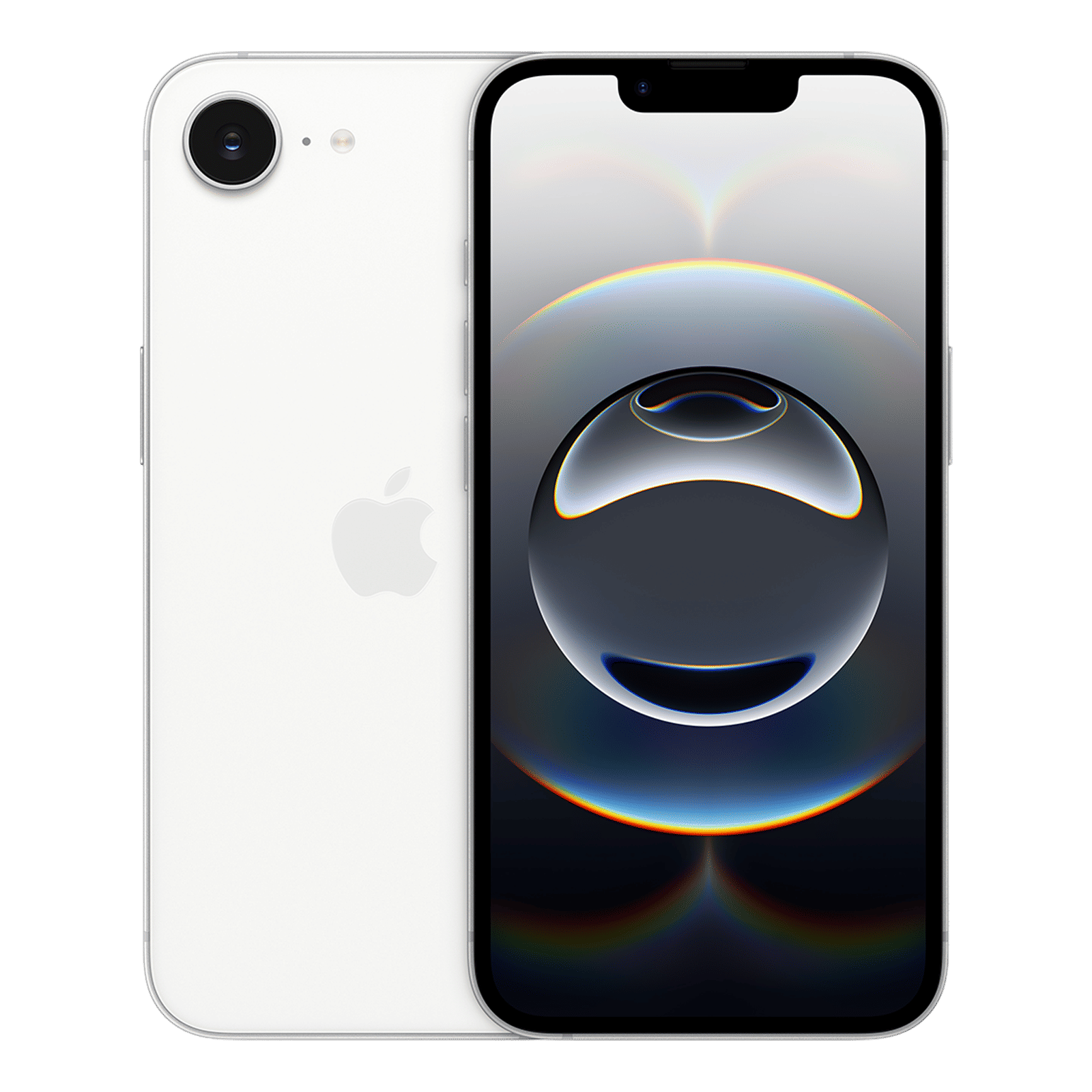
Stability and speed have also seen noticeable boosts, making this feel like the most polished build yet. Public beta testers should get their update soon. If you want to know how to install this developer update, check out this article, and more the latest tech updates, stay tuned to Unboxed by Croma.

Unleash your inner geek with Croma Unboxed
Subscribe now to stay ahead with the latest articles and updates
You are almost there
Enter your details to subscribe

Happiness unboxed!
Thank you for subscribing to our blog.
Disclaimer: This post as well as the layout and design on this website are protected under Indian intellectual property laws, including the Copyright Act, 1957 and the Trade Marks Act, 1999 and is the property of Infiniti Retail Limited (Croma). Using, copying (in full or in part), adapting or altering this post or any other material from Croma’s website is expressly prohibited without prior written permission from Croma. For permission to use the content on the Croma’s website, please connect on contactunboxed@croma.com
- Related articles
- Popular articles
Dhriti Datta
Comments