







Mere days after the iOS 26 beta 6 rollout, Apple has already dropped developer beta 7. And at first glance, it feels more like a minor tune-up rather than a full-fledged overhaul. There’s no headline-grabbing redesign or groundbreaking feature to show off on your home screen this time.
Instead, the update slips in a set of subtle improvements designed to make the iPhone experience feel smoother, smarter, and more enduring in the background of your everyday life. Here are all the new features and tweaks, and a handy guide on how to download the new iOS 26 beta.
iOS 26 Developer Beta 7 new features and tweaks
Unlike the splashier betas before it, this update is about refinement. There’s an overhauled Adaptive Power mode that learns when to hold back so your iPhone lasts longer. It dials down brightness, lets background tasks breathe a little slower, and even flips on Low Power mode the moment your battery dips to 20 per cent.
There’s also a neat toggle that decides if you want push notifications whenever the mode kicks in, so you stay in the loop without surprises. You’ll find it tucked away under Settings > Battery > Power Mode.
There’s a catch, though. Adaptive Power is exclusive to the iPhone 15 Pro, iPhone 15 Pro Max, and the entire iPhone 16 lineup (including the 16e). Older iPhones are left with the standard battery-saving options. This exclusivity suggests that Adaptive Power mode relies on significant AI processing power, available only in newer models equipped with advanced NPUs.
ALSO READ: Top 5 iOS 26 features we can’t wait to try
But that’s not all for the developer beta 7. Apple Watch users get a redesigned Blood Oxygen tracking experience if they’re on a Series 9, Series 10, or Watch Ultra 2. There are some bug fixes in the mix, too. Screenshots looking oddly dark on iPhones? Fixed. And across devices, Apple has tightened the screws with subtle performance boosts, making even older iPhones feel more responsive.
How to download iOS 26 Beta 7
If you’re curious enough to test-drive iOS 26 before the full release, you can download the developer beta on your phone. Anyone with an iPhone 11 or newer can grab it, no developer fee required. Just sign into the Apple Developer Program with your Apple ID, head to Settings > General > Software Update, and pick iOS 26 Developer Beta.
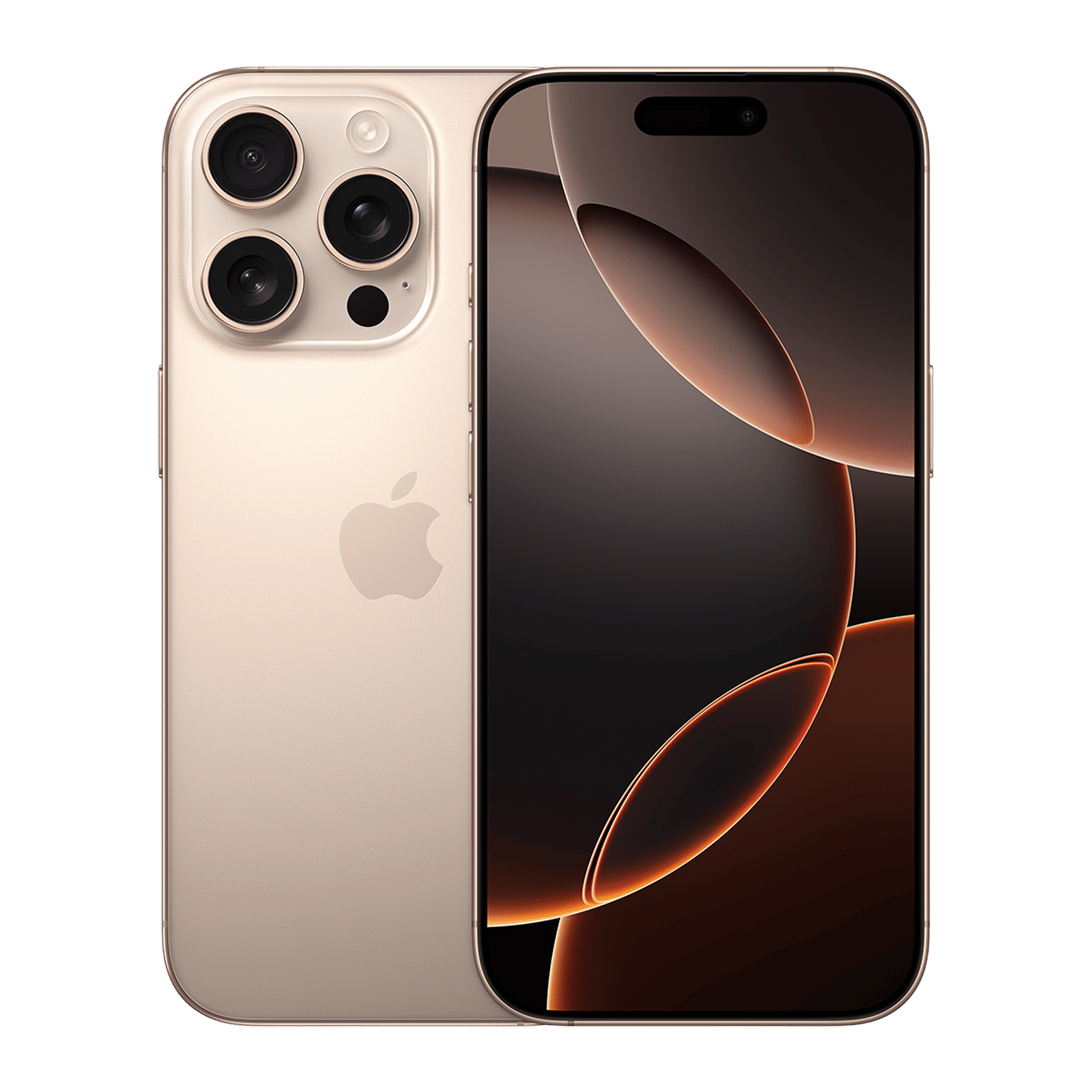
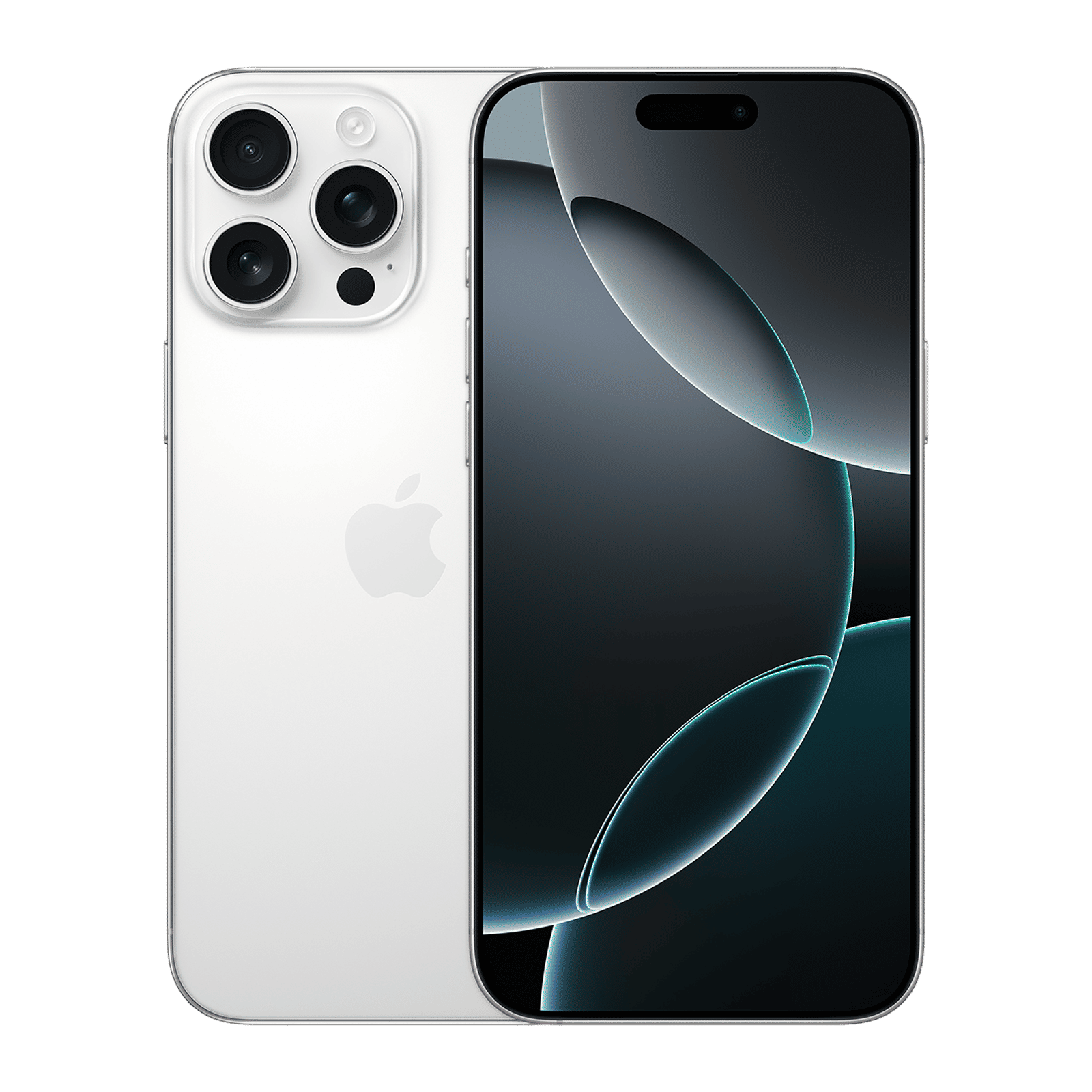
After a chunky download and a couple of reboots, you’ll be running the same code Apple’s engineers are living on. For a more in-depth tutorial on how to download the developer beta, check out this article, and stay tuned to Unboxed by Croma for regular tech updates.

Unleash your inner geek with Croma Unboxed
Subscribe now to stay ahead with the latest articles and updates
You are almost there
Enter your details to subscribe

Happiness unboxed!
Thank you for subscribing to our blog.
Disclaimer: This post as well as the layout and design on this website are protected under Indian intellectual property laws, including the Copyright Act, 1957 and the Trade Marks Act, 1999 and is the property of Infiniti Retail Limited (Croma). Using, copying (in full or in part), adapting or altering this post or any other material from Croma’s website is expressly prohibited without prior written permission from Croma. For permission to use the content on the Croma’s website, please connect on contactunboxed@croma.com

- Related articles
- Popular articles
Fiat Yamaha
ios 26 developer beta 7